









Comprar Zoom Player : Steam Edition PC

Onde pode comprar a chave {6} Steam de Zoom Player : Steam Edition mais barata? Verifique e compare preços de 1 lojas para encontrar a melhor e mais barata opção entre 1 ofertas apresentadas no XD.deals. Agora o preço {6} mais baixo de Zoom Player : Steam Edition em keyshops pode ser obtido em 29,97 € (50% de desconto).

Lançamento: 04 abr. 2014
Steam:
Mixed (56)
Keyshops
Indisponível
Comprar em Loja Oficial:
-50%
29,97 €
Comprar em Keyshops:
Ver histórico de preços

Lojas Oficiais (1)

DRM:
Steam
Steam
Steam
Zoom Player : Steam Edition
Windows
+1
há 1a
DRM:
Steam
Steam
59,95 € 29,97 €
Historical Low Deal
Historical low
-50%

Sobre Zoom Player : Steam Edition

Zoom Player : Steam Edition - sobre o jogo
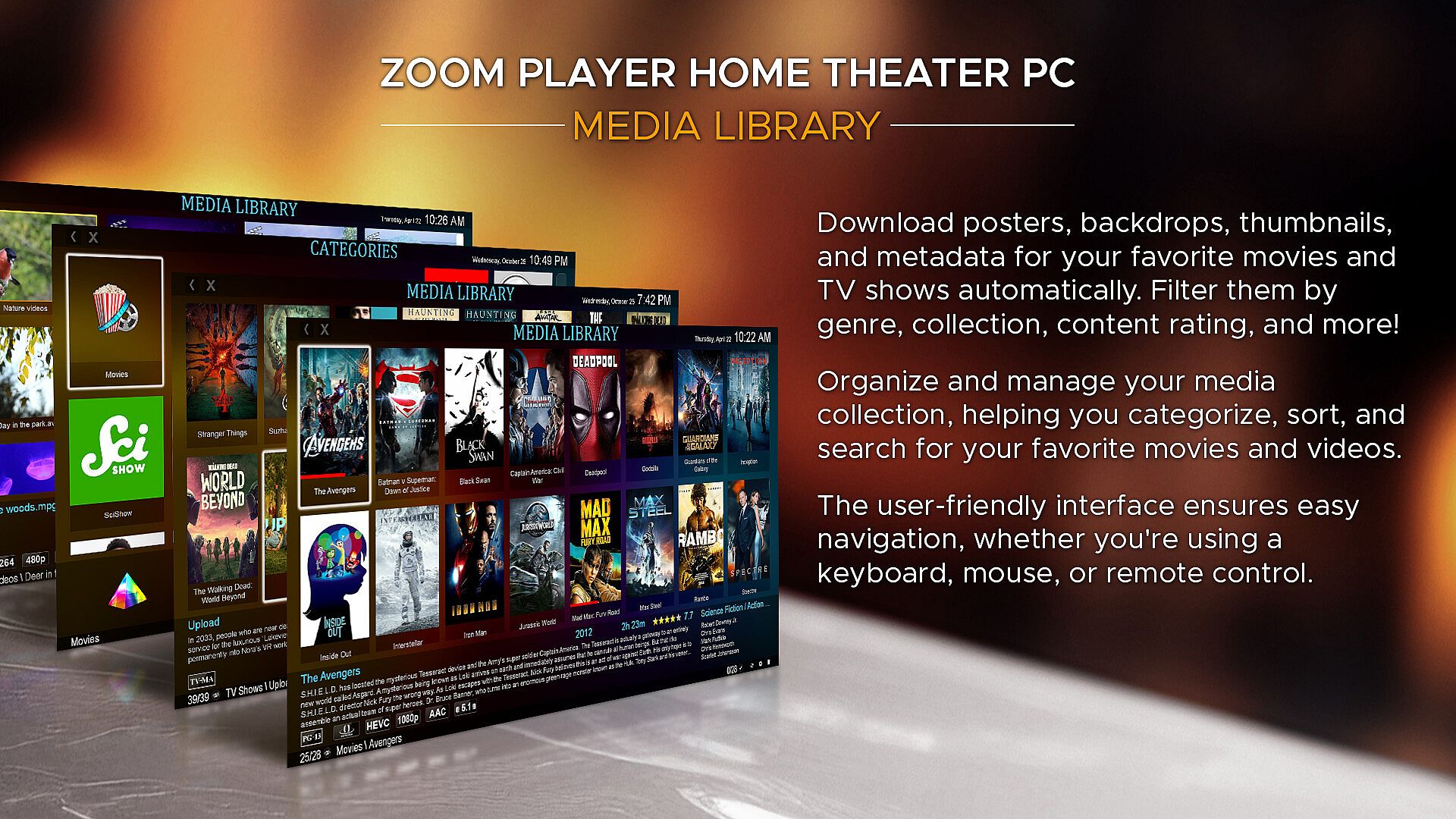
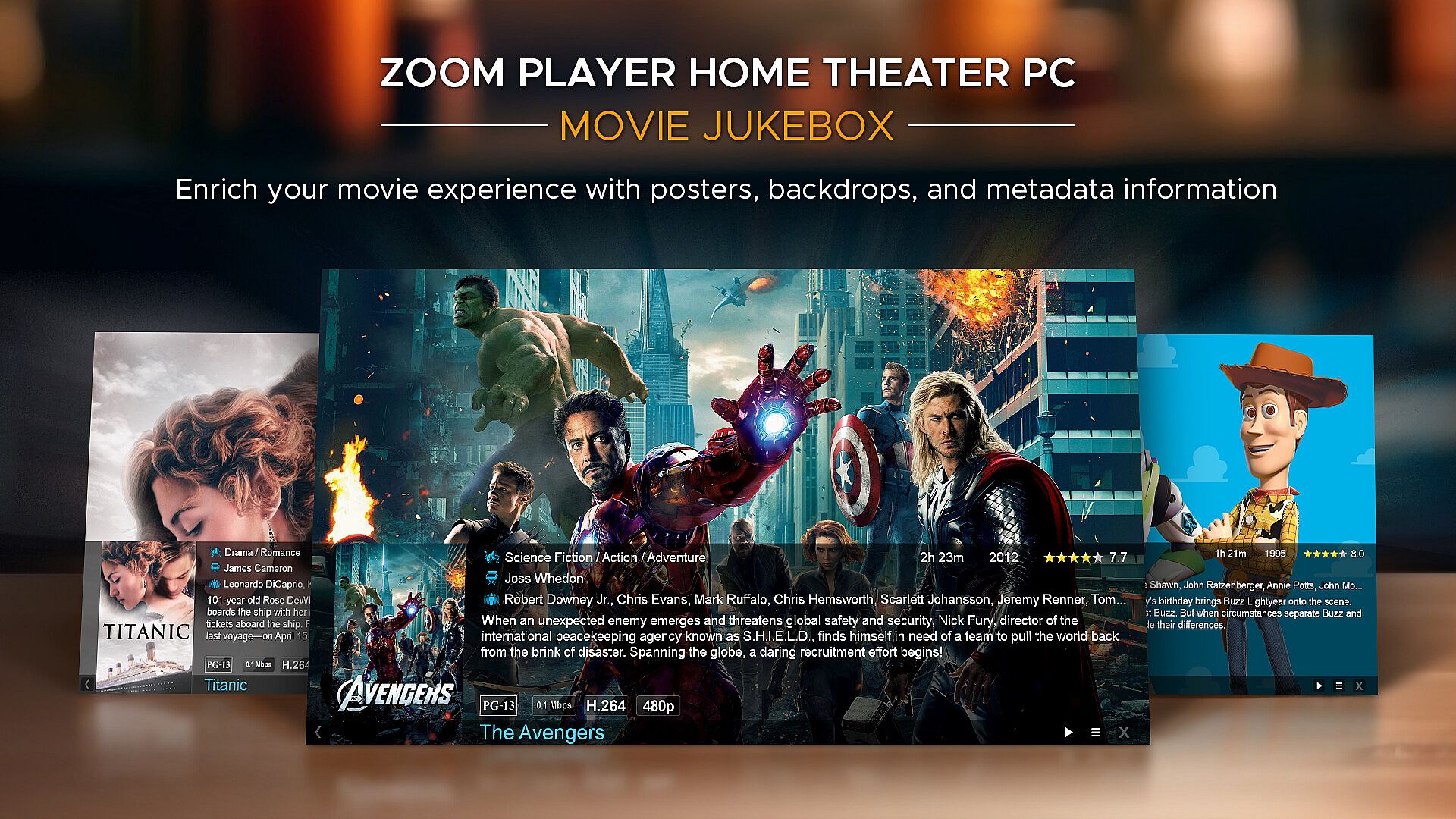
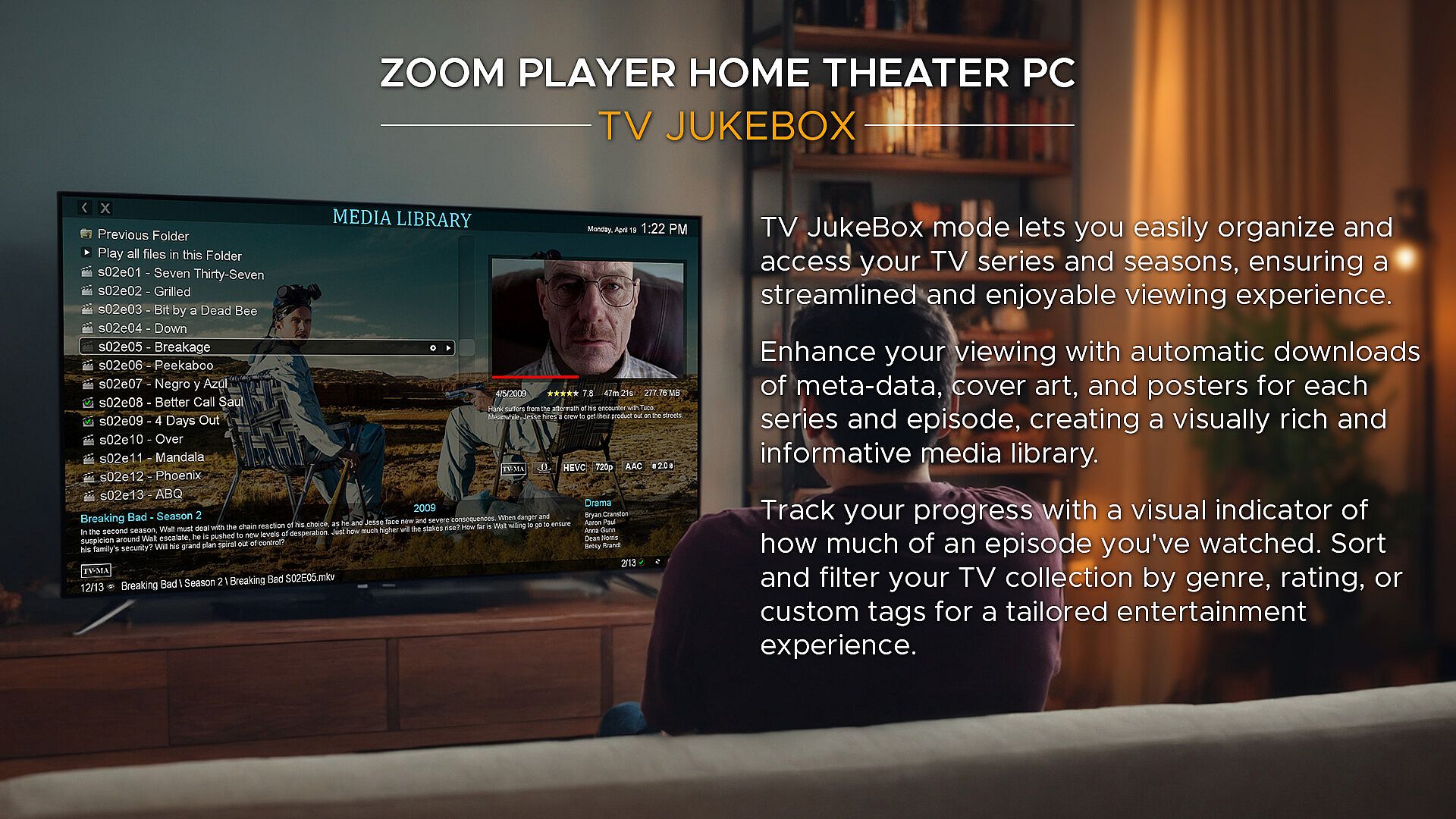
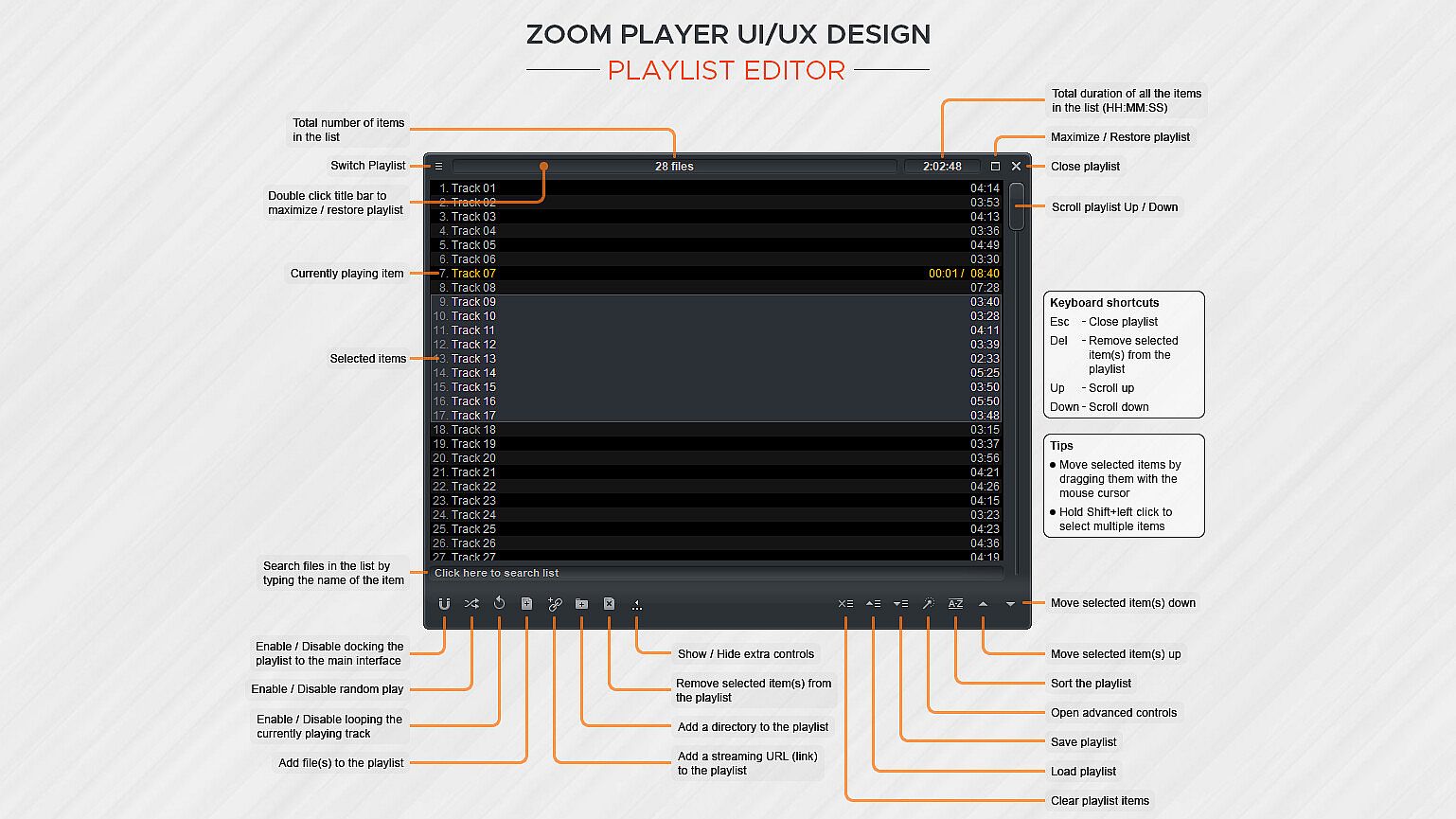
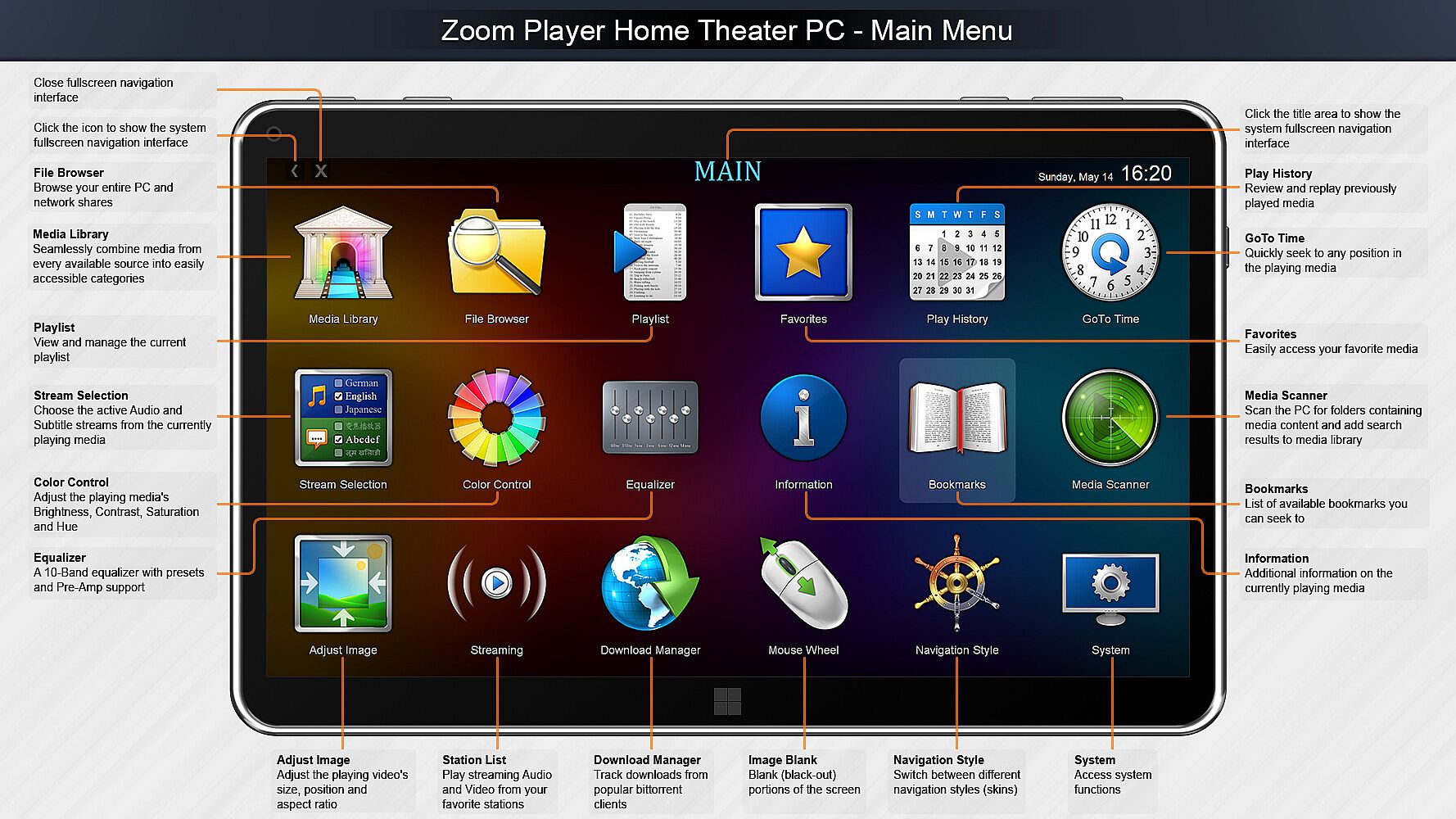
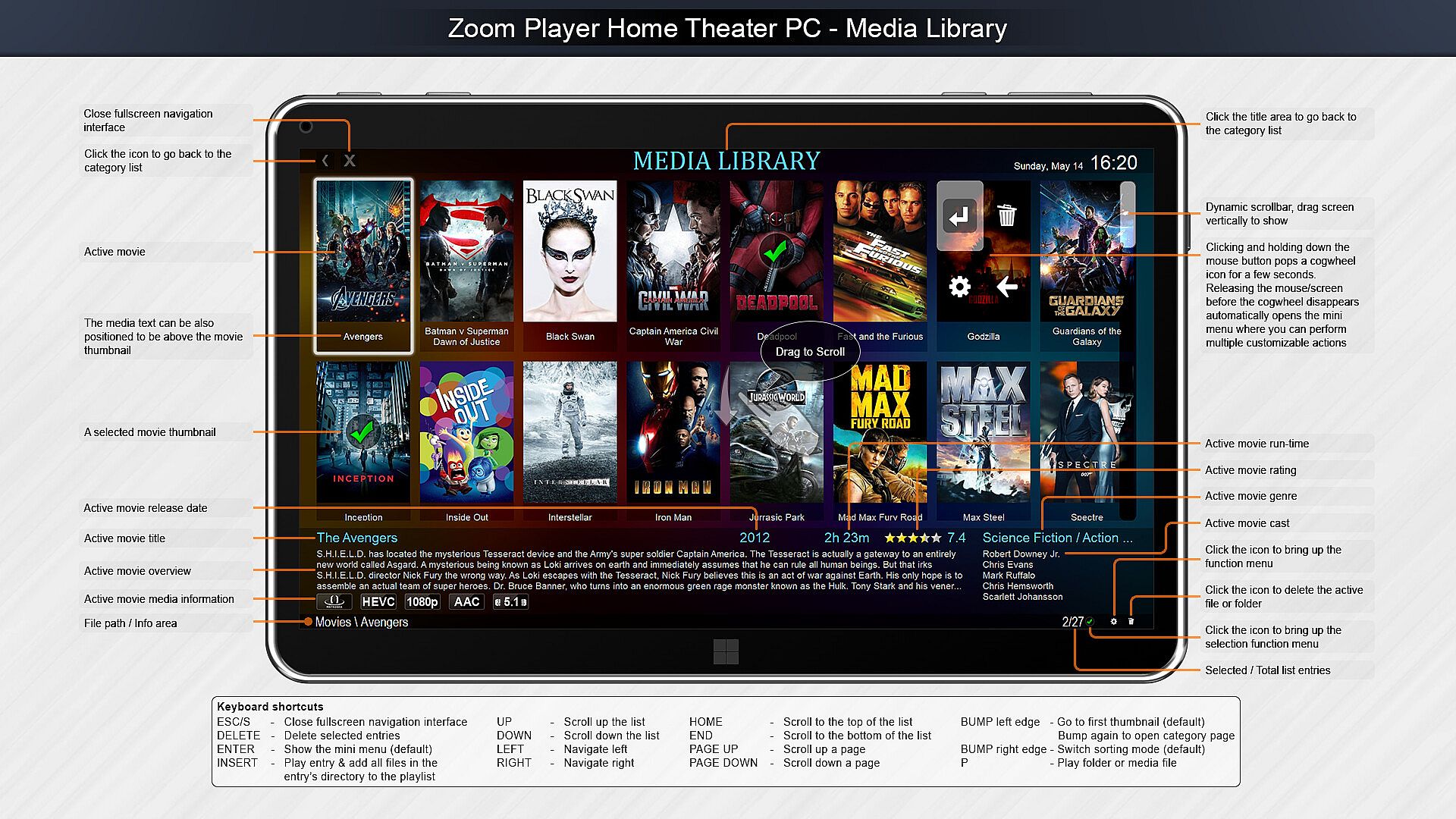
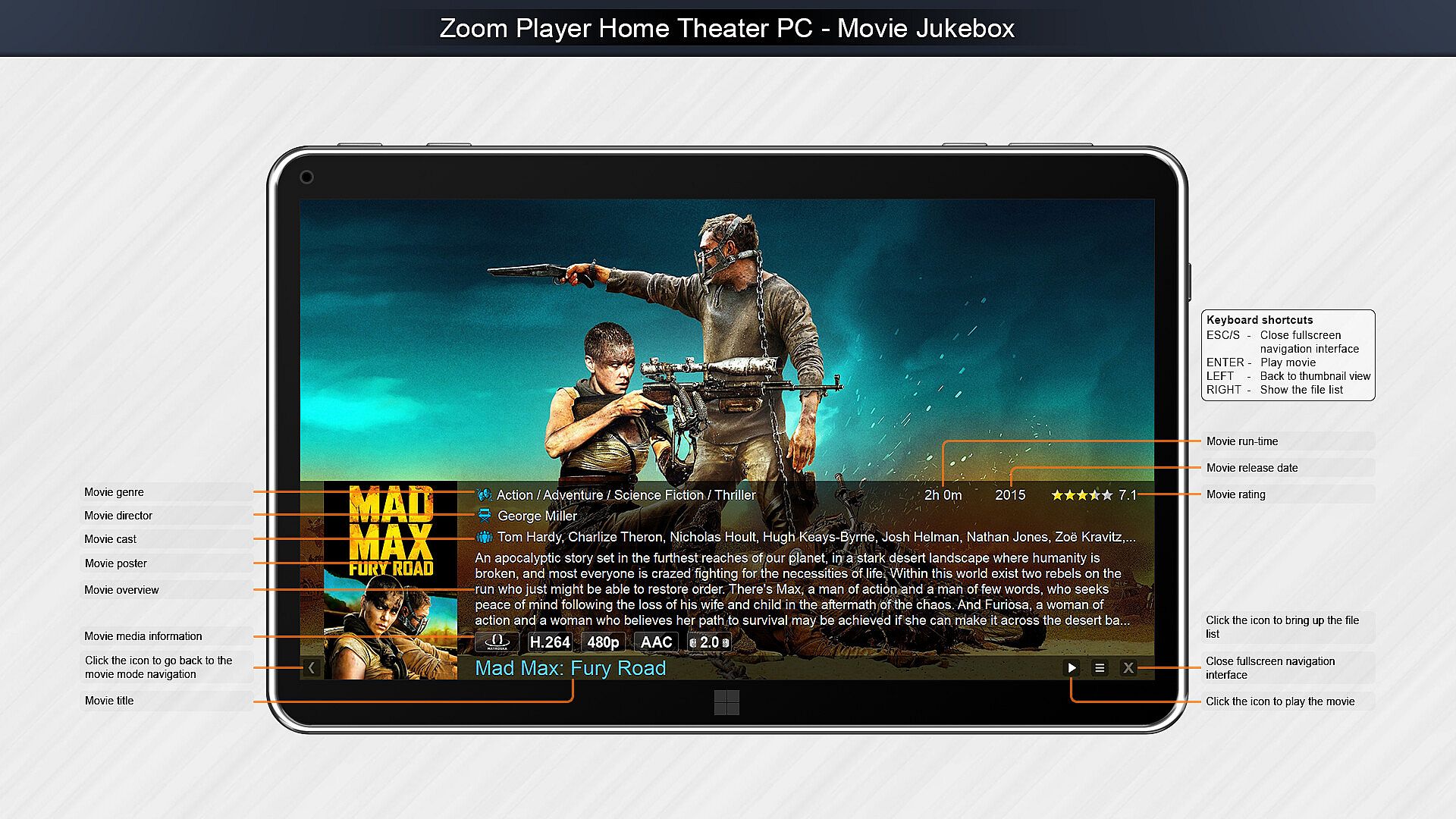
Zoom Player é um player de mídia versátil e setup de home theater para PC Windows, centrado em interfaces personalizáveis e ajustes finos de reprodução. Ele usa tecnologias de decodificação de ponta como DirectShow, FFMPEG, LAV Filters, libVLC e Chromium para lidar com diversos formatos na qualidade máxima do hardware. As opções de controle incluem apps remotos, controles Xbox, teclados, mouses, scripts PowerShell, TCP/IP e navegadores web, com todos os inputs totalmente remapeáveis. Os usuários criam elementos na tela, como botões, barras de volume e timelines, ajustando tamanho, cor e transparência para qualquer resolução de display. Ferramentas de home theater trazem uma biblioteca de mídia com modos jukebox para TV e filmes, exibindo backdrops, pôsteres e metadados. O streaming suporta IPTV, canais YouTube e servidores como PLEX, Emby e Jellyfin, ideal para entusiastas de mídia que buscam controle preciso e organização impecável.

Zoom Player represents my life-long quest as an indie developer to craft the most versatile media player and Home Theater experience for Windows.

What makes Zoom Player the best overall media player? It's the user interface, viewing experience and tweaking options. Lots and lots of tweaking options, tailoring the playback experience to your personal preferences without bloating up or slowing down.

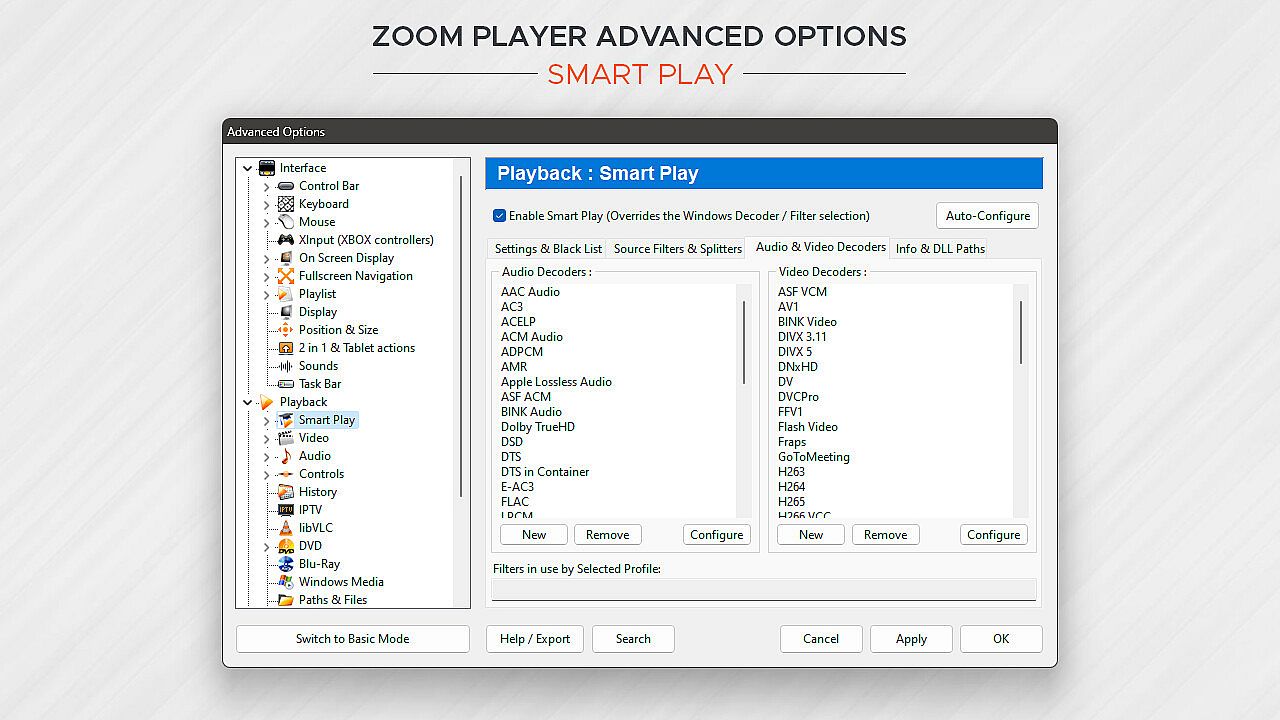
Under the hood, Zoom Player uses the best audio/video decoding and rendering technologies available to get the job done. Whether it's Microsoft DirectShow framework, the FFMPEG project, LAV Filters, libVLC or the Chromium browser, Zoom Player uses the best playback engine for the task. The flexibility of picking the right media engine for the task means that pretty much every media format can play at the highest quality your hardware can muster. And if it doesn't, I will do my best to resolve any issues in the discussions area.

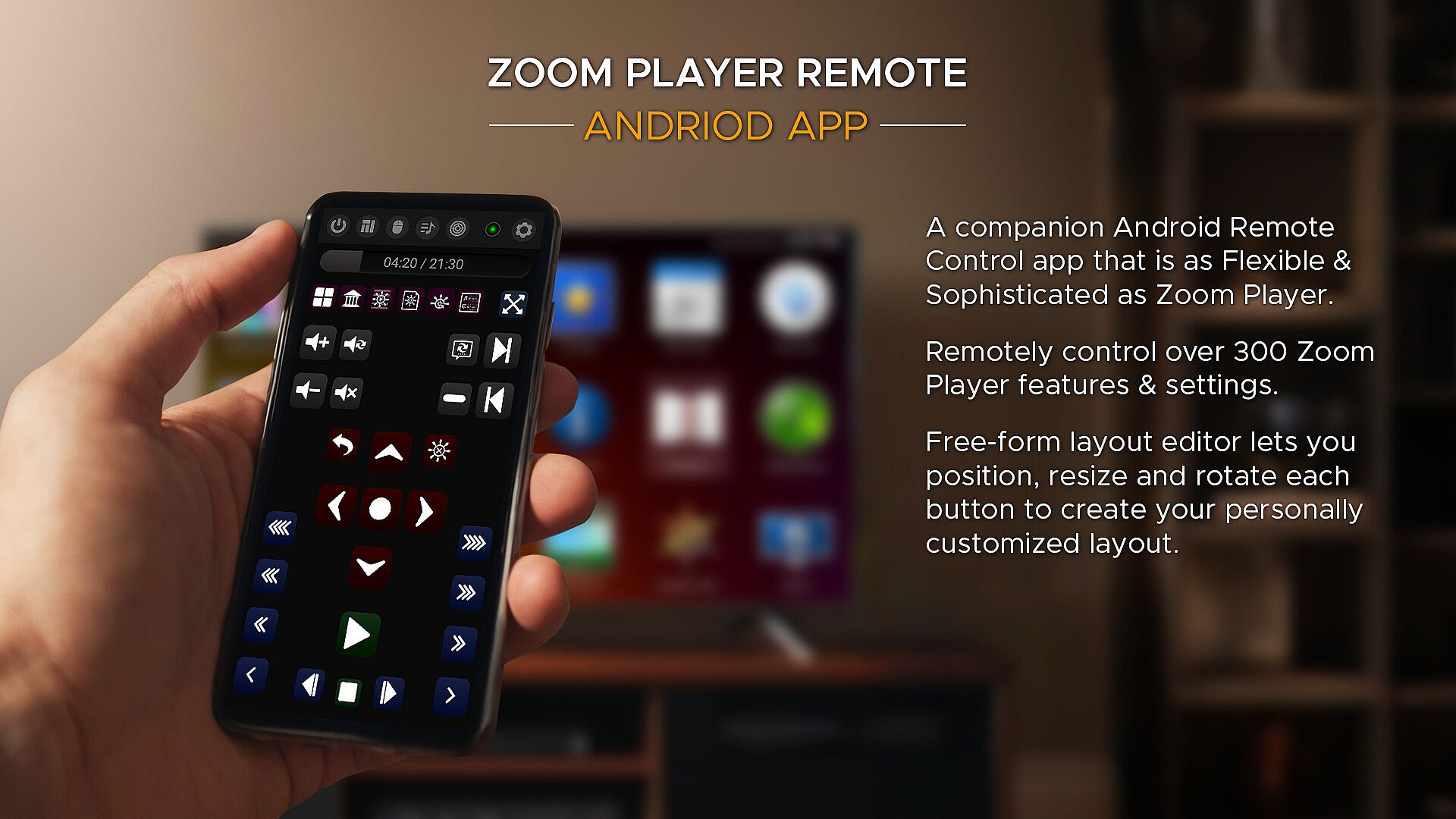
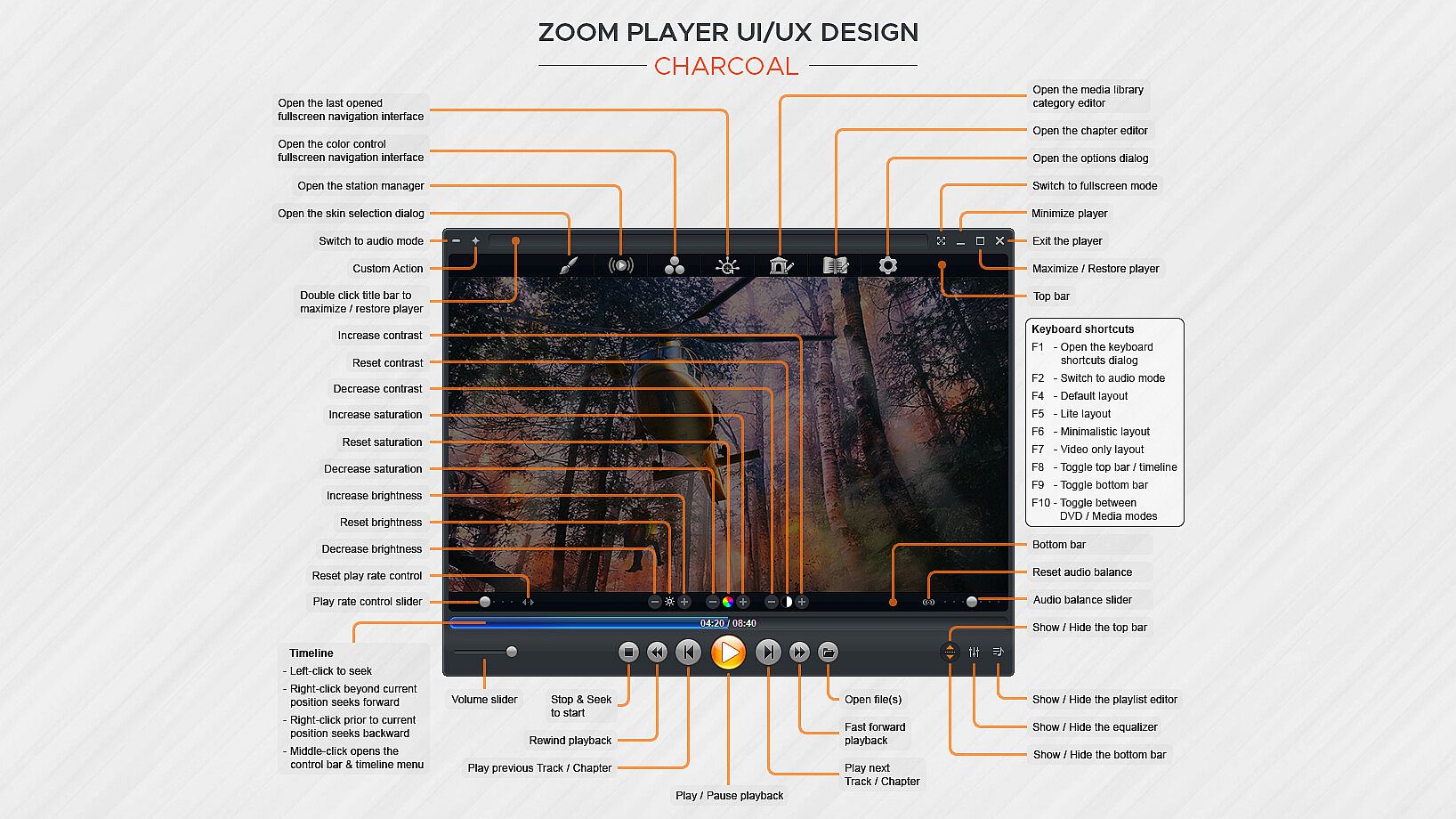
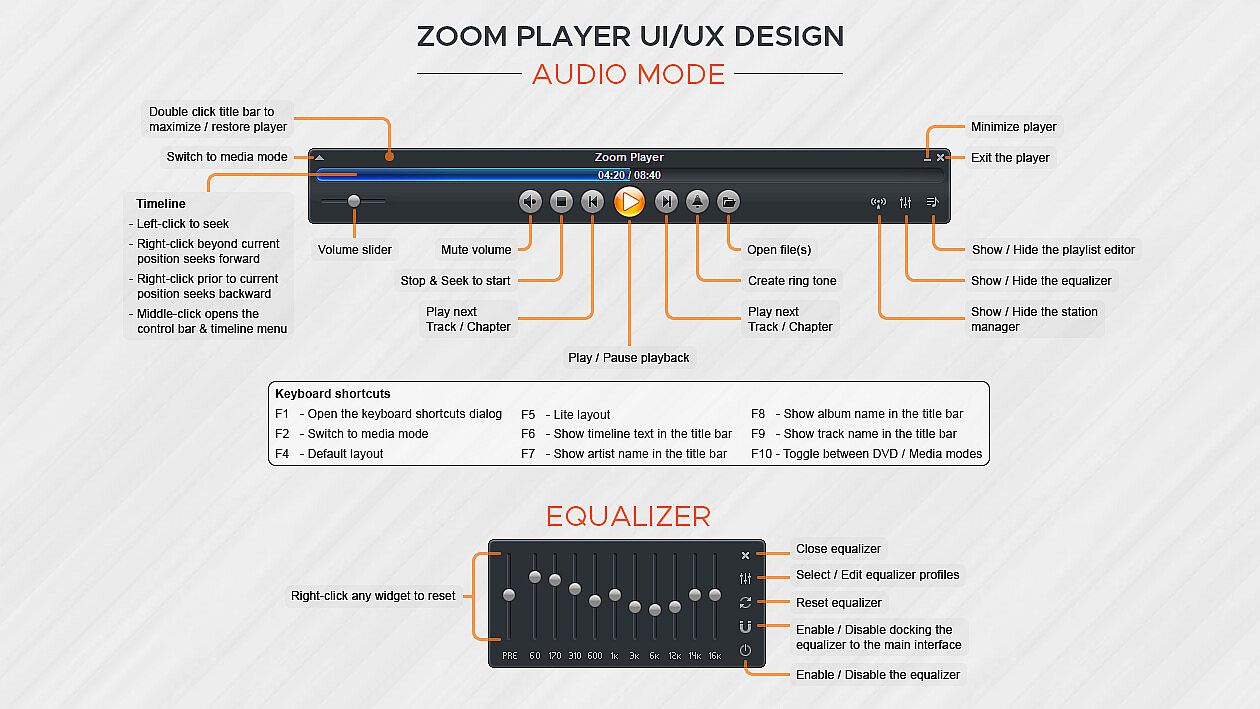
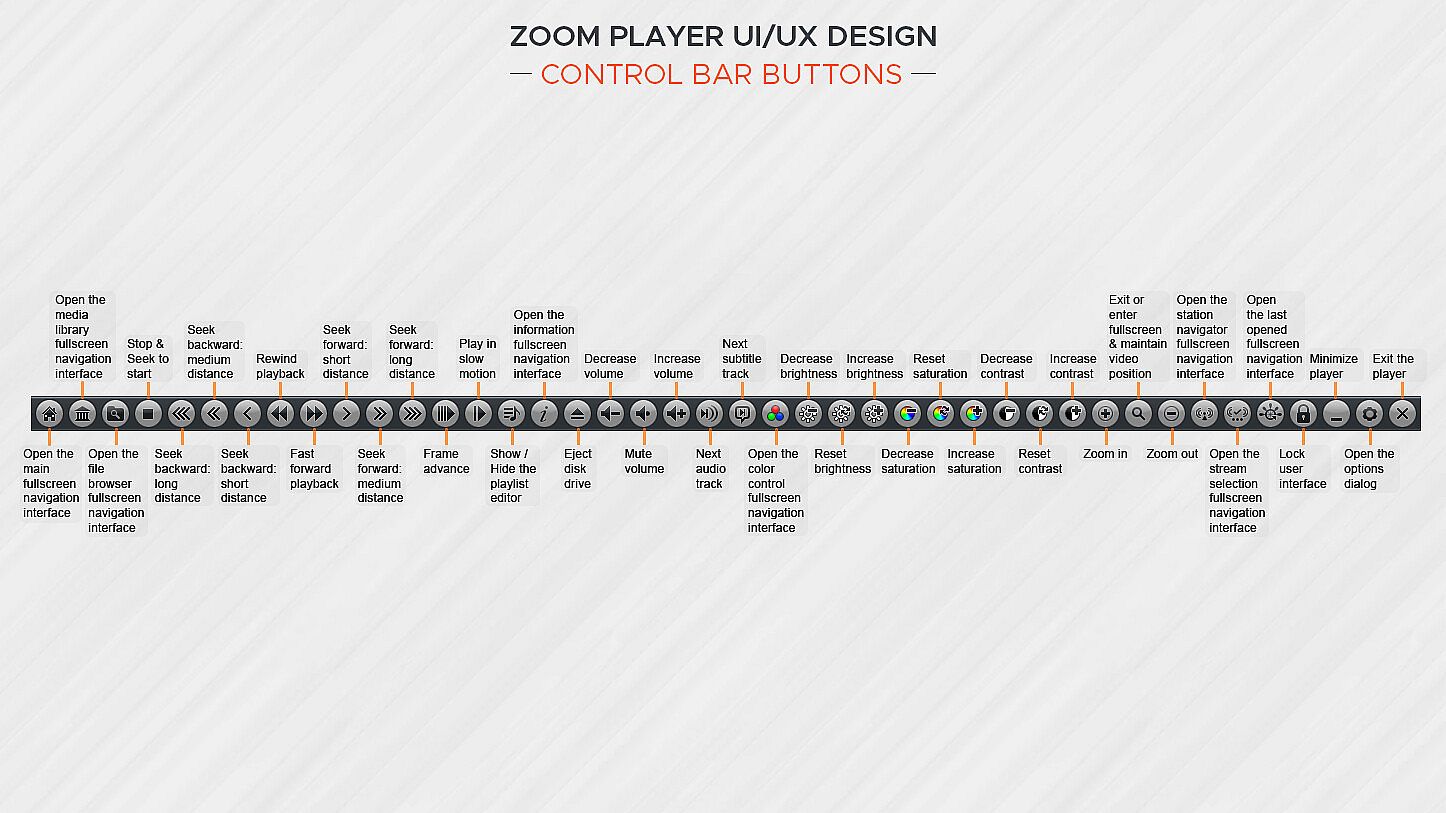
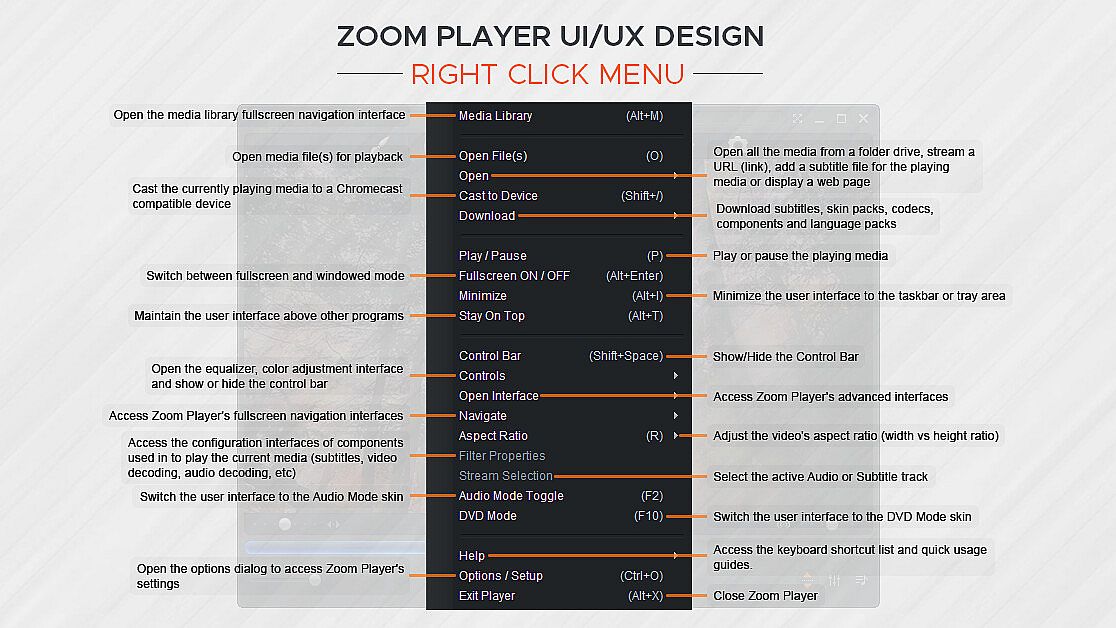
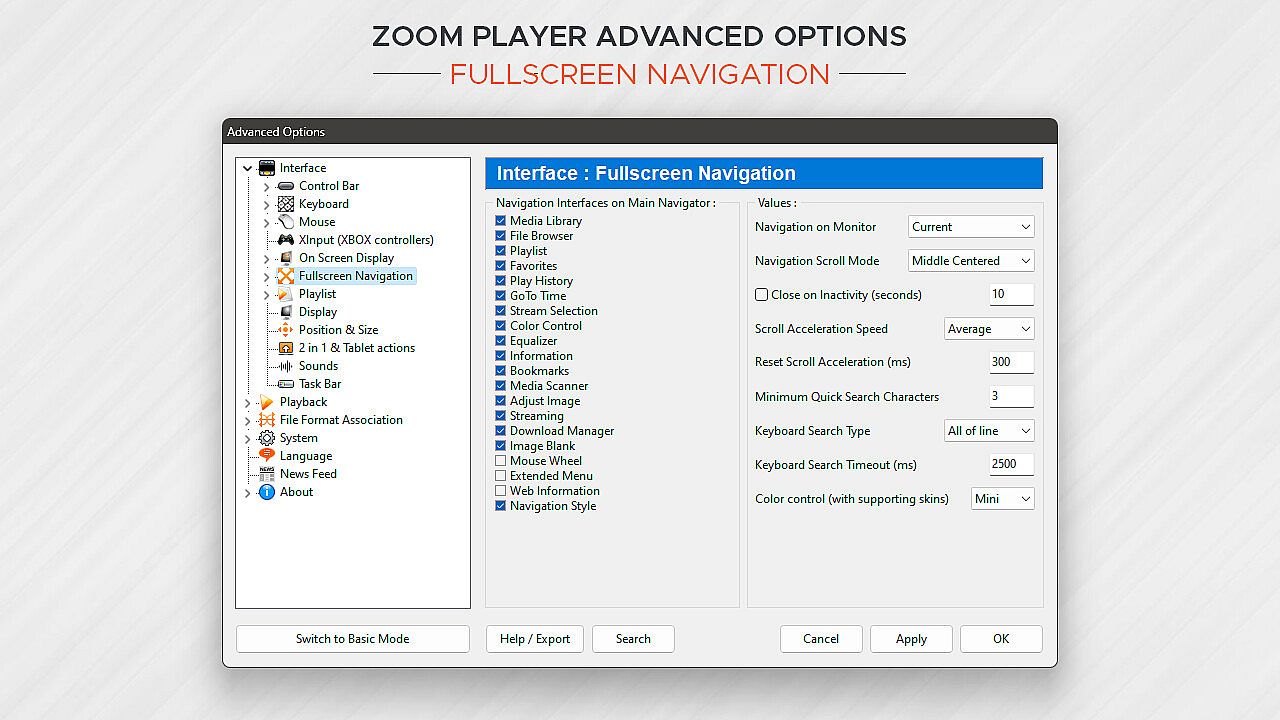
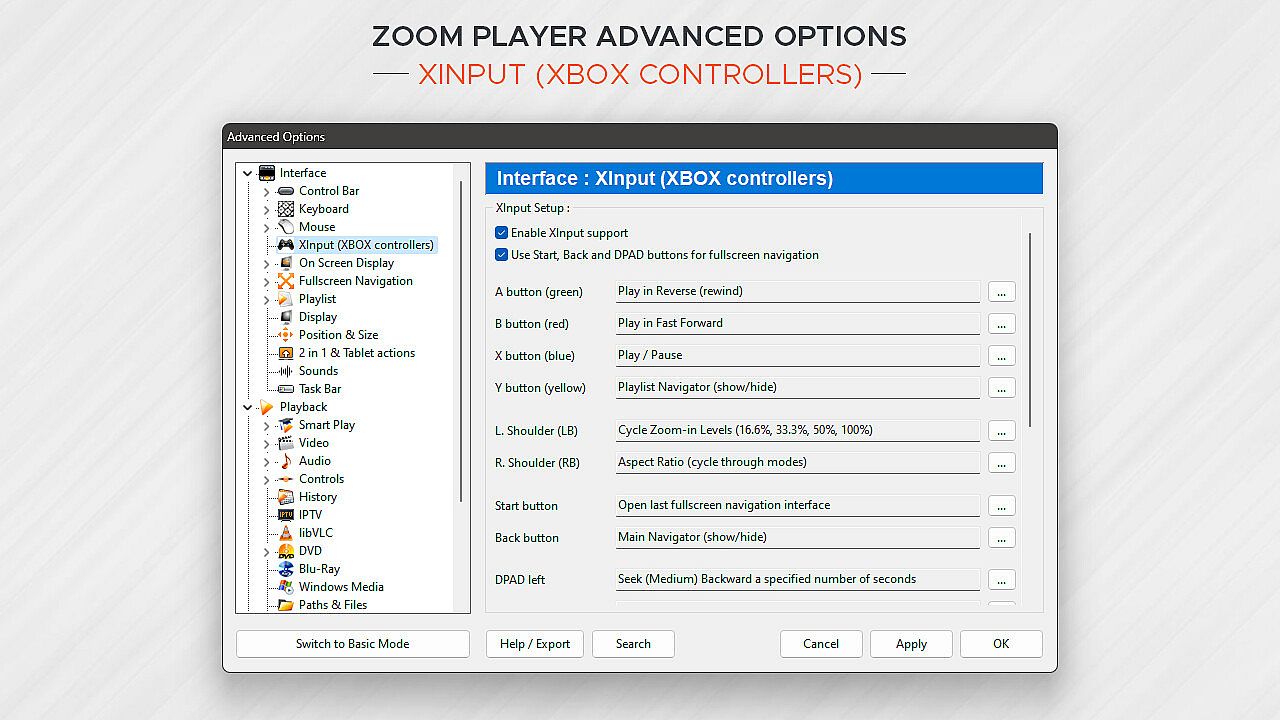
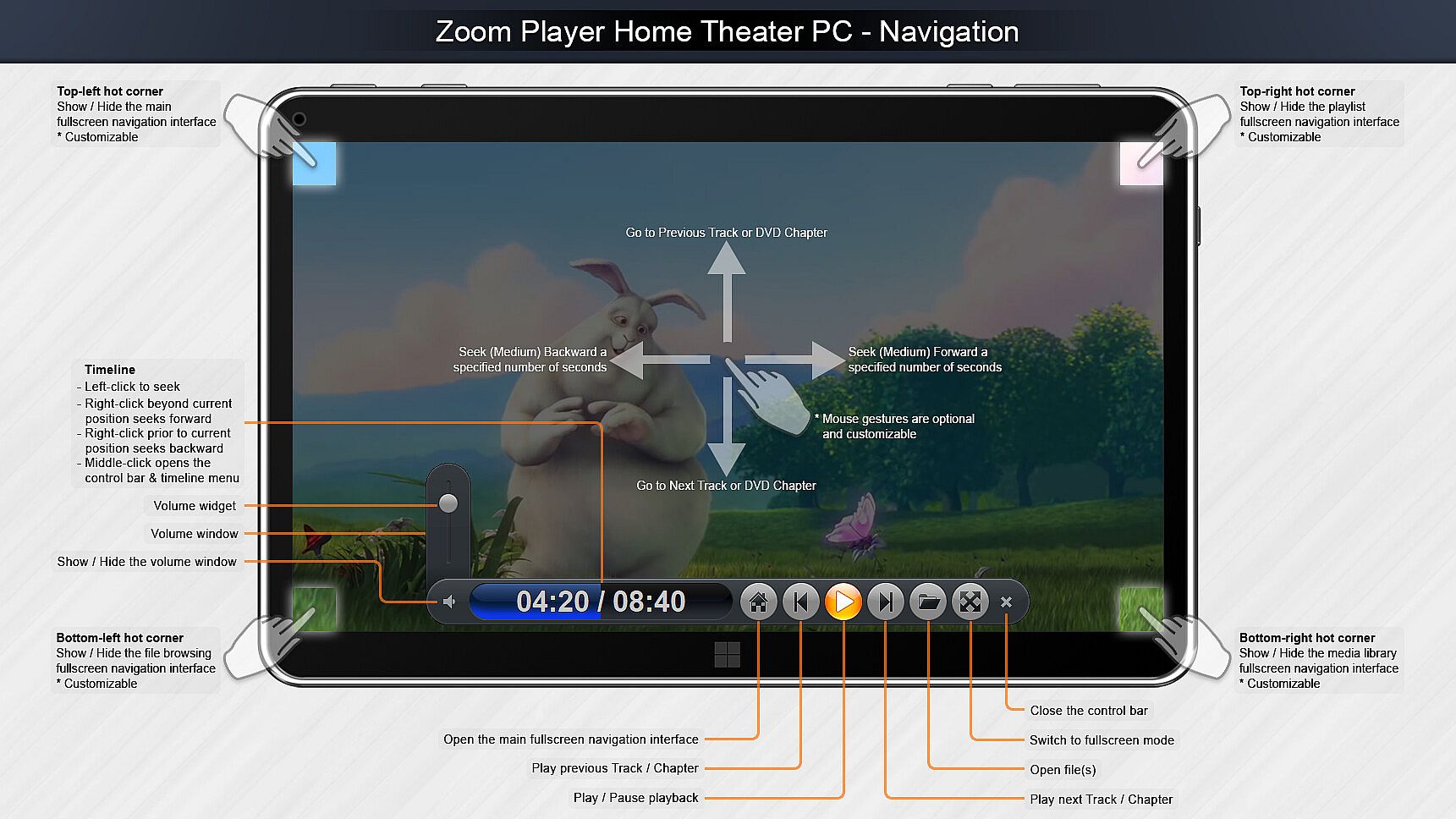
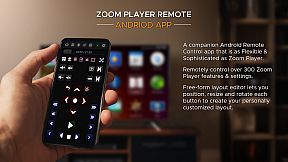
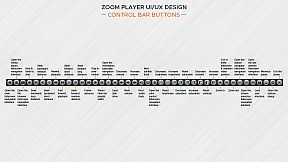
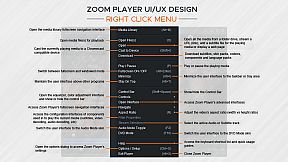
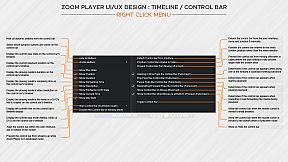
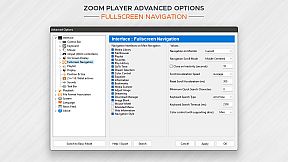
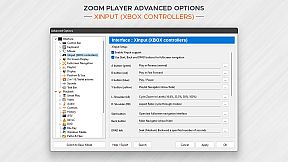
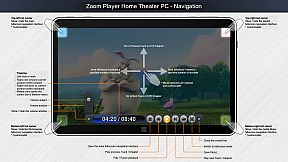
What about Control? If you're scared by long lists, skip to the next paragraph, otherwise know that Zoom Player can be controlled with a Remote Control app; a physical Remote Control; an XBOX controller; a mouse; the keyboard; using a PowerShell Script; Home Automation apps; over TCP/IP; WinAPI; through the Command line; and even with a web browser. Sorry for the long list, but the level of control and attention to detail I designed into Zoom Player is unmatched! Every key, click, swipe, roll and button can be customized to your preferences.

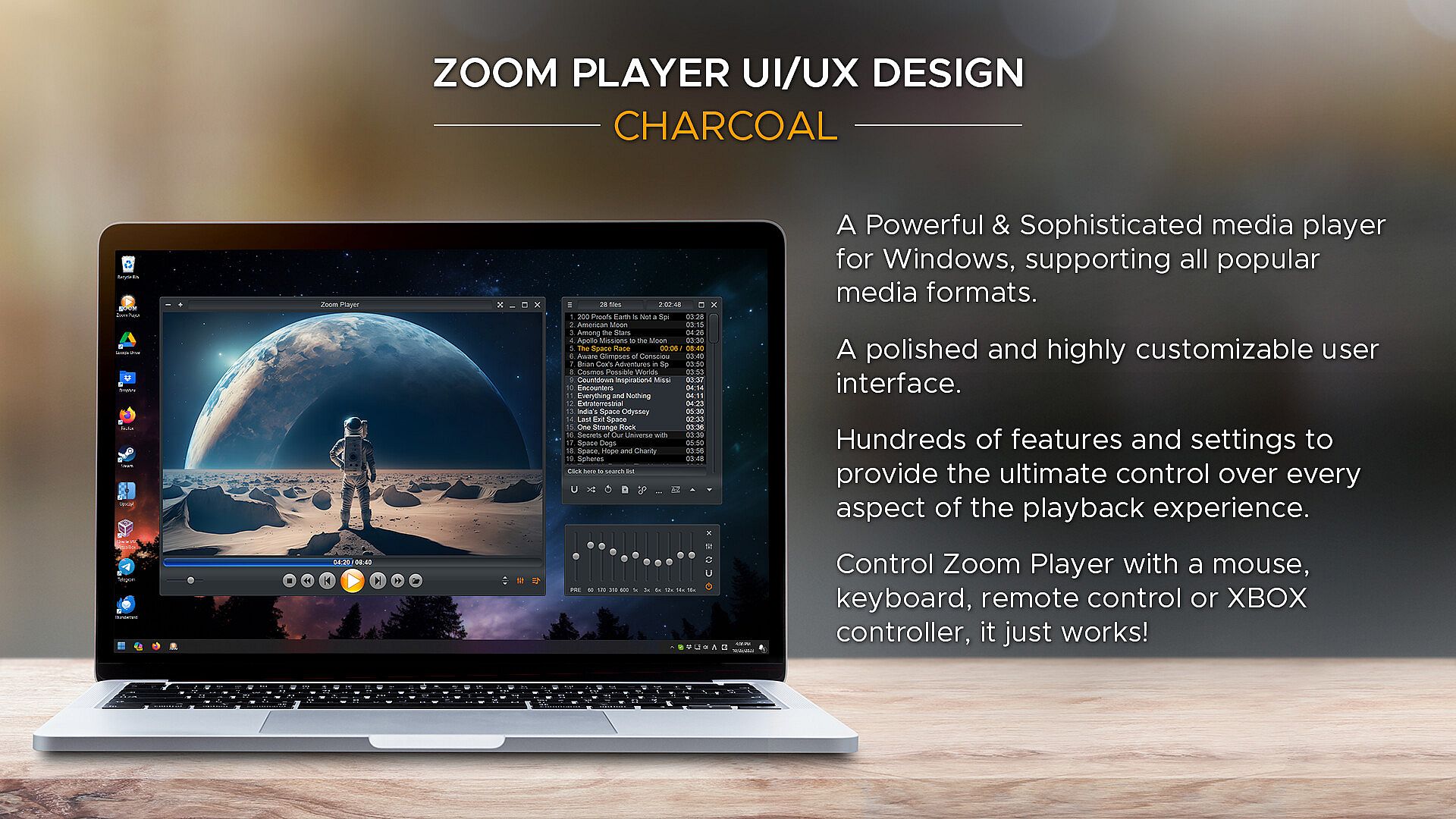
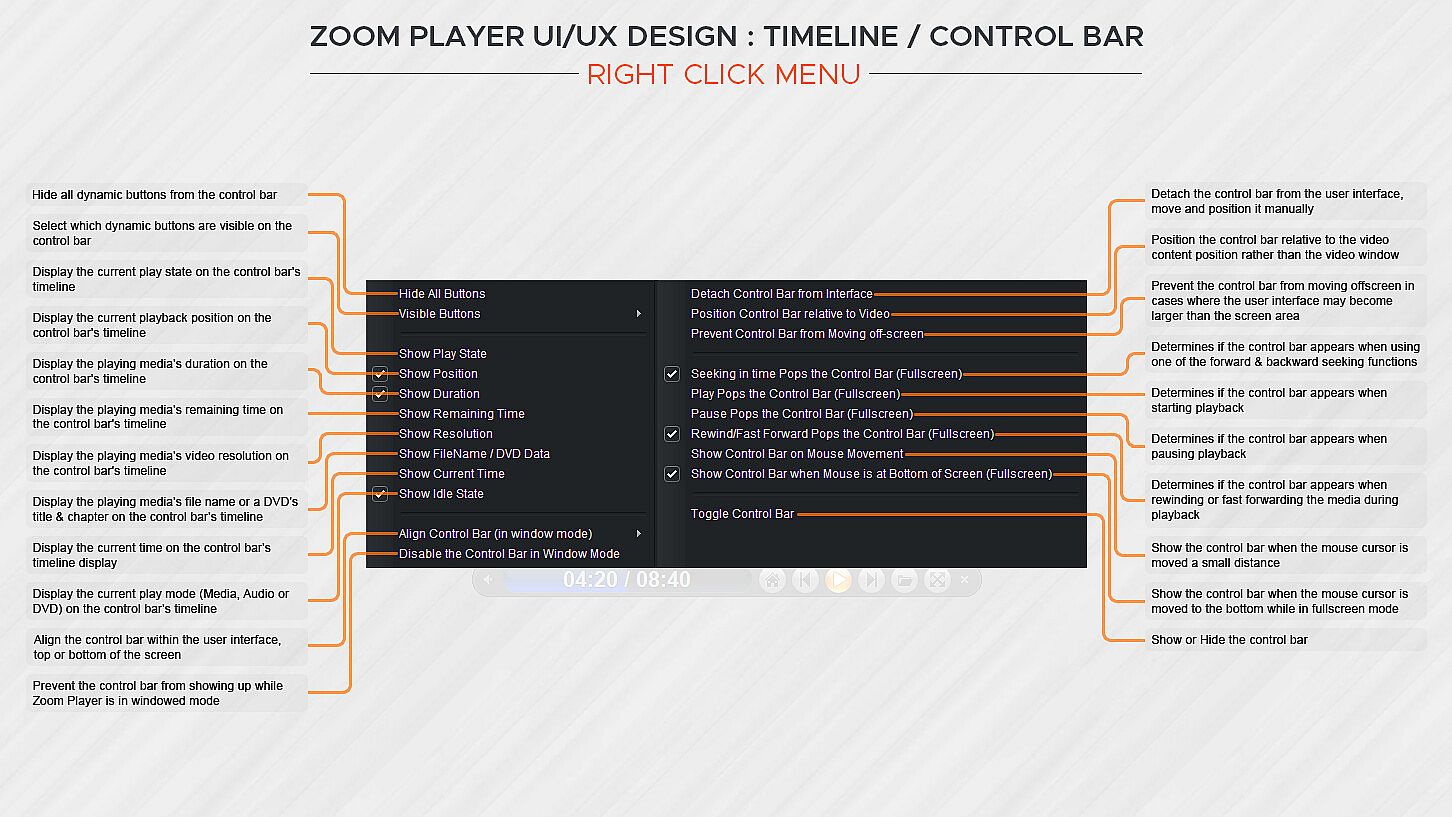
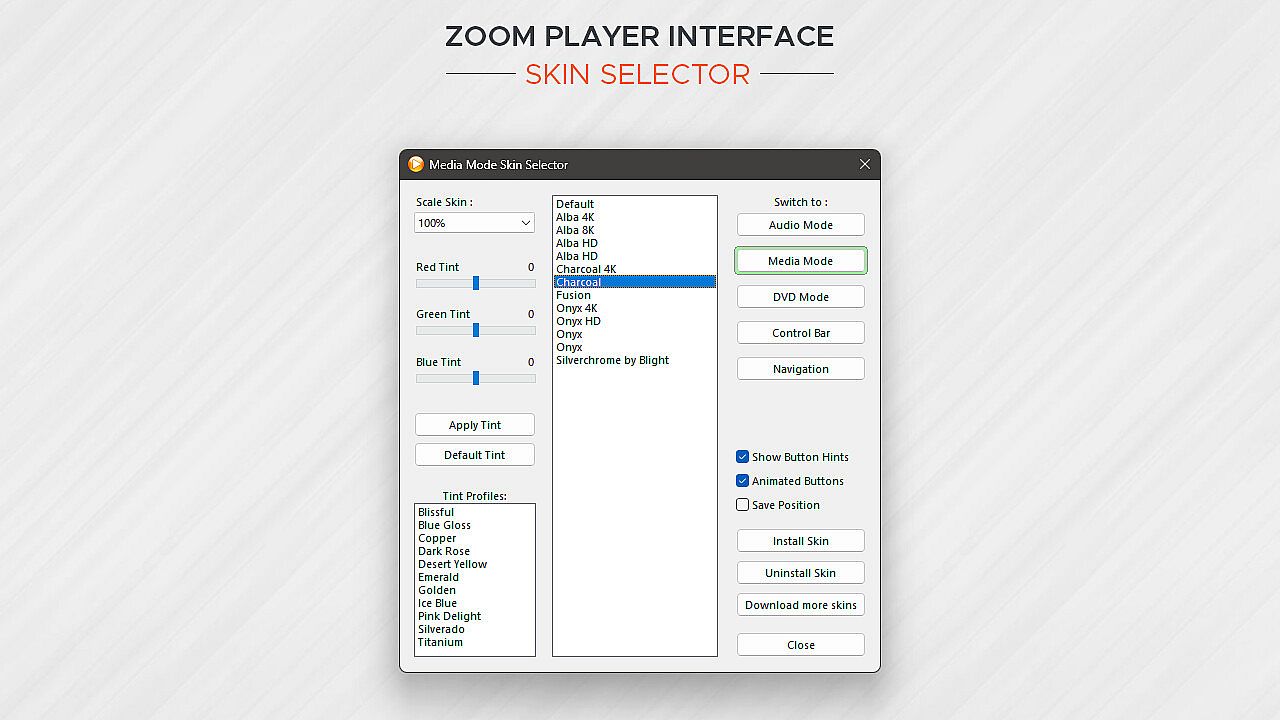
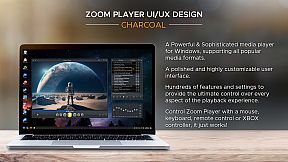
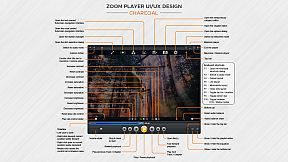
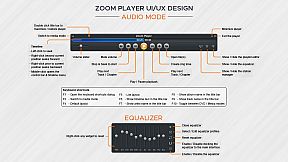
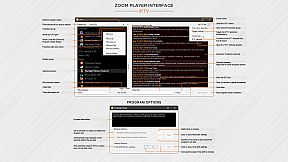
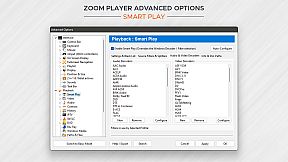
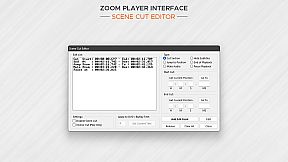
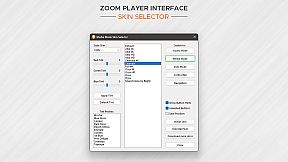
How does Zoom Player look? Amazing. The screenshots only tell half the story. With Zoom Player's powerful control overlay customization features, you can easily pick and choose which user interface elements appear on screen (buttons, volume bar, timeline bar, title text, etc), their size, color, transparency and much more.

Zoom Player's user interface is designed to look good on any display, regardless of the screen size or resolution and is ideal for the visually impaired. You no longer need to be an artist or coder to craft a beautiful user interface tailored to your exact requirements, you can do it yourself with a few simple clicks.

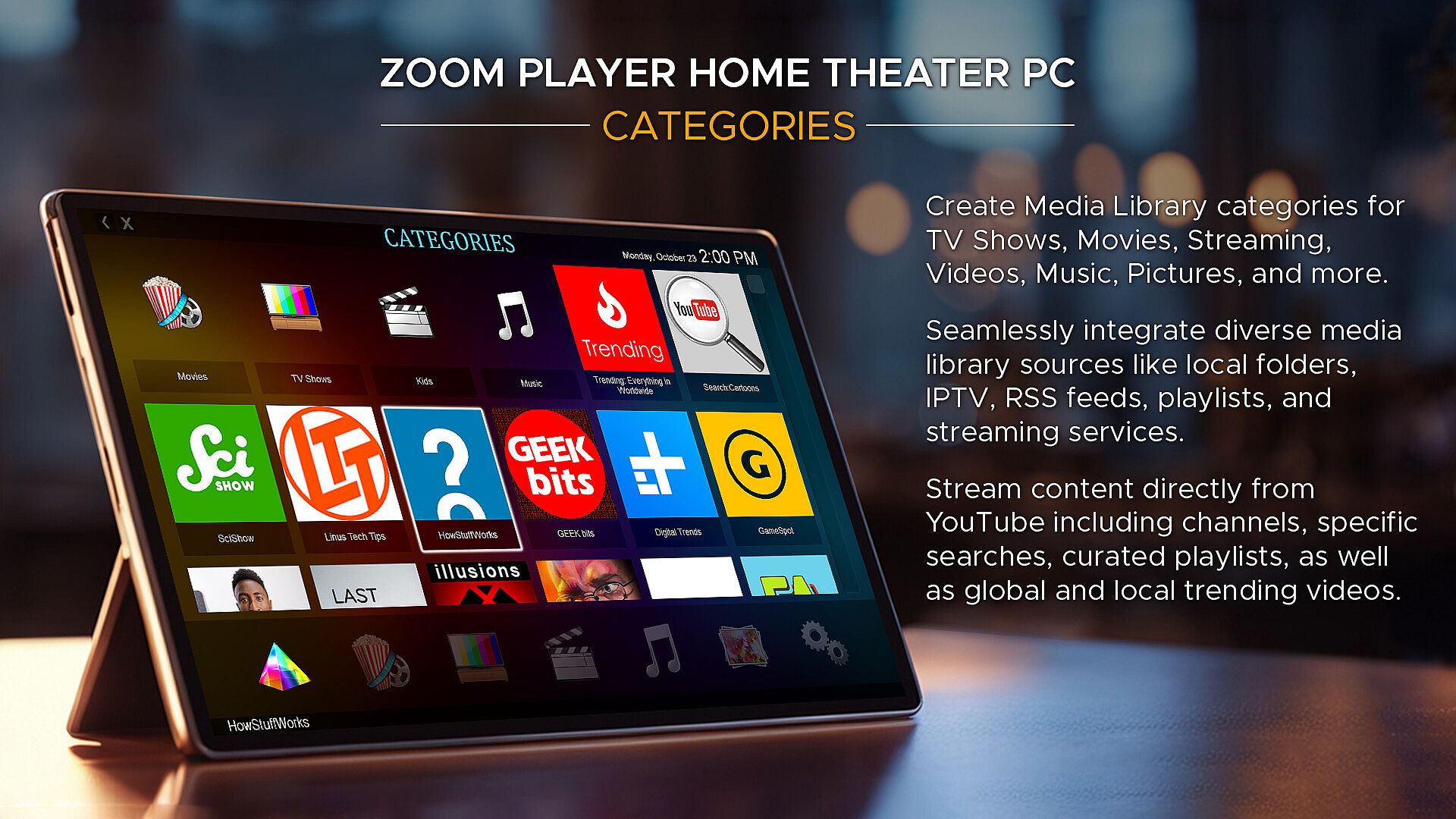
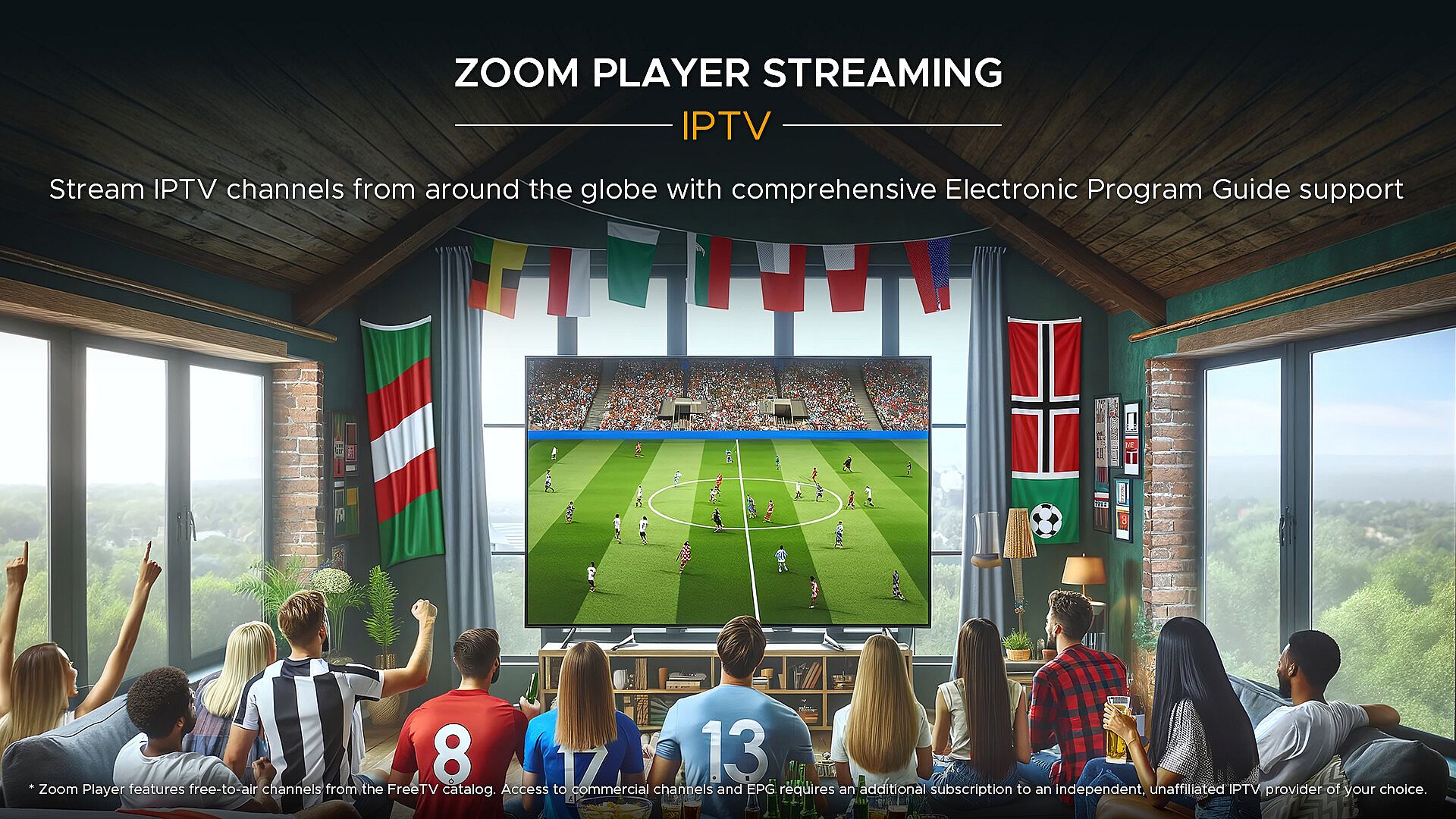
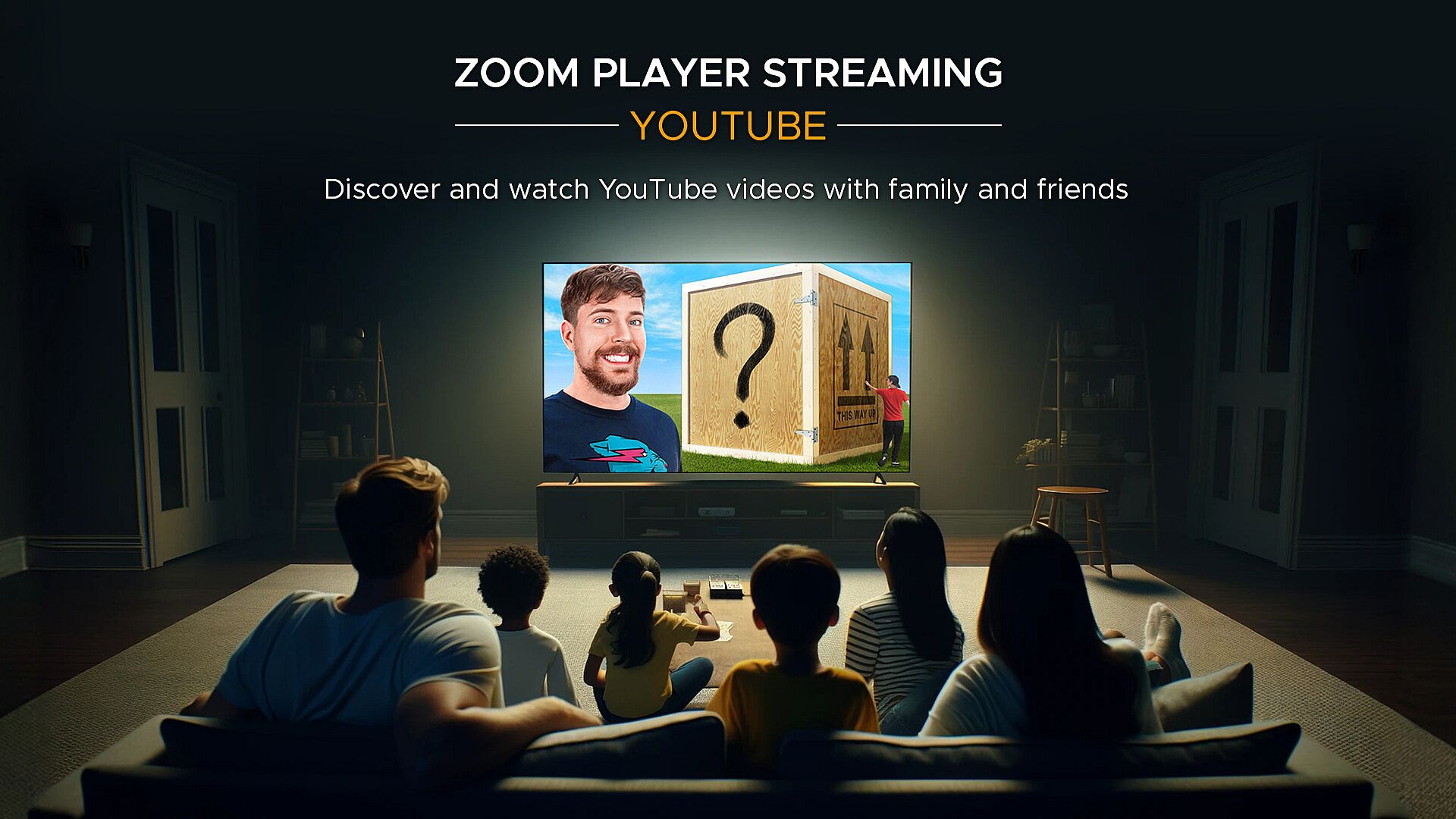
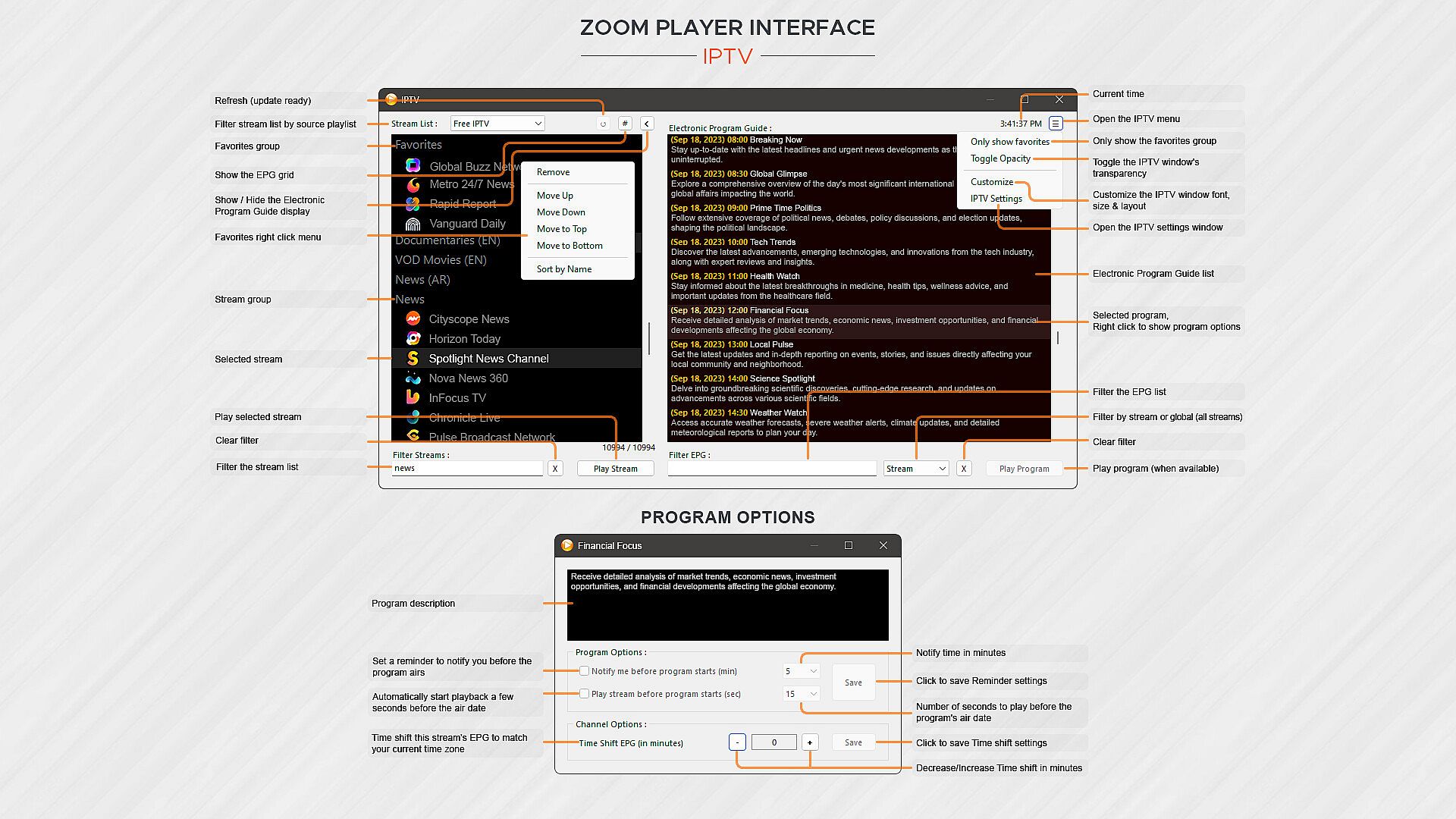
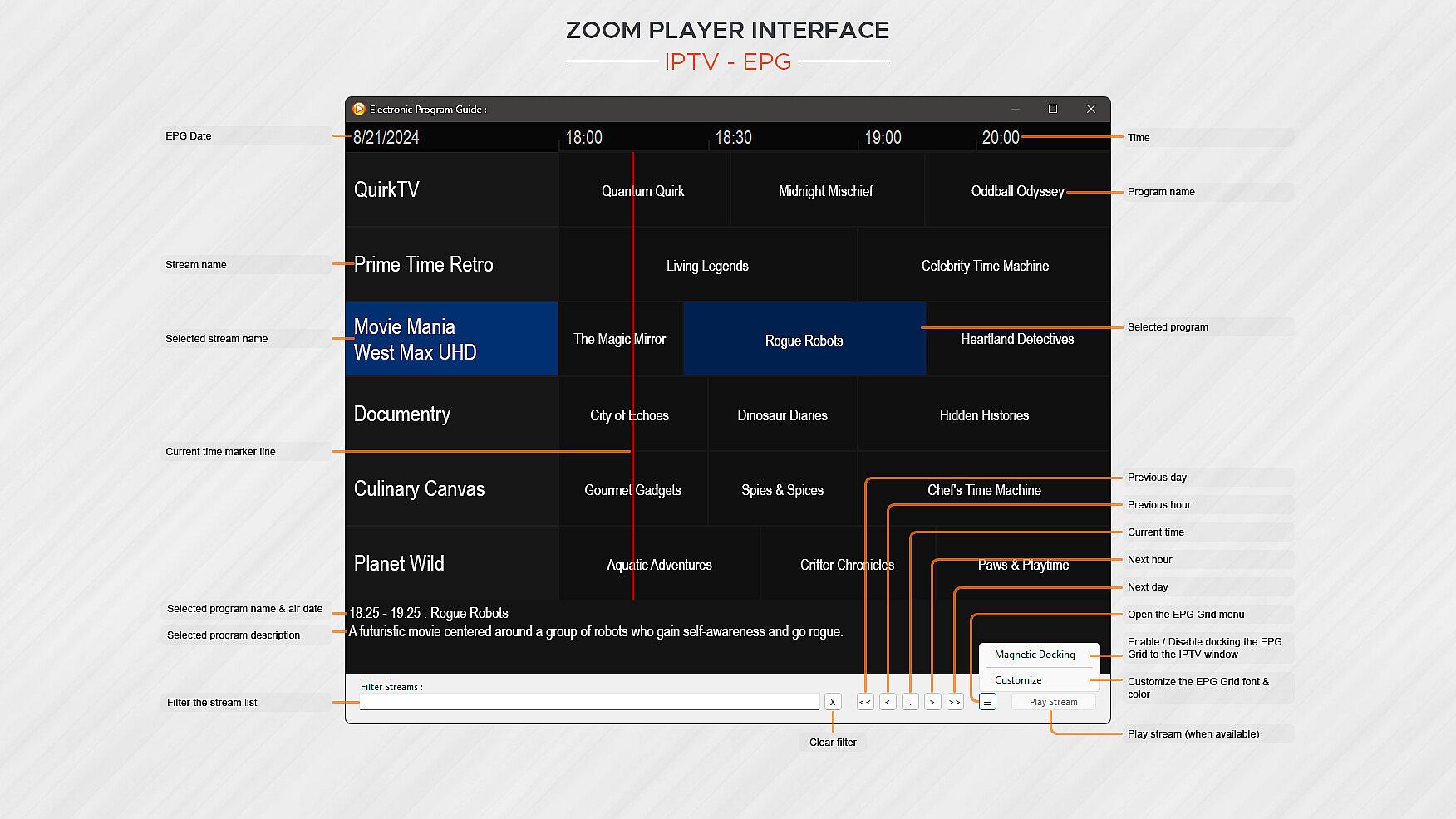
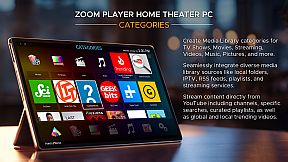
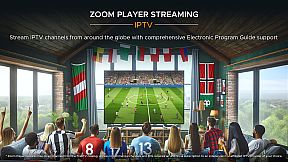
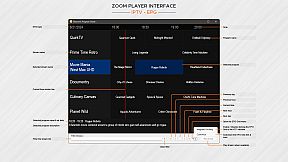
What about Streaming? Zoom Player has the best IPTV implementation on Windows, providing access to live TV from across the world (caveat below). YouTube channels, trends, searches and playlists can be added into the Media Library with ease. Stream content from multiple media servers such as PLEX, Emby and Jellyfin. Other streaming sites either work automatically or can be supported through 3rd party plug-ins.

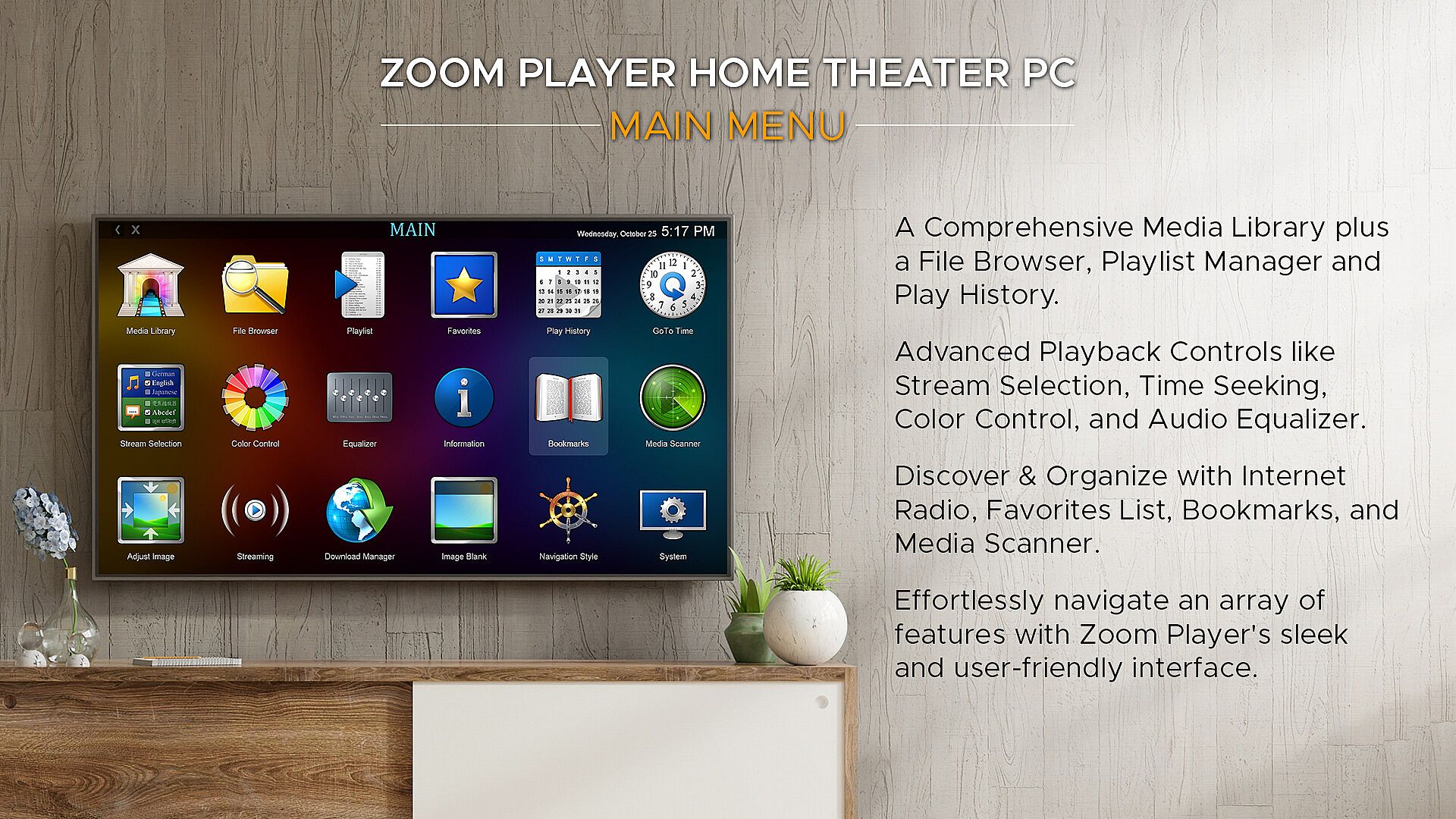
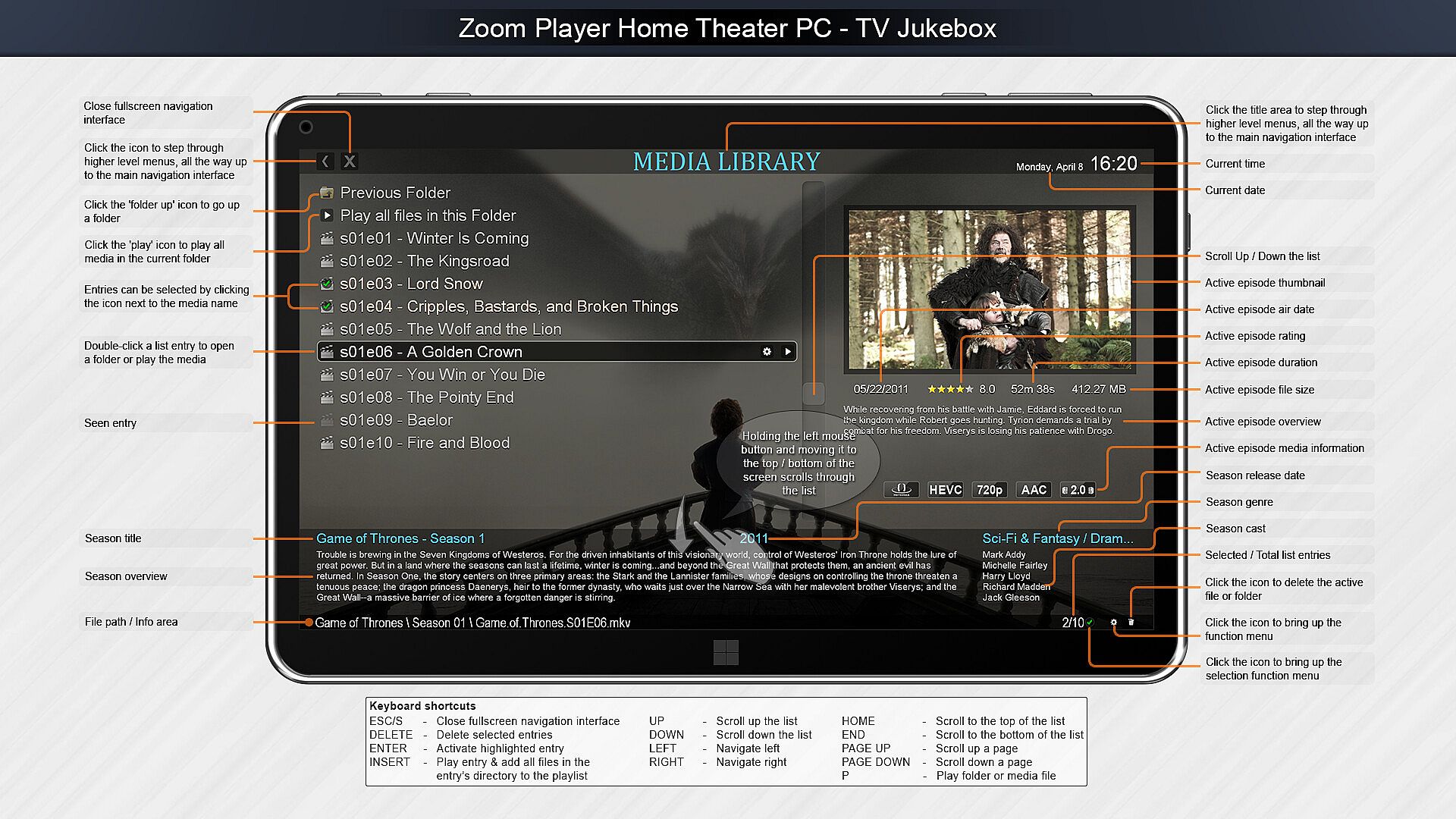
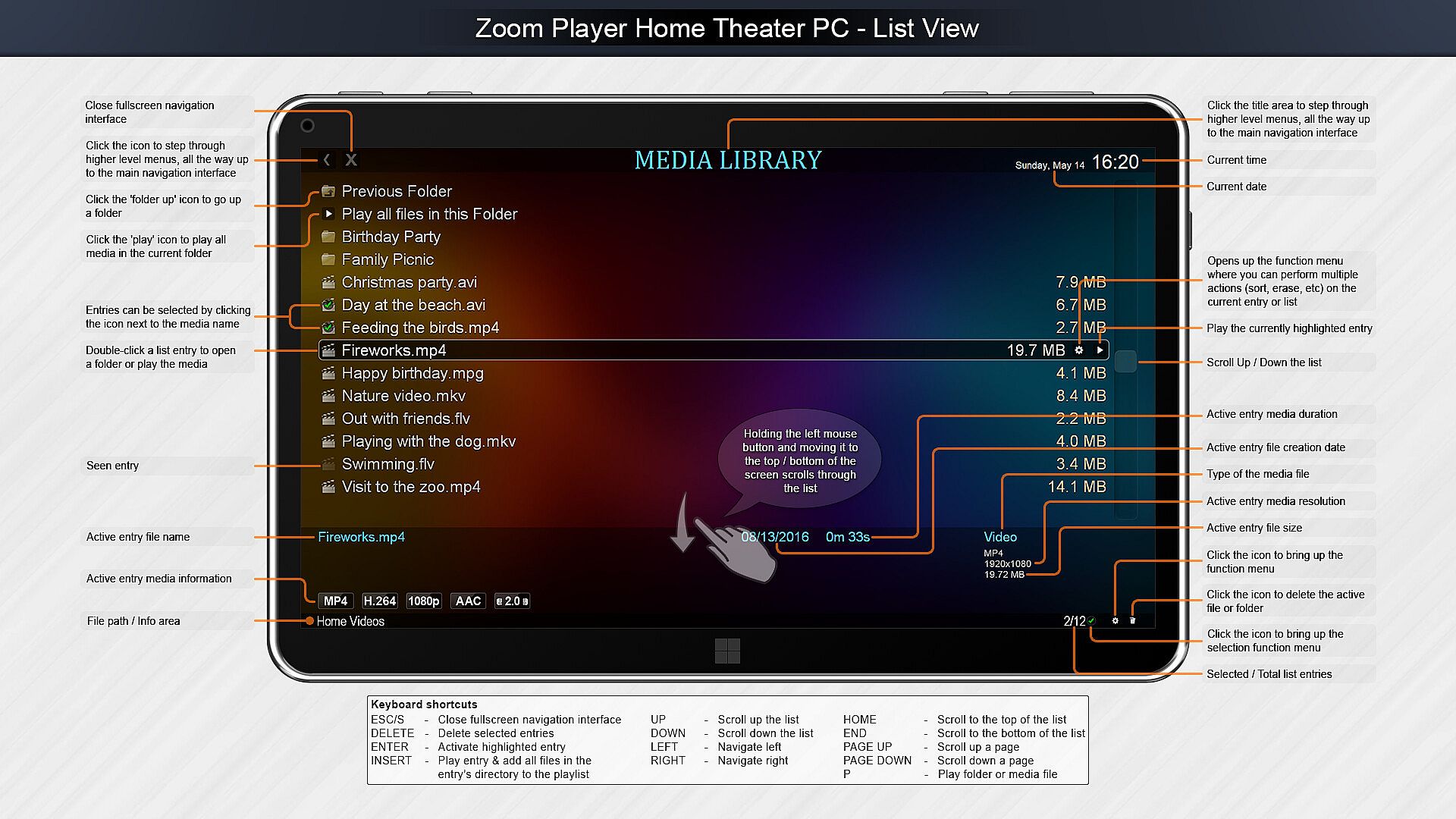
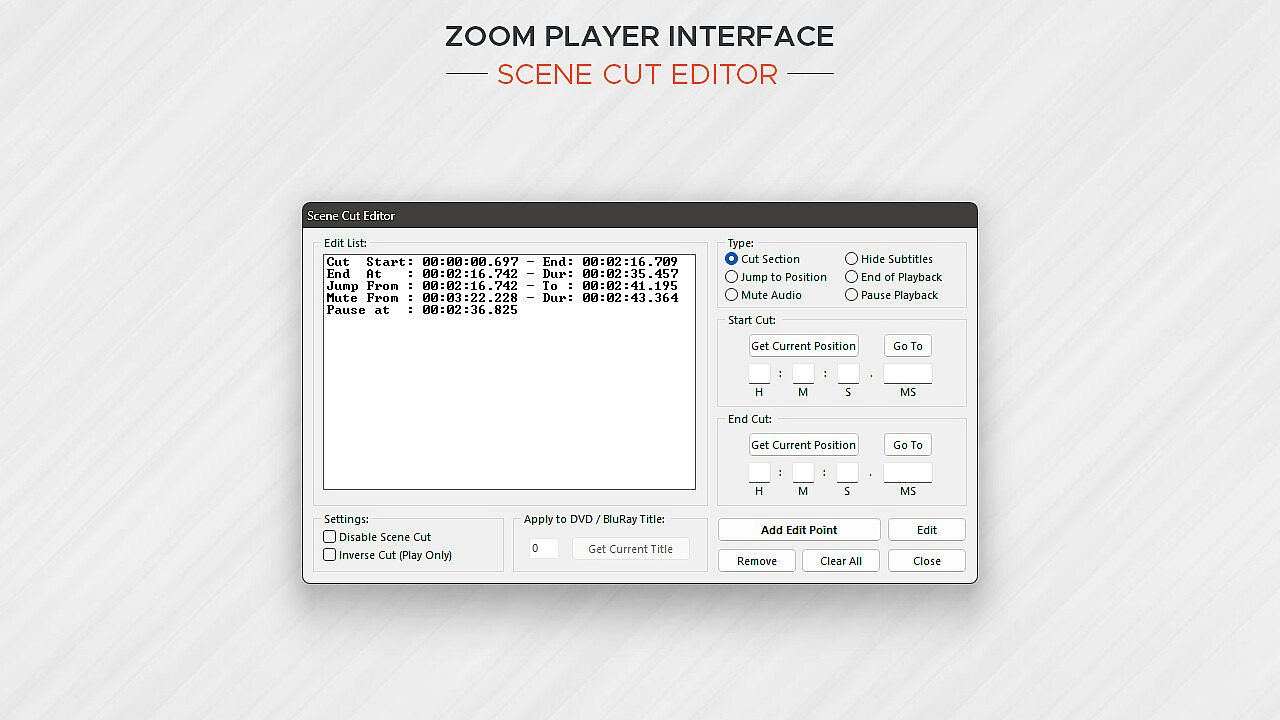
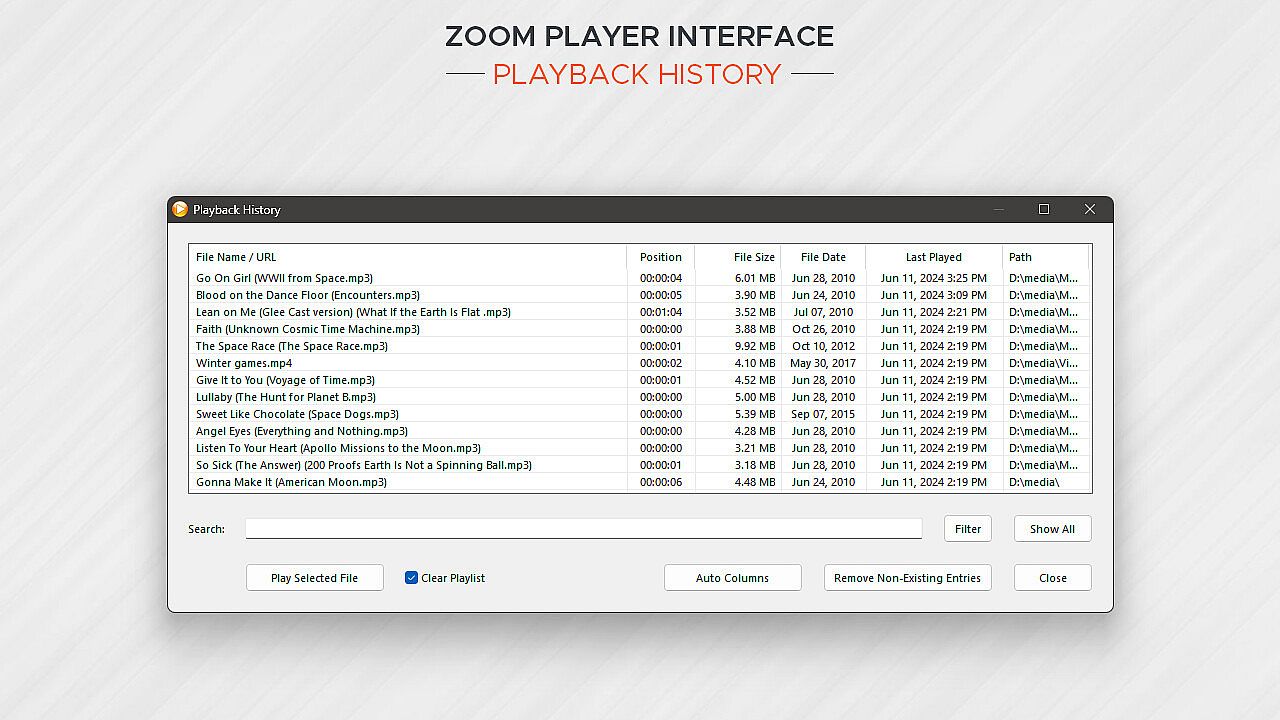
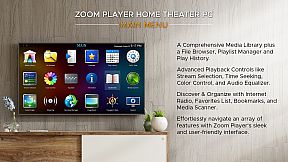
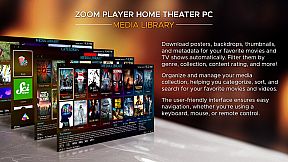
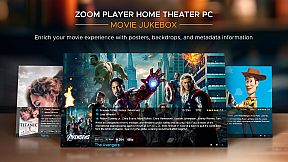
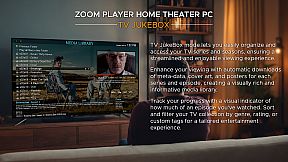
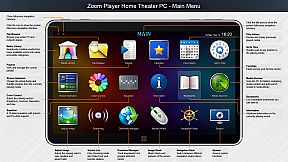
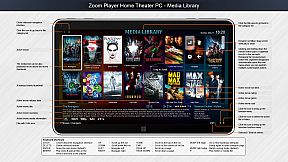
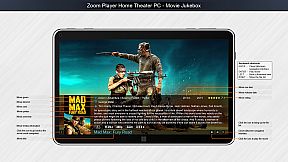
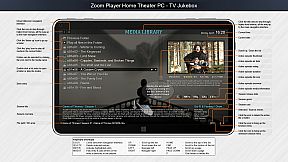
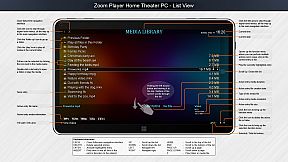
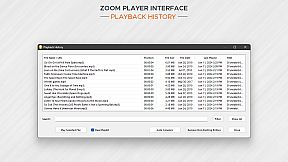
Home Theater? Zoom Player includes an extensive list of Home Theater features backed up by a powerful media library that can help organize your collection and content sources (see screenshots), including a TV and Movie JukeBox modes that displays Backdrop and Poster images along with meta-data such as description, actors, genre, content-rating, etc.

Support? The quick usage guides are the first line of support, clear and concise. Next I wrote the most in-depth documentation for a media player, ever. Every checkbox or setting is explained in great detail. I personally provide support and take requests on Zoom Player's reddit community and review the Steam discussion area often. Every question is answered respectfully and thoughtfully. Did you come up with a cool new feature you would like me to add? Let me know and I'll see if I can get it done.

Caveats:
  • Some of the Steam reviews are old and do not really represent Zoom Player's current potential, please try the demo version and see for yourself.

  • HDR playback requires that the Video Renderer is set to either MadVR or MPC-VR. You may need to configure the selected video renderer with your choice of HDR settings.

  • BluRay playback only works on decrypted content, encrypted discs will not play.

  • To play BluRay discs with menus, you need to install libVLC and the JAVA runtime engine (Zoom Player v19 required).

  • DVD playback works but it's dependent on Microsoft's Framework which can have issues on some systems. Most issues are easily resolved by switching the audio/video decoders used for DVD, but if you are having issues, create a post on the discussions area and I will help you resolve it.

  • Zoom Player implements the IPTV playback standard but I did not include any commercial content. To access commercial IPTV, you must purchase a subscription from an IPTV service provider of your choice. I don't have a recommendation.

Interface:
ArabicCzechGermanEnglishSpanish - SpainFrenchHungarianItalianJapaneseKoreanPolishPortuguese - PortugalPortuguese - BrazilRussianSwedishThaiTurkishUkrainianSimplified ChineseTraditional Chinese

Classificação etária

Indisponível
Steam:
Mixed (56)

Mínimo:

  • SO: Windows 98
  • Memória: 512 MB RAM
  • Armazenamento: 80 MB available space
  • Notas Adicionais: Be aware that browsers using hardware accelerated page rendering can interfere with the smoothness of media playback on lower end systems.

Recomendado:

  • SO: Windows 10
  • Memória: 2 GB RAM
  • Gráficos: 6GB VRAM GPU
  • DirectX: Version 11
  • Armazenamento: 120 MB available space
  • Notas Adicionais: For the best post-processing quality (scaling, smooth motion), a powerful GPU combined with the MadVR video rendering plug-in is recommended. For additional motion smoothness, use a monitor with a high refresh rate.
Mínimo histórico
Histórico de preços das lojas oficiais
-
-
-
Histórico de preços dos keyshops
-
-
-

FAQ

8 perguntas

Antes de procurar uma chave barata de Zoom Player : Steam Edition, confira o essencial. Desenvolvido por Inmatrix LTD. Publicado por Inmatrix LTD. Data de lançamento PC: 04 abr. 2014. Géneros: Utilities, Audio Production, Video Production. Categorias: Partial Controller Support.

Q

Onde comprar uma chave Steam barata de Zoom Player : Steam Edition?

Usando o nosso comparador de precos e codigos de desconto verificados, pode comprar uma chave de Zoom Player : Steam Edition por apenas 29,97 €. Esta oferta esta disponivel na Steam e e uma das mais baratas do mercado. Todas as chaves listadas no XD.deals sao entregues digitalmente e disponiveis para download imediato apos o pagamento. Os precos ja incluem taxas de processamento e codigos promocionais aplicados, para que veja sempre o preco mais baixo de Zoom Player : Steam Edition no PC. Consulte o historico de precos de Zoom Player : Steam Edition para comprar no melhor momento.

De acordo com a nossa ultima atualizacao (atualizamos os precos do Steam varias vezes ao dia), o preco de Zoom Player : Steam Edition no Steam e 29,97 €. Pode poupar cerca de 6% extra pagando com um cartao presente Steam com desconto.

O nosso rastreador de precos abrange tanto lojas oficiais como keyshops, para que possa encontrar Zoom Player : Steam Edition em promocao mesmo fora das campanhas sazonais. Detetamos atualmente 1 oferta ativa de lojas oficiais e keyshops. Consulte a tabela acima, compare com o minimo historico e defina um alerta para nunca perder a proxima descida de preco.

Com base nos nossos dados, Zoom Player : Steam Edition nao esta atualmente disponivel no GeForce NOW. Precisara de o executar localmente no seu PC. Consulte os jogos disponiveis no GeForce NOW.

Sim. Zoom Player : Steam Edition tem uma pagina oficial no Steam. Tambem pode comprar uma chave Steam de Zoom Player : Steam Edition em vendedores terceiros. O nosso comparador inclui atualmente 1 oferta com DRM Steam. Escolha uma para garantir que o download de Zoom Player : Steam Edition acontece na plataforma da Valve.

Sim. Zoom Player : Steam Edition e Steam Deck Verified - funciona logo apos a instalacao, mostra os icones corretos do comando e corre de forma estavel. Zoom Player : Steam Edition funciona perfeitamente no Steam Deck.

Zoom Player : Steam Edition nao parece estar disponivel no PC Game Pass, EA Play, Ubisoft+ ou qualquer outro servico de assinatura para PC neste momento. A unica opcao e comprar o jogo - use o XD.deals para encontrar o melhor preco.

Nao - o XD.deals nao e uma loja. Somos um servico de comparacao de precos que acompanha as melhores ofertas de Zoom Player : Steam Edition em lojas oficiais e keyshops verificadas. Clique em "Ir para a loja" junto a qualquer oferta e sera redirecionado para o site do vendedor para concluir a compra.

Melhores preços para Zoom Player : Steam Edition

1 Steam Steam Official
-50% 29,97 €

Quer comprar no melhor momento? Defina um alerta de preco no XD.deals e seja notificado quando Zoom Player : Steam Edition atingir o seu proximo minimo historico.

Criar Alerta
Junte-se ao nosso Discord
Obtenha ajuda instantânea da nossa comunidade e mantenha-se atualizado sobre as últimas ofertas
Definir Alertas de Preço
Seja notificado por email quando os preços dos jogos baixarem para o seu objetivo
Criar Conta Gratuita
Desbloqueie listas de desejos, alertas de preço e sincronização Steam