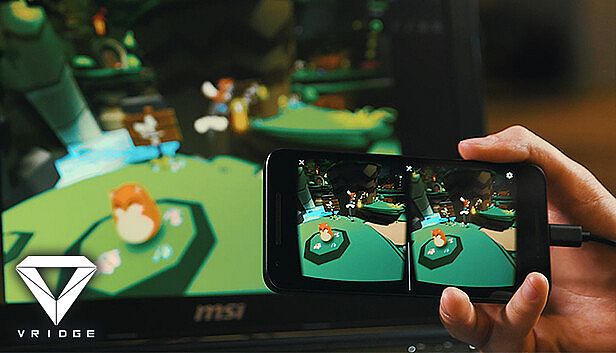
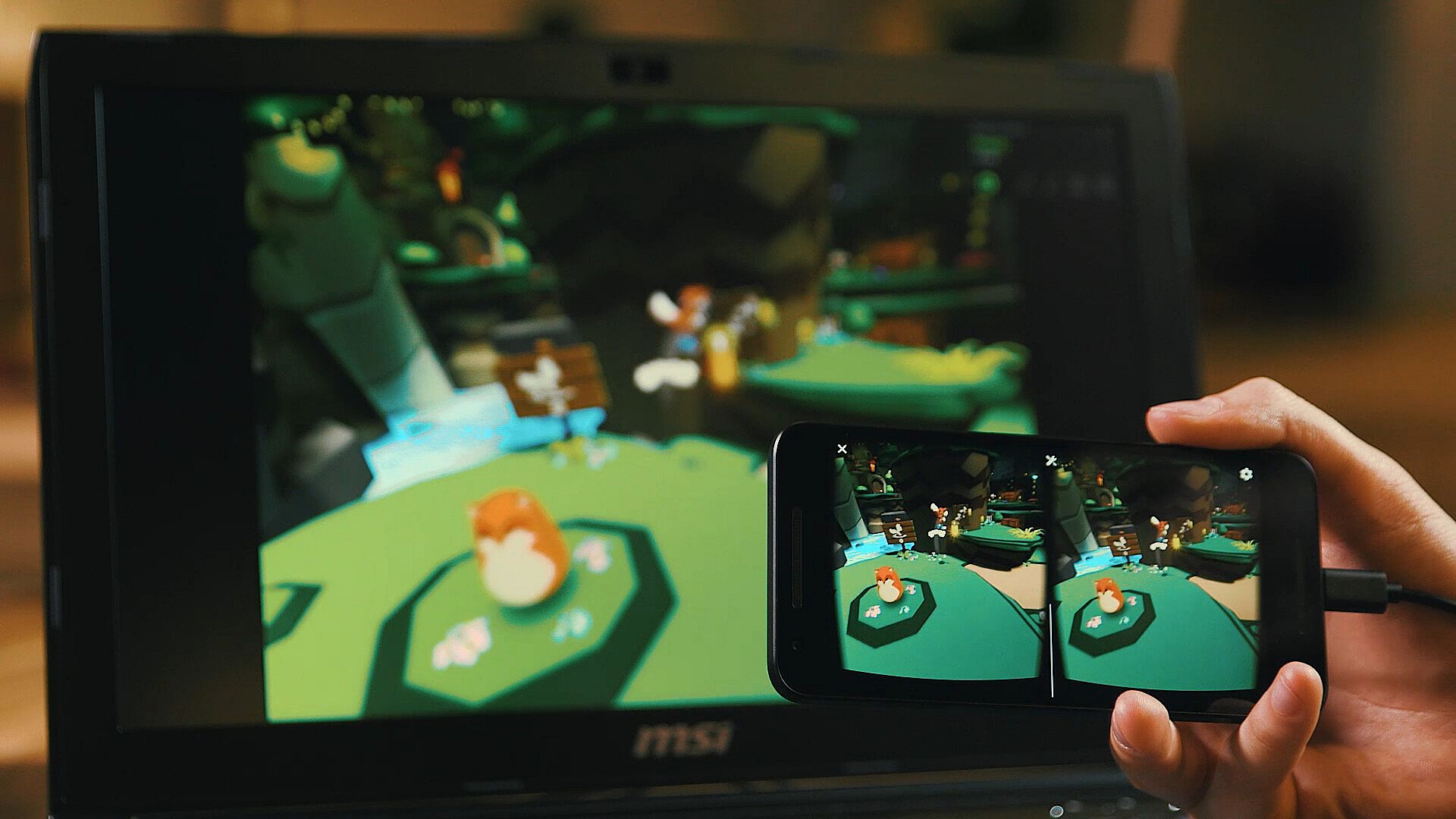
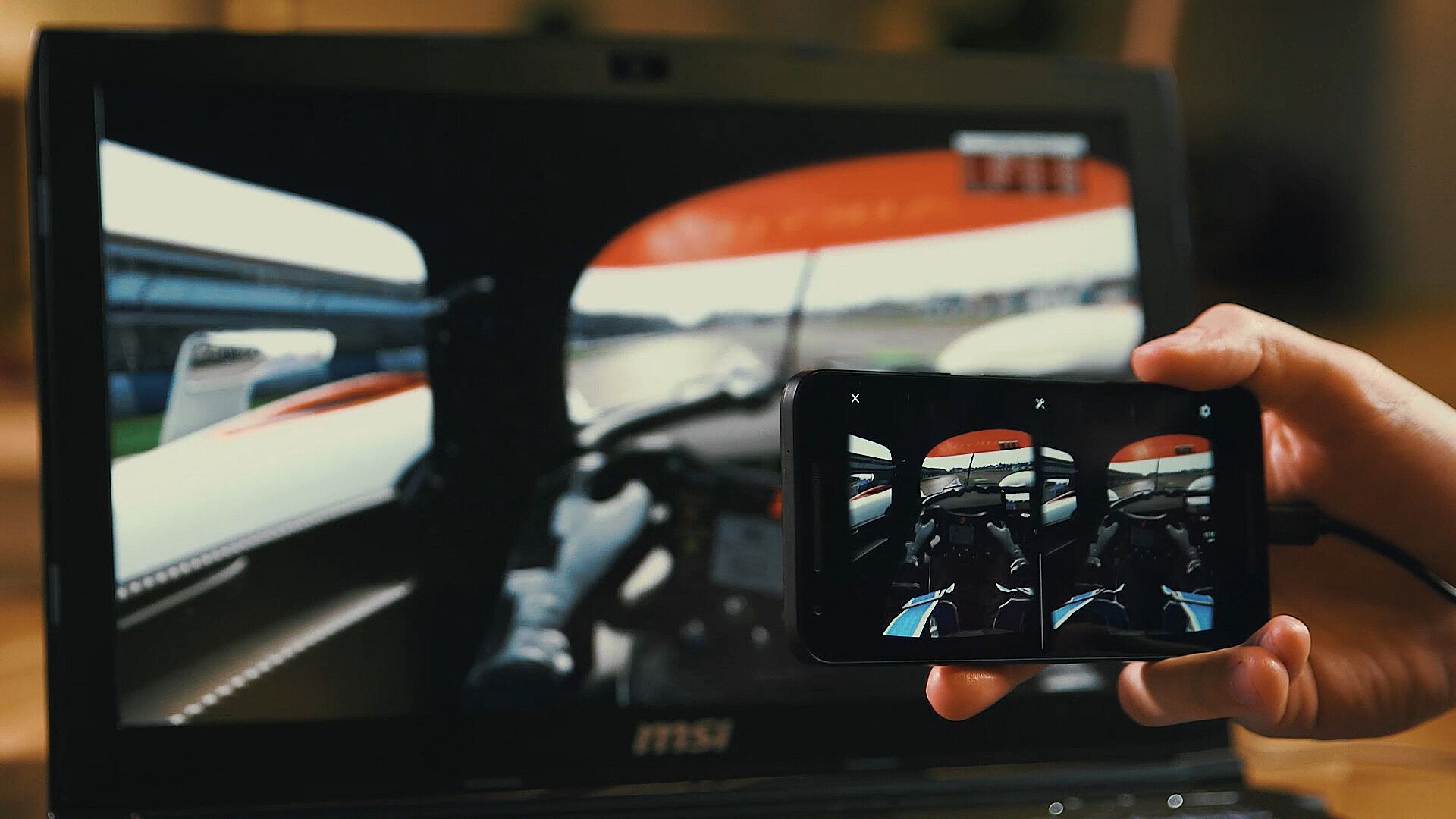
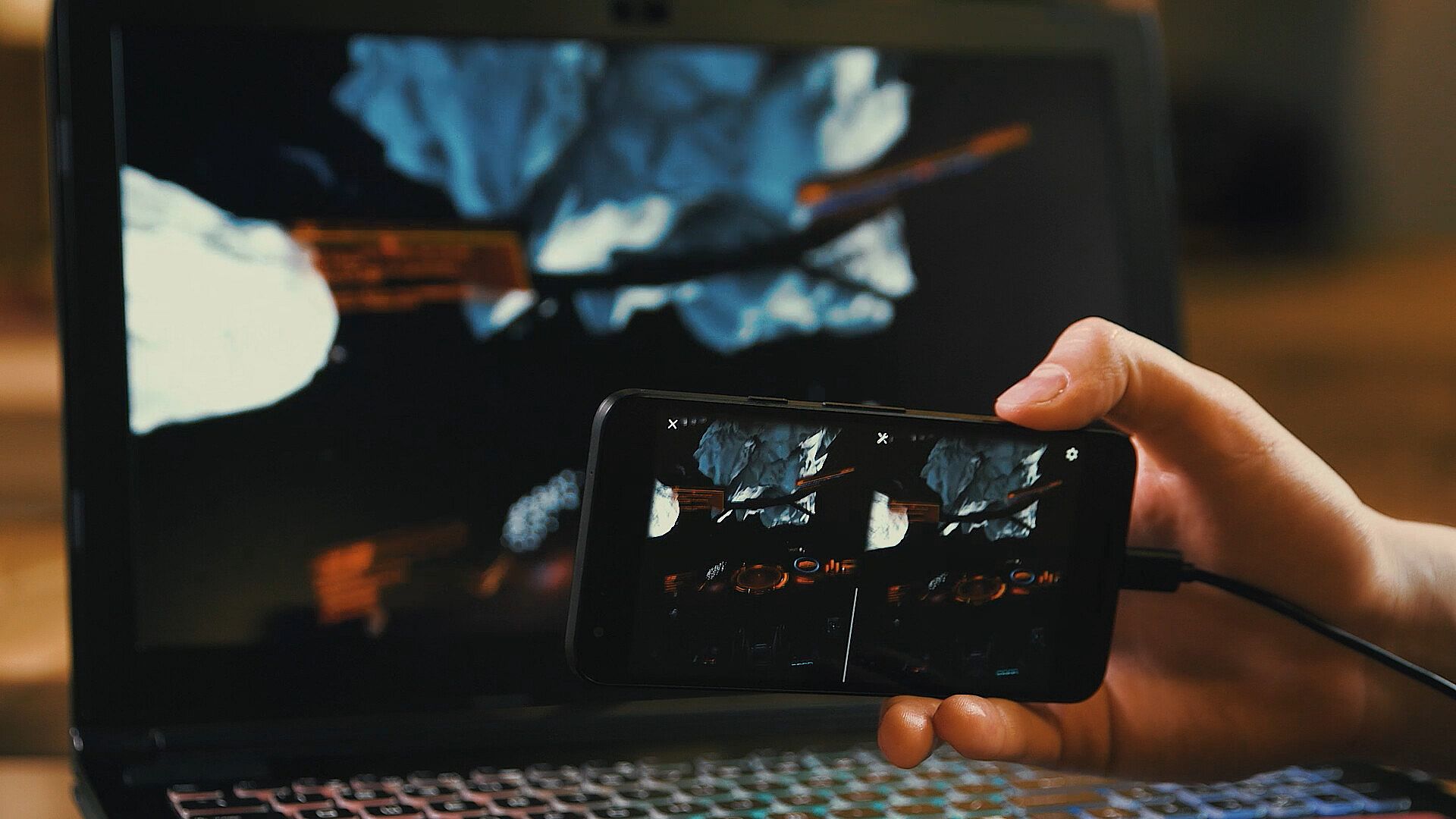
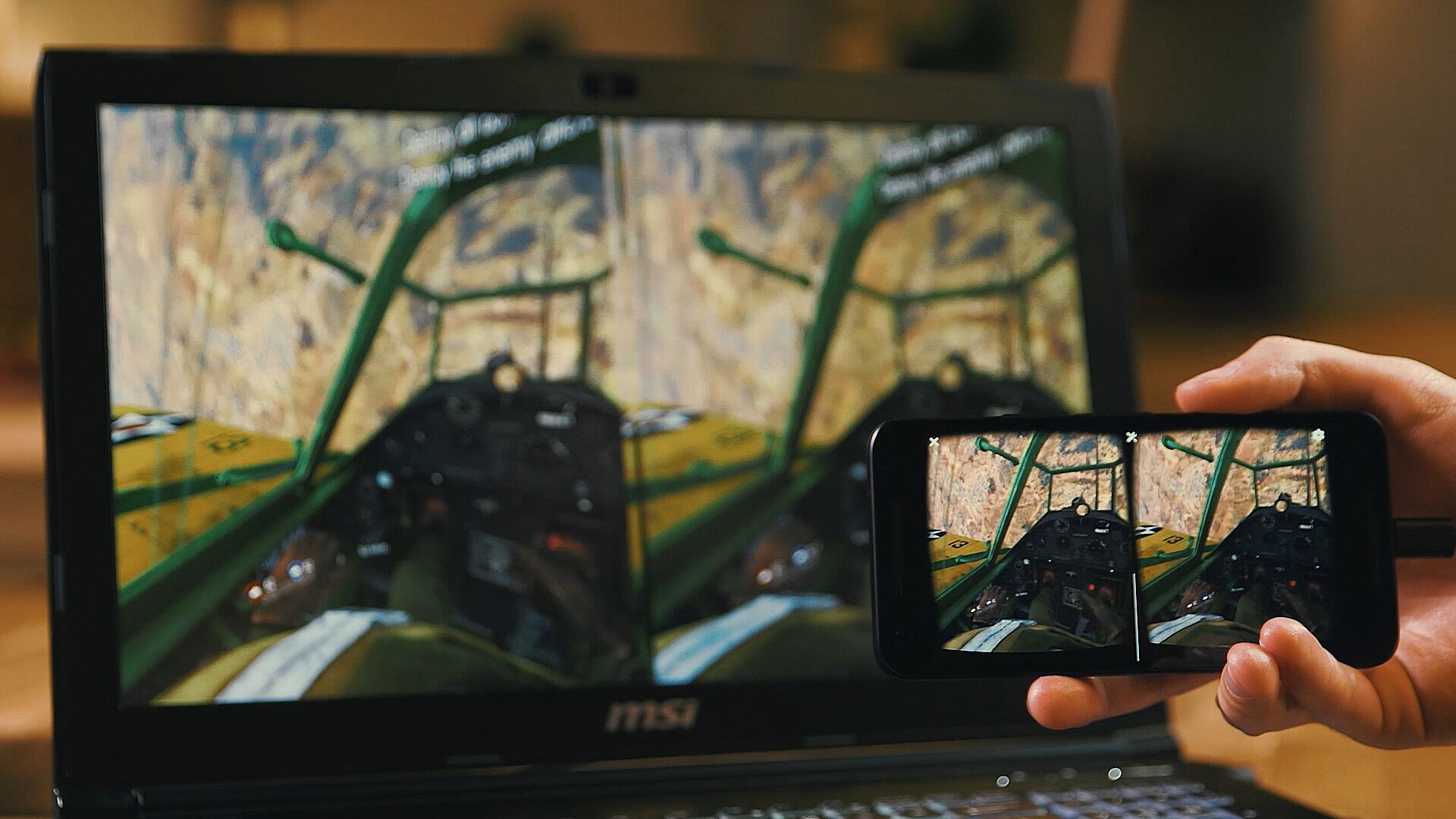
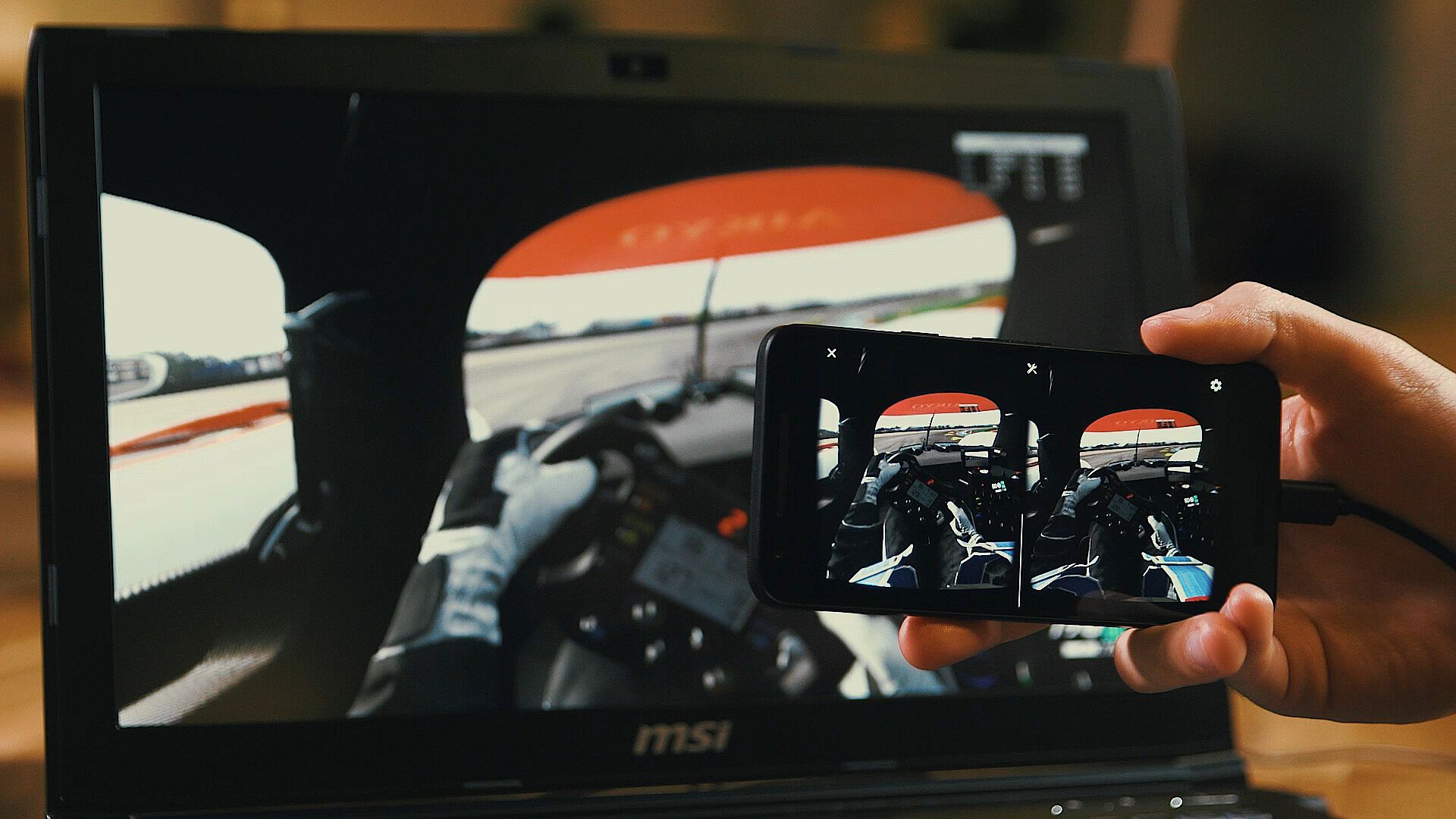
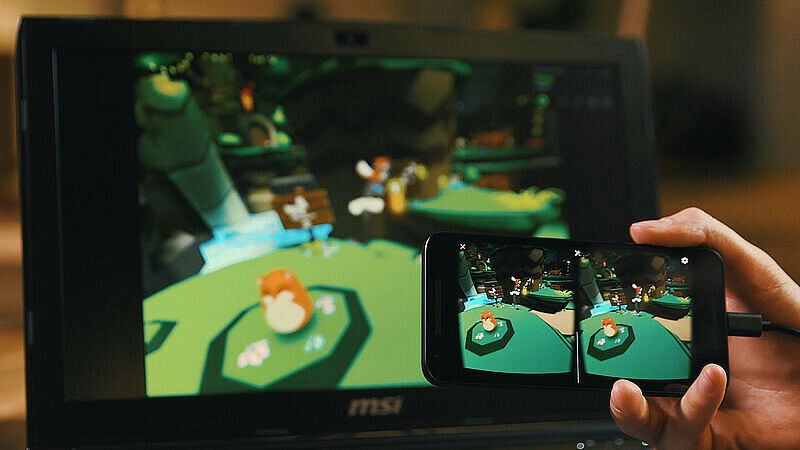
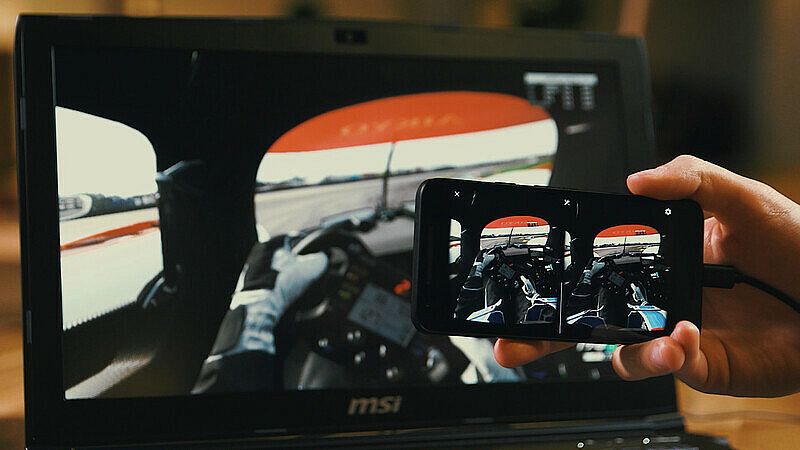
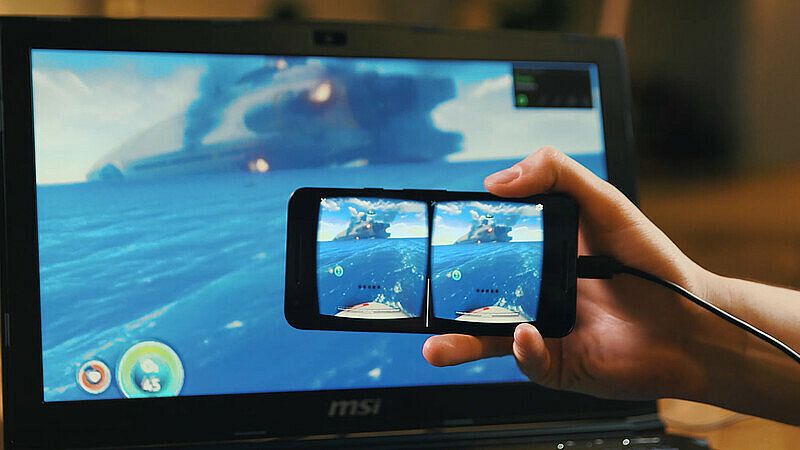
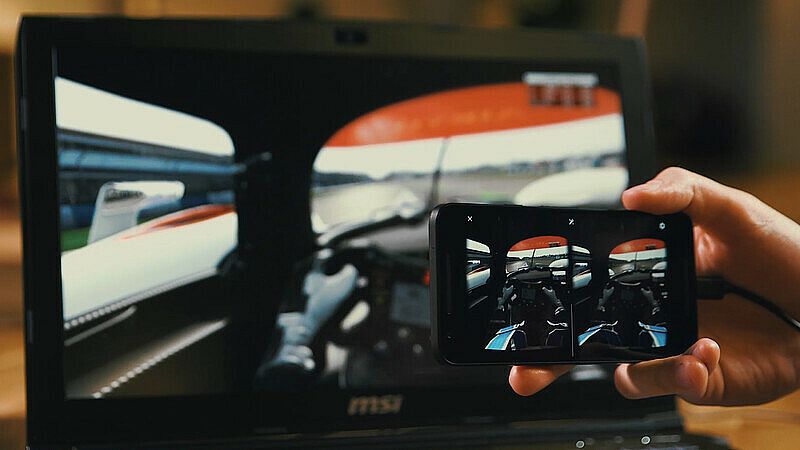
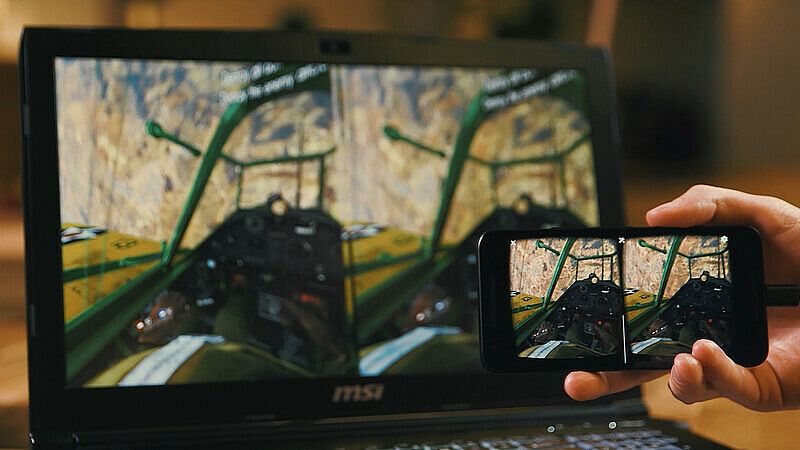
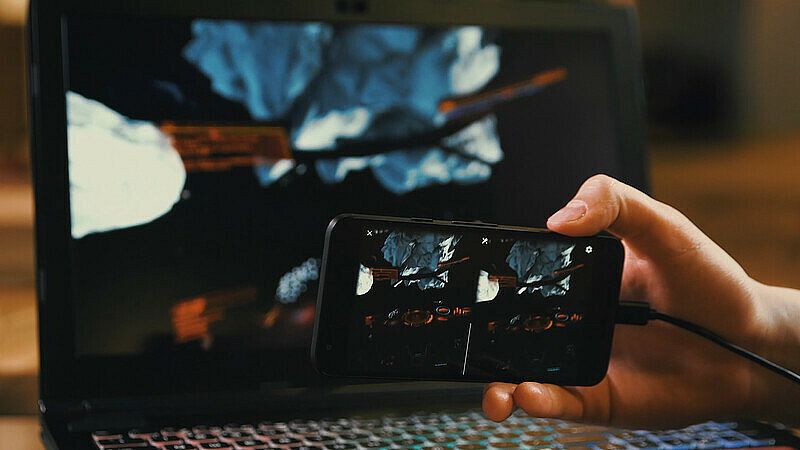
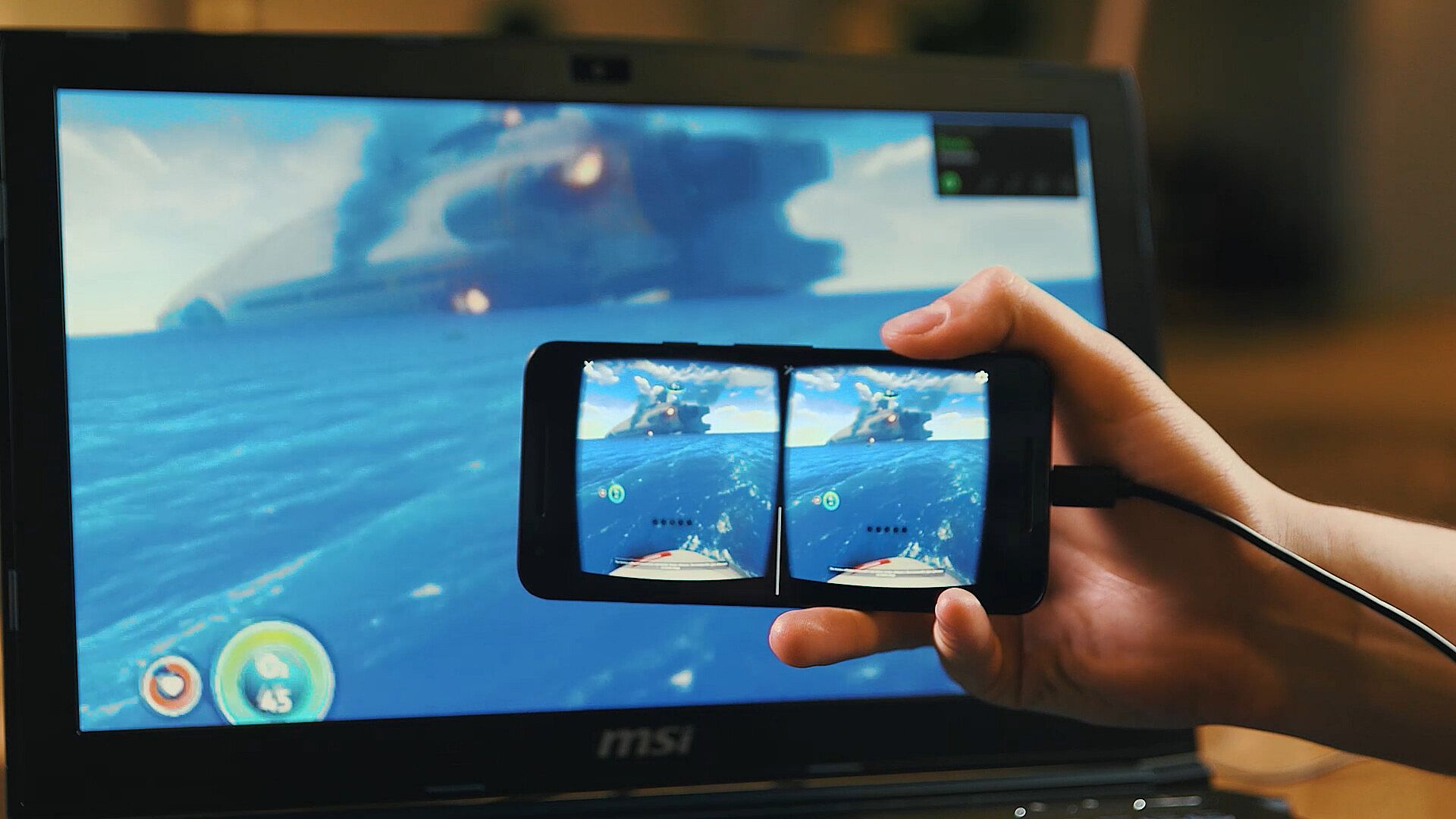
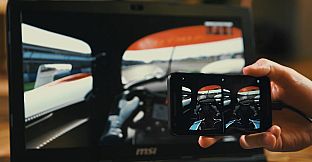
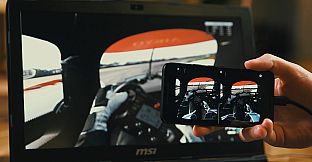
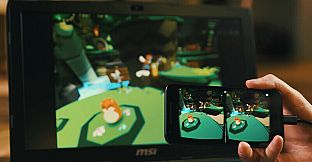
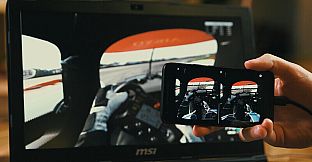
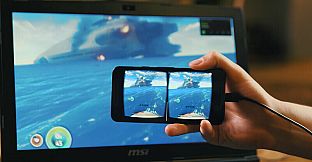
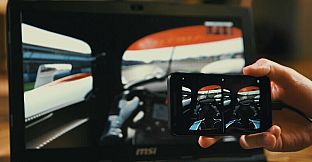
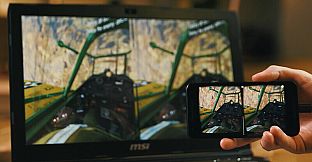
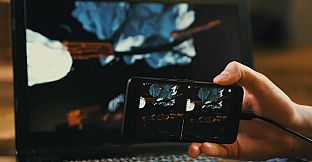
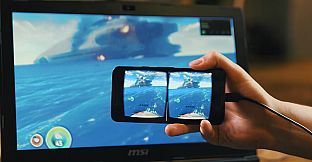
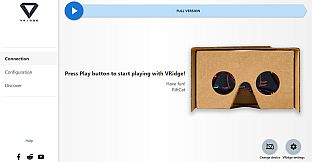
VRidge conecta seu dispositivo móvel ao PC, transformando-o em um headset compatível com SteamVR. Ele transmite apps do SteamVR em vídeo de alta performance, com rastreamento completo de cabeça e controles. Combine com um viewer VR móvel ou de papelão para acesso instantâneo.
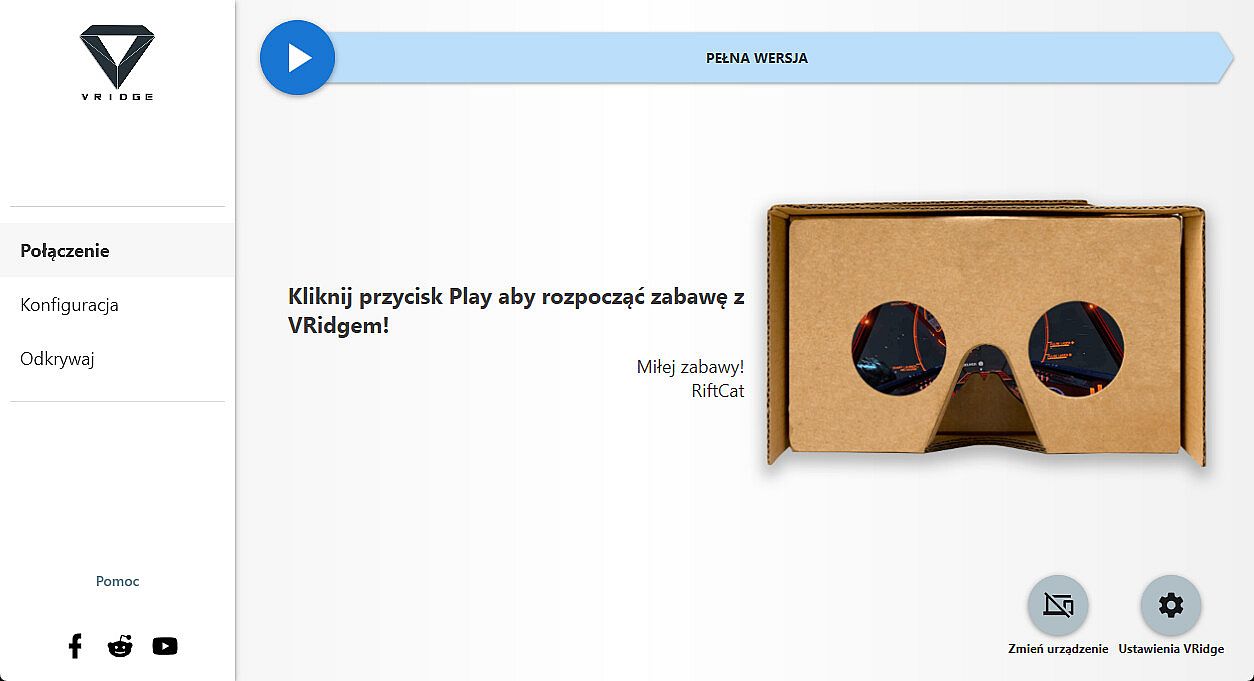
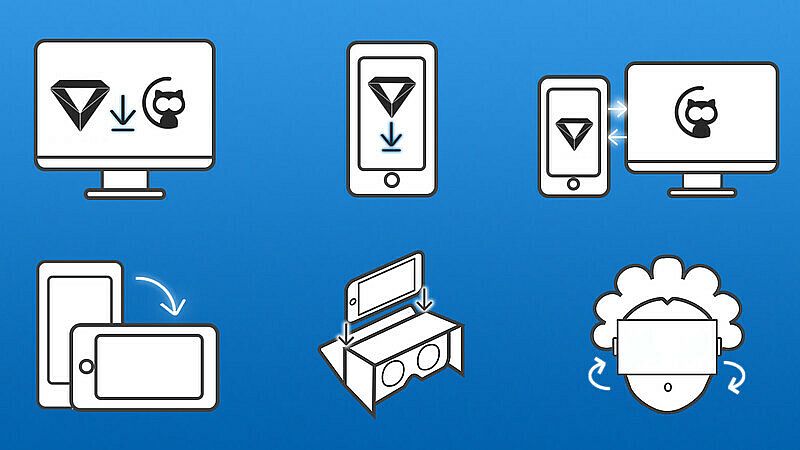
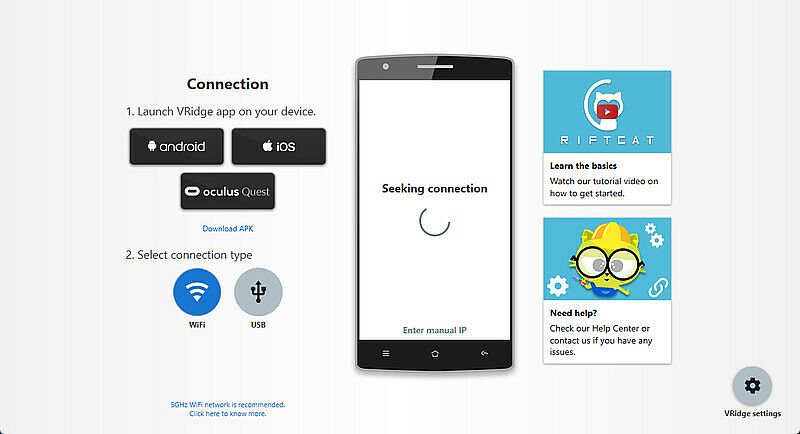
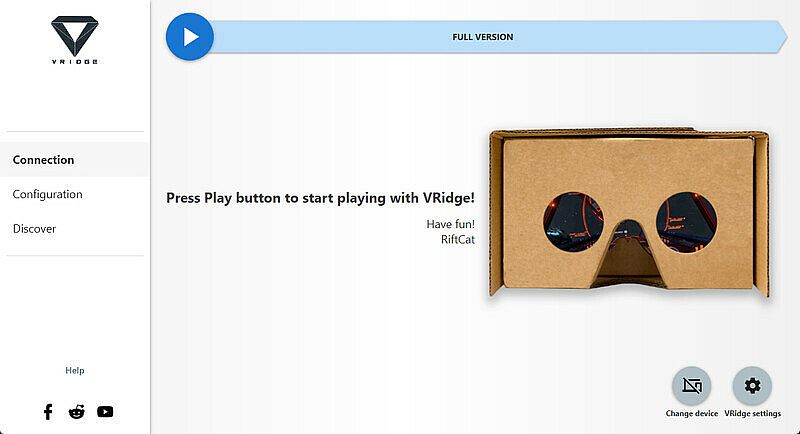
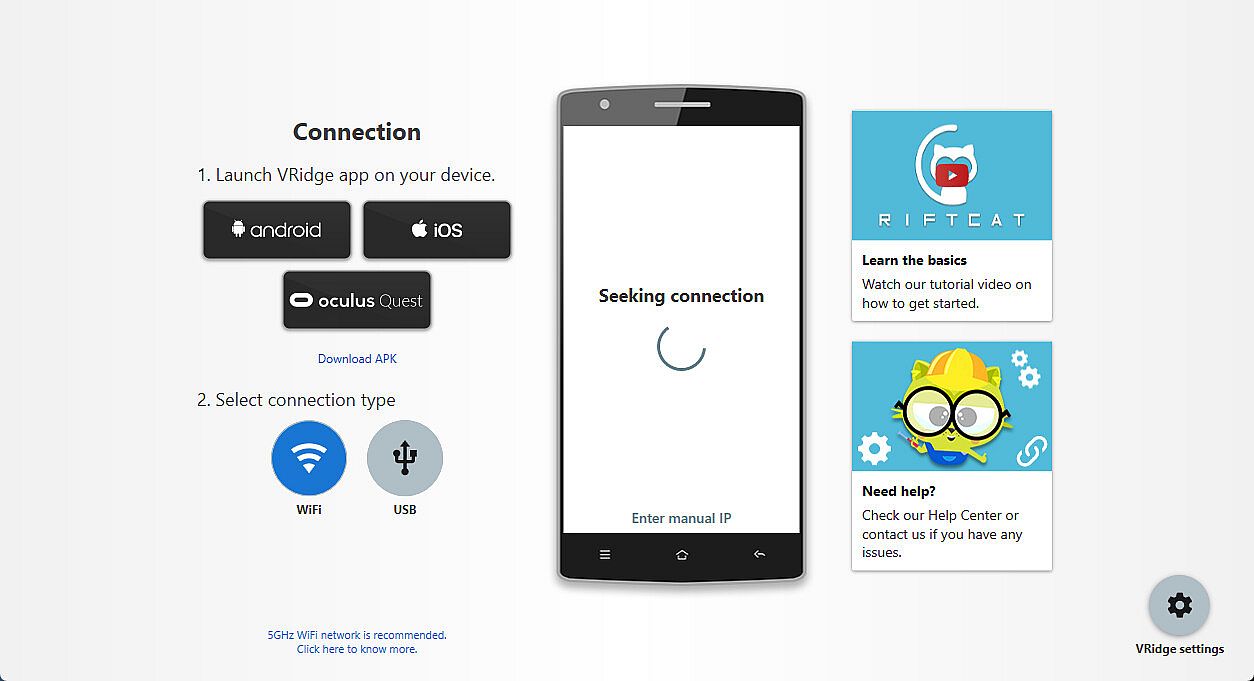
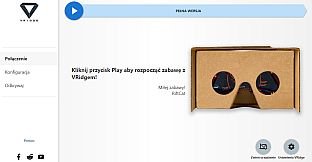
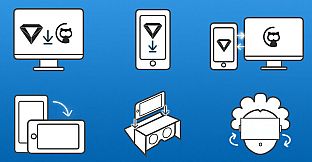
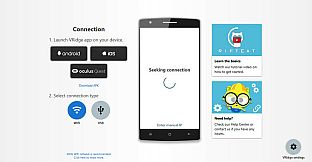
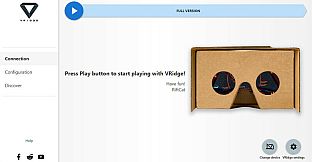
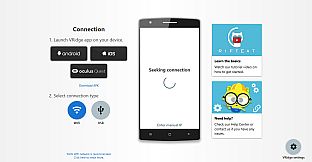
Instale o cliente RiftCat no seu PC pelo Steam e carregue o VRidge no dispositivo móvel dentro do viewer. Inicie os dois, conecte via WiFi seguindo os guias do app e comece a jogar. Teste a configuração com o demo primeiro para garantir desempenho fluido. Utilitários VR como esse são ideais para donos de PC que querem VR móvel sem hardware extra.
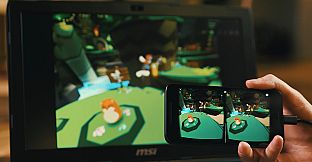
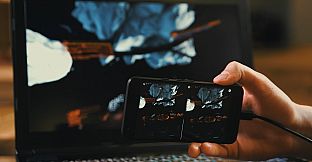
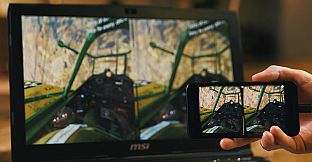
VRidge connects your mobile device to your PC, transforming it into a powerful SteamVR-compatible virtual reality headset. It will then stream SteamVR apps to your mobile device as a high-performance video with full head and controller tracking. All you need is a mobile or cardboard VR viewer to enjoy the experience!
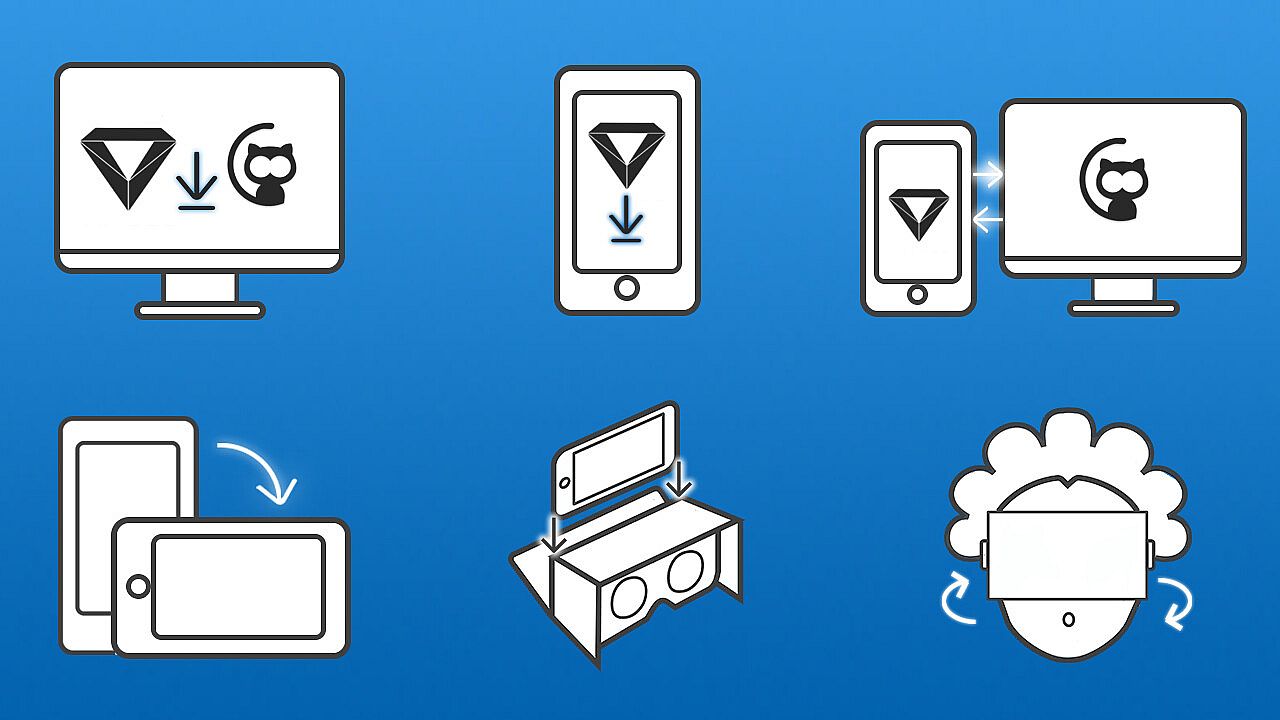
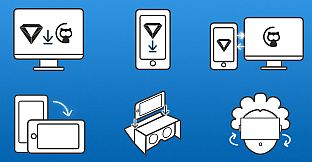
Getting started
- Install RiftCat client application on your computer via Steam.
- Install VRidge on your mobile device and place it inside your mobile VR viewer.
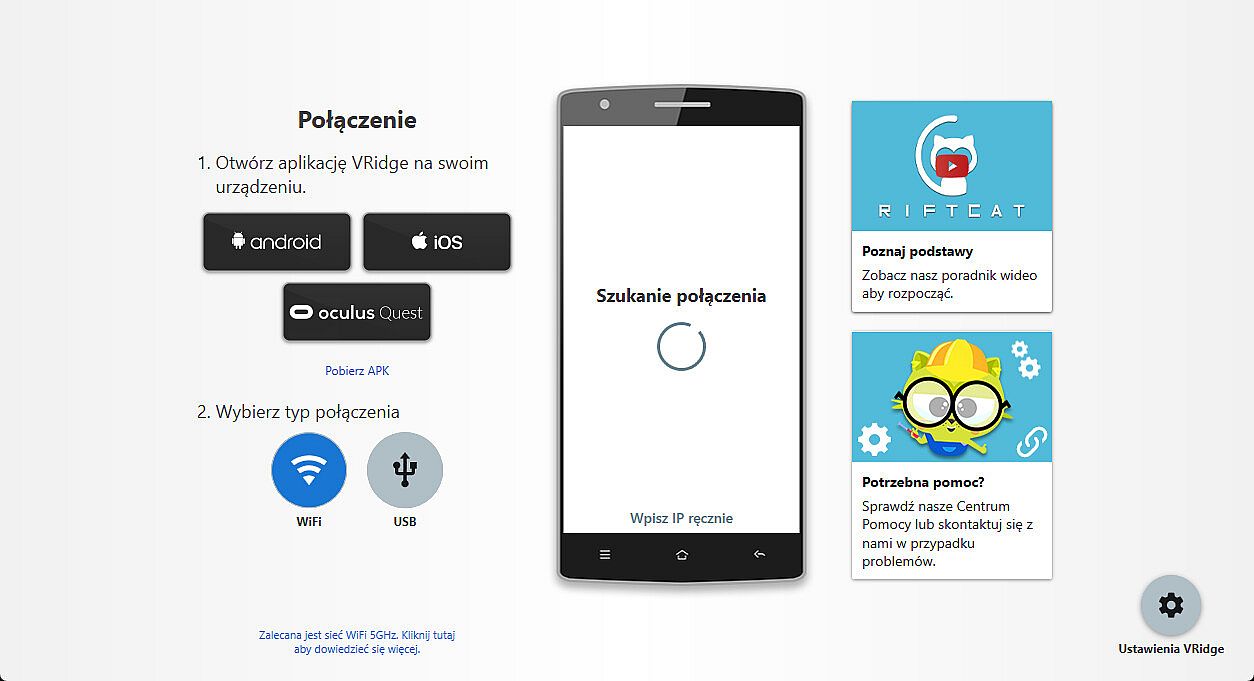
- Launch both apps.
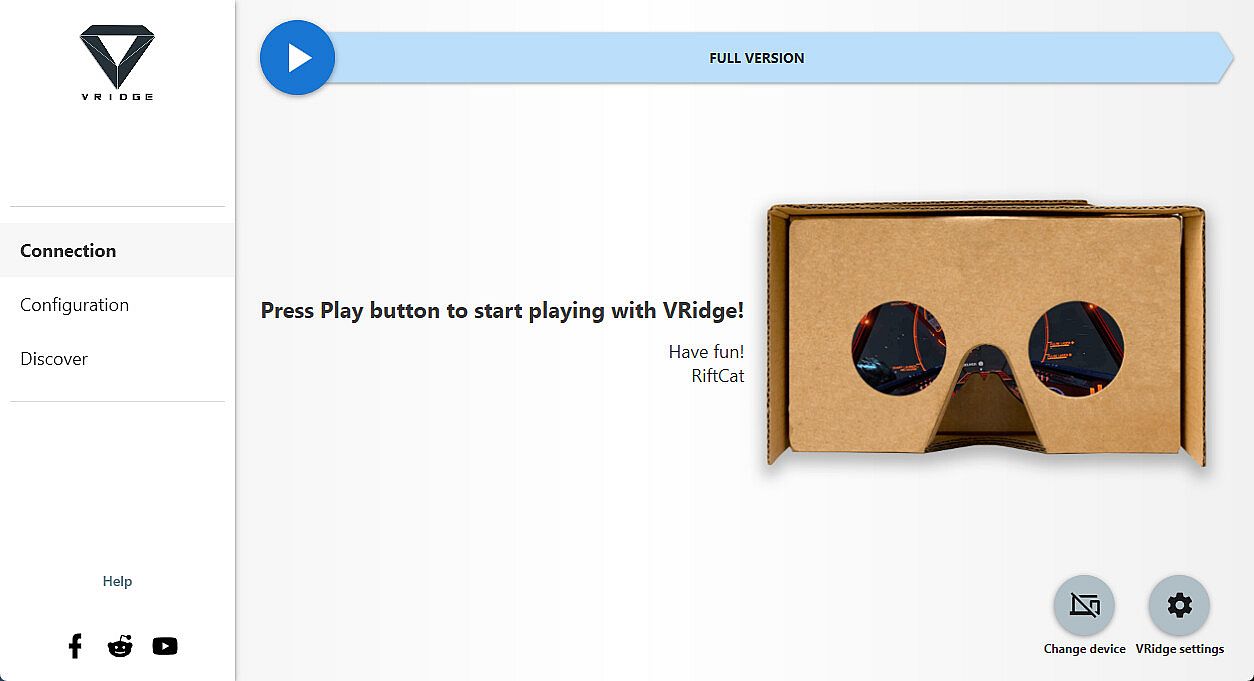
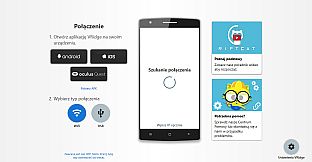
- Follow the built-in instructions in the RiftCat application to connect them via WiFi.
- Enjoy!
Test your setup first
Try out your
VRidge hardware setup with the
Demo version to ensure everything works correctly before making a purchase.