

Comprar TerminalMaster PC

Onde pode comprar a chave {6} Steam de TerminalMaster mais barata? Verifique e compare preços de 1 lojas para encontrar a melhor e mais barata opção entre 1 ofertas apresentadas no XD.deals. Agora o preço {6} mais baixo de TerminalMaster em keyshops pode ser obtido em 9,75 € (0% de desconto).

Lançamento: 19 mar. 2025
Keyshops
Indisponível
Comprar em Loja Oficial:
9,75 €
Comprar em Keyshops:
Ver histórico de preços

Lojas Oficiais (1)

DRM:
Steam
Steam
Steam
TerminalMaster
Windows
+1
há 10sem
DRM:
Steam
Steam
9,75 €

Sobre TerminalMaster

TerminalMaster - sobre o jogo

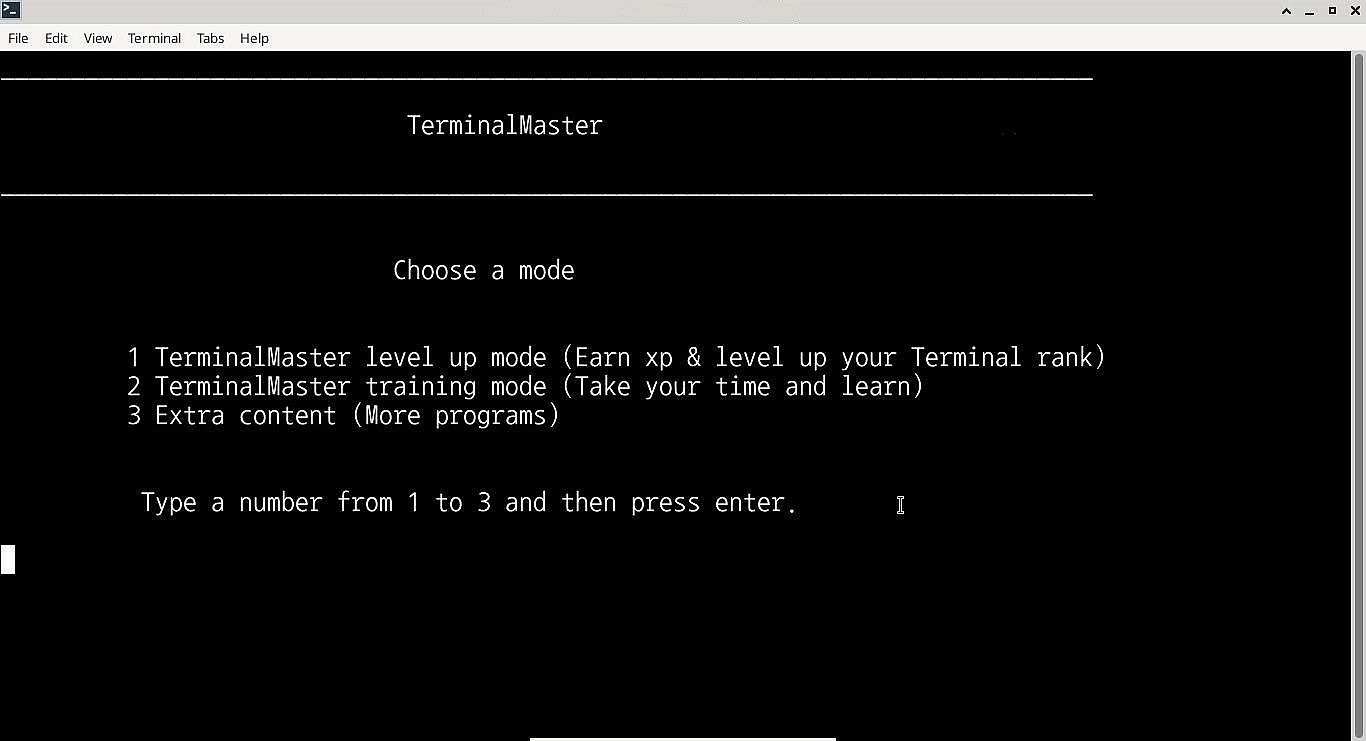
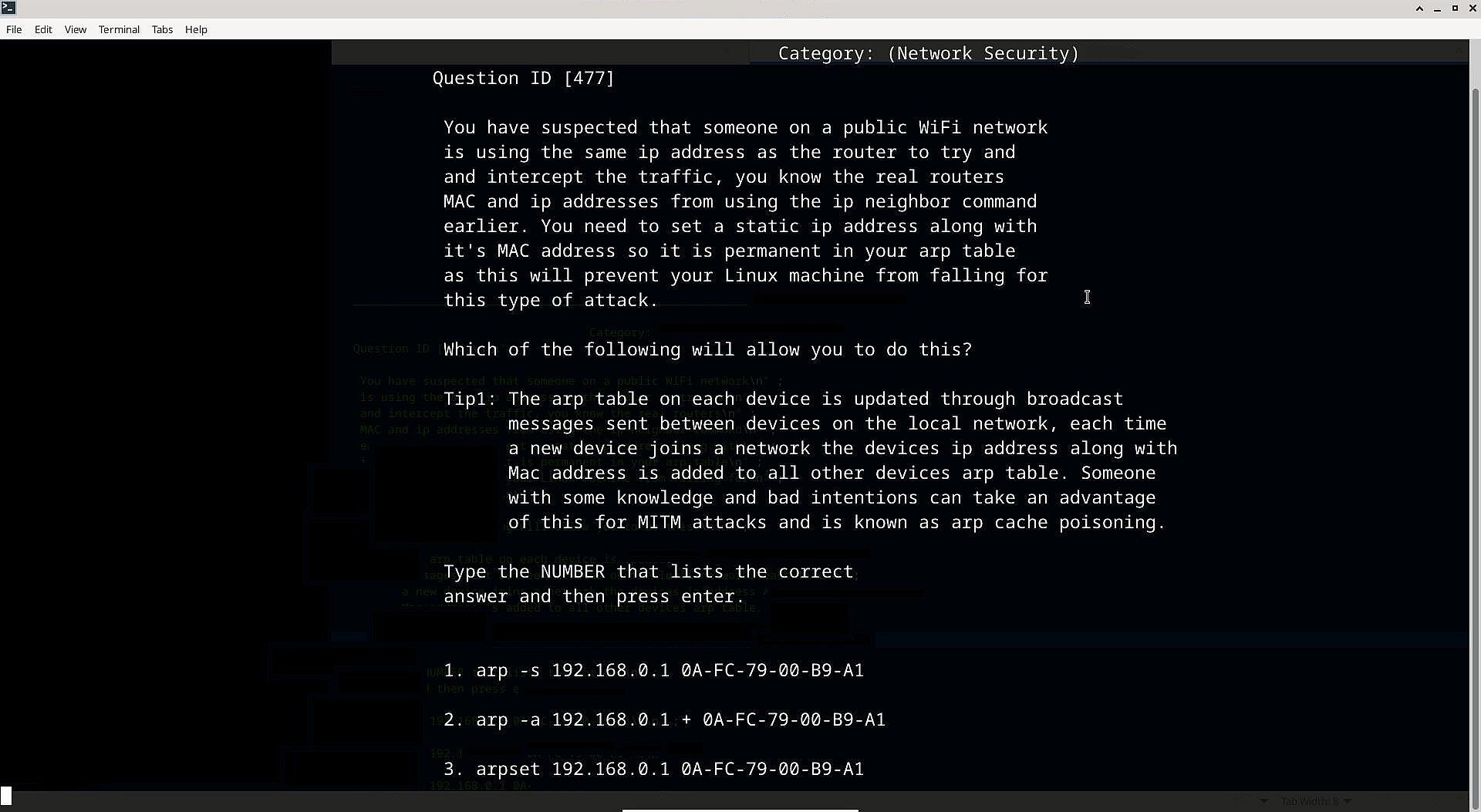
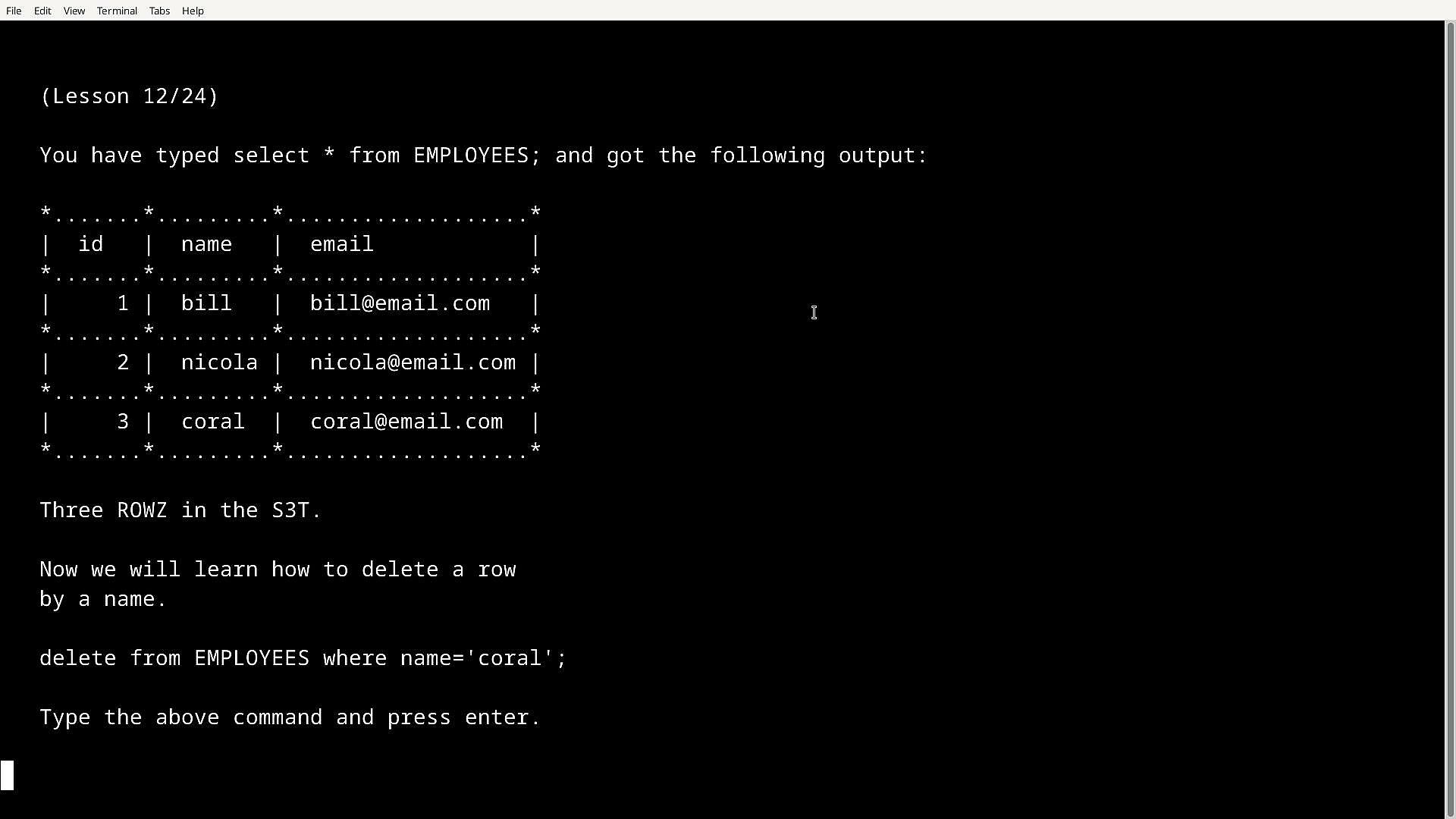
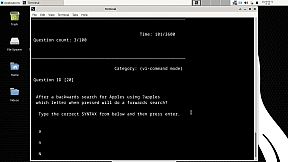
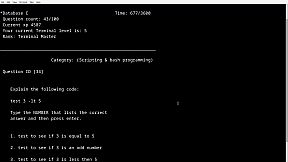
TerminalMaster is an application that's written to be run in Windows Command line & Bash Terminal which can help people learn how to use Linux® in the bash terminal and use Windows cmd. Not only can it help Linux newbies but also even challenege professionals up to (Linux Professional Institute) level and later serve as a reference.

From Terminal beginners to professionals: 

Starting with the Terminals tutorial and Advanced tutorial you can ease into using terminals along with learning to script and program in Bash terminal, you can be then tested on both with the included tutorial tests or you can combine both, what makes it more fun is you gain xp for each question you correctly answer and your skill level increases.

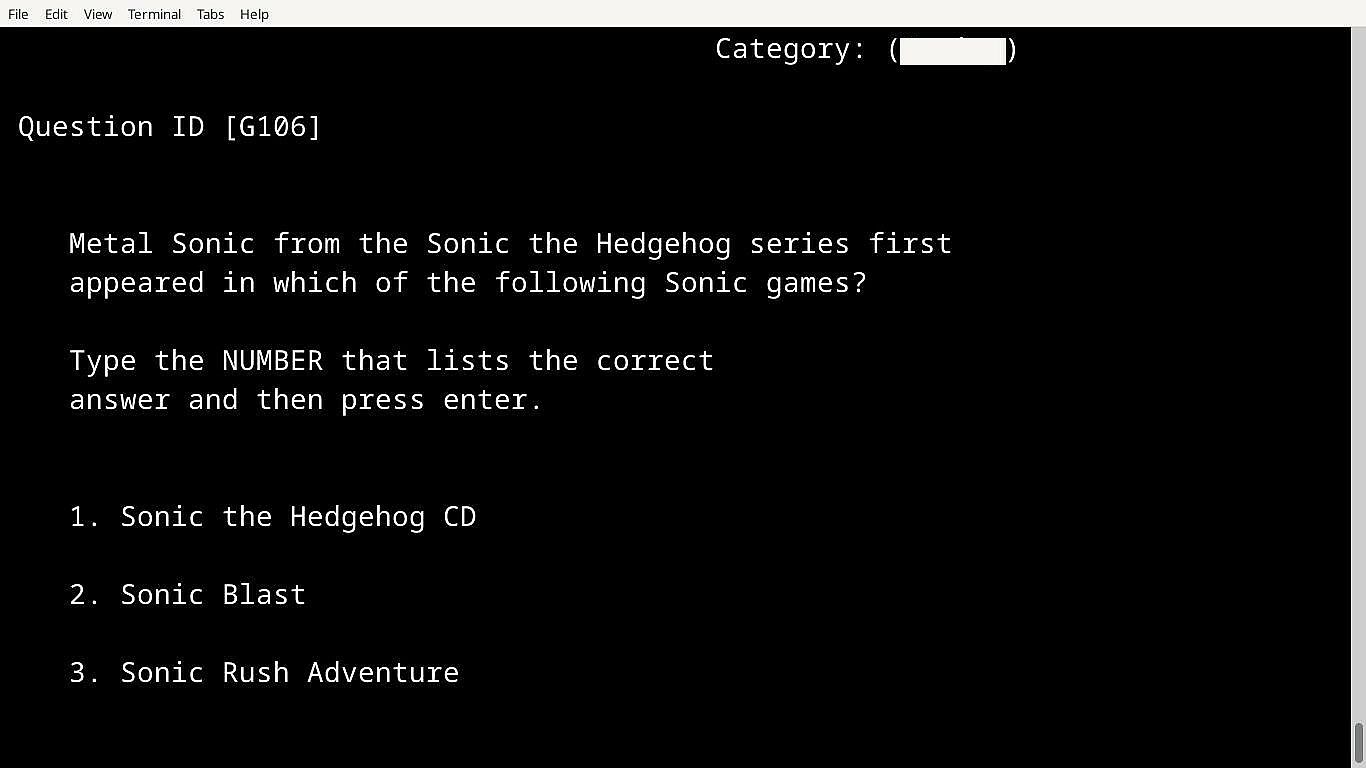
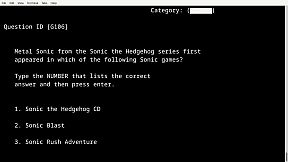
If you earn a certain amount of xp or pass a test you get unlock codes to unlock other cool tests such as the mixed datasbase which is a test based on computing questions, or the hidden gaming database which is a test based on gaming, and theres more. 

How tests work:

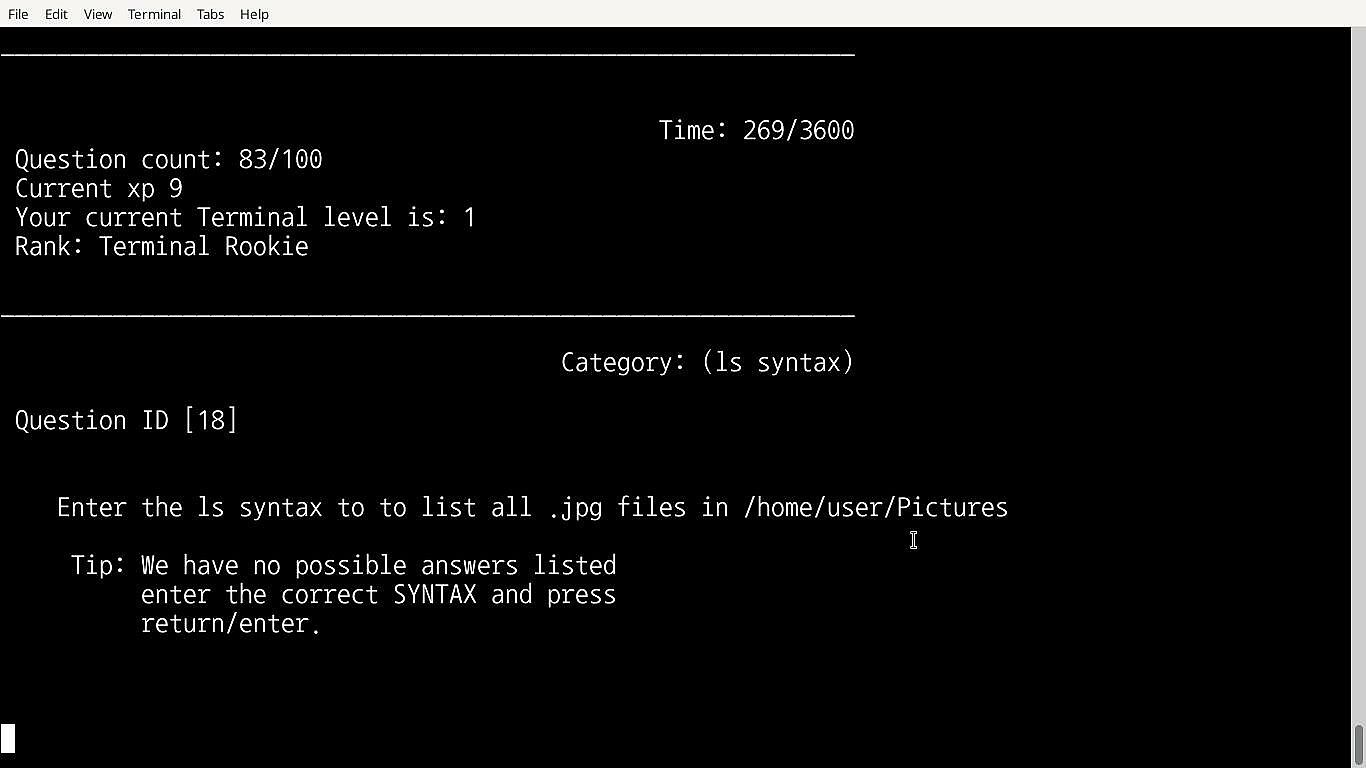
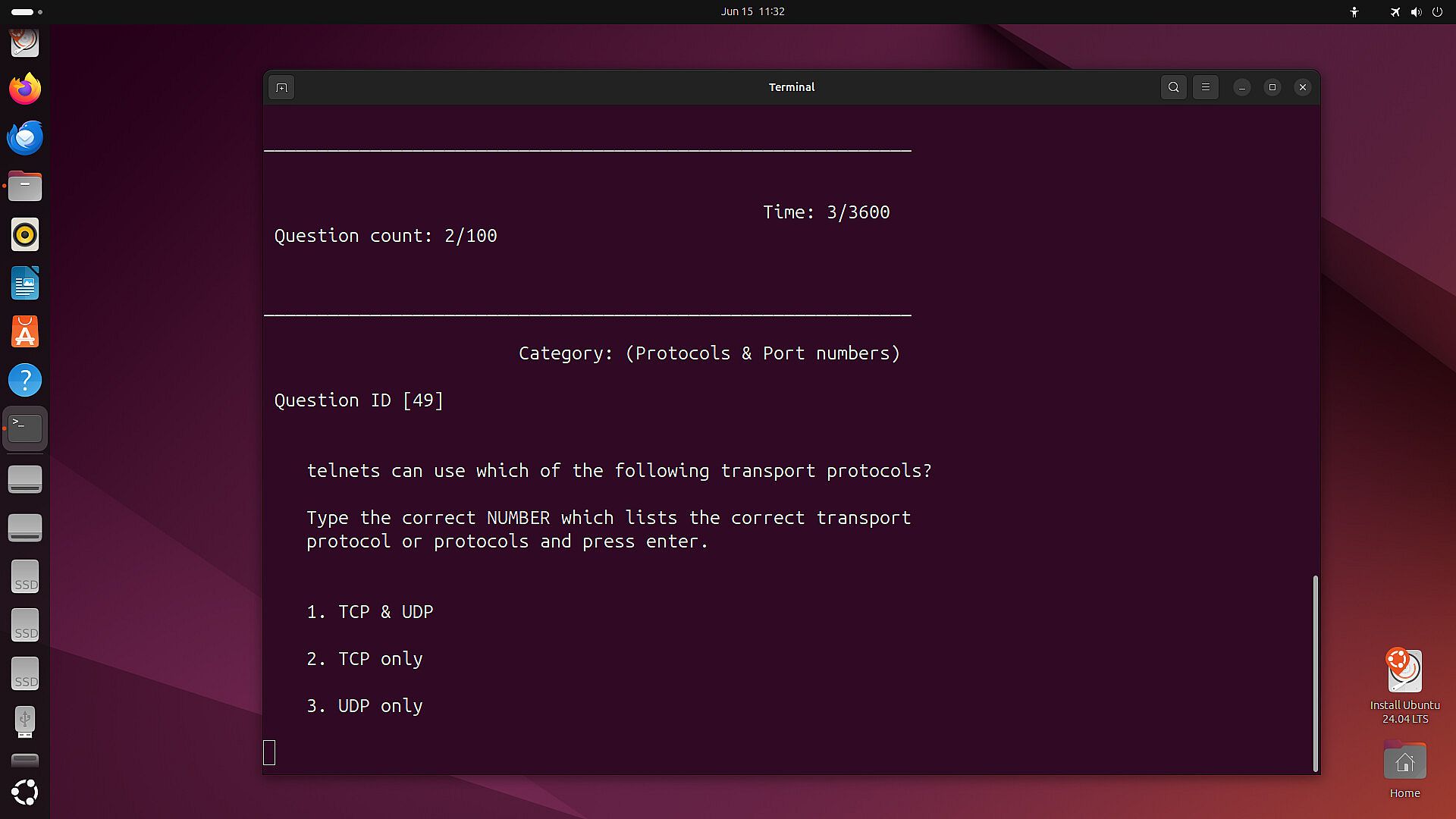
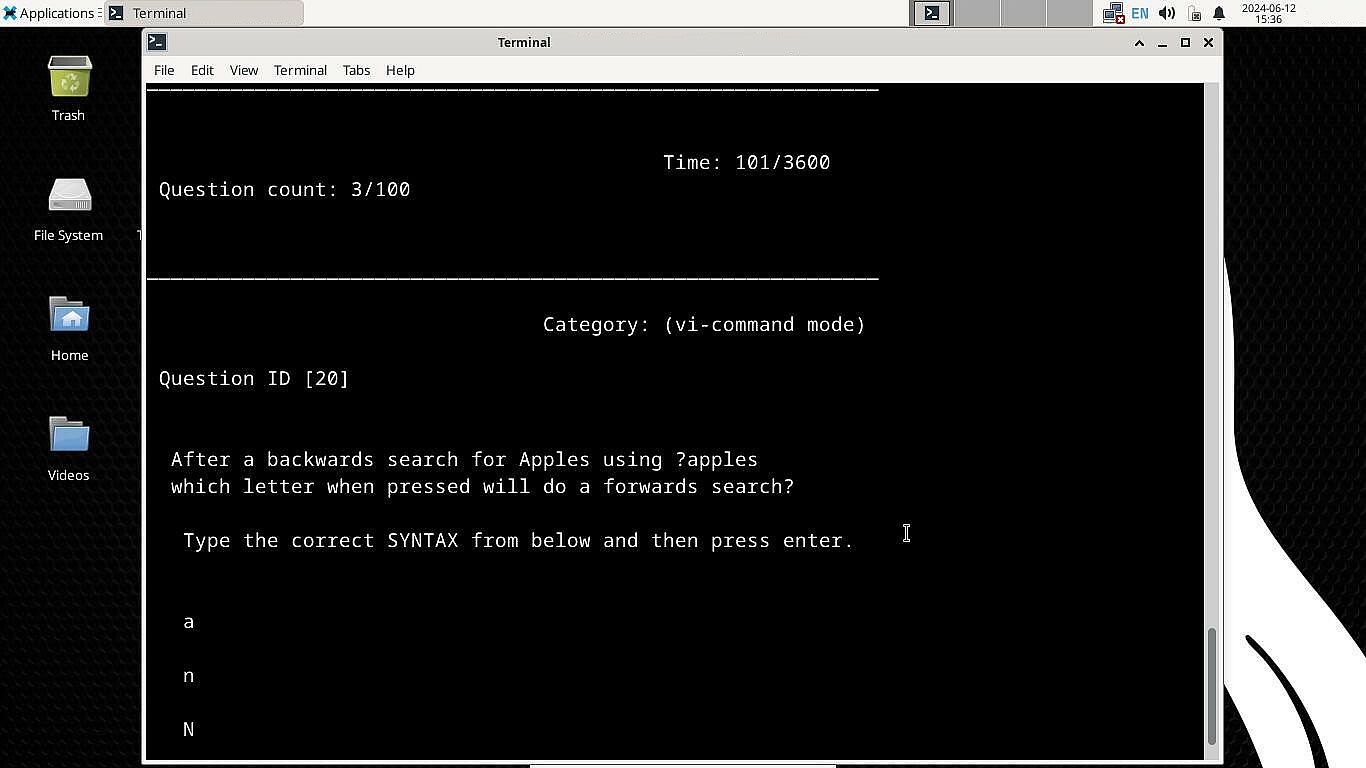
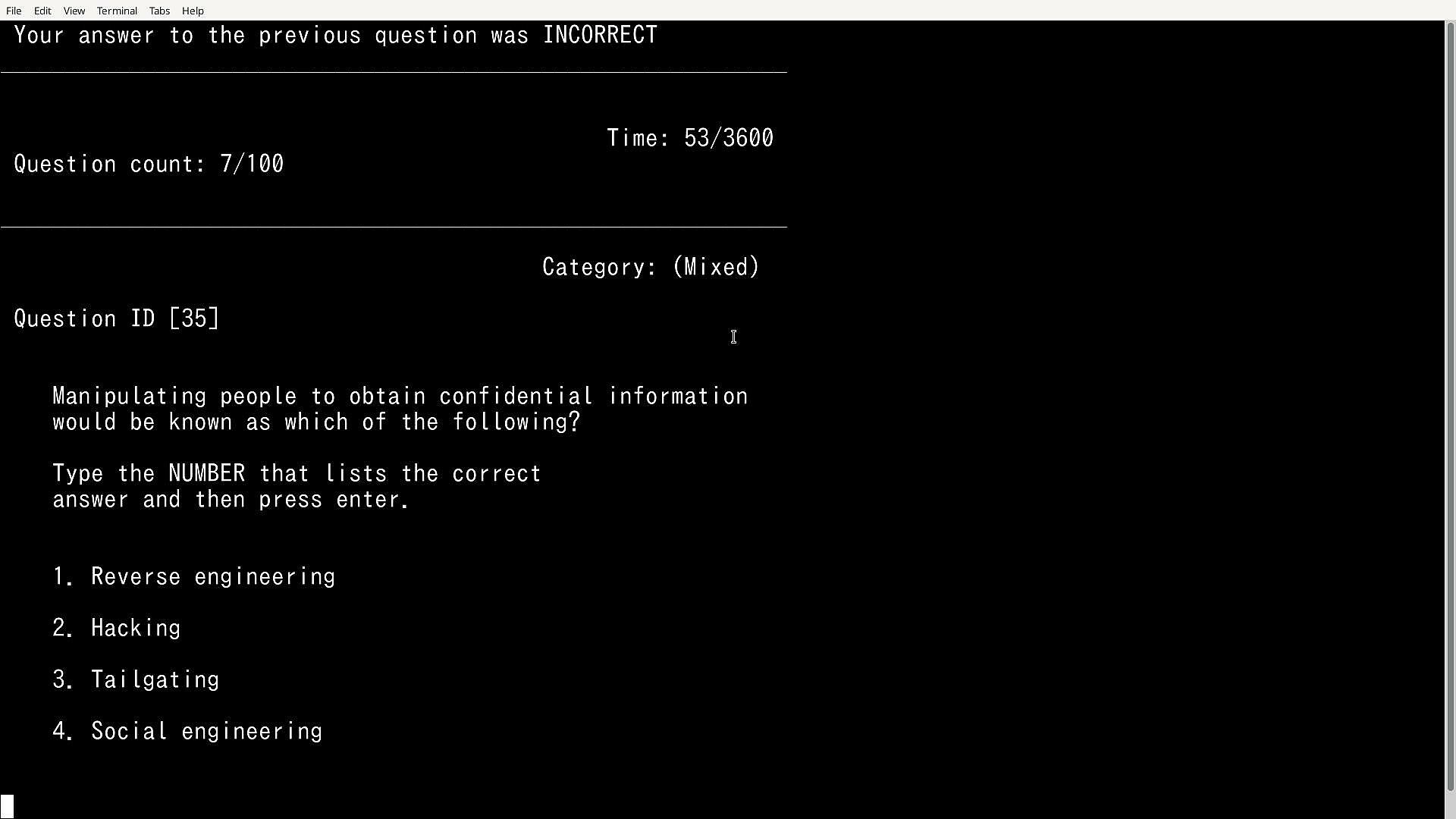
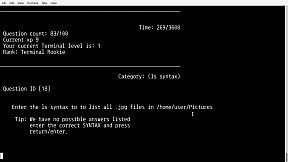
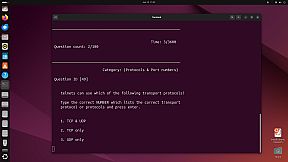
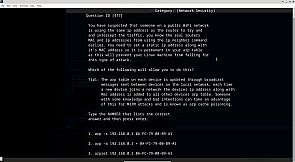
100 questions are randomly outputted from a larger database each run, the user is presented with three possible answers for each question with only one being the correct one, the user must then choose the correct one by typing the actual correct SYNTAX (the SYNTAX can also be copied and pasted to answer, this can be useful if the user is already familiar with a particular SYNTAX and does not wish to type it) that would be used in the real Bash terminal, because it's run in a terminal it gives an authentic feel to the real thing and users can remember the syntax overtime and use it within their own Linux installation.

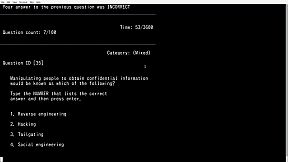
It will also present the user with true or false questions, pick the word/s etc that correctly completes the statement or to choose the number that lists the correct answer for other questions so there is a mix of SYNTAX, true or false & choose the correct number type of questions etc.

Modes:

The advanced databases:

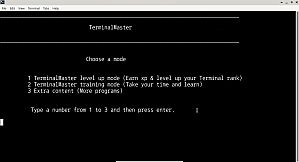
Training mode: In training mode the timer is turned off and if the user gets a question wrong the correct answer is outputted, tips are also displayed along side some questions for better understanding, the user also has the ability to view previously answered questions,  there is no level up in this mode.

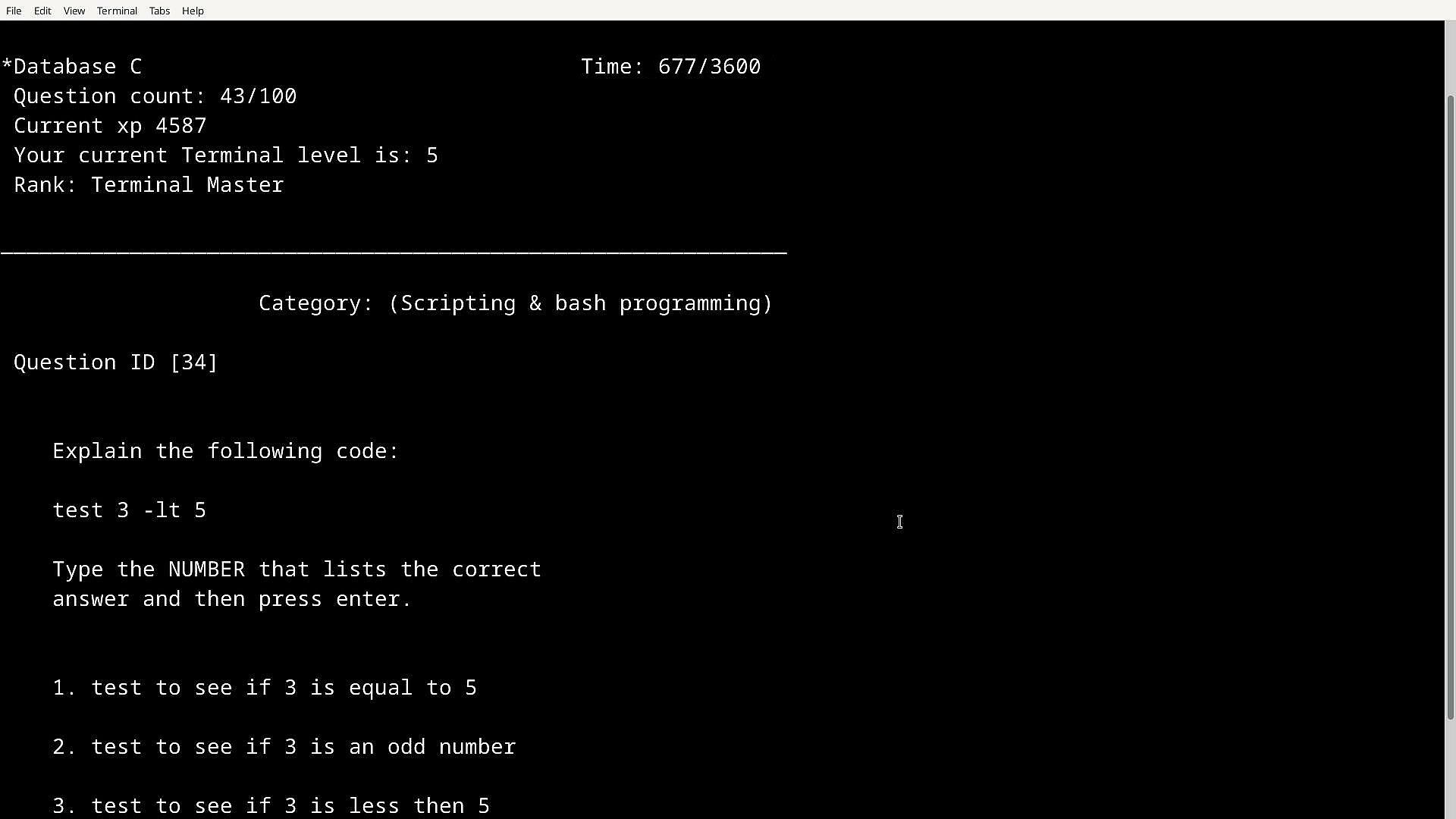
Level up mode: In this mode the user can level up with an XP system in place, you start of as Terminal Rookie and work you way up to the highest Terminal rank, in this mode if you get a question wrong you won't be told the correct answer and there is a timer in place (one hour) but if you get the answer right you get XP, the more XP you get will level up your Terminal Rank.

The passing score is 85+ which is gained by answering questions correctly, xp is saved and is carried over to all level up modes and even if you quit early. Learning is fun and so is leveling up, in TMSTR leveling up actually means something as your learning in the process.

Features:

Features over 2000+ questions which are randomly outputted from different TerminalMaster databases.

2 Large Linux databases (Main combined Databases A&B and Databases C&D), with the option to use smaller databases to target a specific group of questions (Databases A,B,C & D)

9 colours to choose from

150+ Tips in training mode

Terminals tutorial & Advanced tutorial (New to Bash terminal or cmd? learn the basics and more)

Terminals tutorial & Advanced tutorial tests 

Unlockable Windows Command line test level up & training mode

Unlockable Hardcore mode (35 minutes, includes 4 databases combined, earn extra XP)

Unlockable Mixed Database (150 mixed questions from categories such as Networking, Security, and Hardware which are not exclusively based on terminals)

Hidden content

Featuring other very handy useful testing/learning tools:

Nmap tutorial

Subnetting testing app with tips

Vi Text Editor Testing program (Having trouble using the powerful Vi text editor tool, well this app will help you understand how it works, also available in Training mode)

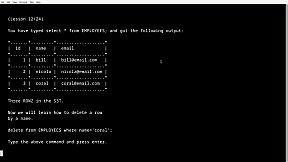
SQL & MYSQL training program (Learn how to create databases, tables ,add entries, edit data and more)

Ports database & testing program (How well do you know common ports? don't worry view the ports database first)

Linux® is the registered trademark of Linus Torvalds in the U.S. and other countries.

All trademarks mentioned in text within this information belong to their corresponding owners.

Interface:
English

Classificação etária

Indisponível

Mínimo:

  • SO: Windows 10/11 32bit or 64bit
  • Processador: Single core processor 1GHZ
  • Memória: 2 GB RAM
  • Gráficos: Integrated graphics or Graphics card
  • Armazenamento: 10 MB available space
  • Notas Adicionais: No; Keyboard required

Recomendado:

  • SO: Windows 10/11 32bit or 64bit
  • Processador: Single core processor 1GHZ
  • Memória: 2 GB RAM
  • Gráficos: Integrated graphics or Graphics card
  • Armazenamento: 10 MB available space
  • Notas Adicionais: No; Keyboard required

Mínimo:

  • SO: Debian, Ubuntu
  • Processador: Single core processor 1GHZ
  • Memória: 2 GB RAM
  • Gráficos: Integrated graphics or Graphics card
  • Armazenamento: 10 MB available space
  • Notas Adicionais: No; Keyboard required, no cloud saving with Linux version, direct launching from Steam install directory instead of with Steam Play button required with Linux version.

Recomendado:

  • SO: Debian, Ubuntu
  • Processador: Single core processor 1GHZ
  • Memória: 2 GB RAM
  • Gráficos: Integrated graphics or Graphics card
  • Armazenamento: 10 MB available space
  • Notas Adicionais: No; Keyboard required, no cloud saving with Linux version, direct launching from Steam install directory instead of with Steam Play button required with Linux version.
Mínimo histórico
Histórico de preços das lojas oficiais
-
-
-
Histórico de preços dos keyshops
-
-
-

FAQ

8 perguntas

Antes de procurar uma chave barata de TerminalMaster, confira o essencial. Desenvolvido por Paul Galvin. Publicado por Paul Galvin. Data de lançamento PC: 19 mar. 2025. Géneros: Indie, Simulation, Education, Software Training. Categorias: Family Sharing, Single-player, Steam Cloud.

Q

Onde comprar uma chave Steam barata de TerminalMaster?

Usando o nosso comparador de precos e codigos de desconto verificados, pode comprar uma chave de TerminalMaster por apenas 9,75 €. Esta oferta esta disponivel na Steam e e uma das mais baratas do mercado. Todas as chaves listadas no XD.deals sao entregues digitalmente e disponiveis para download imediato apos o pagamento. Os precos ja incluem taxas de processamento e codigos promocionais aplicados, para que veja sempre o preco mais baixo de TerminalMaster no PC. Consulte o historico de precos de TerminalMaster para comprar no melhor momento.

De acordo com a nossa ultima atualizacao (atualizamos os precos do Steam varias vezes ao dia), o preco de TerminalMaster no Steam e 9,75 €. Pode poupar cerca de 6% extra pagando com um cartao presente Steam com desconto.

O nosso rastreador de precos abrange tanto lojas oficiais como keyshops, para que possa encontrar TerminalMaster em promocao mesmo fora das campanhas sazonais. Detetamos atualmente 1 oferta ativa de lojas oficiais e keyshops. Consulte a tabela acima, compare com o minimo historico e defina um alerta para nunca perder a proxima descida de preco.

Com base nos nossos dados, TerminalMaster nao esta atualmente disponivel no GeForce NOW. Precisara de o executar localmente no seu PC. Consulte os jogos disponiveis no GeForce NOW.

Sim. TerminalMaster tem uma pagina oficial no Steam. Tambem pode comprar uma chave Steam de TerminalMaster em vendedores terceiros. O nosso comparador inclui atualmente 1 oferta com DRM Steam. Escolha uma para garantir que o download de TerminalMaster acontece na plataforma da Valve.

Nao neste momento. A Valve marca TerminalMaster como Nao Suportado no Steam Deck. Fique atento ao XD.deals - acompanhamos atualizacoes do Proton e correcoes da comunidade. Consulte os jogos Steam Deck Verified ou Steam Deck Playable.

TerminalMaster nao parece estar disponivel no PC Game Pass, EA Play, Ubisoft+ ou qualquer outro servico de assinatura para PC neste momento. A unica opcao e comprar o jogo - use o XD.deals para encontrar o melhor preco.

Nao - o XD.deals nao e uma loja. Somos um servico de comparacao de precos que acompanha as melhores ofertas de TerminalMaster em lojas oficiais e keyshops verificadas. Clique em "Ir para a loja" junto a qualquer oferta e sera redirecionado para o site do vendedor para concluir a compra.

Melhores preços para TerminalMaster

1 Steam Steam Official
9,75 €

Quer comprar no melhor momento? Defina um alerta de preco no XD.deals e seja notificado quando TerminalMaster atingir o seu proximo minimo historico.

Criar Alerta
Junte-se ao nosso Discord
Obtenha ajuda instantânea da nossa comunidade e mantenha-se atualizado sobre as últimas ofertas
Definir Alertas de Preço
Seja notificado por email quando os preços dos jogos baixarem para o seu objetivo
Criar Conta Gratuita
Desbloqueie listas de desejos, alertas de preço e sincronização Steam