







OVERVIEW
If you've ever wanted to become a pilot in the U.S. military, start here! The U.S. military employs several tests to find the pilots with the best potential, including tests such as the USAF's Test of Basic Aviation Skills (TBAS) or the Navy's Aviation Selection Test Battery (ASTB-E) / Performance Based Measurement Battery (PBMB). Preparation is always the most important ingredient for success, and testing to become a pilot in the U.S. military is no exception. Use a keyboard and mouse or console controller to practice... or, to get as close as possible to simulating the real TBAS, practice using one of the supported HOTAS controllers! With enough practice, you can shine above all other candidates and secure your new career path.
This application contains a variety of features to prepare you for your aviation test, including the following test components:
DIRECTIONAL ORIENTATION TEST
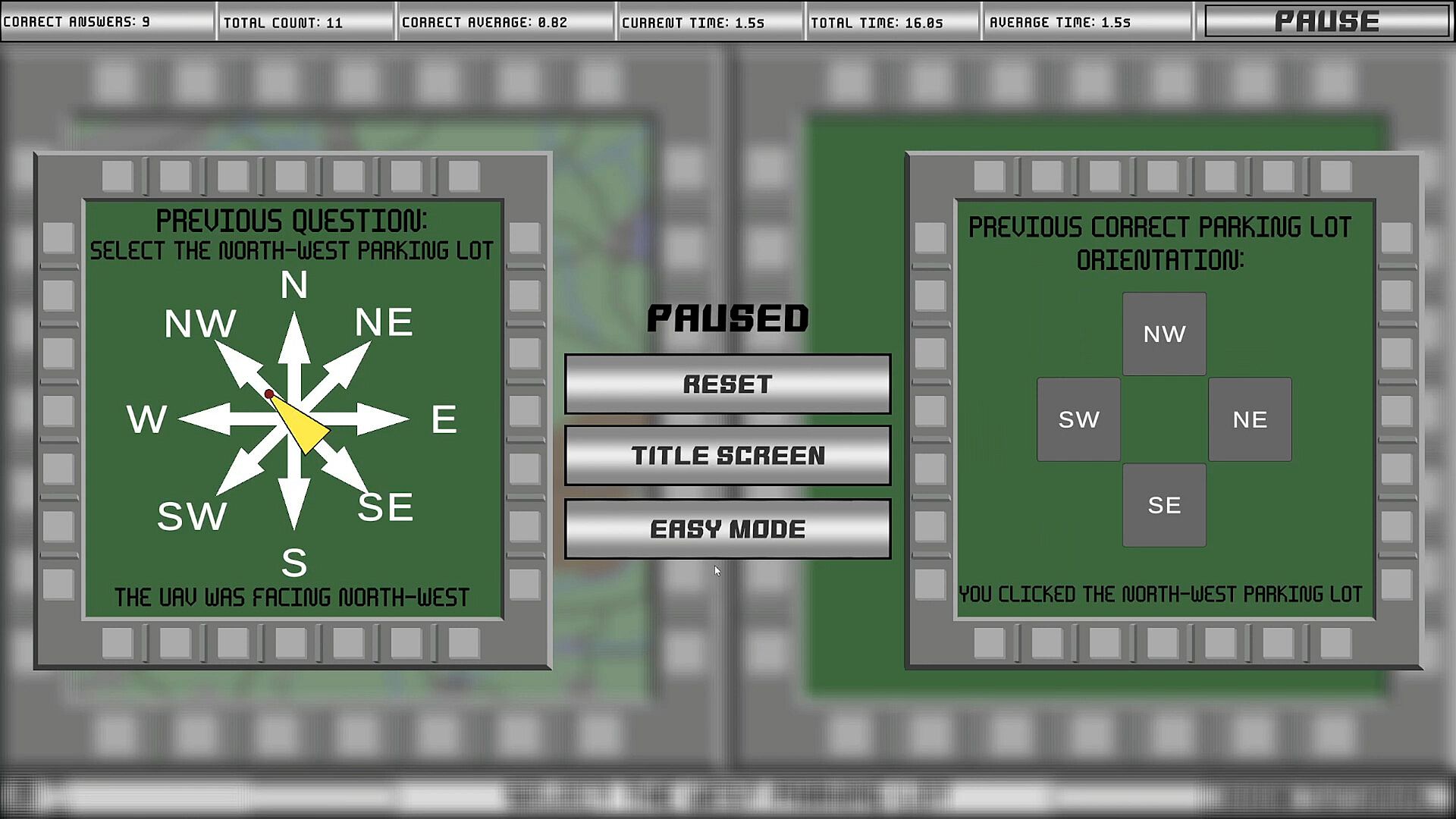
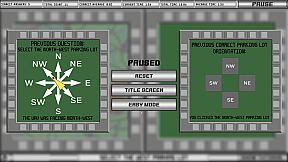
Included in both the TBAS and ASTB-E, this test measures and improves your ability to determine your aircraft's heading with nothing but your directional orientation shown on a map. In the test, a map is shown with your aircraft's heading depicted as an arrow. On the right side of the screen is a display showing a top-down visual of buildings from your perspective in the aircraft. Simply select the correct building when prompted based on the directional orientation shown on the map.
MULTITASKING TEST
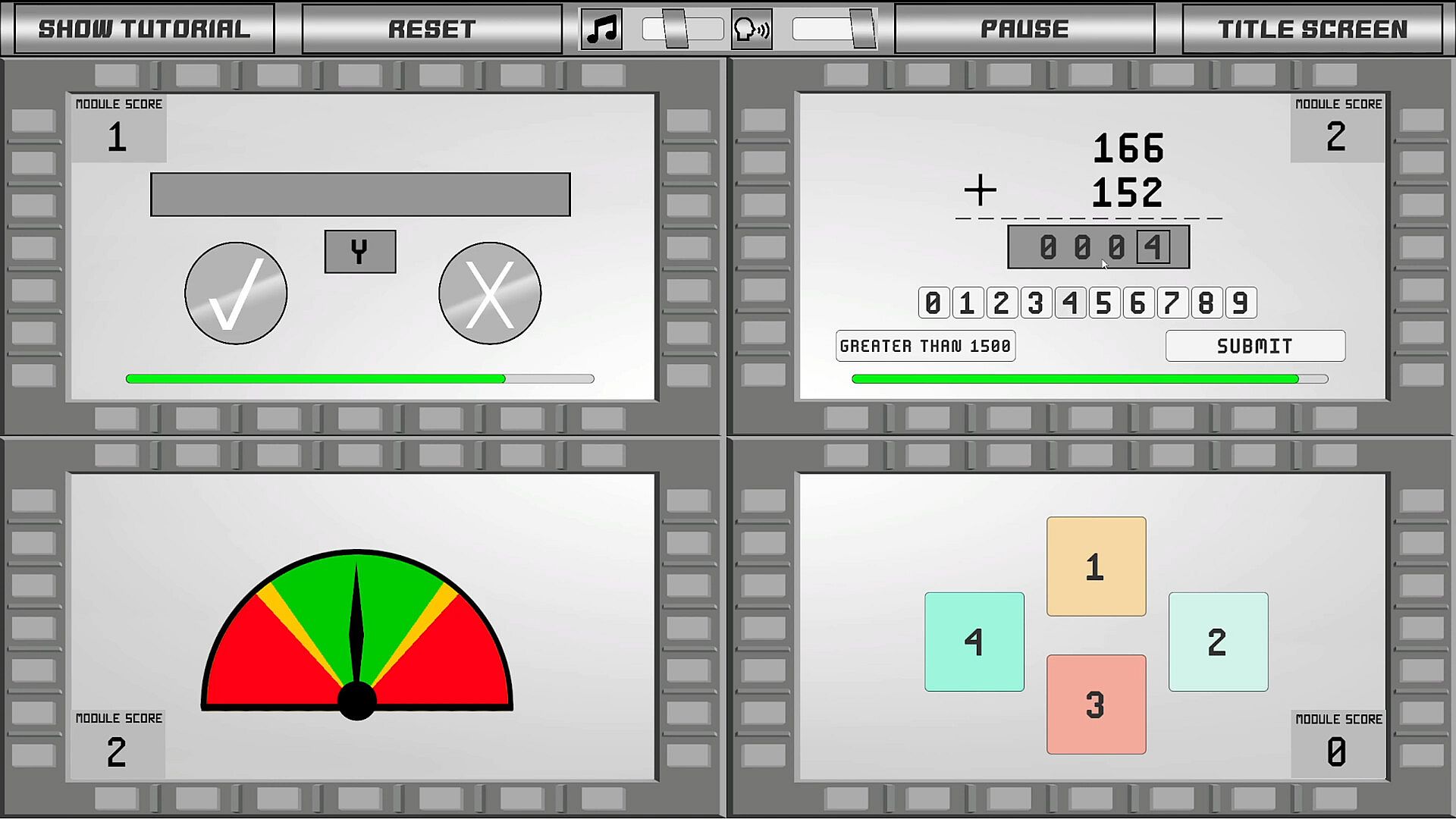
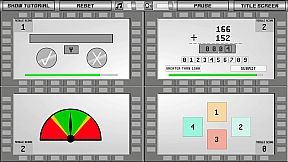
Included in the TBAS, this test measures and improves your performance under stress, as well as your ability to manage up to four tasks simultaneously:
MEMORY TEST: A code containing letters is shown briefly, and you must memorize the contents of the code before it disappears. Letters will appear in a box and you must select a "Check" or "X" button based on whether the letter that appears was in the code. You must make an entry before the time expires.
MATH TEST: Addition and Subtraction problems will appear periodically. You must use the number buttons to enter in and submit the answer to the math problem shown before the time runs out.
DIAL TEST: A dial on a gauge will periodically creep to the left or the right. Your job is to make sure that the dial stays in the green or yellow bands, and does not enter the red band.
RADIO TEST (Speakers/Headphones Required): A voice will speak an audible command. You must remember your "Callsign" and click the proper "Radio Button" when your callsign is called and you are instructed to switch radios.
TERRAIN IDENTIFICATION TEST
Included in the ASTB-E, this test measures and improves your ability to identify your compass-heading based on geographical features on a map. Similar to the Directional Orientation test, the left-hand screen shows a map with "NORTH" always being the top of the screen, and the right-hand screen is your view of the ground from the "cockpit" of an aircraft, with your heading/forward-direction always being the top of the screen. You must determine the compass-heading of your aircraft by cross-referencing geographical features from the right-hand "Heading" screen with the position and orientation of those same features on the left-hand "Map" screen.
AIRCRAFT TRACKING TEST
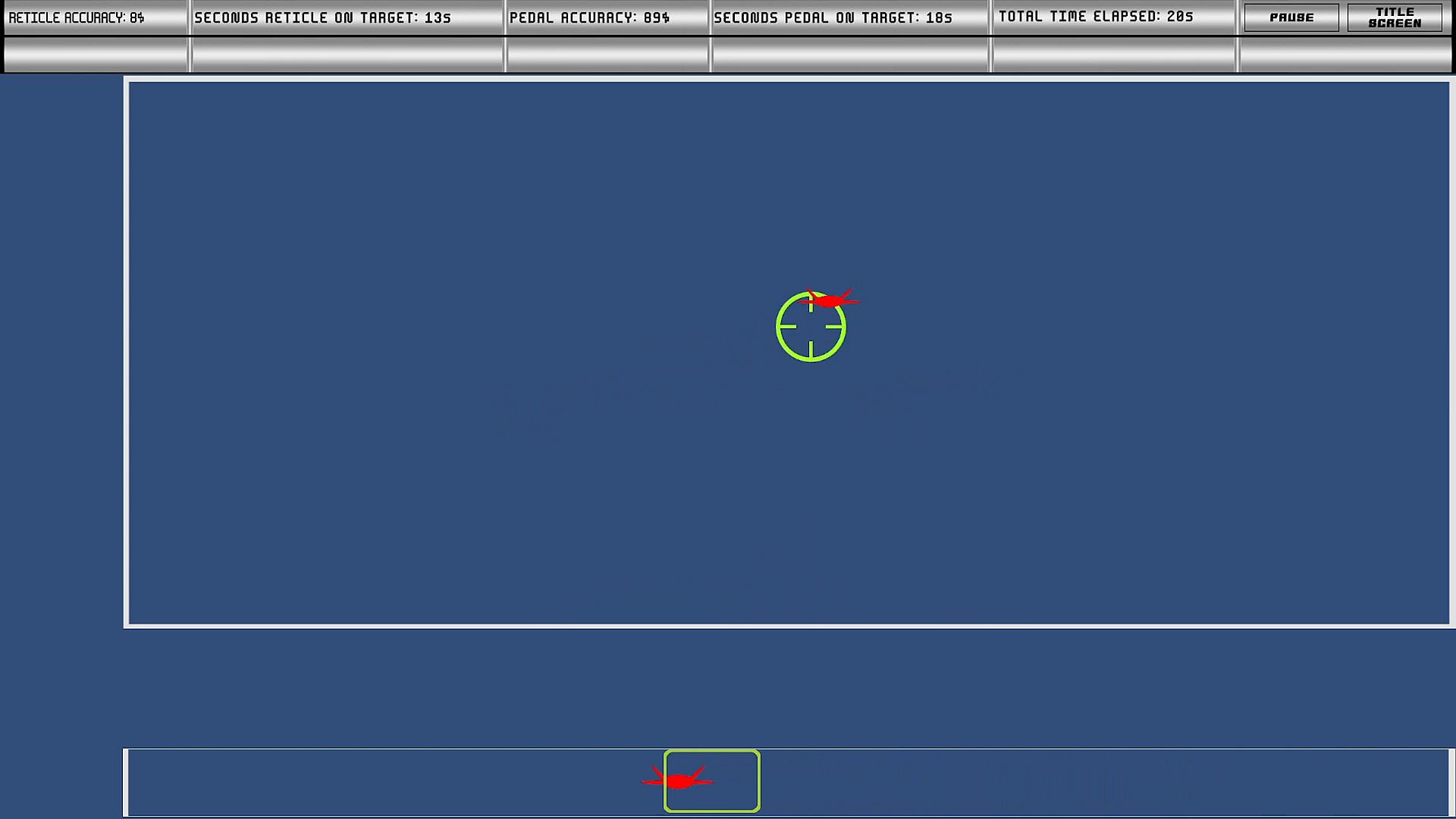
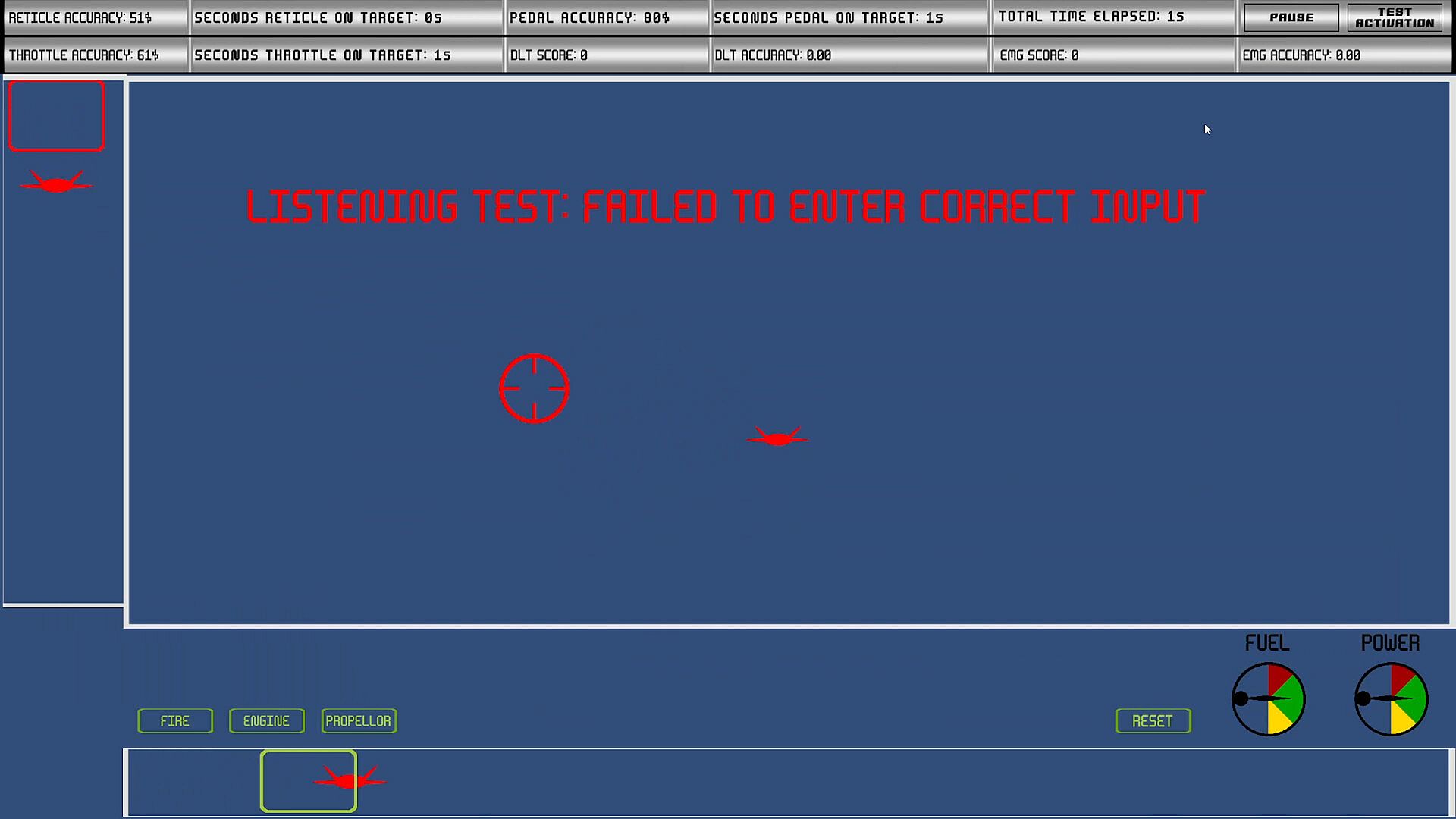
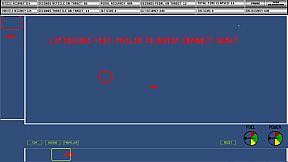
This test measures and improves your ability to coordinate your hand and feet together to steer an aircraft toward desired targets. Contains five components that can be practiced either individually or simultaneously:
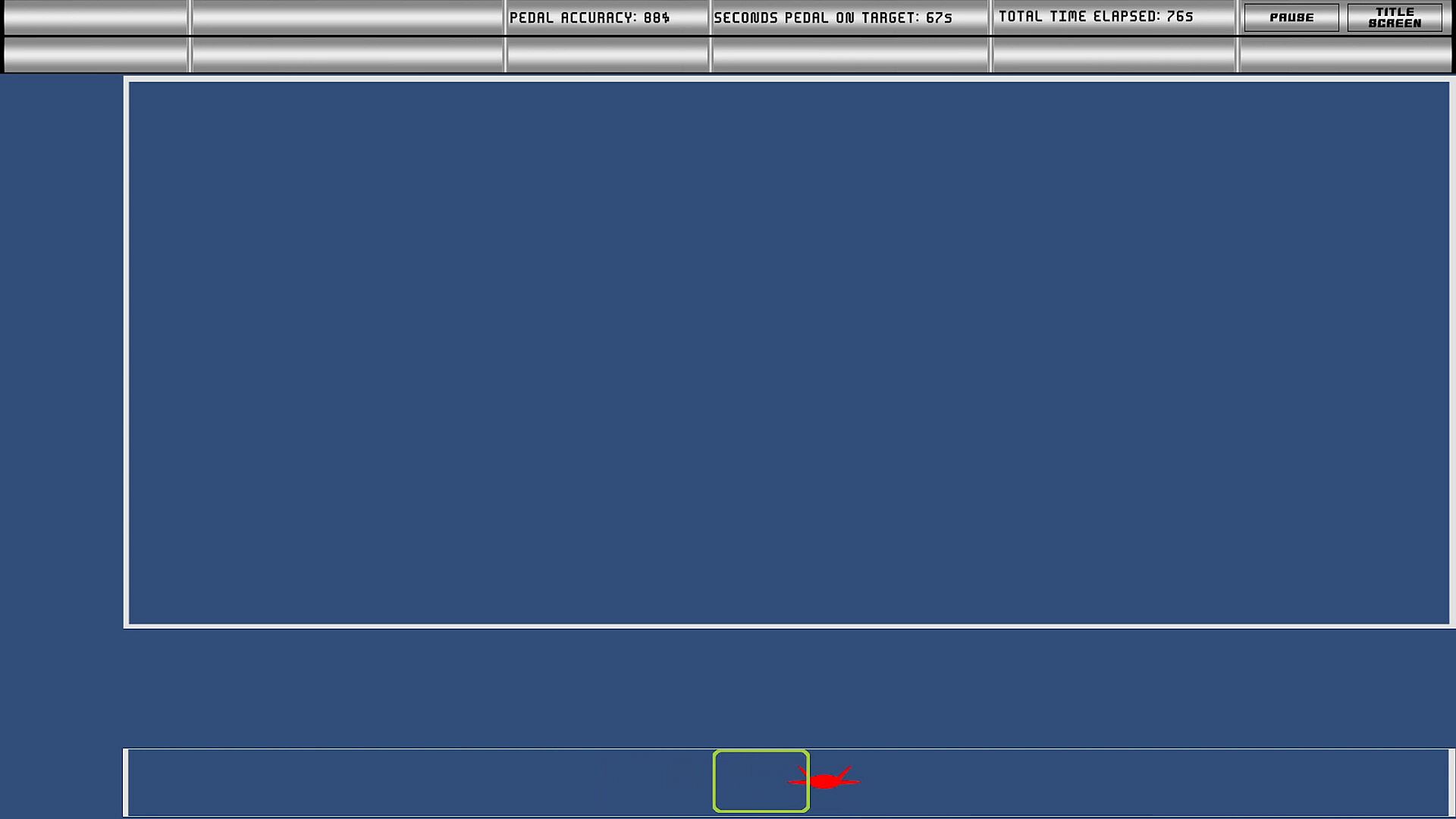
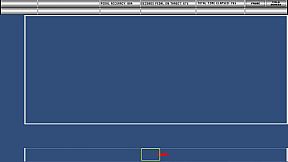
[TBAS] PEDAL TRACKING TEST (Rudder Pedals Recommended): An aircraft silhouette travels horizontally from left to right on the bottom of the screen. Rudder pedals, arrow keyboard keys, or gamepad shoulder buttons are used to move a box over the aircraft silhouette. The goal is to raise your "Pedal Accuracy", which increases when the pedal box is over the aircraft silhouette.
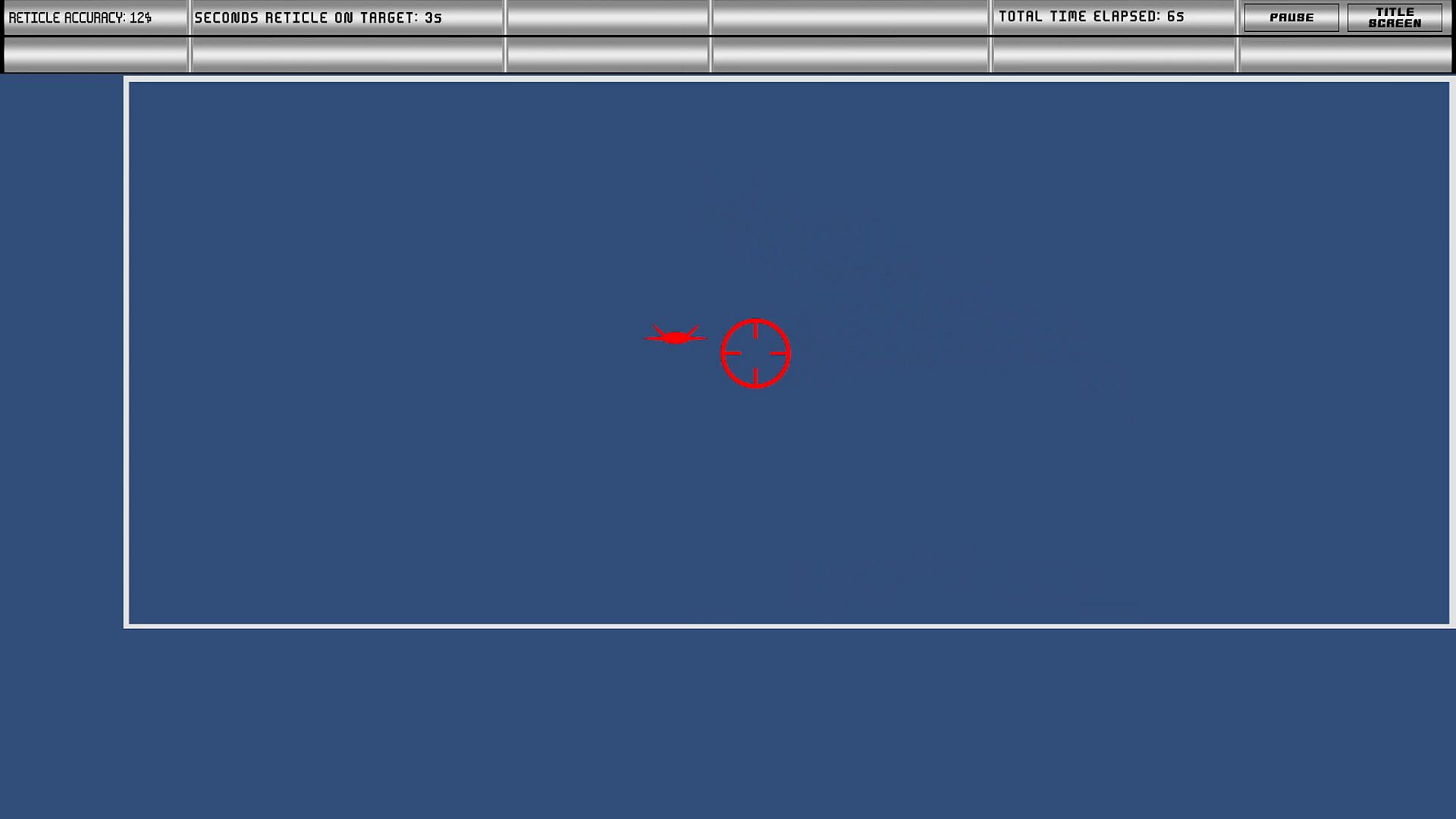
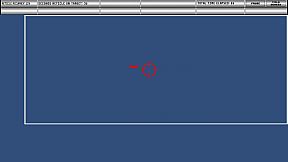
[TBAS and ASTB-E / PBMB] RETICLE TRACKING TEST (Flight Stick Recommended): An aircraft silhouette travels around the screen. A flight stick, "WASD" keyboard keys, or gamepad control stick are used to move the reticle on the screen over the aircraft silhouette. The goal is to raise your "Reticle Accuracy", which increases when the reticle is over the aircraft silhouette.
[ASTB-E / PBMB] THROTTLE TRACKING TEST (Flight Stick/Throttle Combination Recommended): An aircraft silhouette travels vertically from top to bottom on the left side of the screen. HOTAS throttle movement, arrow keyboard keys, or gamepad triggers are used to move a box over the aircraft silhouette. The goal is to raise your "Throttle Accuracy", which increases when the throttle box is over the aircraft silhouette.
[ASTB-E / PBMB] DICHOTIC LISTENING TEST (Stereo Audio or Headphones Required): A series of numbers and letters are played in the left and right ears. You must listen in specifically one ear to determine if a number was played, and press a button on your joystick, keyboard, or gamepad depending on if the number was even or odd.
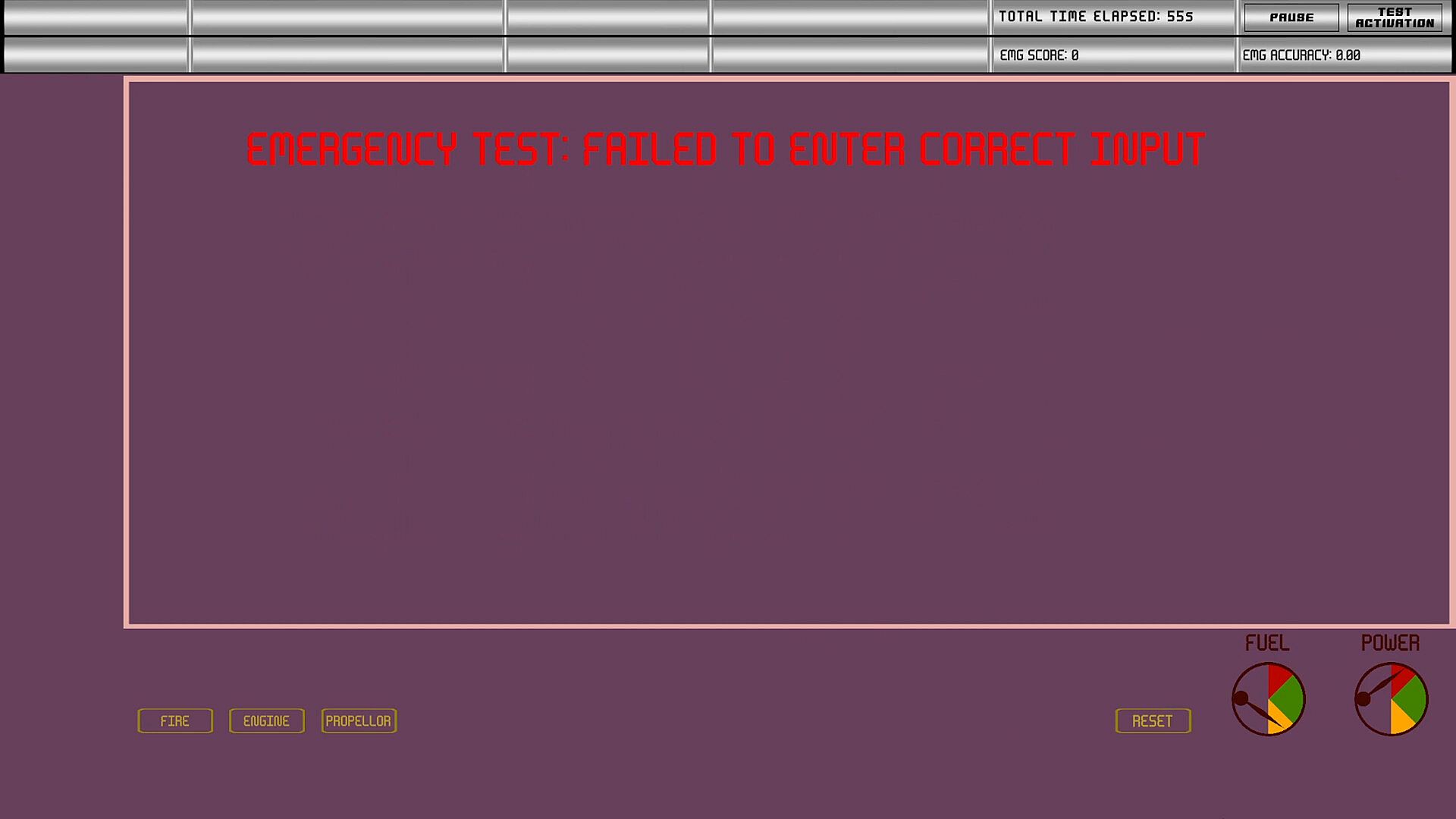
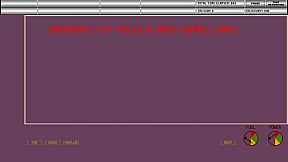
[ASTB-E / PBMB] EMERGENCY SCENARIO TEST (Audio Required): You must memorize three scenarios and how to adjust two separate gauges for each. Pressing "Reset" will confirm your gauge positions. You will lose points if your gauge positions are incorrect, and you will gain points if they are correct.
ASSESSMENT MODE
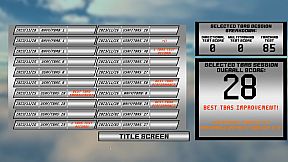
You can practice each test individually or you can try your hand at simulating a real test using the "Assessment Mode". In the Assessment Mode, the program scores your performance over each test and gives an approximated total score at the end of your assessment.
QUALITY OF LIFE FEATURES
This program contains a comprehensive suite of quality of life features that help you to prepare for your military aviation test.
ADJUSTABLE DIFFICULTY: When practicing each test, you are given the option to adjust the difficulty of every aspect of each test.
COMPREHENSIVE TUTORIALS: A detailed explanation of the mechanics of each test are provided, and are available for viewing throughout your practice session.
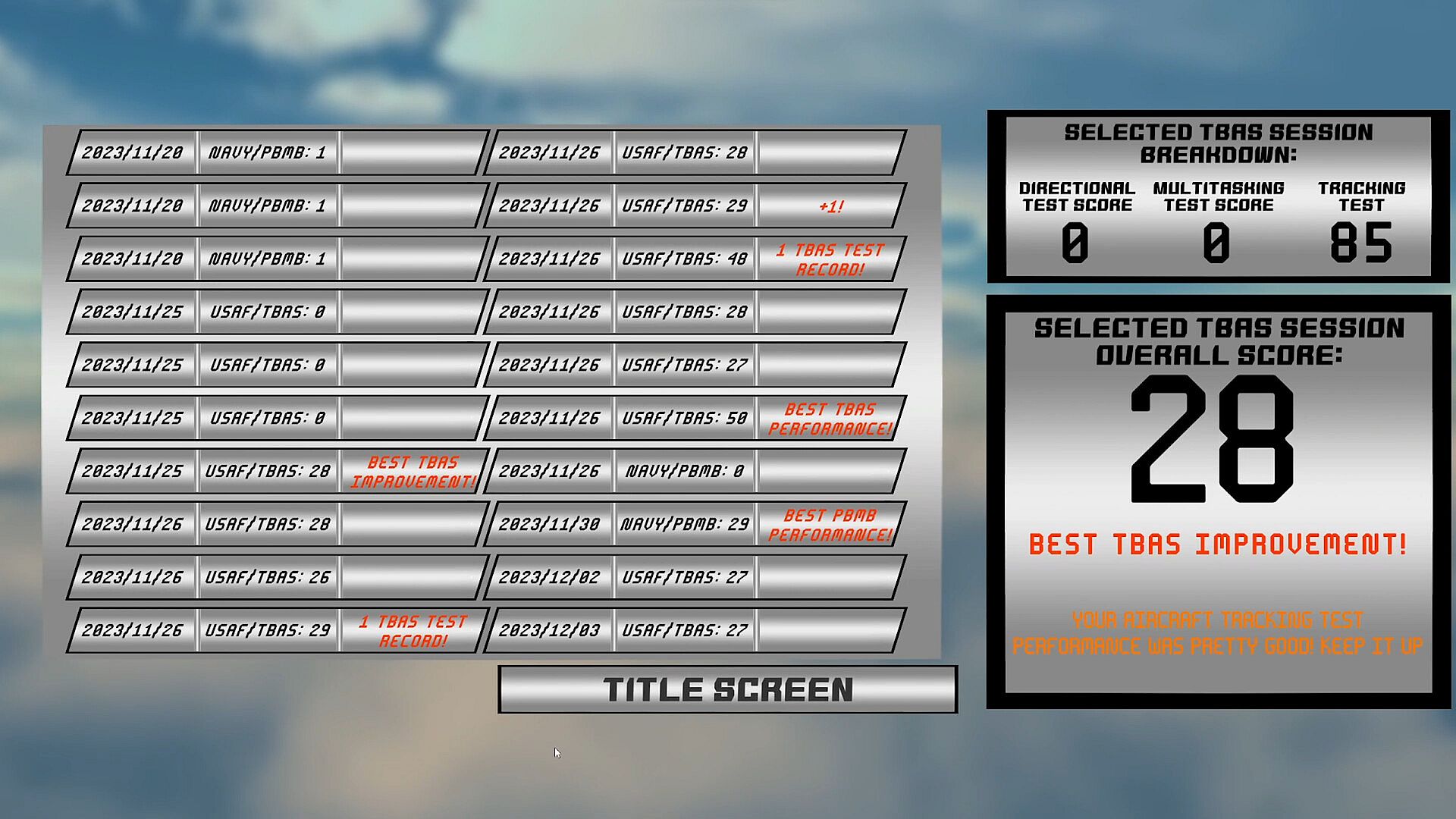
PERFORMANCE HISTORY AND STATISTICS: From the menu, you can view your ASSESSMENT MODE performance history to see how your performance has improved over time.
LEADERBOARDS: Compare your performance with your peers! Did you get a score and you're not sure how good it actually is? Take a look at the worldwide statistics for the assessment mode or for each individual test and see if you have what it takes to out-compete other prospective pilots! If you ever find yourself in the number one spot, you can rest assured that you're built from the stuff pilots are made of!
DISCLAIMER
This program was built based off of publicly available information around U.S. military aviation aptitude tests, and using it to prepare does not compromise taking real U.S. military aviation aptitude tests such as the TBAS or ASTB-E / PBMB. The developer of this software is not acting as a representative of the United States Department of Defense, Lockheed Martin, Boeing, or any other aerospace organization.
While the program supports a gamepad and select HOTAS controllers for the Aircraft Tracking test, a keyboard and mouse is required for all other tests.
COMPATIBLE H.O.T.A.S. CONTROLLERS
This program was built with the Unity game engine, and as a result is only capable of recognizing HOTAS controllers that the Unity game engine is capable of recognizing. However, the Unity game engine recognizes a vast majority of the more popular HOTAS controllers on the market, including but not limited to:
Thrustmaster T. Flight Full Kit X Throttle, Stick, and Pedals setup (This compatibility extends to the Thrustmaster T. Flight HOTAS One)
Logitech Extreme 3D Pro Joystick
Logitech X52 Throttle and Stick
Logitech X56 Throttle and Stick (Throttle requires "2D Inputs" toggle selection in Rebinding menu)
Note: The Thrustmaster TFRP Rudder Pedals ONLY work by default when used as a part of the Thrustmaster T. Flight Full Kit X setup, due to inherent Unity game engine limitations. If used as a part of any other configuration its input will need to be passed through the free Thrustmaster TARGET software.
Developer's Advisory: For any controllers not listed here, compatibility cannot be guaranteed, as there are more HOTAS controllers in existence than are physically feasible to test. However, if you have a HOTAS setup that does not work, please reach out. I will work with you all day if it means I can update this software to be compatible with your setup, and if I can't get it to work I will update this storepage to reflect that HOTAS setup as being incompatible. The TBAS is an important test in your future career as a pilot, and I'm here to help you pass!
