









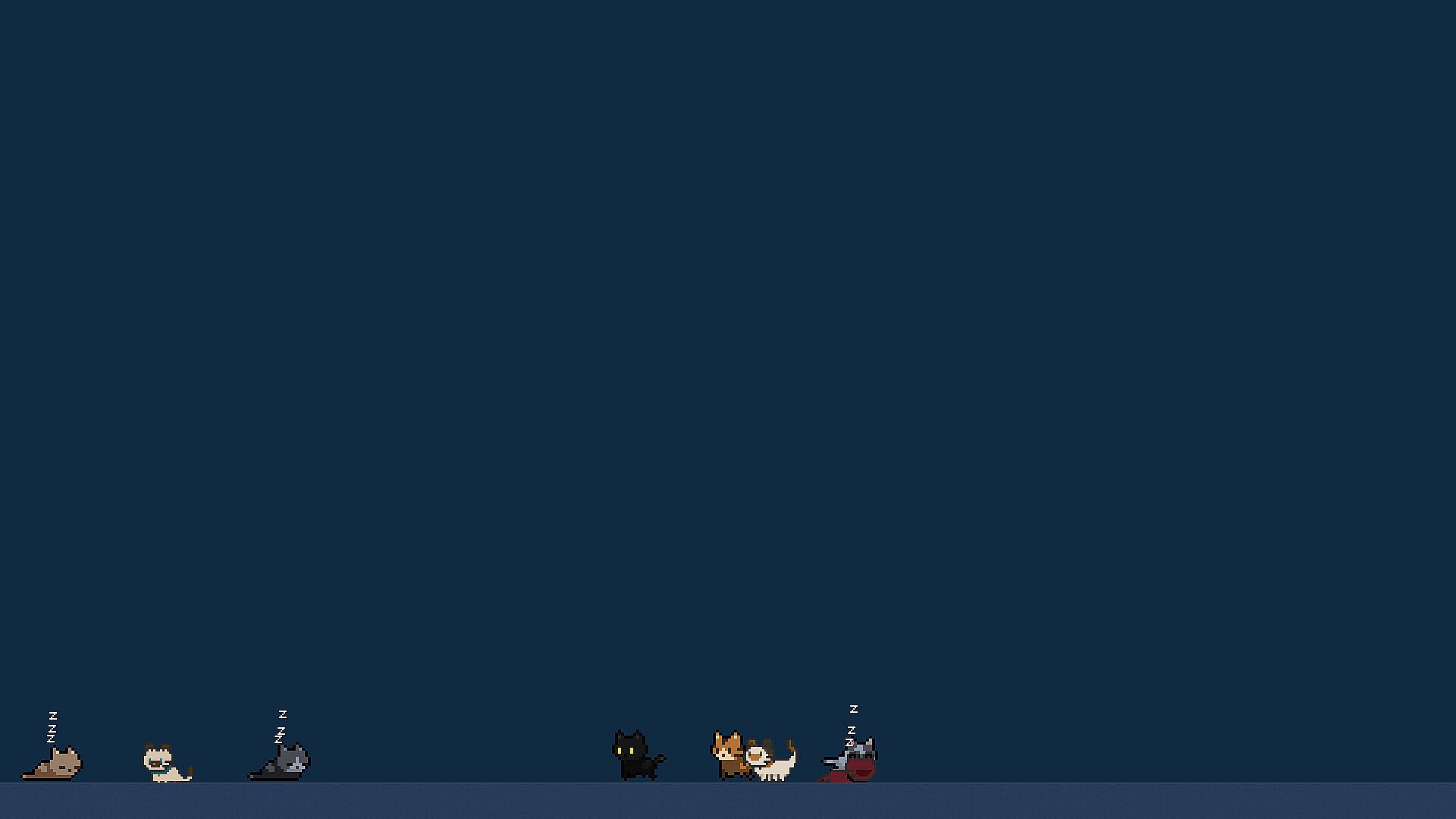
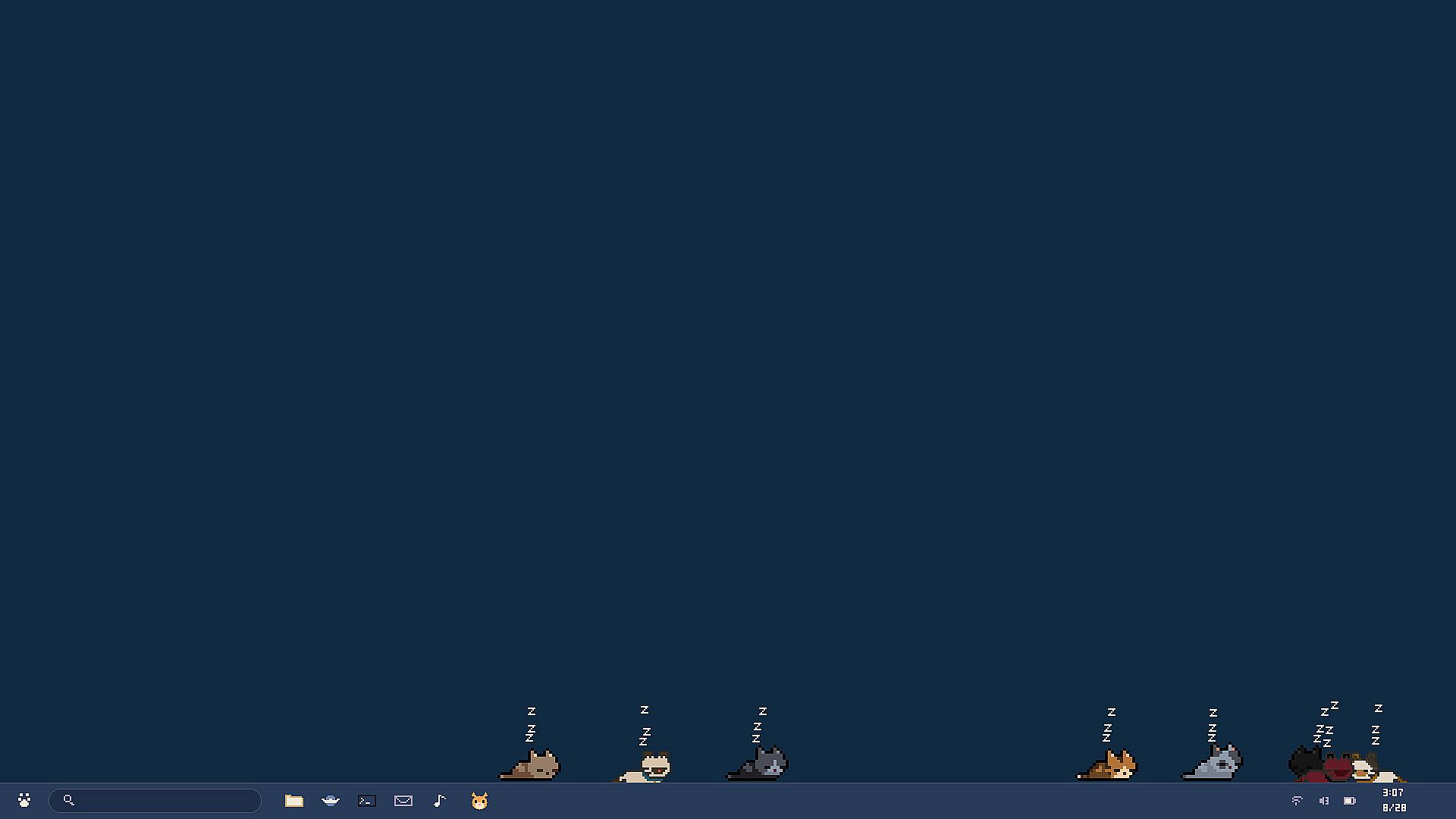
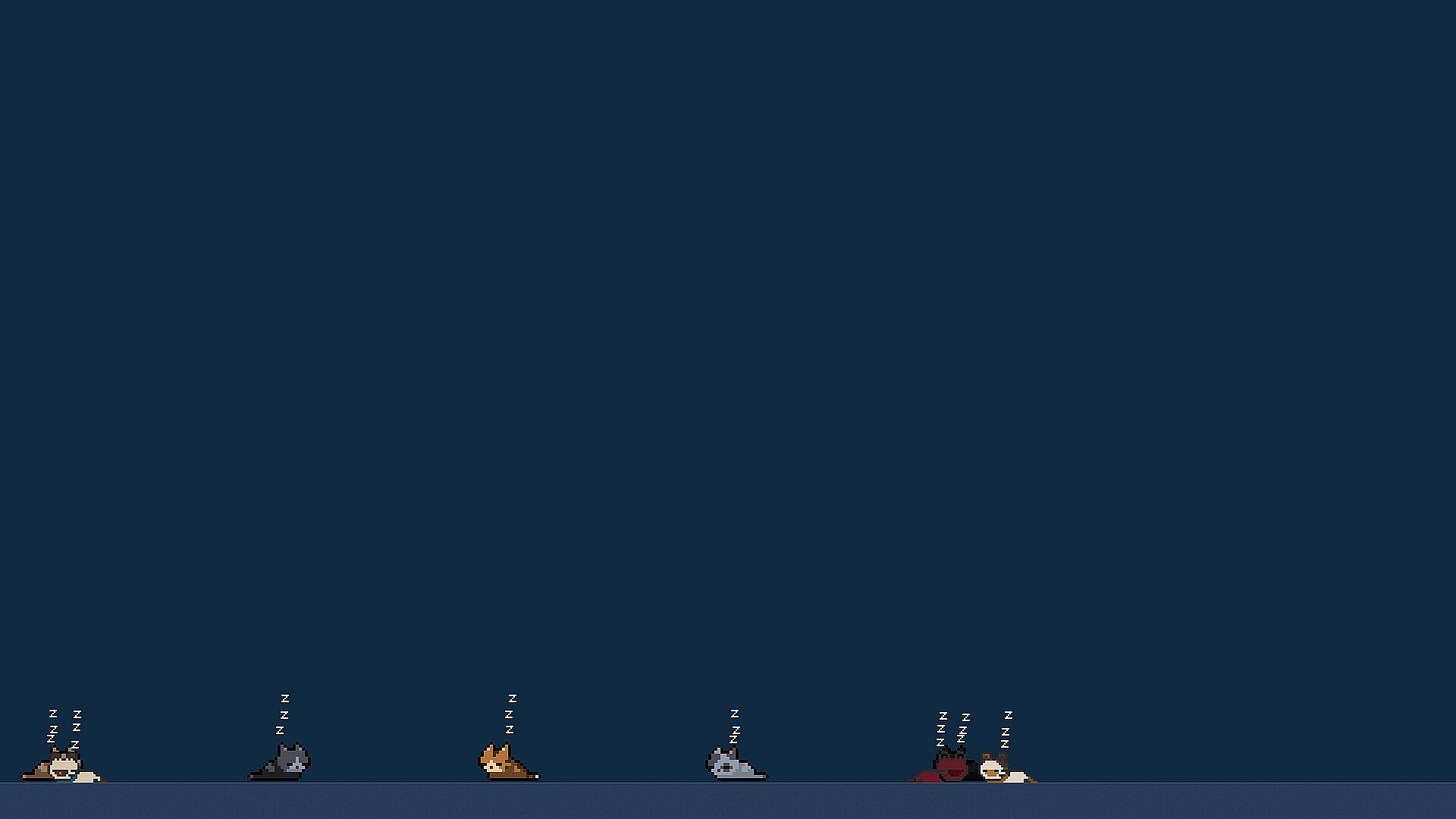
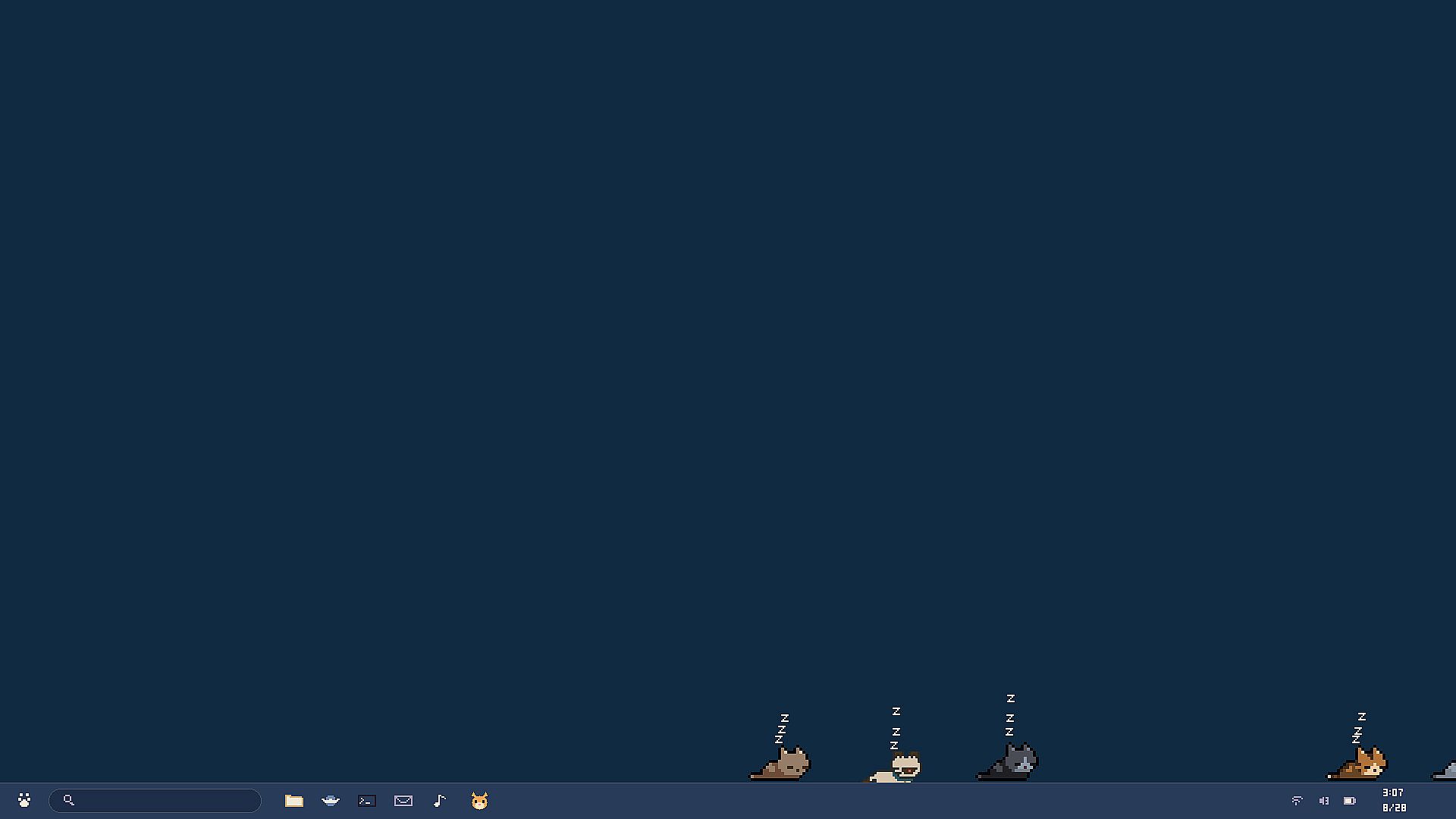

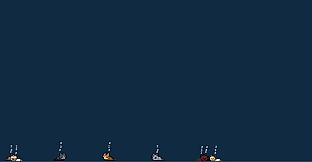

Taskbar Cat Club é um jogo casual de simulação para PC que posiciona uma coleção de gatos em pixel diretamente no ambiente de trabalho. Esses pequenos moradores circulam pela barra de tarefas, interagem com janelas abertas e reagem ao movimento do cursor enquanto você usa o computador normalmente. O foco está em observar e interagir de forma leve com os gatos, que exibem comportamentos independentes como caminhar, cochilar, se lamber e fazer travessuras ocasionais.
Gameplay
O ciclo principal consiste em acompanhar os gatos em tempo real na tela, inclusive em múltiplos monitores. Eles percorrem a barra de tarefas, sobem nas bordas das janelas e se deslocam junto quando as janelas são arrastadas. É possível clicar e arrastar cada gato para reposicioná-lo em qualquer lugar, inclusive em bordas de janelas. O cursor ativa reações como saltos ou batidas de pata quando se aproxima. Fazer carinho em um gato gera uma explosão visual de corações. O modo Esquivo altera as reações para que os gatos fujam do cursor.
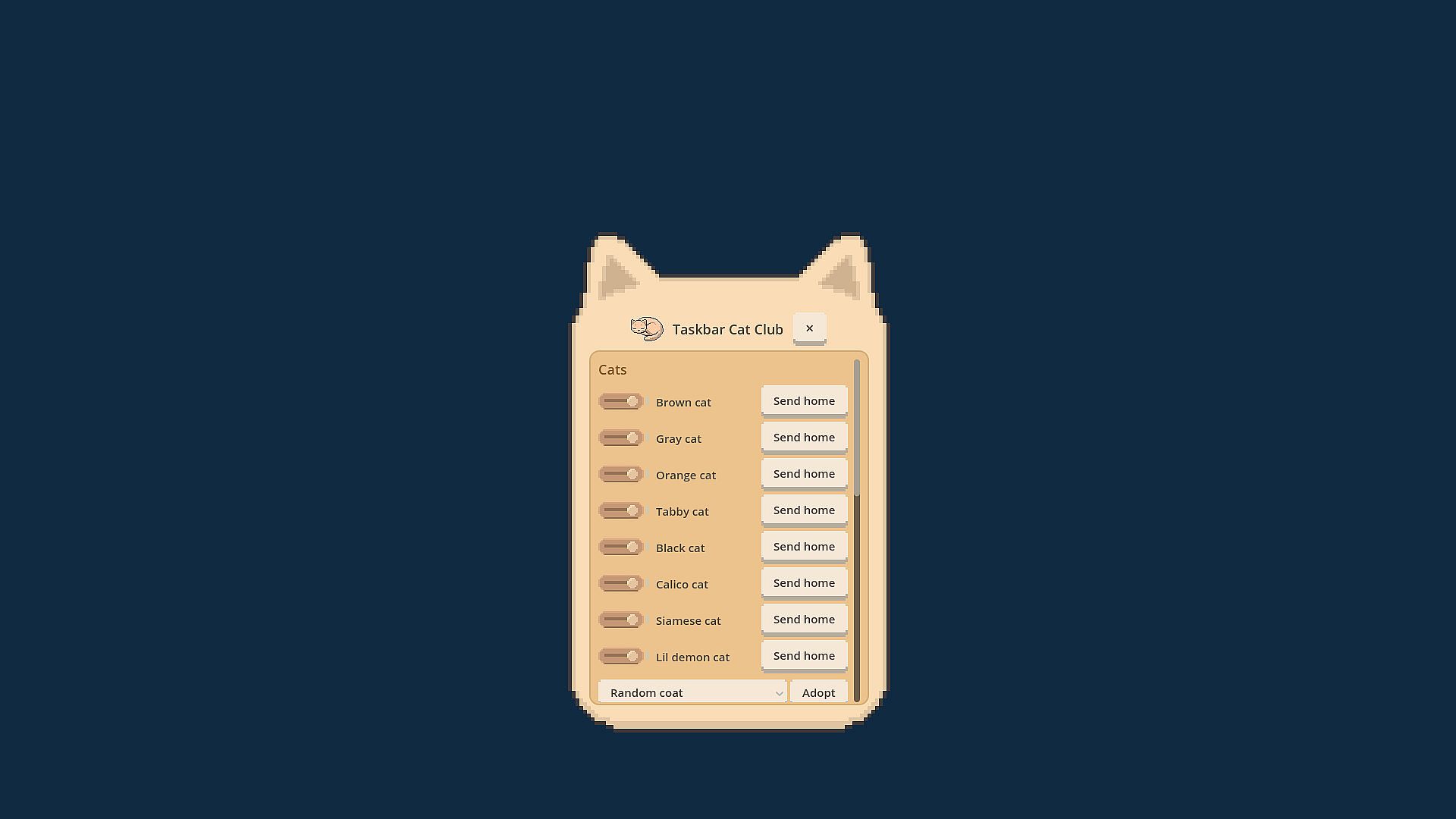
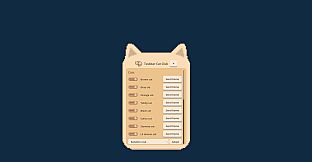
O menu do clube é aberto com clique direito em um gato, enquanto Alt+clique exibe um painel de configurações em formato de gato. O aplicativo permite clique através em toda a área, exceto nos próprios gatos, mantendo o uso normal da área de trabalho. Gatos mais tímidos se afastam automaticamente dos monitores em aplicativos em tela cheia. O modo em segundo plano minimiza o programa para a bandeja do sistema. O consumo de recursos permanece baixo graças ao limite de frames ajustado e à ausência de janelas grandes sobrepostas.
Modos de Jogo
Taskbar Cat Club funciona como uma experiência única e persistente, sem modos de jogo separados. A principal atividade é a presença contínua dos gatos na área de trabalho, com o modo Esquivo como principal opção para alterar o estilo de interação. Todos os outros elementos fazem parte dessa simulação contínua, sem alternância entre estilos ou objetivos distintos.
Coleção e Personalização de Gatos
Vinte e quatro pelagens diferentes estão disponíveis para adoção, em dois estilos de arte distintos. As opções vão de padrões clássicos de tigrado até um filhote de tigre, variações de calico, modelos com coleira e uma pequena variante demoníaca. É possível adotar vários gatos ao mesmo tempo, limitado apenas pelo espaço disponível na tela. Cada gato mantém o tamanho consistente mesmo em configurações com monitores de DPI diferentes e retém sua última posição ao reiniciar o aplicativo.
Vale a Pena Jogar?
Taskbar Cat Club é ideal para quem busca um companheiro leve e sempre presente no PC, sem consumo de recursos ou pressão de jogabilidade. A simulação oferece interações simples e repetíveis, baseadas em observação e engajamento leve com o cursor. Não há sistemas de necessidades ou temporizadores, permitindo que os gatos funcionem apenas como elementos ambientes na área de trabalho. Com o lançamento próximo e foco em suporte a múltiplos monitores e operação em segundo plano, o título atrai quem gosta de simulações casuais que rodam ao lado do trabalho ou da navegação diária. Jogadores interessados em overlays de área de trabalho e gatos em pixel art encontrarão mecânicas verificadas que atendem a essa preferência.
