





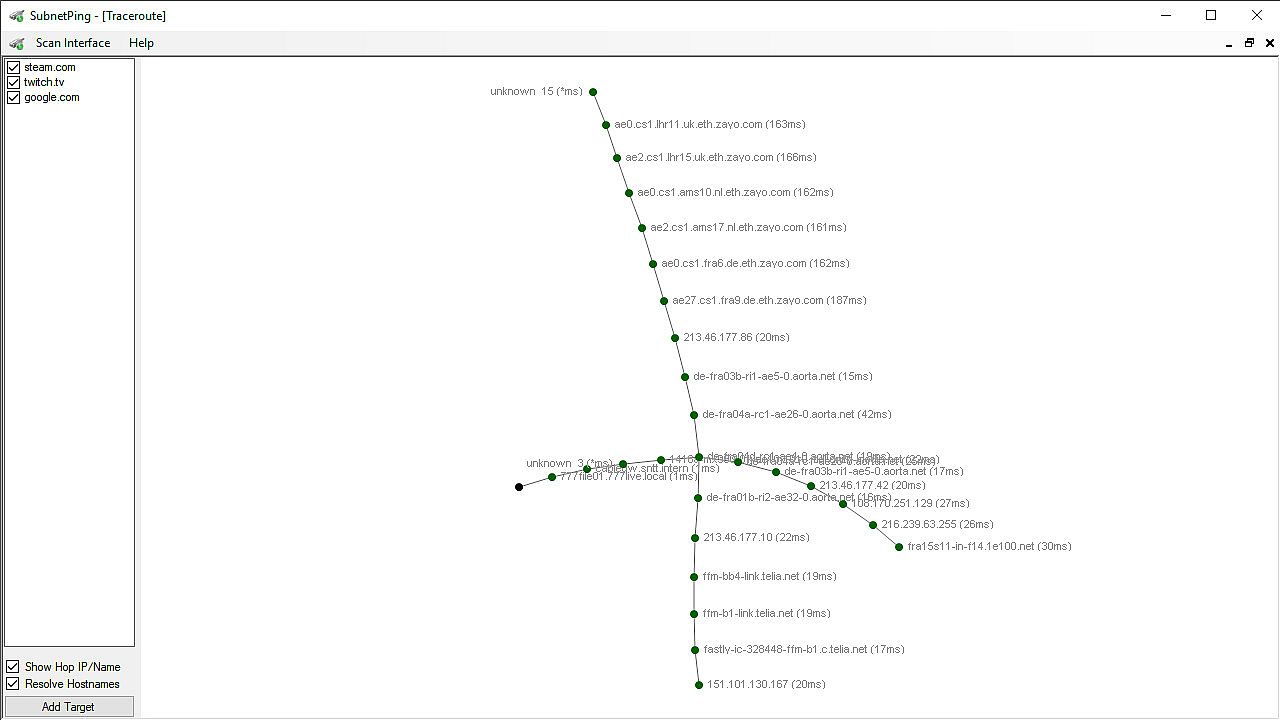
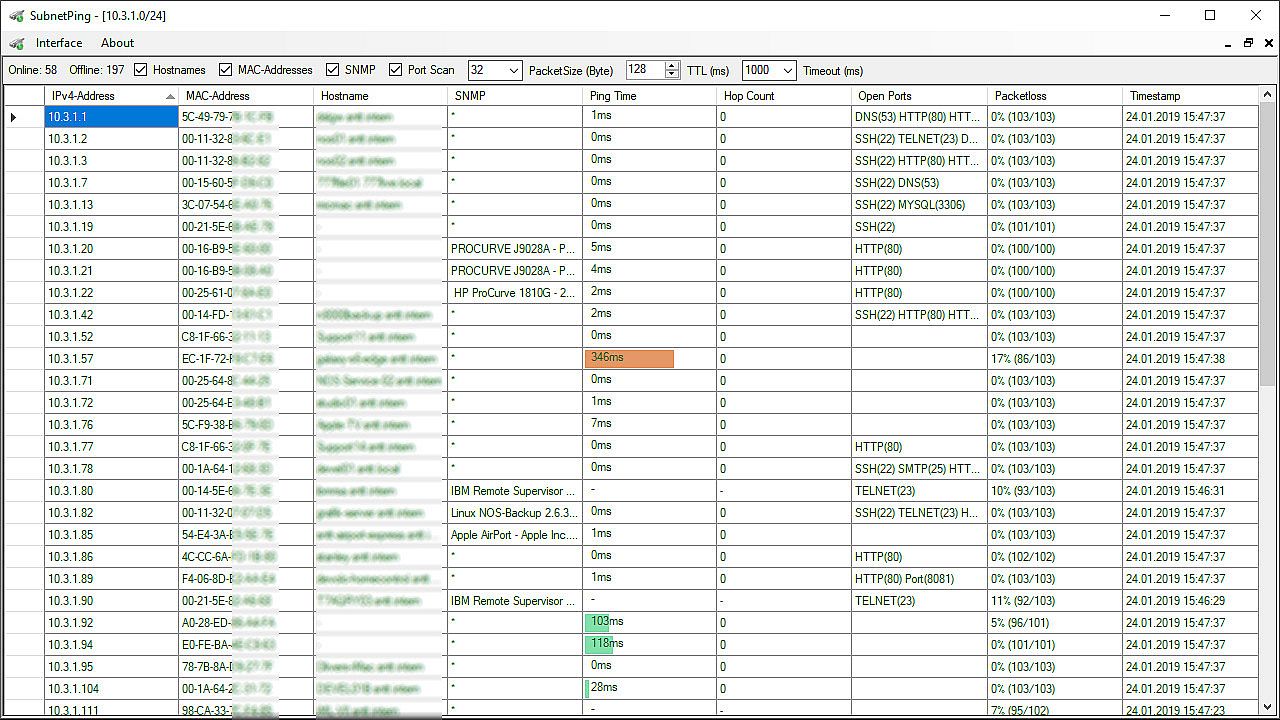
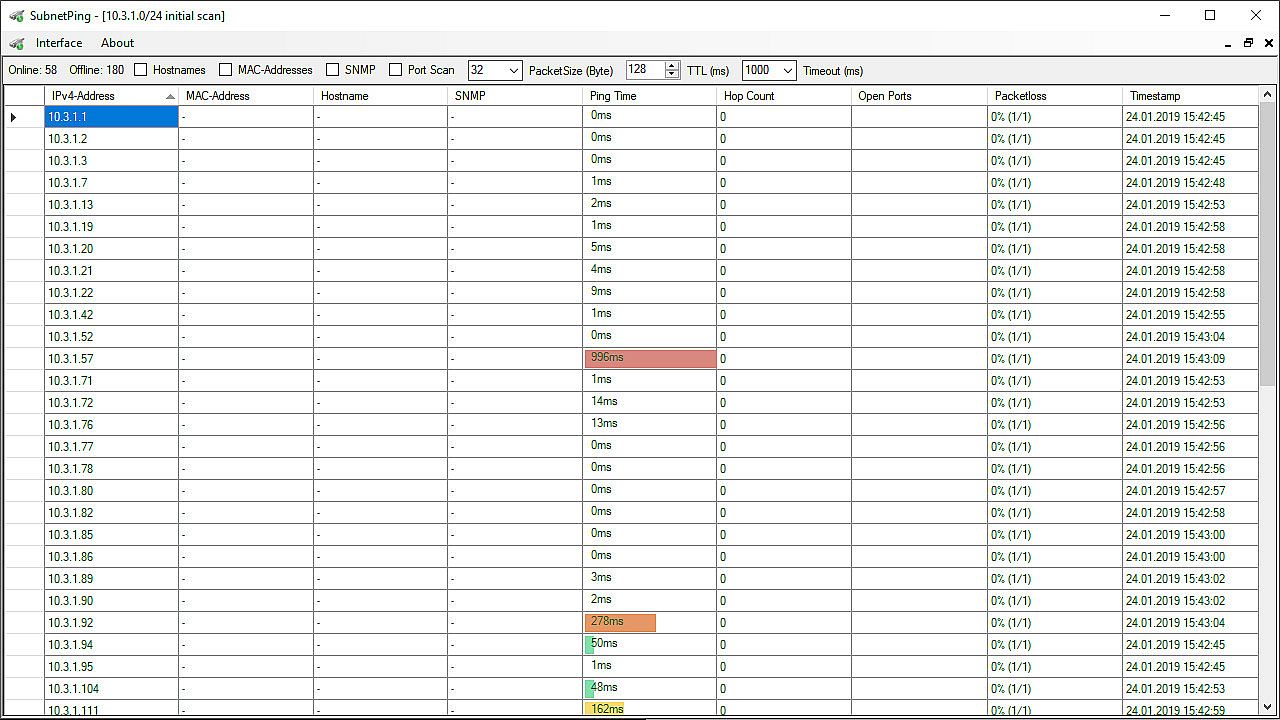
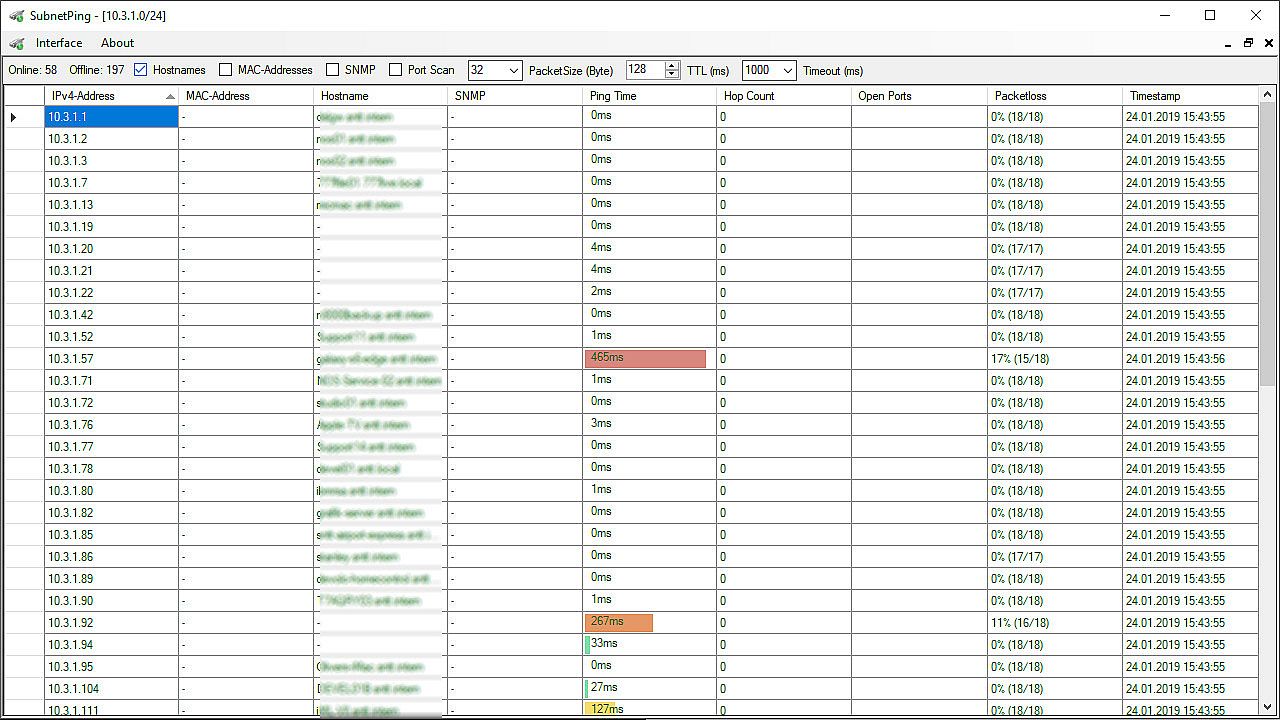
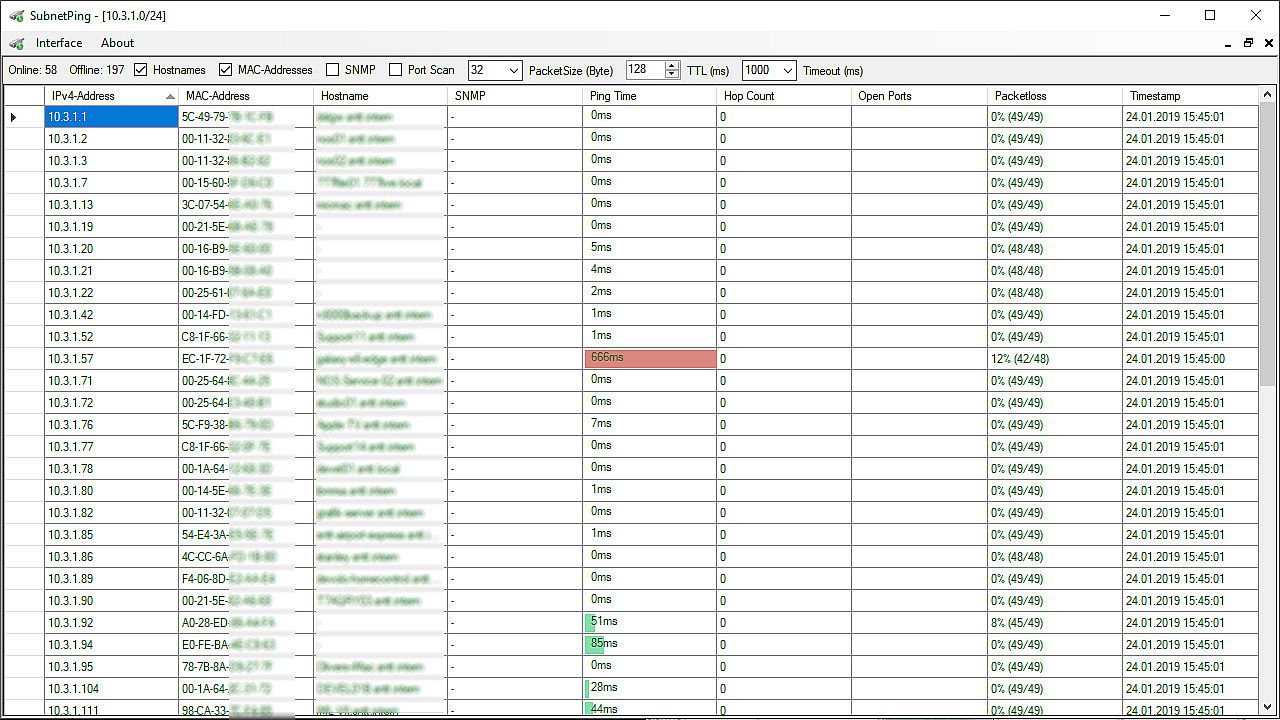
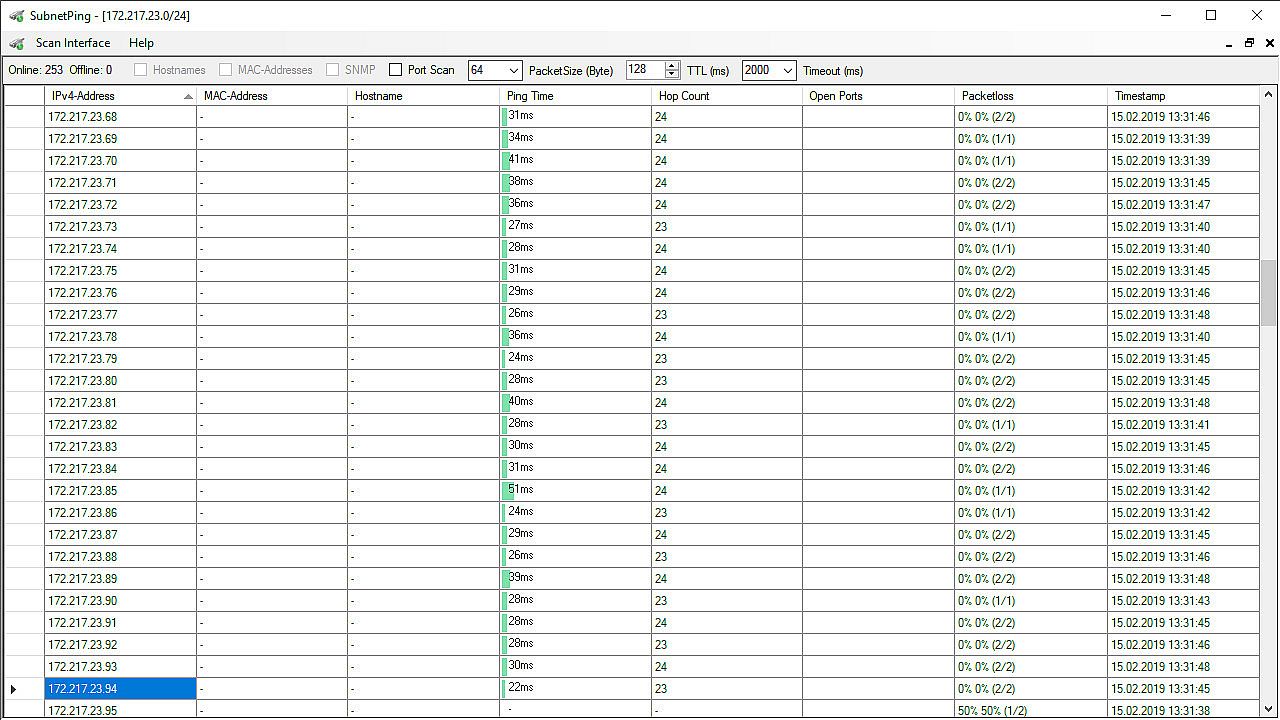
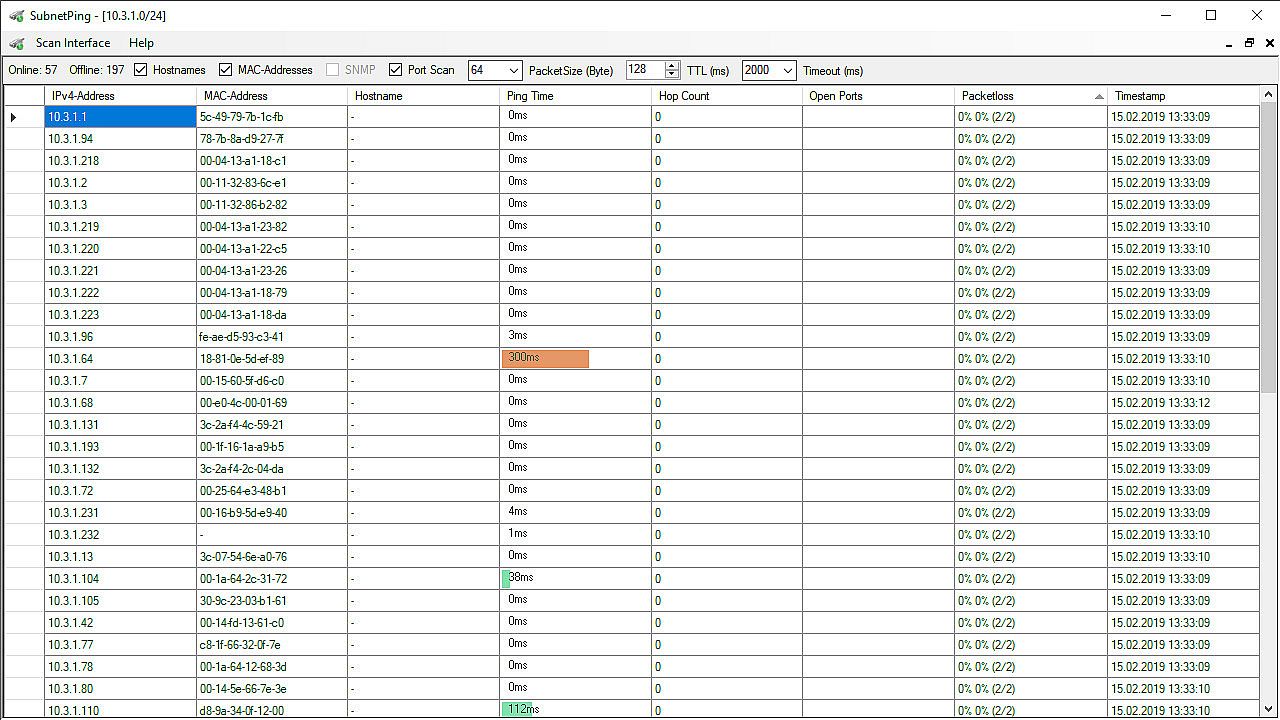
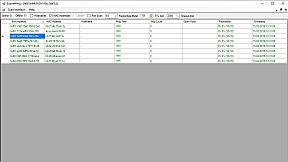
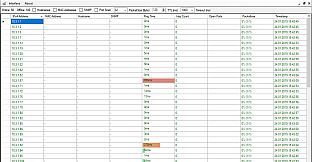
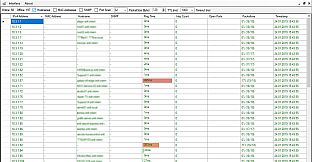
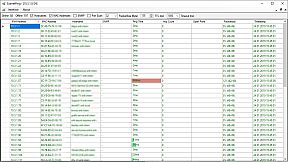
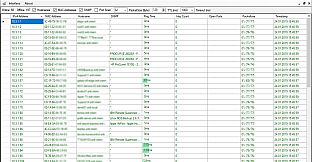
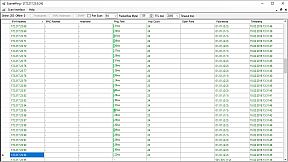
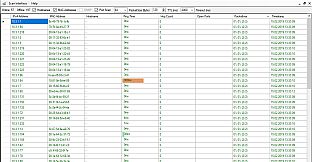
SubnetPing scans IPv4/24 subnets by sending ICMP echo requests to detect active hosts across local, remote, VPN, or public networks. It measures ping times in milliseconds, estimates hop counts via TTL approximations, calculates packet loss from timed responses, and resolves MAC addresses through ARP on local subnets only. Hostnames pull from the OS's default DNS, while beta port scanning checks common TCP ports on detected hosts.
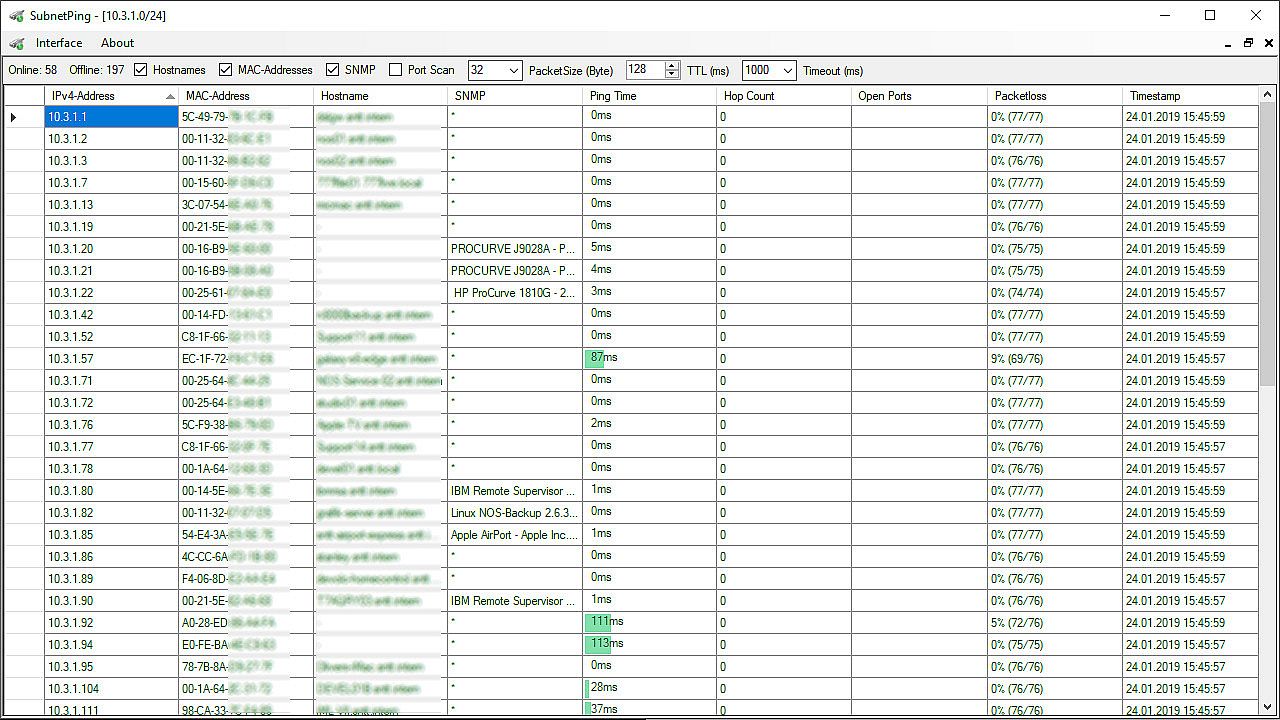
Advanced users probe SNMP devices via UDP port 161 with public community strings for descriptions, though results vary by device settings. Early IPv6 support uses NDP for local link detection, covering ping, packet loss, MACs, hostnames, and ports, with hops fixed at zero. Network admins and IT pros gain precise insights into subnet activity and device reachability on PC.
SubnetPing is a small but useful tool to determine information about used IPv4-addresses in an IPv4 network.
Detect IP-Addresses (IPv4)
Scan an entire IPv4/24 (Class C) subnet by sending IMCP echo requests to all possible hosts in the selected subnet.
SubnetPing uses the default network interface the operating system and local routing table offers for this task.
It should be possible detect available hosts in remote subnets, behind routers, remote networks thru an VPN, or even public networks as long as the hosts respond to IMCP echo requests and the TTL is high enough so that the packet will no be dropped by any router in the path.
Determine Ping (time in ms)
The Ping time is determined by sending an IMCP echo request to the target IPv4 and waiting for the IMCP echo reply. The Ping time is the locally measured time from sending the IMCP echo request to the target until the IMCP echo reply received. The IMCP echo reply has to be received within a give time-frame (timeout), or the Ping attempted will be considered as a timeout and the IMCP echo reply will be dropped.
Determine Hops (number of routers in the path)
There is no 100% accurate way to get this information. SubnetPing uses an approximation technique to guess the hop count based on some assumptions. This is because the router has do decrease the TTL by at least one, and most of routers do exactly that. The reply packets might have another base TTL than your request packet had.
The base TTL has starts at 256,128,64 or 32. Therefore it should be correct if the packet has less than 32 hops in total and every router in the path decreased it by only one.
Measure Packetloss
Packetloss is calculated based on the attempts to ping an host with an IMCP echo request and the number of received echo reply responses within a given time-frame (timeout).
Resolve MAC-Addresses
Determine the MAC-Addresses by sending ARP requests to all available hosts.
This works only on the local subnet of the Computer your scanning from.
It is not possible to resolve the MAC-Address of any device behind a router using ARP requests.
Resolve Hostnames
Determine the Hostnames by using the operating system's default DNS server of the default network interface that is selected thru the routing table for accessing hosts in subnet be be scanned. This works only on the local subnet of the Computer your scanning from, due to the lack of revers lookup DNS entries in an public DNS Server.
Detect open Ports
Scan available Hosts for common open TCP ports.
*Early Access and BETA functionality.
This functionalities are classified as BETA status due to issues in certain network environments. Unfortunately, it can not be guaranteed that this functionality works as intended. It is possible that this functionality does not yield any results.
Detect SNMP devices (BETA)*
Determine the device description using SNMPv1 and SNMPv2 requests via UDP port 161.
There are still some problems detecting SNMP devices.
Some devices respond only to SNMPv1 community = “public“, OID = “1.3.6.1.2.1.1.1.0“
As others only respond to SNMPv2 community = “public“, OID = “1.3.6.1.2.1.1.1.0“
In some devices SNMP is just disabled by default and unfortunately there are still some devices that will not respond to SNMPv1 or SNMPv2 community = “public“ requests due to administration settings.
These devices will only respond to authenticated SNMPv3 requests.
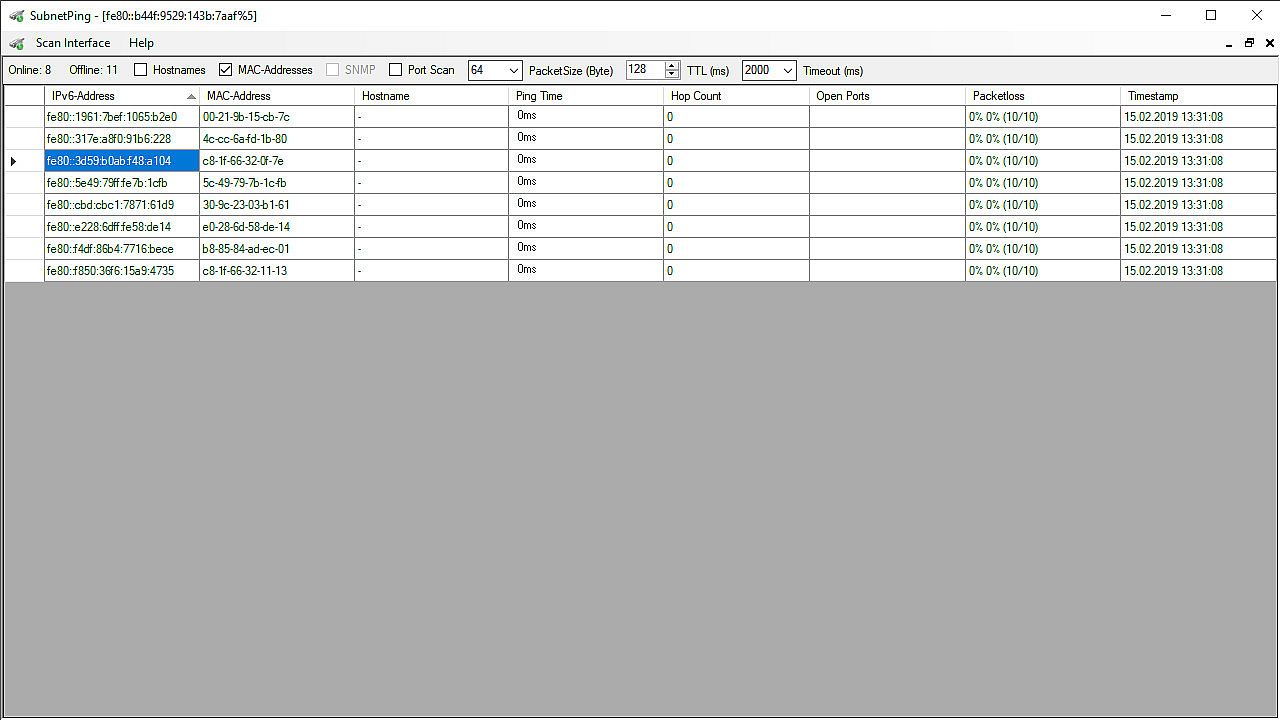
Detect IPv6-Addresses (Ipv6) (Early Access)*
This is the same as Ipv4 detection but due to the gigantic address space of Ipv6 its not possible detect them using IMCP or to resolve the MAC address using ARP requests.
Fortunately it is possible to detect Ipv6 local link addresses and MAC-Addresses using the Neighbor Discovery Protocol (NDP).
This is an very early stage functionality and has some restrictions:
- Ping should work fine.
- Hops will always be “0” due to detection method restrictions.
- Packetloss should work fine.
- MAC-Addresses should work fine.
- Hostnames should work fine.
- Ports should work fine.


