







About PC Version
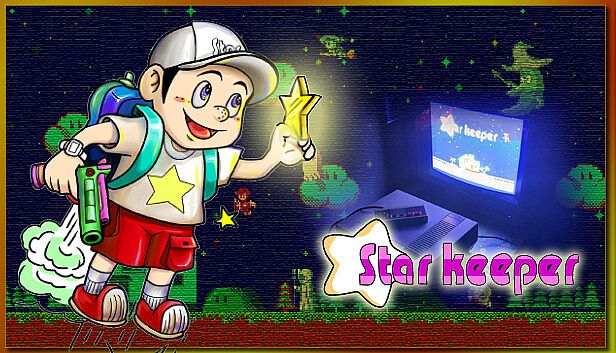
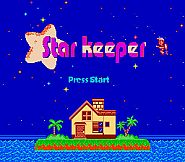
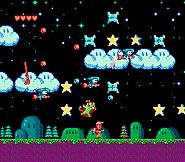
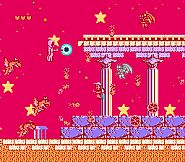
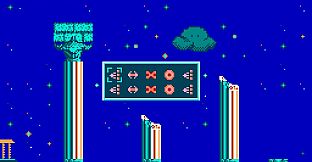
Star Keeper PC Version is a ported version of the NES Homebrew game "Star Keeper", originally released by 87Arts in 2014.the entire game is essentially built upon the NES source code with the addition of an emulator that simulates NES and cartridge hardware functionalities. The original level music is generated by FamiTracker and played as PCM. The newly added bonus levels and Easter egg music, on the other hand, utilize 8-bit sound effects that mimic the NES.The PC version includes the following additions and modifications based on the NES replica version.
(1) Redesigned the first level, shortening the length of the stage and adjusting the positions of the stars to make it easier for players to get started.
(2) Added two Easter eggs, including a Christmas Easter egg in the first level.
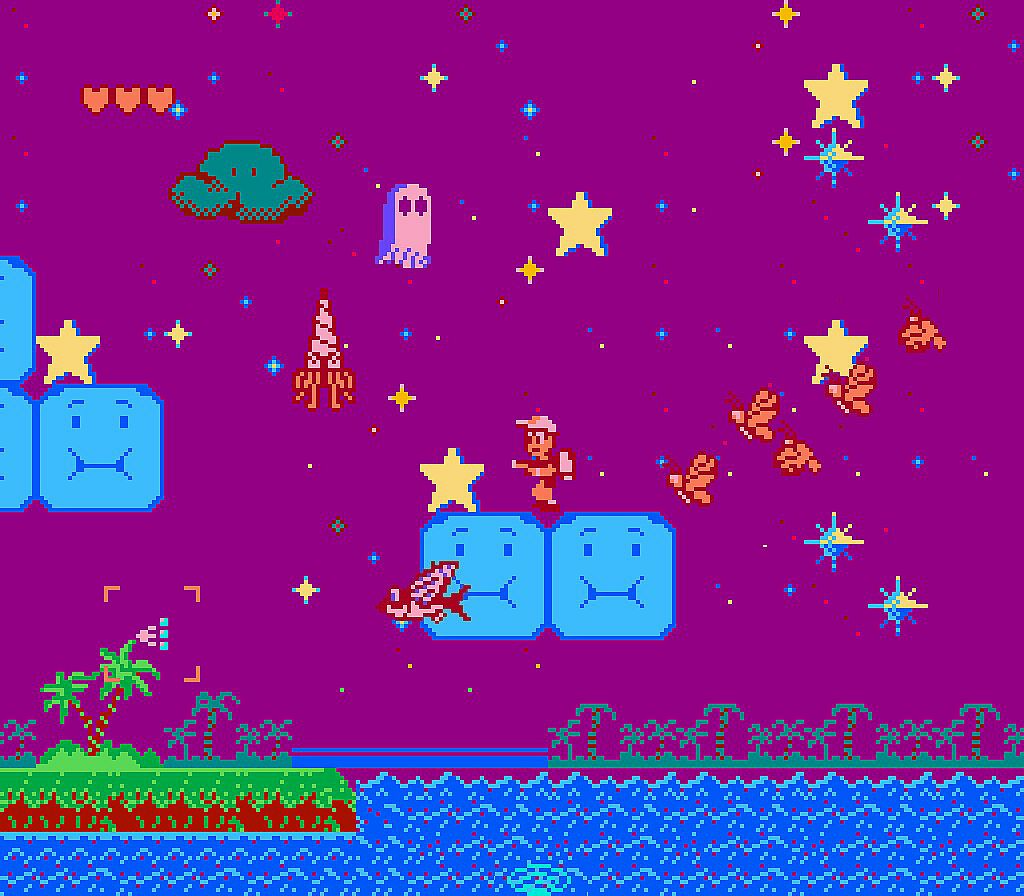
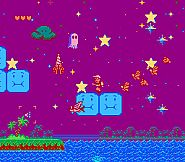
(3) Added a bonus stage where you need to collect as many stars as possible within a 115-second countdown. After the countdown ends, you will be rewarded with an extra life for every 35 stars collected.
(4) The NES music engine has been fixed to address playback issues and make the music effects more closely resemble the original FTM sound.
(5)In the PC version, a new feature called "Instantly Restart Current Level" has been added. While in the gameplay state (able to freely move), holding down the Select button will trigger the event to restart the current level. The player character's lives and weapons will be reset to their initial state.
(6)The game now includes a password continue feature. After completing levels 4 and 6, a level password will be displayed, allowing players to continue from those levels at a later time.
(7)The music in level 4 has increased from 28 seconds to 54 seconds
Quick Start Guide
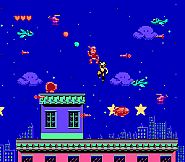
The main objective of the game is to collect stars scattered throughout the scene and throw them into the protagonist's house through the chimney.as long as the hero touches the yellow large shiny star in the sky, he will obtain one star. When players want to throw the stars into chimney, they only need to control the hero to fly above the chimney, then the hero will throw the stars one by one automatically, and the star will drop into the chimney accurately.Key Input
The game defaults to keyboard controls.W, A, S, D correspond to Up, Left, Down, Right respectively (similar to NES D-pad).
C and V correspond to select and start buttons respectively.
J and K correspond to B and A buttons respectively
Press Right Alt+Enter to enter full-screen mode, and press Esc to exit full-screen.
You can also use a controller for gameplay. You will need to configure it in the controller settings interface.
Title Screen
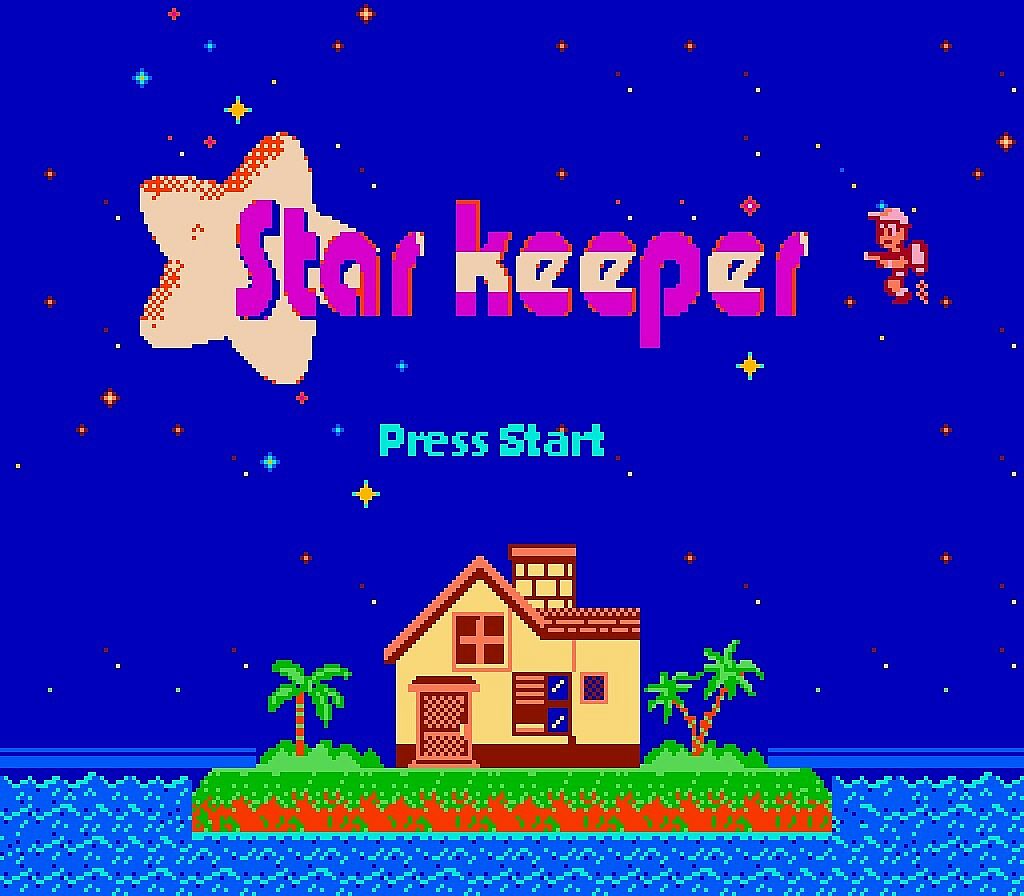
On the game title screen, press the select button or the C key on the keyboard to select the menu, and then press the Start button or the V key to enter the options. The menu has three options.
1. Press Start: Enter the game.
2. Password: Enter a level password.
3. Setting: Configure the controller.
Controller Settings Interface:
Press the Select button on the controller or the C key on the keyboard to start the configuration. Then, follow the flashing button icons to set the controller buttons. Press the Start button on the controller or the V key on the keyboard to complete the configuration.
Password Input Interface:
Use the up, down, left, and right directions to select the password position. Use the A and B buttons to switch between password patterns.
Once the input is complete, press the Start button to attempt a password match. If the password is correctly matched, the game will jump to the corresponding level. Press the Select button to return to the title screen.
Pause State Description
Operating Instructions
| Shoot | key B |
| Blow | in float mode, press key A to accelerate up |
| Accelerate to left | in float mode, press key Left |
| Accelerate to right | in float mode, press key Right |
| Accelerate to decline | in float mode, press key Down |
| Drop | stand on clouds or steps and press key Down + A, one can drop from the steps |
| Get down | in walking mode, press key Down |
| Pause | check the remaining number of stars and lives; in the process of one level, press Start button (Note: it will work after the words on the screen disappear for a while). |
| Restart Level | holding down the Select button will restart the current level |
| Restart Game | holding down select key and the 'down' direction key simultaneously for 2 seconds to return to the game title screen |
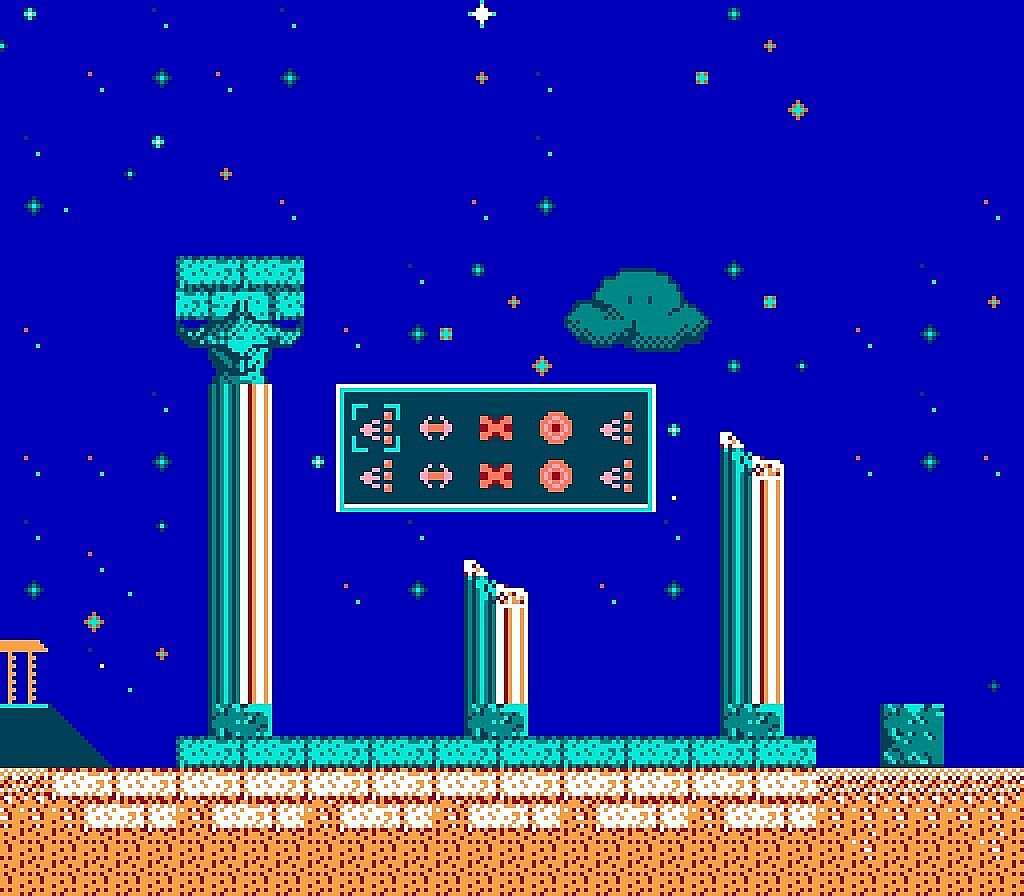
Weapon Description
| AB Gun | Ordinary Bullets |
| Bidirectional AB Gun | shoot AB bulletes in two directions simultaneously. |
| High-Pressure Water Gun | shoot high-pressure water in three directions of front. |
| Alpha-Ray Gun | shoot two spiral energy rays. |
| Protection Ring | the rings shot from four angles of hero is used for short-range protection, while the AB bullets shot to the front is for remote-range attack. |
Props Description
Heart, One Grid Is Added to HeartAcceleration, increase speed of attack and flight at the same time
Invincible Star, the hero is temporarily invincible, the enemies will be destroyed immediately when they encountered the hero at invincible state
Bomb, destroy all enemies on the screen instantly
1UP, one life is obtained
High-Pressure Water Gun, when obtained, hero could switch weapon to High-pressure water gun
Alpha-Ray Gun,when obtained, hero could switch weapon to bidirectional Alpha-ray gun
Bidirectional AB Gun,when obtained, hero could switch weapon to bidirectional Bidirectional AB gun
Protection Ring,when obtained, hero could switch weapon to bidirectional Protection ring
Game Description
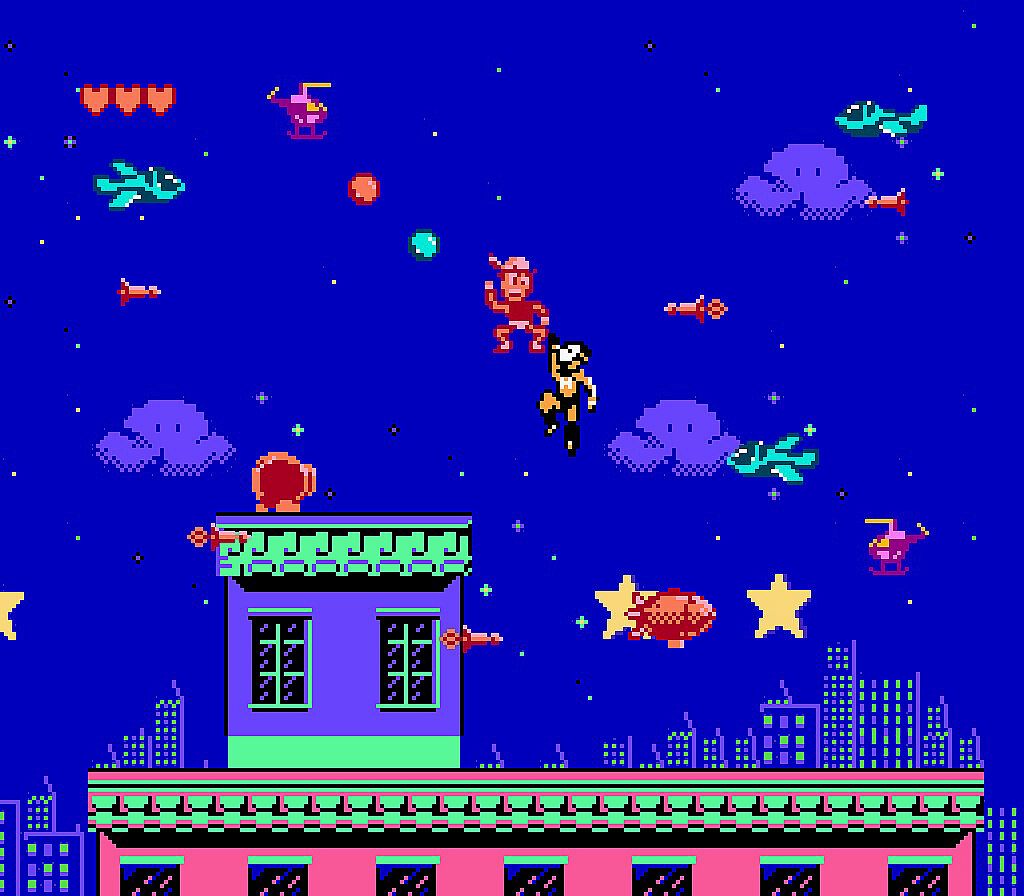
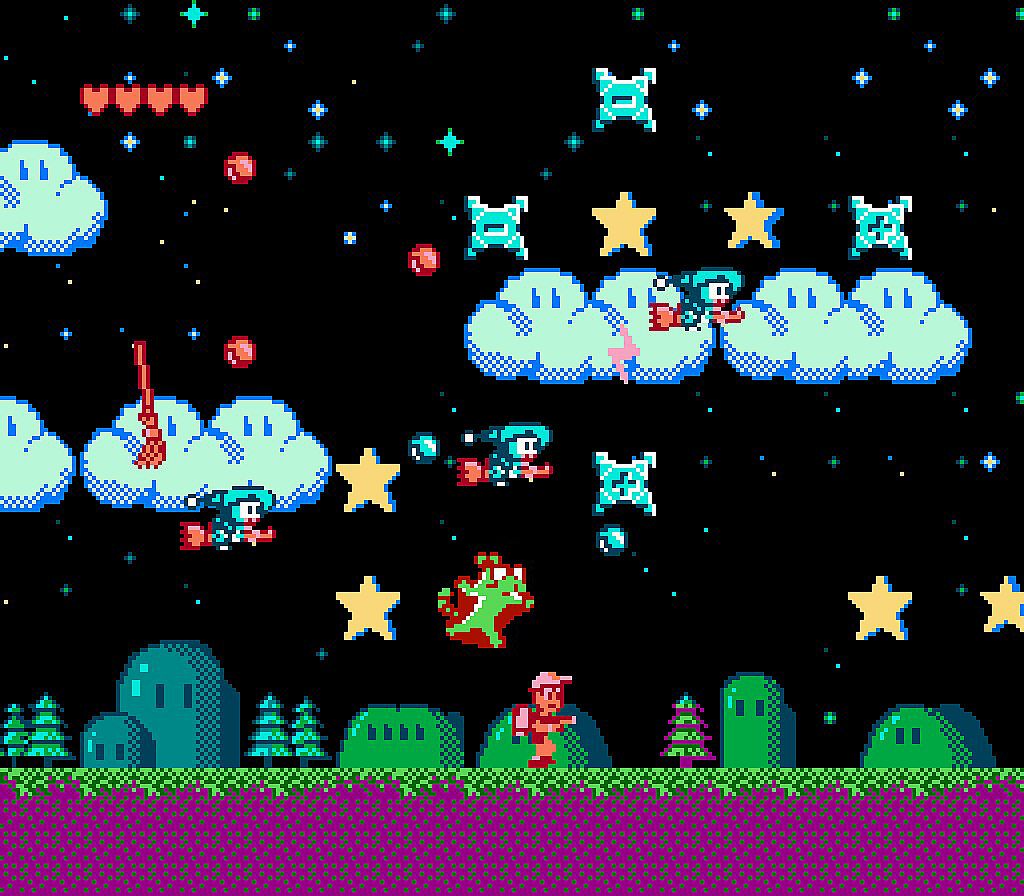
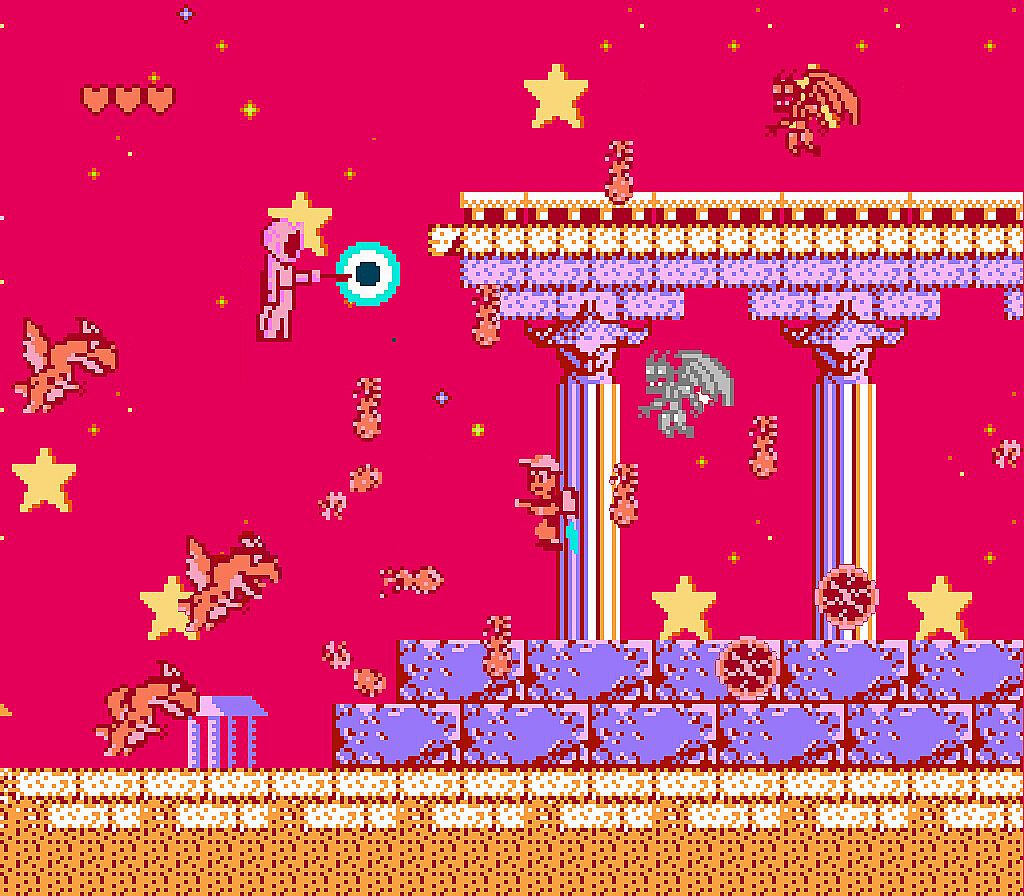
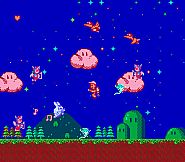
The game is a 2D side-scrolling shooter, where players control the hero Dylan as he travels around the world to retrieve the star fragments that have been scattered due to the malevolent wizard Blue Moon's destruction of the Lucky Star. The ultimate objective is to defeat Blue Moon, collect all the star fragments, and restore Lucky Star to its original form.At the beginning of each level, the hero’s house will land from sky, followed by the hero coming out of the door, and the game starts. The hero’s mission is to collect the stars scattered everywhere in the scene, and then throw the stars into his house from chimney. The scene of game is a horizontal scroll cycling map. Players could return to the house’s landing place by moving in one direction from this landing place. In each scene, players are required to collect stars in two waves. When two groups of stars are gathered, this level is completed.
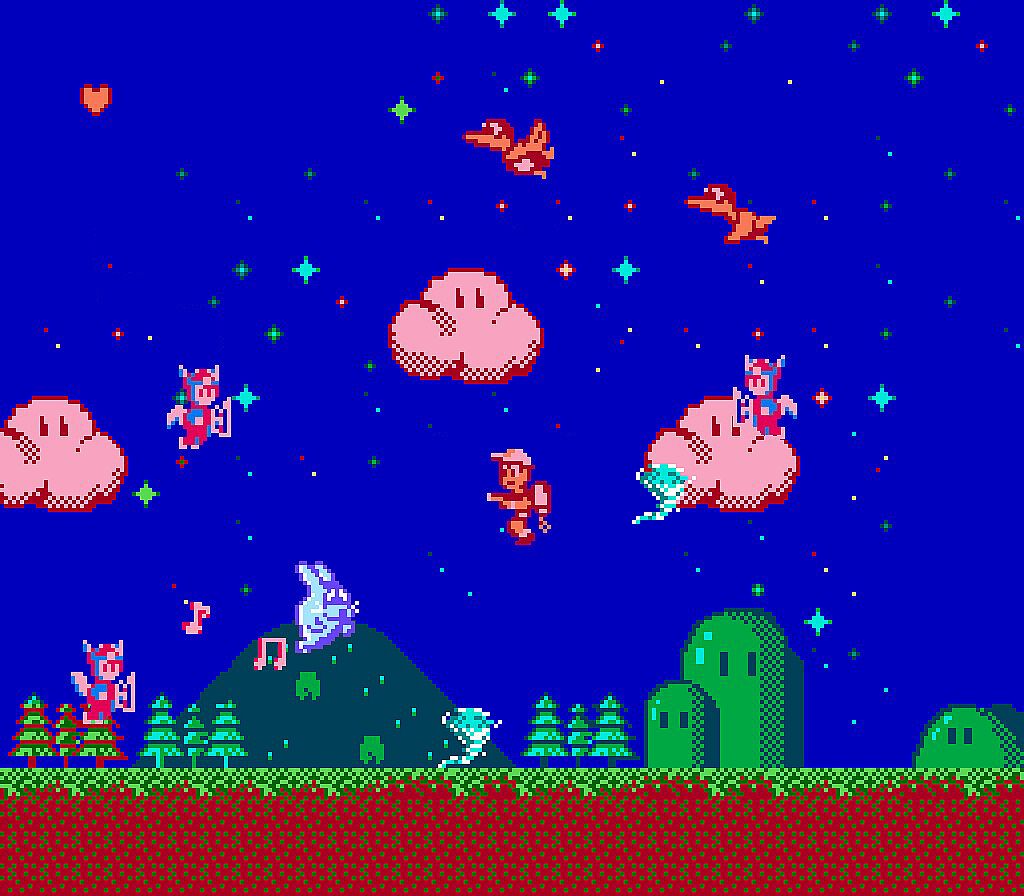
In the process of star collecting, players will encounter a variety of monsters trying to stop you. The players must find a way to dodge from these monsters or shot them down to complete one level successfully.
As long as the hero touches the yellow large shiny star in the sky, he will obtain one star. When players want to throw the stars into chimney, they only need to control the hero to fly above the chimney, then the hero will throw the stars one by one automatically, and the star will drop into the chimney accurately.
When the monsters are destroyed, there may be some enhanced props. The props could be obtained by touching the props icon (refer to the specific roles of props in props description section).
In the process of game, players could pause the game by pressing the Start button at any time. In pause state, players will see the sum of stars, the number of stars thrown into chimney, and the number of life times remained (refer to the pause state description).
After the completion of all stars collection in each level, background music will be changed. Then the players only need to land around the house to wait for entering the next level automatically.
The hero has three life, and there are three hearts for each life, the heart tools can rise into five cases. After three life are used Up, the player can choose to start again from the current stage.
The Story:
In the distant horizon, there is a place called Starry Kingdom. In this country, there is neither daytime nor four seasons. The sky is always presented as a colorful night, with stars and clouds. The stars are like diamond-made clothes hanging in the sky, which is colorful and shiny. There is an island in Starry Kingdom, and a giant star is floating just above the island. This giant star with white shine is called Lucky Star and it is the mascot of this kingdom: a young man named Dylan lives in this island, and he is called as the Star Keeper. He always protects the Lucky Star that is the symbol of silence and peace, and he never leaves. An evil witch Blue Moon fancies Lucky Star, and he is planning to grab it then uses the fragments of star to decorate his kingdom. One day, Blue Moon attacked Dylan when he did not notice him, and knocked him out. Blue Moon divided Lucky Star into hundreds of little stars by magic, and then scattered them to everywhere in the kingdom he ruled.In order to defeat the Blue Moon and retrieve the lost stars, Dylan started an advanced aircraft - his house, “Guardian One”, which has been idle for a long time. Dylan is driving “Guardian One” to chase Blue Moon bravely, and starts a journey of mission…
