







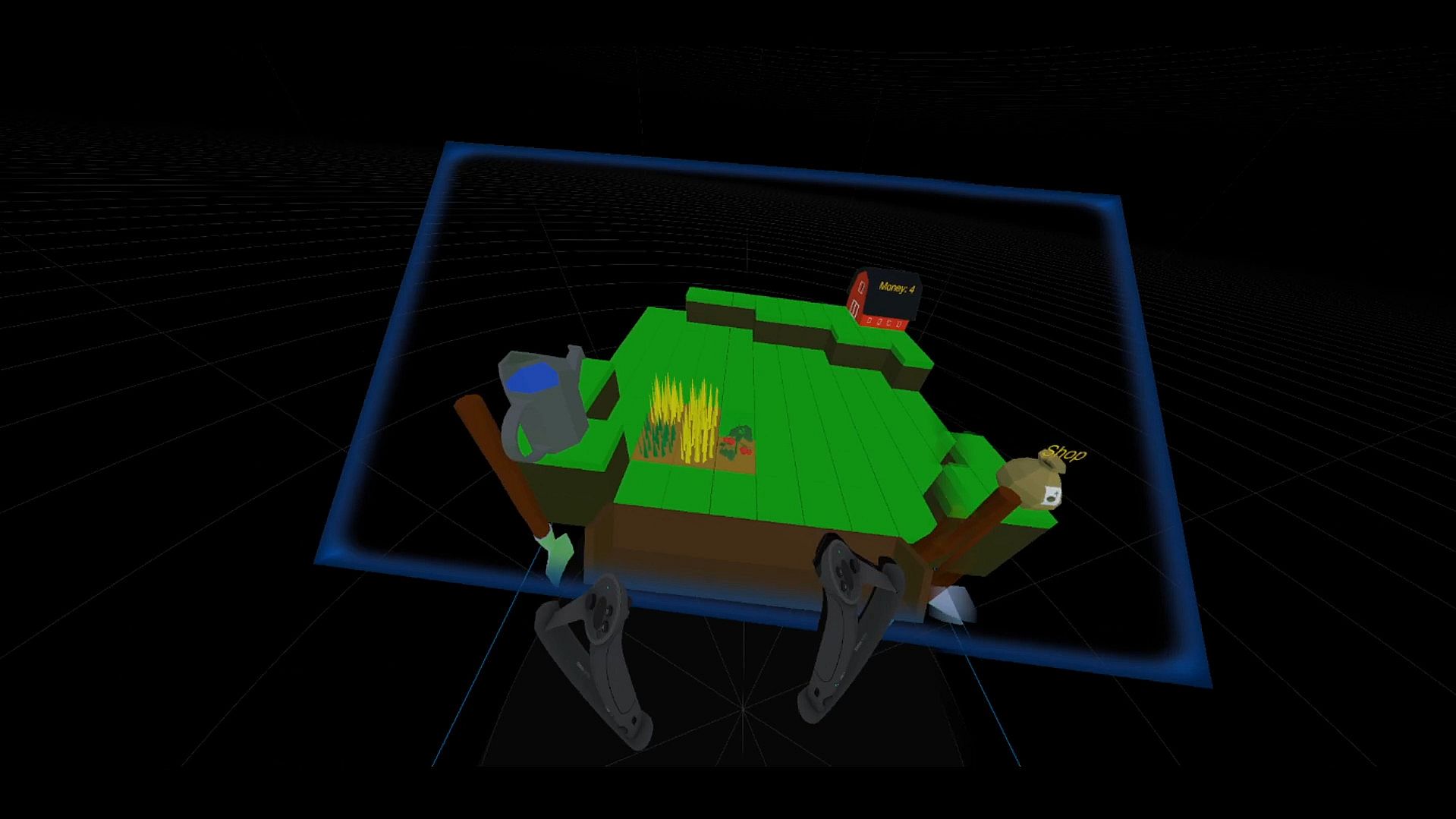
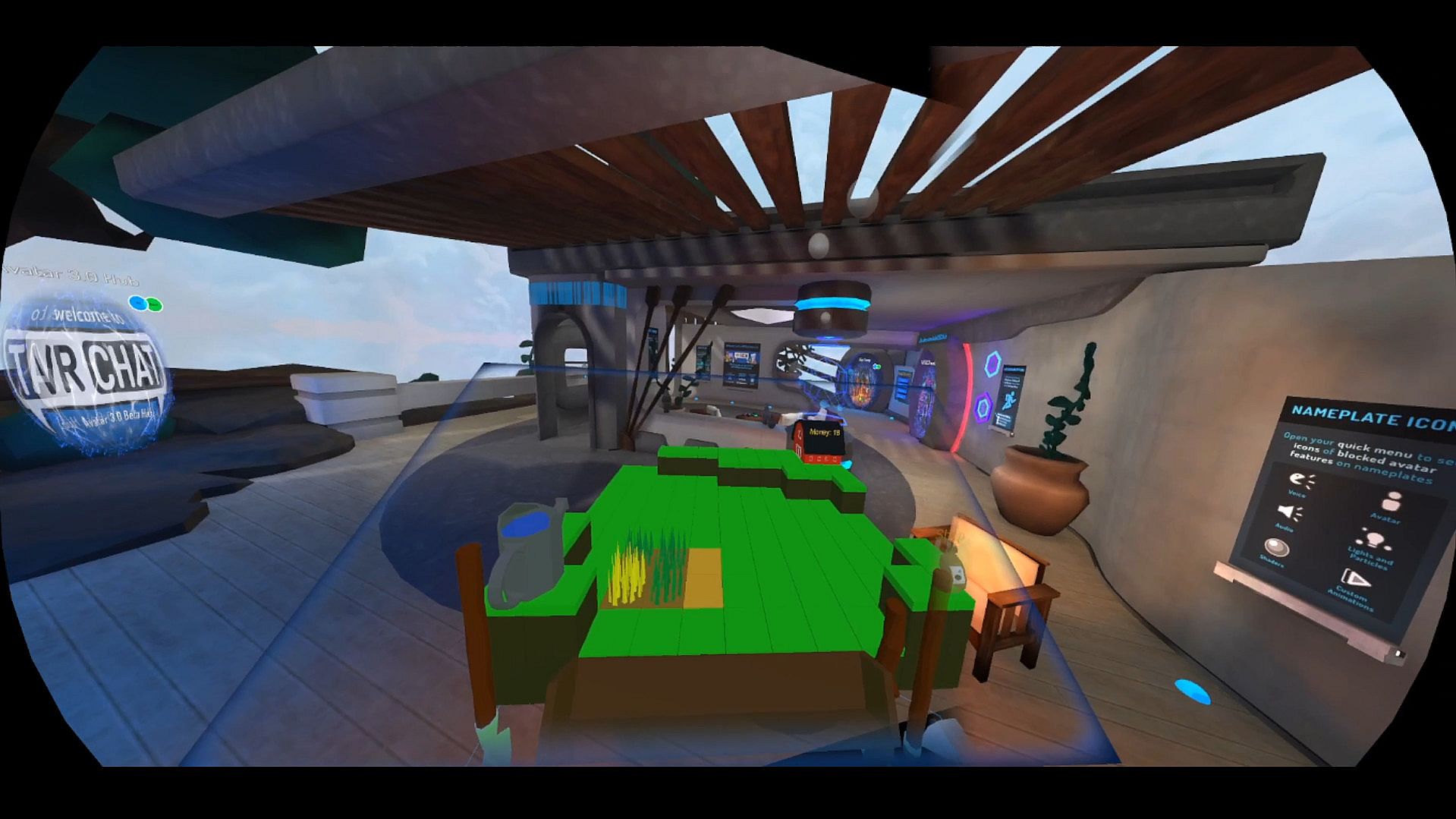
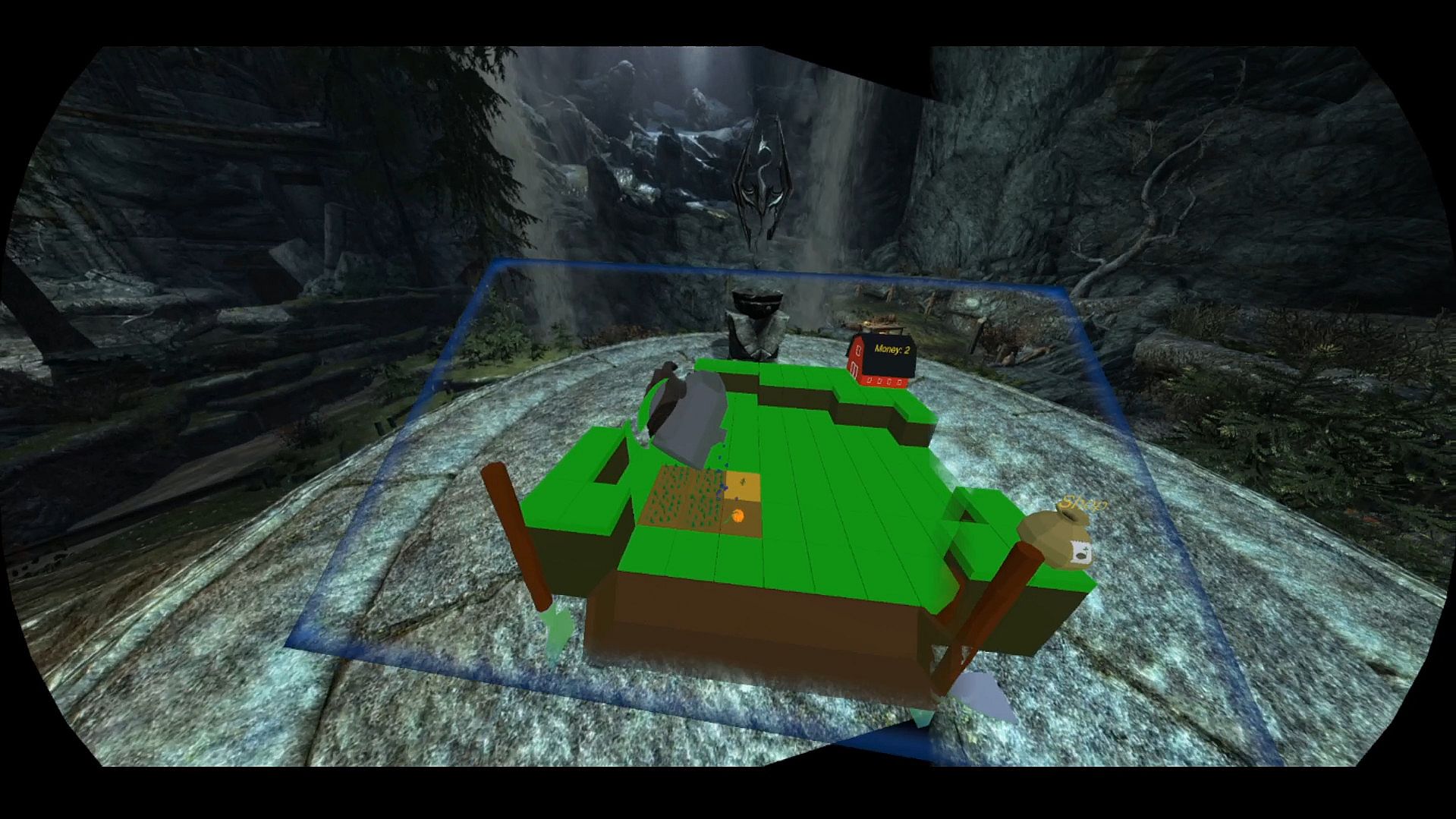
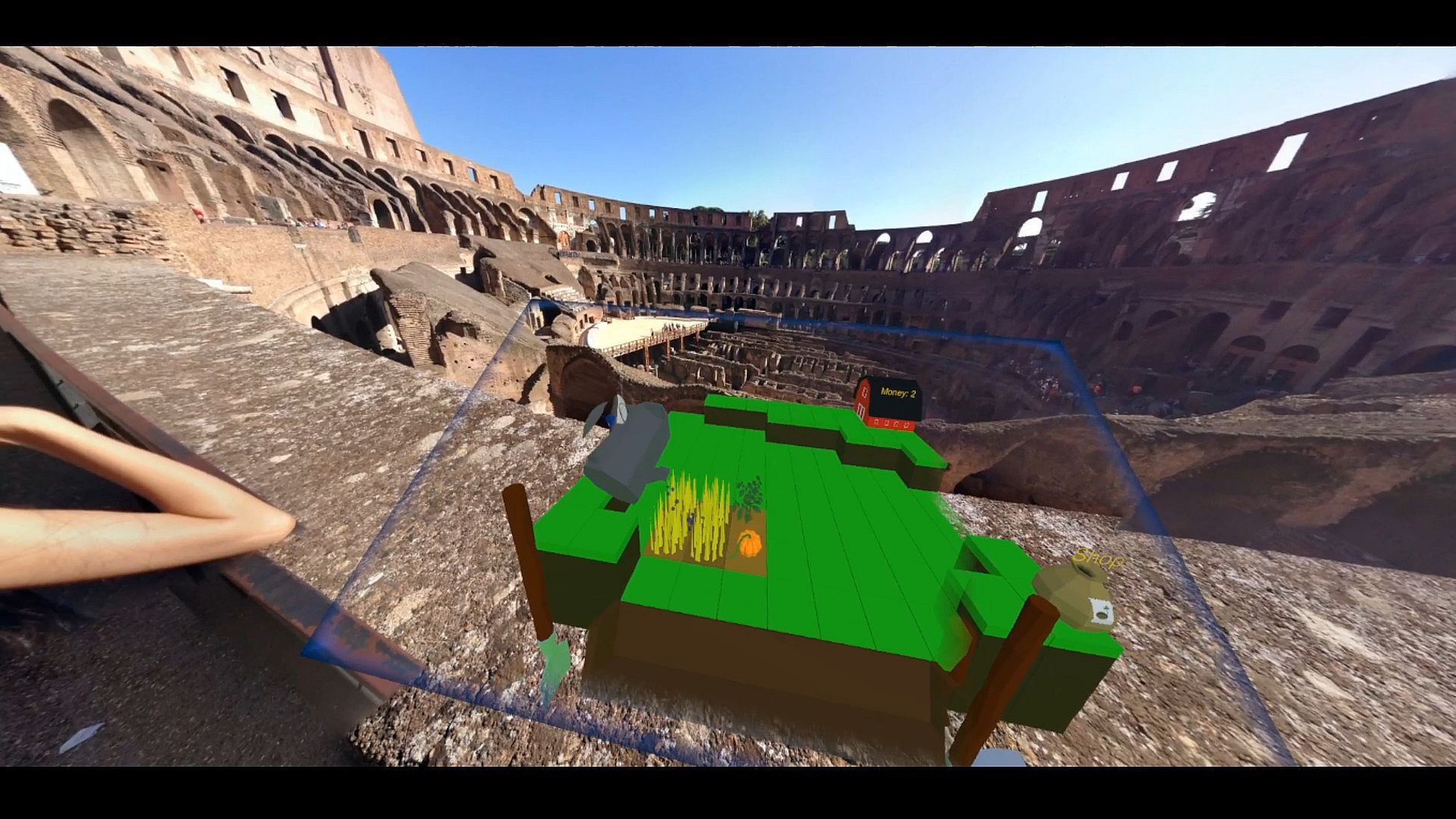
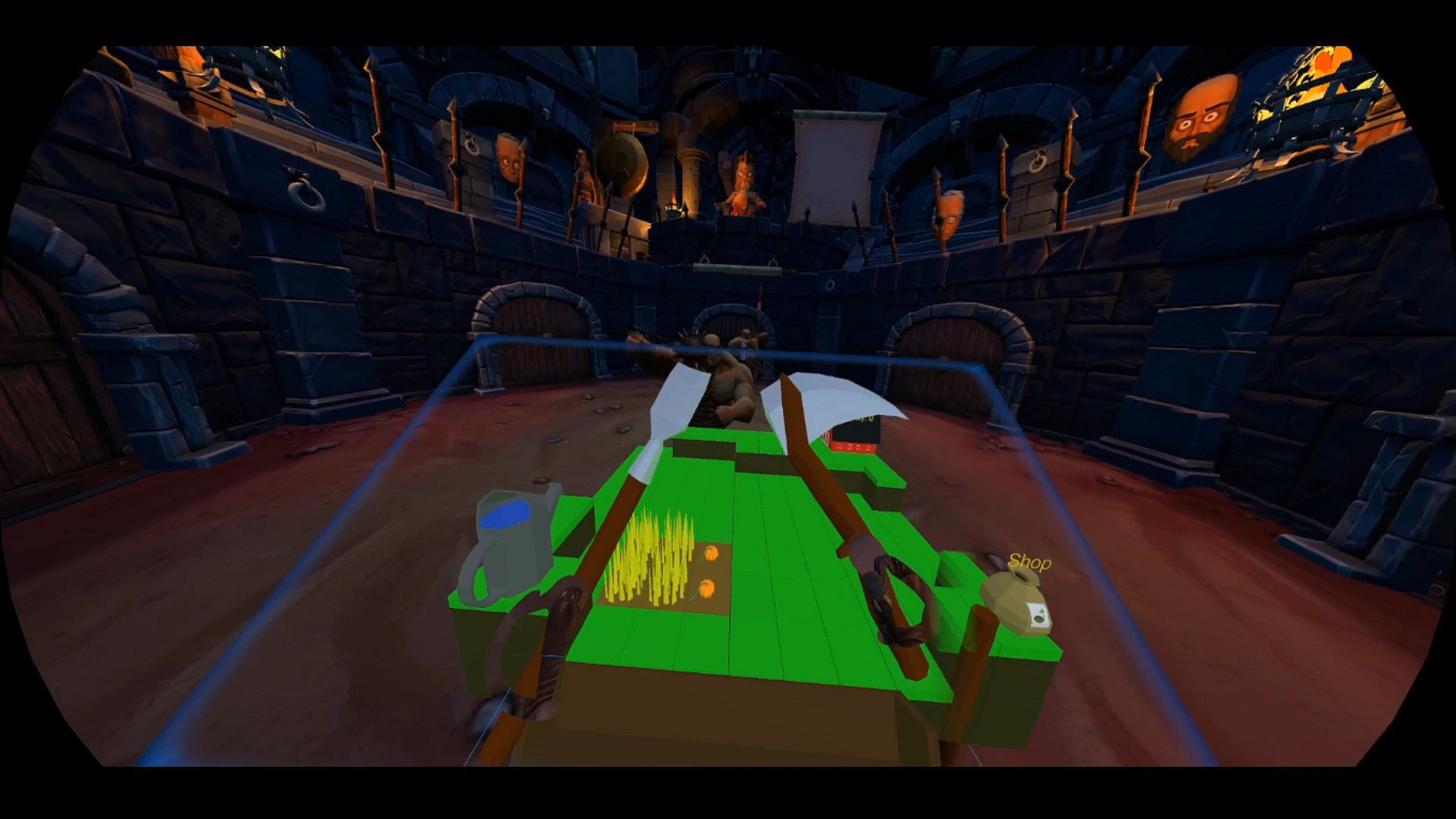
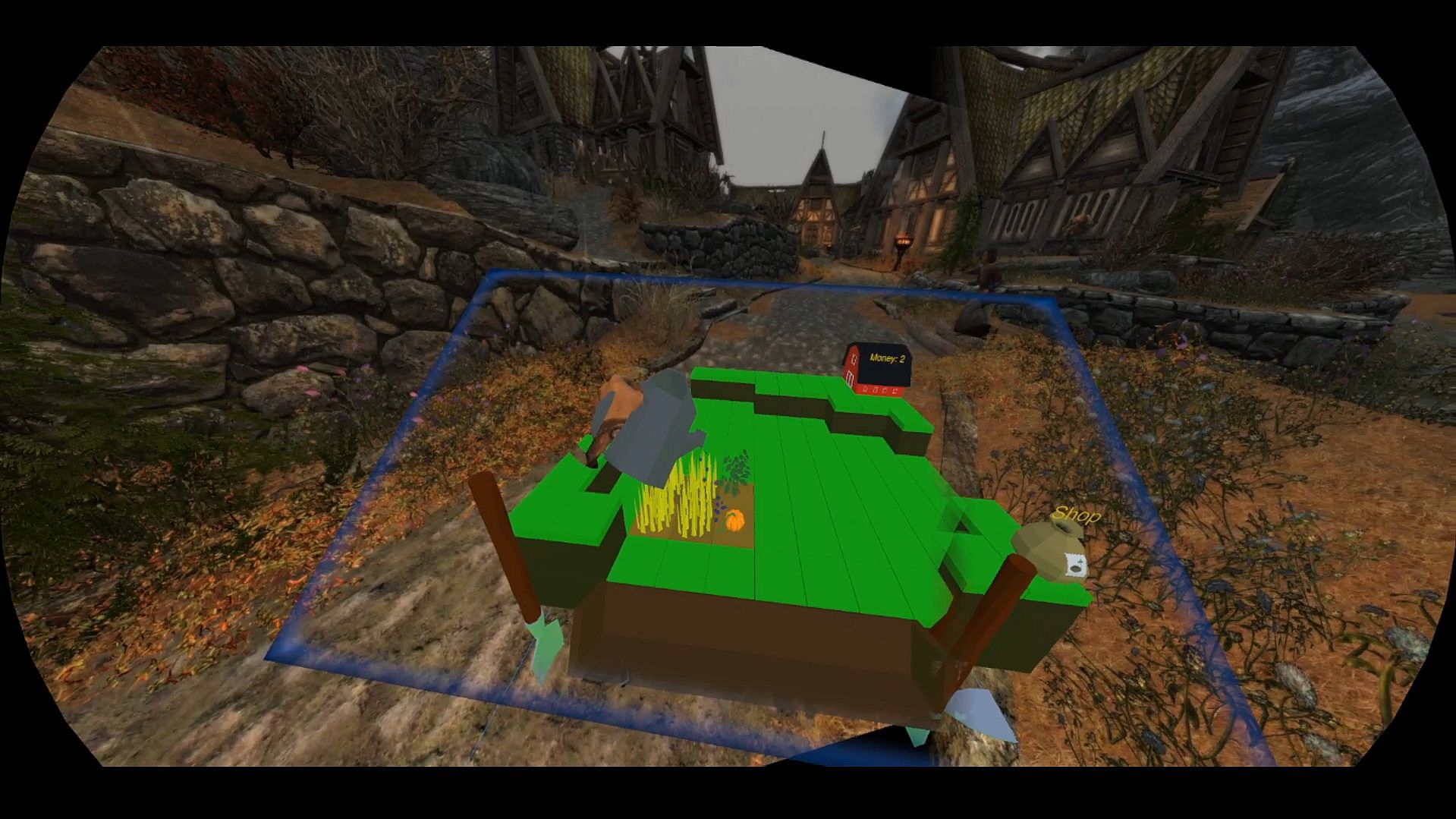
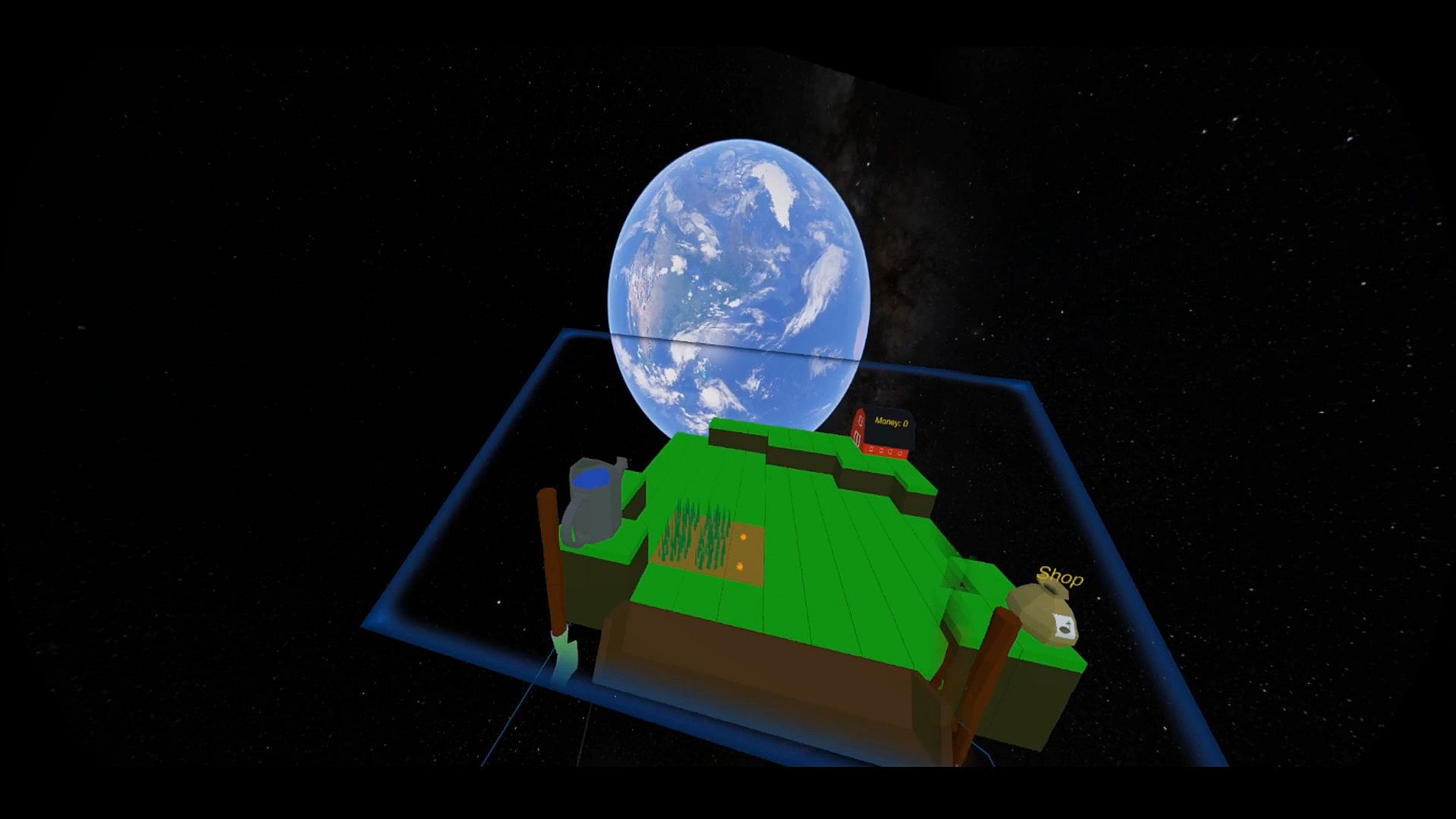
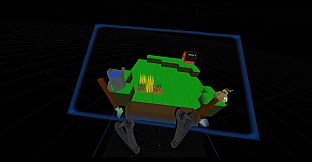
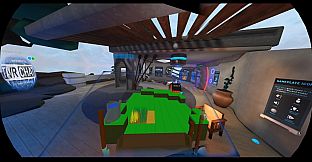
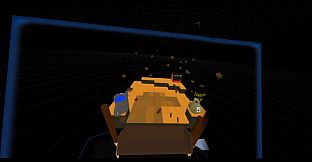
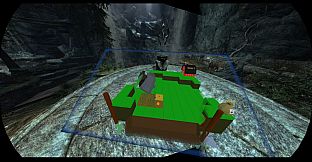
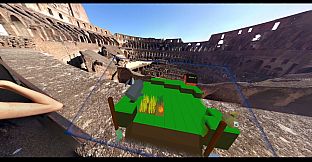
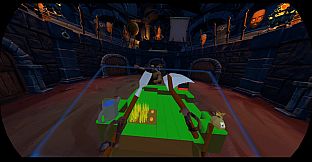
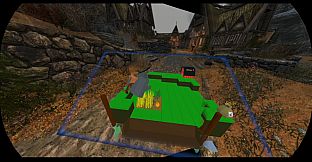
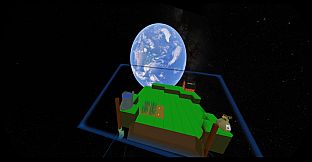
Portable Farm is a new type of SteamVR overlay that displays 3D objects and scenes through a two-dimensional portal, allowing users to reach inside and interact with objects on another dimension, on top of their normal VR experience. Meaning; idle games and other such concepts are now possible within VR!
***NOTE: Due to the nature of this application running alongside VR games, it has a problem with CPU bottlenecking in some systems, it's recommended for users to try out the demo provided, to gauge if their system can handle running this application and their VR games at the same time***
Water your crops, till the ground, and plant your choice of seeds to go from humble beginnings to a fully decorated and upgraded farm! Chat with your friends in social games while caring for your crops, take a break from the action in intense games for some farming, or simply make that loading screen feel a bit faster with something to do.
Enjoy your farm in a variety of games and experiences, and take it with you anywhere!
Time passes in the farm even when you're not looking at it, making it perfect for touch-and-go management, and over time the seasons will change and more crops will be available, maybe even some new decorations to be found!
Key Features:
- Reposition and resize the portal to any location for maximum convenience, as well as options for fine-tuning comfort
- Simple interaction with all elements using one configurable grip button
- Upgrades that make farming easier and more profitable
- Decorations to customize your farm however you like
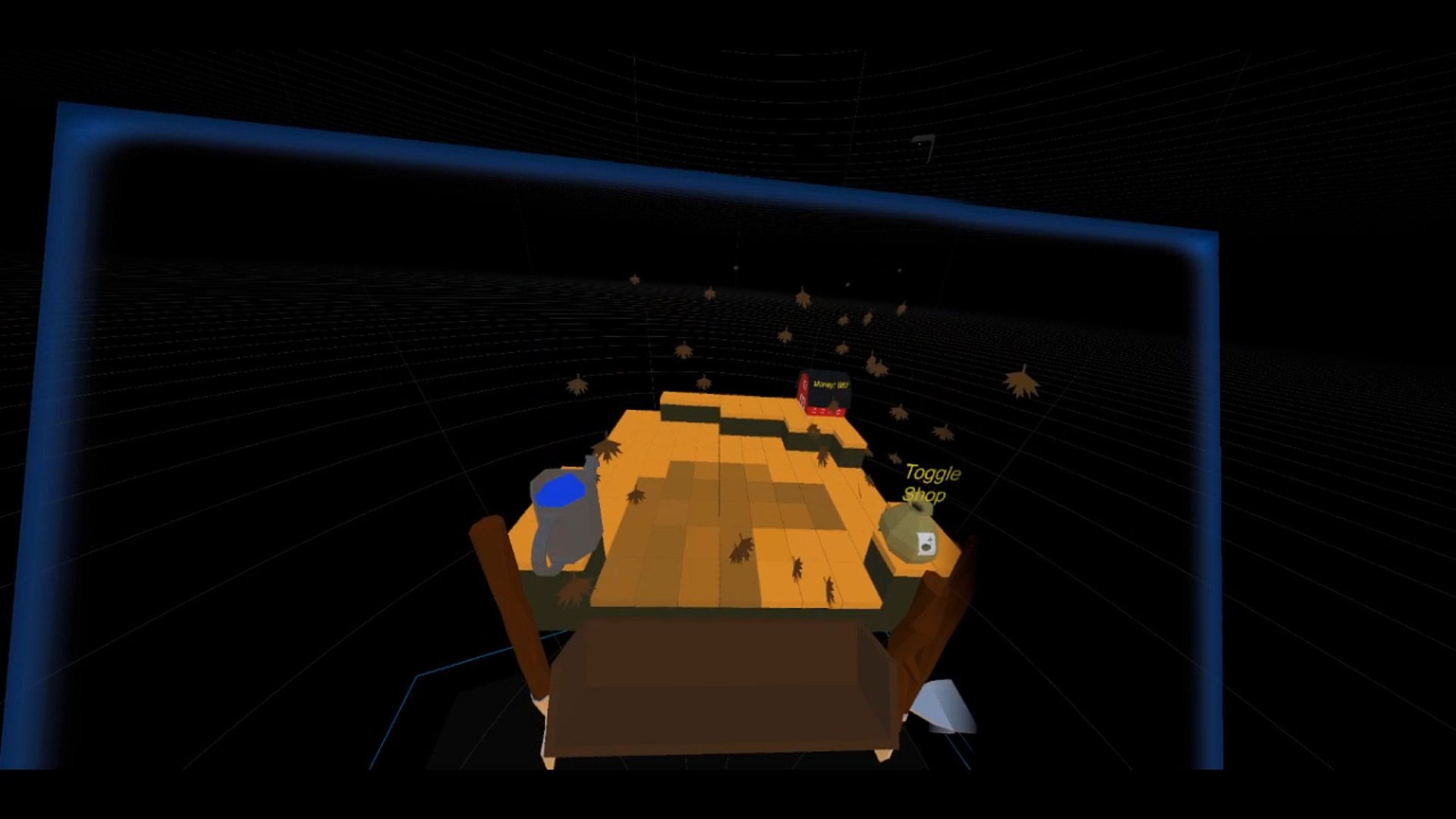
- Seasons change at the start of each month, changing how land looks
- Seasonal crops provide a large variety of choices in what to plant
- Passive growing of the plants allows crops to grow while users are away
- Fertilize your ground, or plant some clover, to help you plants grow faster, and prevent the soil from drying out quickly
- Bring the farm into any VR game using a unique gesture to open and close the portal, allowing users to not have to worry about the controls interfering with their main VR game
FAQ
-
I started the application but I can't see the portal? / The portal is too far away!
This can happen with some setups involving space movers, go to the desktop UI and click the "Recenter Portal" button, then grab the portal to see through it while moving it around, if the farming terrain is not nearby, then click the "Recenter Player" button which will move the player in front of the farming terrain. If the portal still doesn't show up, try a restart of the app, if this doesn't work, the last rare occurrence was when the app couldn't recognize the SteamVR program, which was solved by re-installing SteamVR. -
I don't like having to reposition the portal every time I move while it's closed
There is an option on the UI of the game that allows you to have the portal follow your location and/or your rotation while it it closed, making it stay in the same place relative to you from when you closed it, so all you have to do is close the portal when it's at a comfortable position and that will be restored relative to you, no matter where you move while the portal is closed. -
I notice some "wavey"-ness when my head is closer to the portal
This is due to the display method, to have the portal father back without cutting off the front of the terrain, unchecking the "Set Near Clip To Portal" option will allow you to move the portal back, without it cutting out what's in front of the portal (ie: between you and the portal, rather than behind the portal), making it much more comfortable to look at since it's farther away, adjusting the scale can also make it easier to sit the portal further back on the terrain. -
My crops aren't growing!
It could be that you planted crops from another season, which won't grow during the wrong season, unless the block they are planted on has been upgraded to override that. Check the shop's bottom shelf to see what crops can grow when. -
I can't buy anything from the seed shop because I have no money left!
You only start out with 20 money, so you can usually only buy 1-2 seeds to start out. If you end up in a place where you have no more money for seeds from the shop, no crops growing and nothing to return to the shop that would give you money back, within 60 seconds the game should check that you're at a dead-end and will restore your money count to 20. -
I skipped the tutorial, can't get the gesture to work, or forgot how the gesture works!
If you can't remember the gesture or want to see the tutorial again, pressing F3 on the desktop UI and then pressing the "Show tutorial again" button will run through the tutorial again, showing off the gesture with rotational axis labelled. If the gesture is too hard, or you can't twist your hands fast enough, you can lower the slider value on the lower left of the UI, which should make the gesture much easier to trigger -
Can other people in the game see the farm?
Unfortunately no, they will simply see you doing motions with your arms on invisible objects, much like how people in real life perceive what people in VR are doing. -
How do I reach the back of the farm easier? How do I move the farm terrain to a better position for me?
The desktop UI has settings for this such as enabling temporary shift handles on the terrain, allowing users to grab and pull them to move the terrain around, as well as other options like enabling a world grab anchor, which allows players to move the portal and the terrain around simultaneously to a better place in their play area. Other options including following the player while the portal is closed, for those ever-moving players who don't want the portal to stay in a specific spot in their play space. change
Comfort Options
This section will explain all of the comfort options present in the app-
Set Near Clip To Portal
"Near clip" refers to whether or not the portal will cut off (or not render) things that are in front of the portal (as opposed to behind it, from the viewer's perspective), turning this on can make more sense visually, turning it off makes it easier to place the portal farther back from the player and view more of the farm easily. -
Enable World Grab Anchor
Turning this on will enable a globe-like icon on the portal, and if the player grabs this icon the entire portal and terrain will move with the player's hand, allowing the player to place the farm anywhere they like easily. Turning it off simply hides this globe icon. -
World Grab Anchor Also Rotates
(This option will be locked while the option above is toggled off)
Turning this on will allow the previously mentioned world grab anchor to rotate with the player's hand when grabbed. Turning this off means the world grab anchor will only move the terrain and portal, not rotate it. -
Enable Temporary Terrain Shift Handles
With this on, green and brown terrain shift handles appear on the front corners of the terrain, allowing players to move the terrain around temporarily while held, making it easy for players to reach the back of the farming terrain without having to lean. When the handles are released, the terrain goes back to where it was before the player grabbed the handles. -
Portal Follows Player While Closed
Turning this on will have the portal and terrain follow the player positionally while closed, allowing it to always be near the player when they open the portal again. This is good for players who move around a lot when playing. To allow the portal and terrain to rotate and match the front of the player's vision, see the next option. -
Portal Also Follows Player Rotation
(This option will be locked while the option above is toggled off)
Turning this on will have the portal also follow the player's rotation when closed, allowing the player to rotate around while the portal is inactive, and have the portal always be in front of them when they bring it up again. -
Require "Gesture Unlock" button to allow portal to activate with gesture
This setting is for those who find they activate the gesture too often while playing their game, while this setting is active the gesture can only turn on if the button bound to "Unlock Gesture" (via the Steam VR bindings menu, which can be accessed by clicking "Show/Edit Bindings" as the button is NOT bound by default) is held down, allowing users to make sure the portal only turns on when they want it to. -
Toggle Gesture Speed Threshold
If the gesture is too hard to activate reliably, lowering this slide can make it easier to trigger, conversely raising it can make the gesture harder to trigger, as it changes the rotational velocity your hands have to be moving at to trigger the command. -
FPS Input Field
To set the FPS of the portal, simply enter your desired number and press enter, this number is saved across sessions. Lowering this number can make the portal look slightly more jittery, but also decrease the CPU load the program has on the user's computer.
