









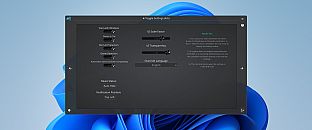






Comprar PlayStatus - Media & Controller Battery Overlay PC Key

Onde comprar PlayStatus - Media & Controller Battery Overlay ao melhor preço? Em 23 ago. 2026 este título tem uma oferta, 4,99 € na Steam. No PC é o caso habitual, porque só cerca de um título em cada quatro consegue oferta em keyshop e o resto fica na loja da plataforma. Não há nada a comparar, mas seguimos este preço todos os dias e mostramos como fica face às leituras anteriores, e um alerta de preço avisa-te de cada descida. No PC compras uma chave que ativas na Steam ou noutro cliente, e é aqui que o mercado é mais largo, com mais de um quarto dos jogos a ter oferta em keyshop.

Lançamento: 02 fev. 2024
CKProductions
CKProductions
Steam:
Mixed (24)
Keyshops
Indisponível
Comprar em Loja Oficial:
4,99 €
Comprar em Keyshops:
Ver histórico de preços

Lojas Oficiais (1)

DRM:
Steam
Steam
Steam
PlayStatus - Media & Controller Battery Overlay
Windows
há 40sem
DRM:
Steam
Steam
4,99 €

Sobre PlayStatus - Media & Controller Battery Overlay

PlayStatus - Media & Controller Battery Overlay - sobre o jogo
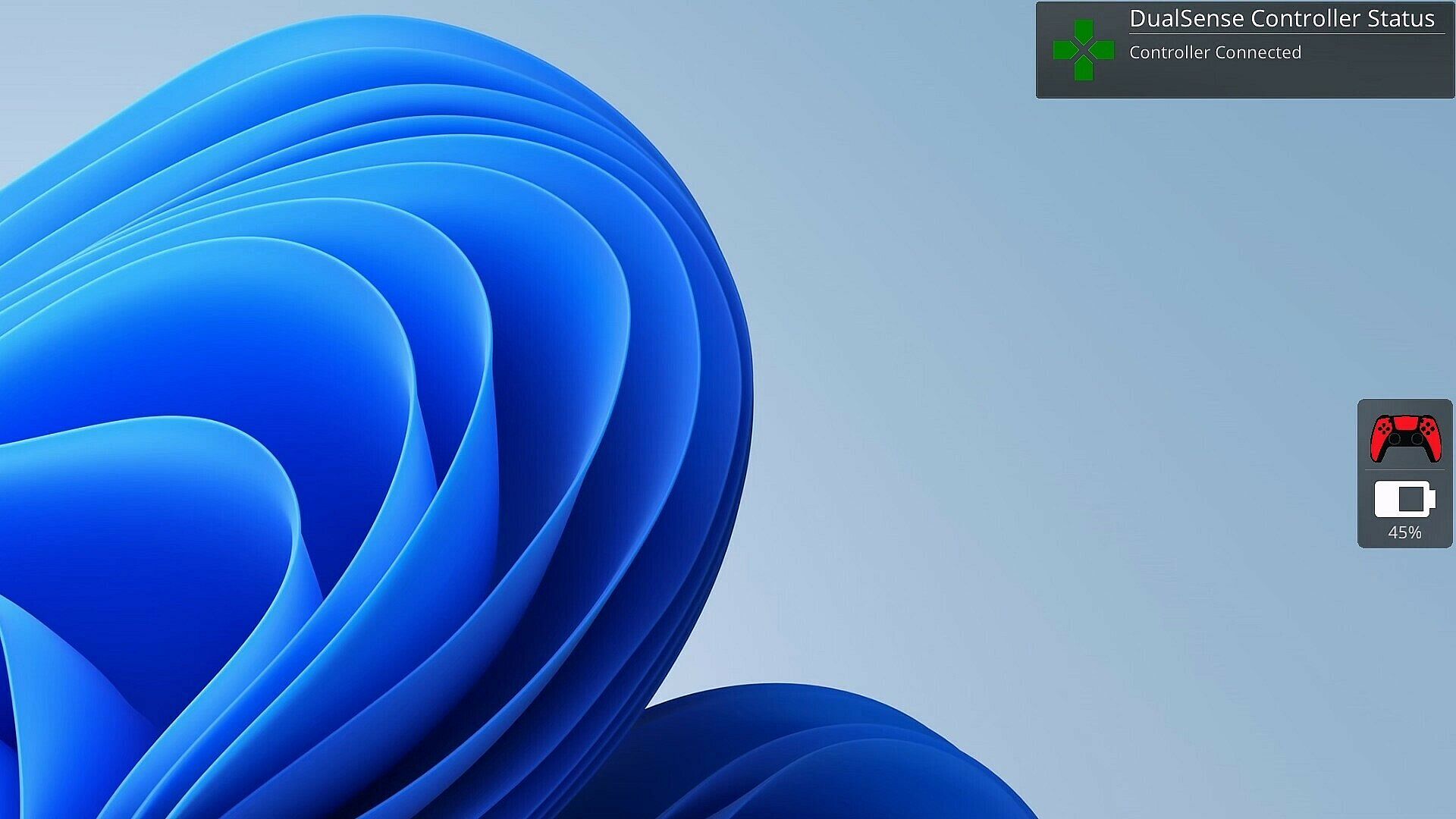
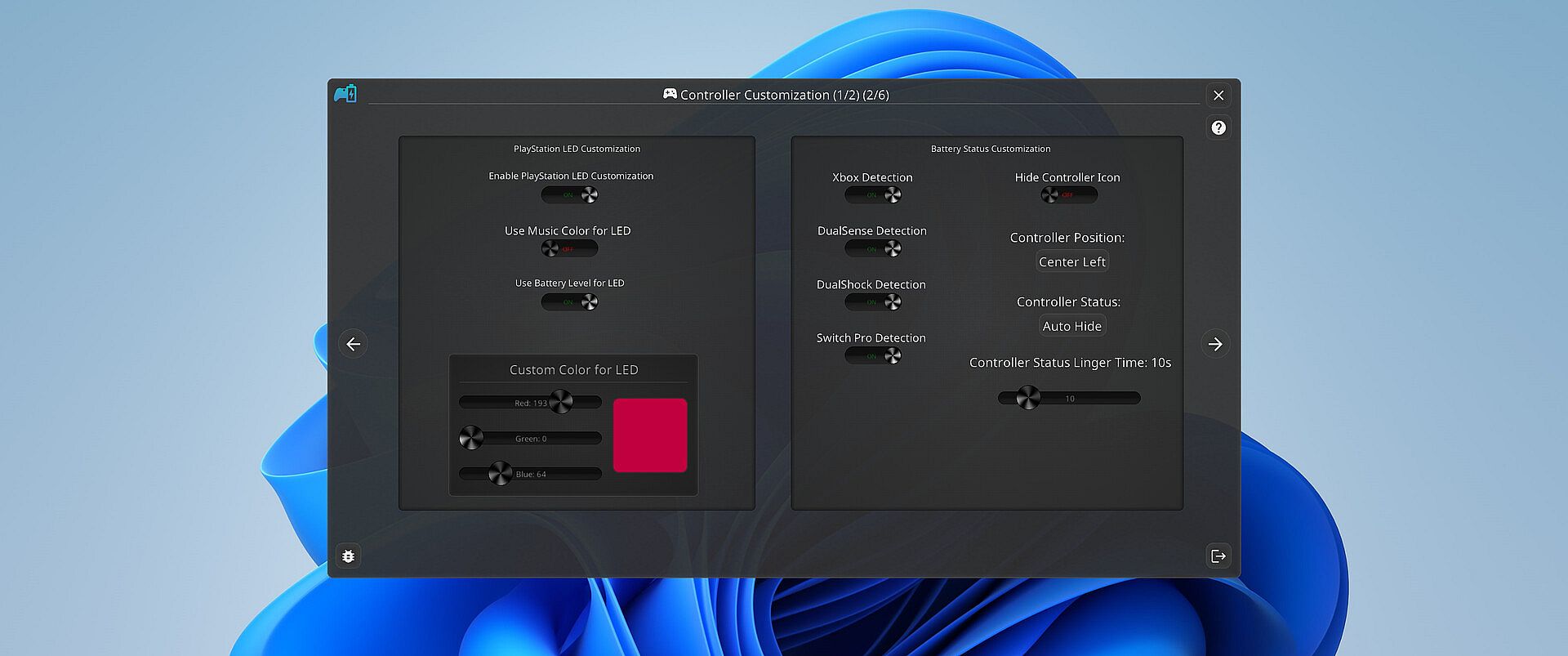
Gamers temem quando o controle morre no meio da partida. O PlayStatus monitora a bateria em tempo real para controles DualSense, Xbox Series/One S, DualShock 4 e Nintendo Switch Pro conectados via Bluetooth no Windows. Ele envia alertas para carregamento ou descarga e acompanha os controles compatíveis dos amigos, tudo por meio de um overlay discreto no modo janela sem bordas. Este utilitário indie inclui um media player para reprodução de baixa latência de arquivos FLAC, OGG, M4A, MP3 ou WAV, com perfis de EQ personalizados e visualizações de áudio. A emulação de controle gerencia mapeamentos para Xbox 360 e DualShock 4 com suporte a rumble, além de detecção automática opcional para configurações específicas de jogos. O suporte multilíngue abrange English, Spanish, German, French, Italian, Japanese, Russian e Simplified Chinese, perfeito para jogadores de PC dedicados em busca de ferramentas fluidas para sessões.

Stay on Top of Your Game with Smart Controller Monitoring

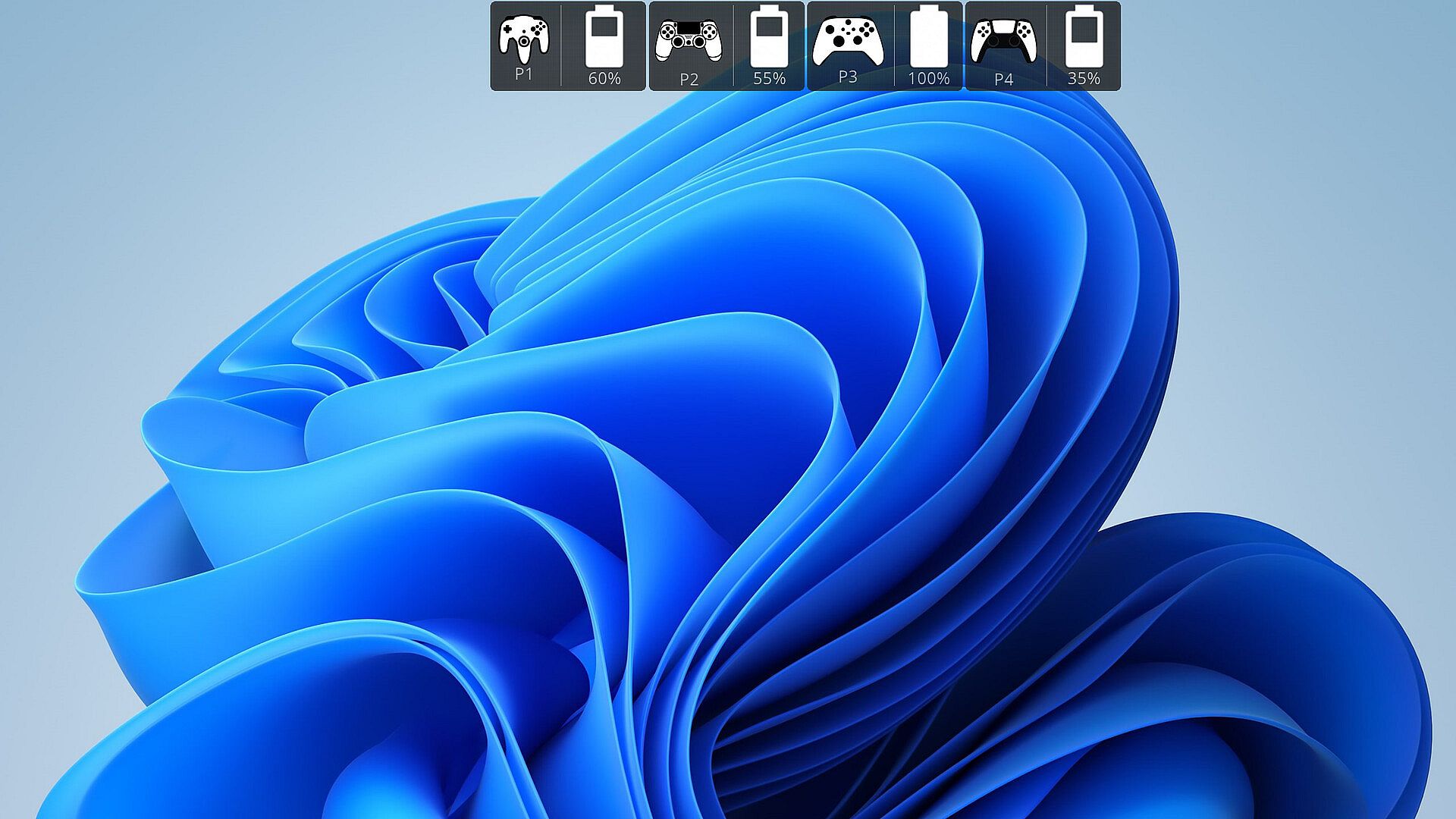
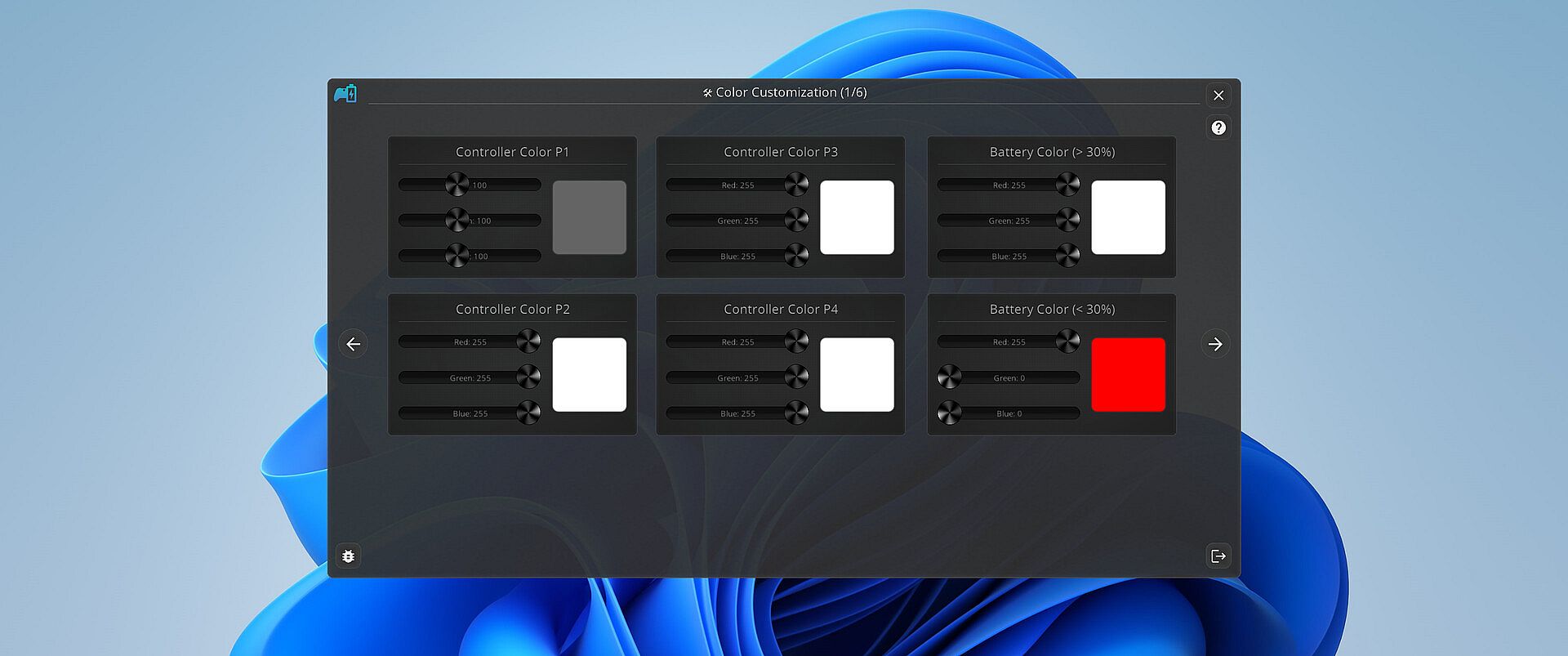
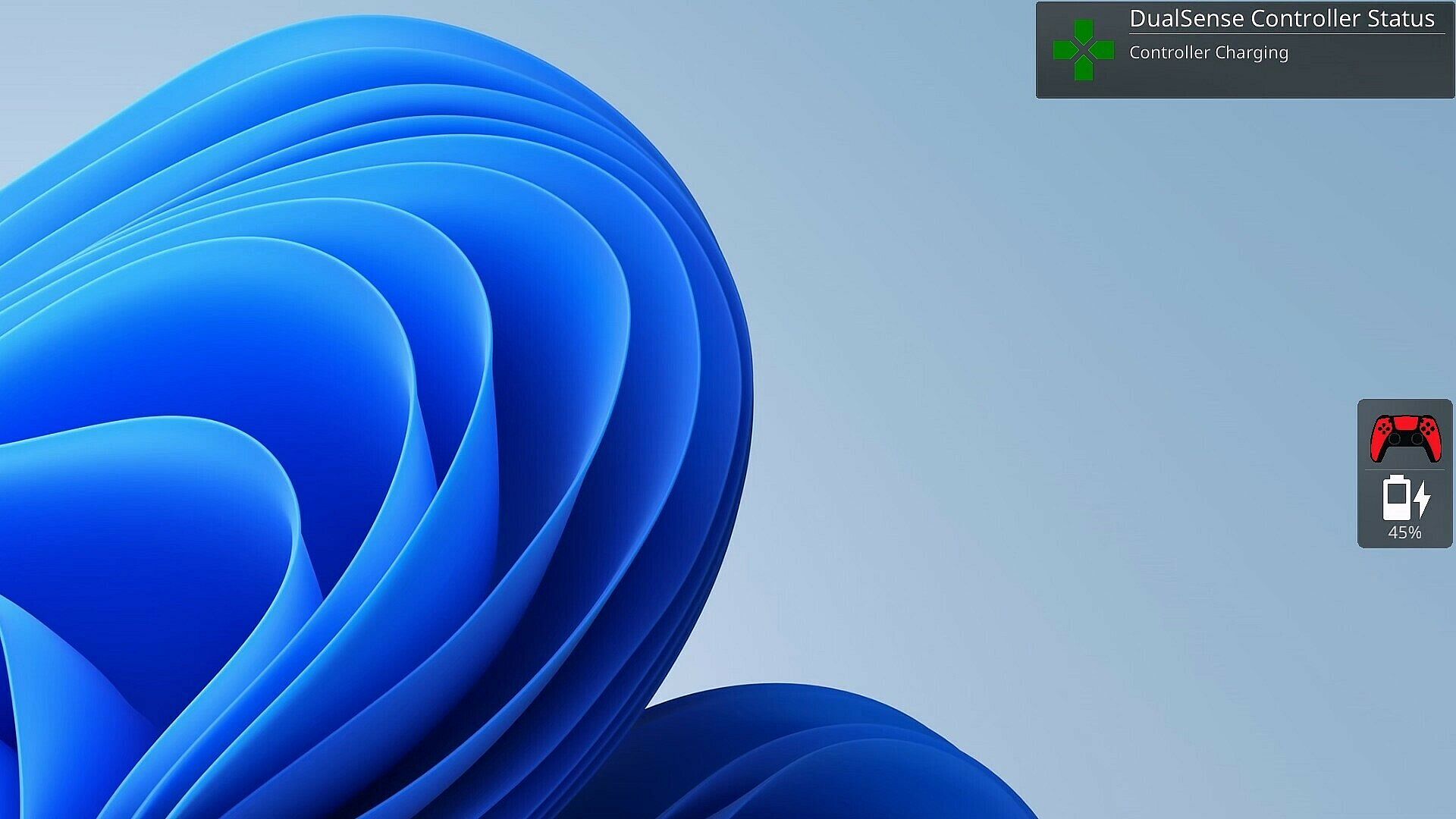
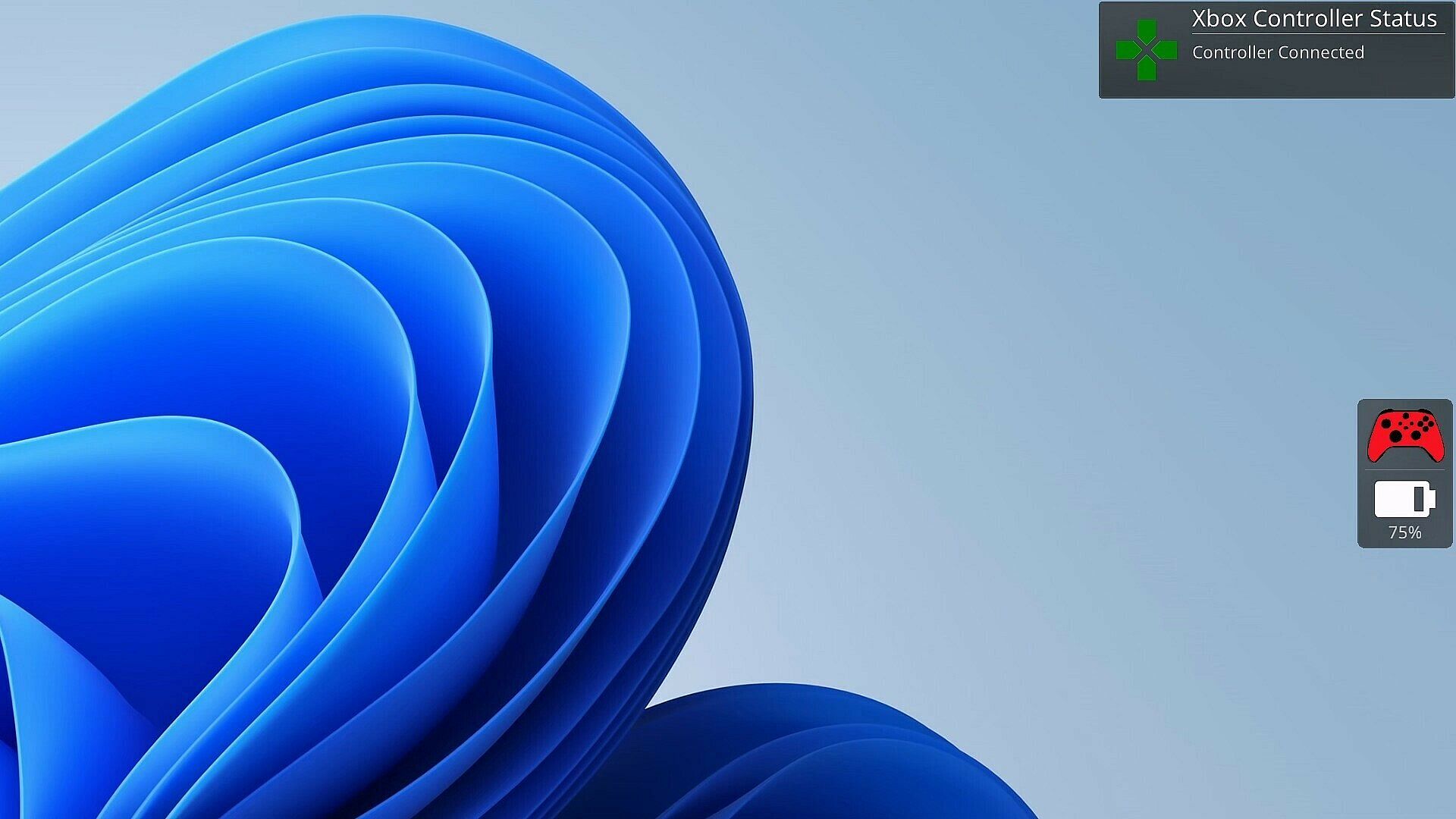
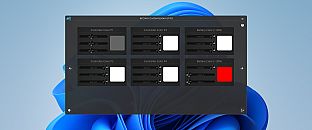
As a gamer, there's nothing worse than your controller dying at a critical moment. PlayStatus is here to ensure that never happens. Whether you're using a Dual Sense, Xbox or Nintendo Switch Pro controller, PlayStatus diligently tracks your controller's battery life, delivering real-time updates on battery changes. It alerts you when your controller starts charging or discharging, allowing you to stay immersed in your game without any unpleasant surprises. Not only that, but when you are playing with others, PlayStatus will also keep track of those controllers as well (given they're supported)!

Important Information for Best Experience

  • Compatibility Notice: PlayStatus does **NOT work on Steam Deck or any Linux distribution using Proton.

  • Unsupported Hardware: Xbox Wireless Adapter and other USB controller adapters are not supported. Connect controllers via Windows Bluetooth settings.

  • Windowed Borderless Mode Required: PlayStatus works only in windowed borderless mode, not in exclusive fullscreen.

Enhance Your Gaming Sessions with Seamless Music Integration

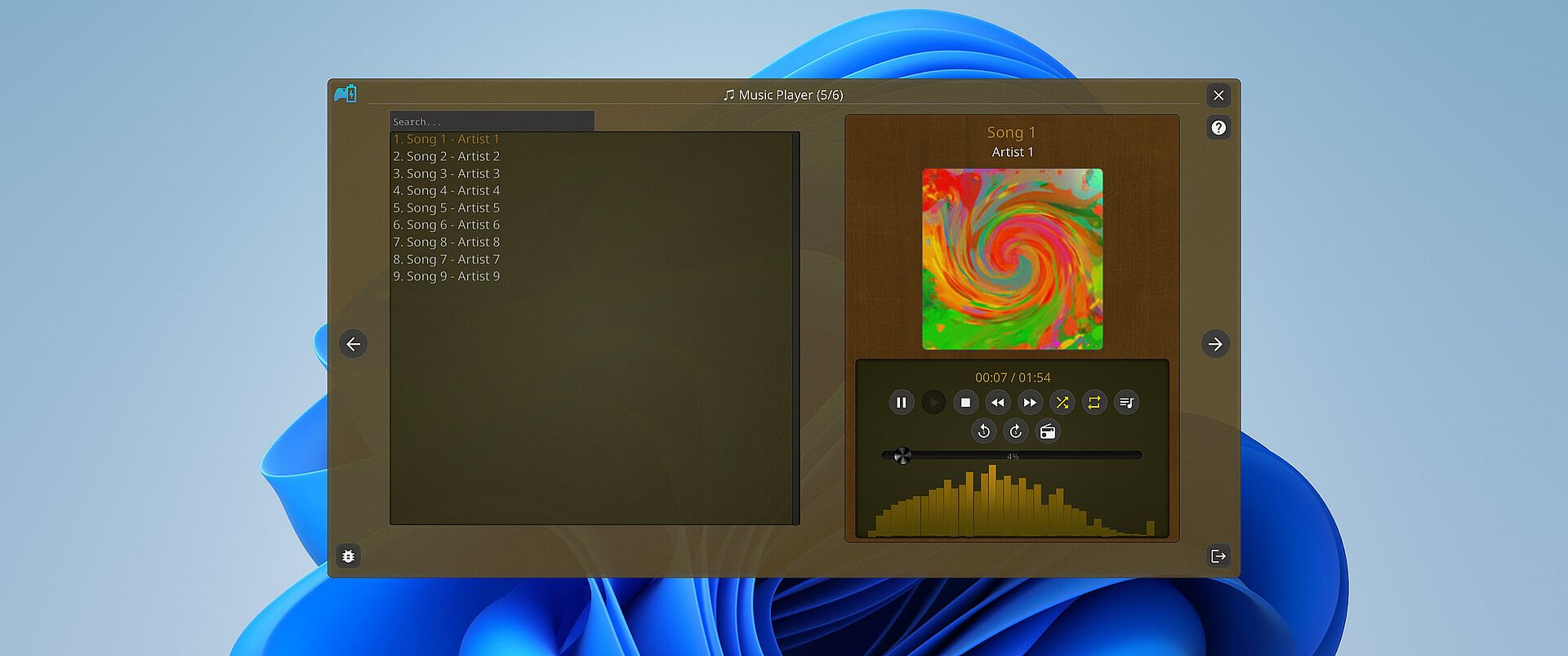
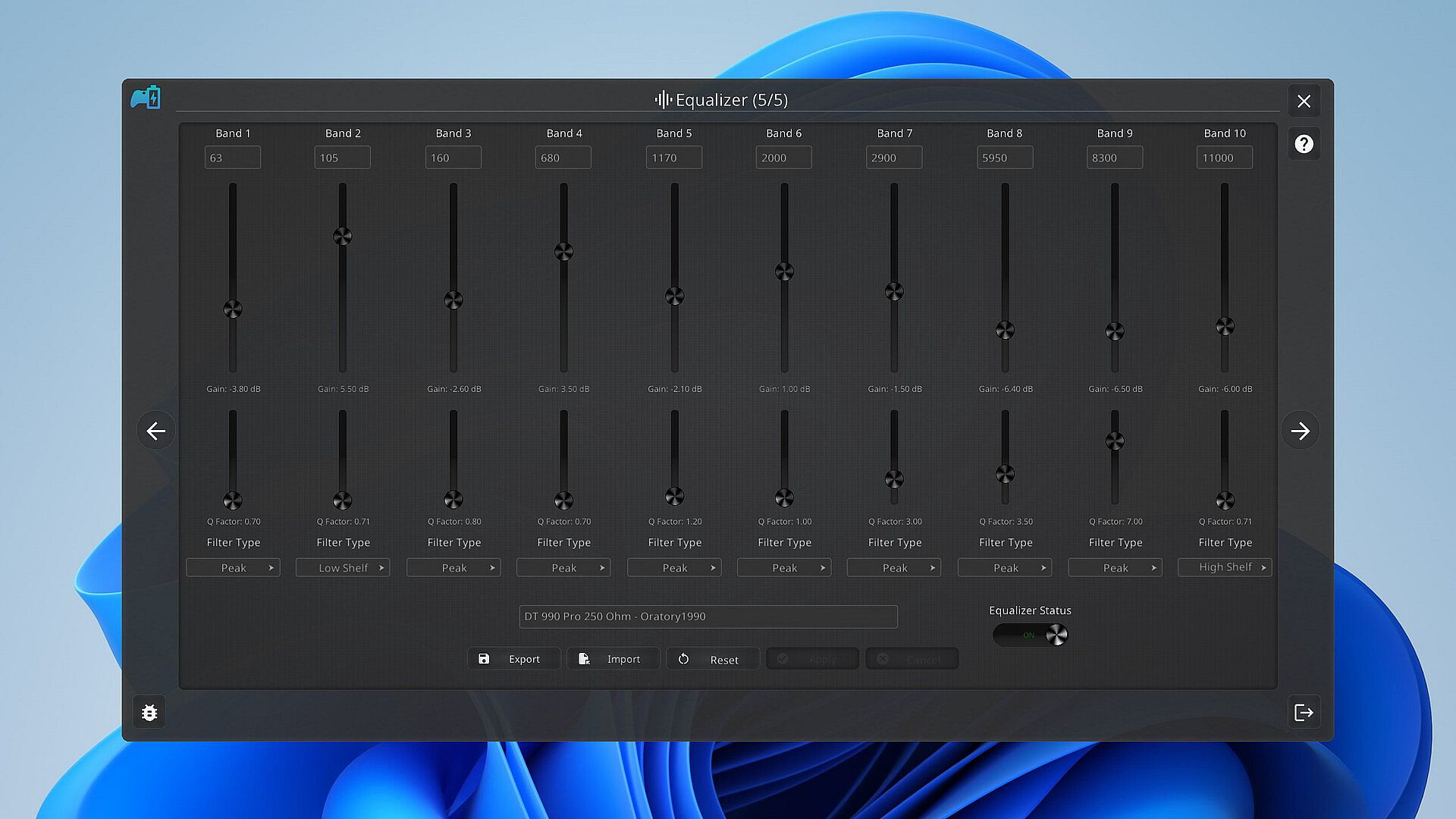
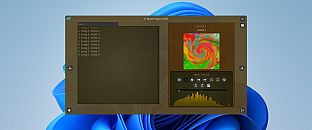
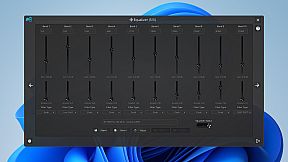
Music is the heartbeat of a great gaming session. PlayStatus features a built-in media player that can provide real-time audio visualizations and low latency audio playback! You can look forward to playing flac, ogg, m4a, mp3, or wav files with custom EQ profiles which can allow for the perfect sound for your specific audio setup.

Xbox 360 & DualShock 4 Controller Emulation

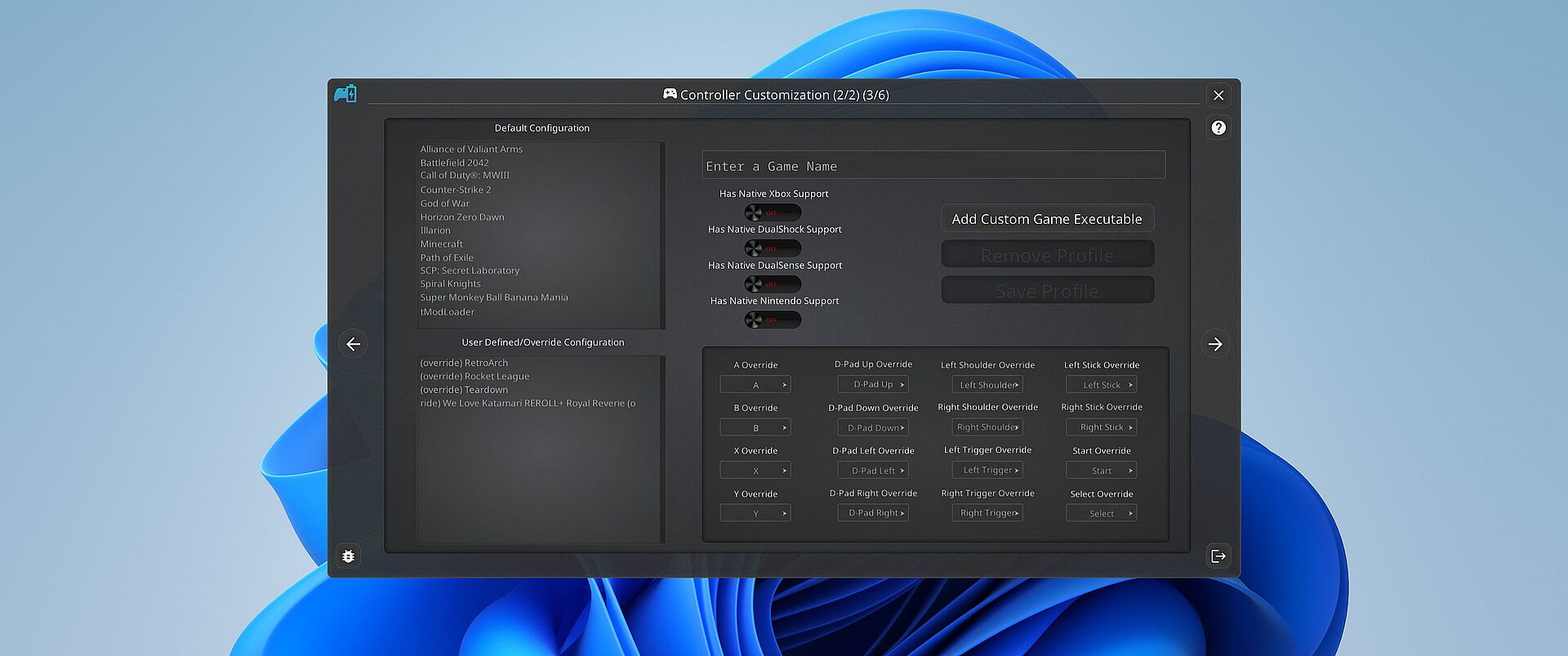
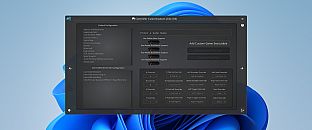
PlayStatus also offers a fully functional controller emulation system, including controller mappings and full rumble support*!

This means, if a game only supports DualShock 4 controllers, but you have an Xbox controller, PlayStatus will emulate a DualShock 4 controller for you, so you can continue to game on, no matter what controllers it supports.

PlayStatus will also optionally auto detect when games have launched, and can apply certain game mappings based on the game.

*(only for Xbox 360 controller emulation).

Why PlayStatus is a Game-Changer for You

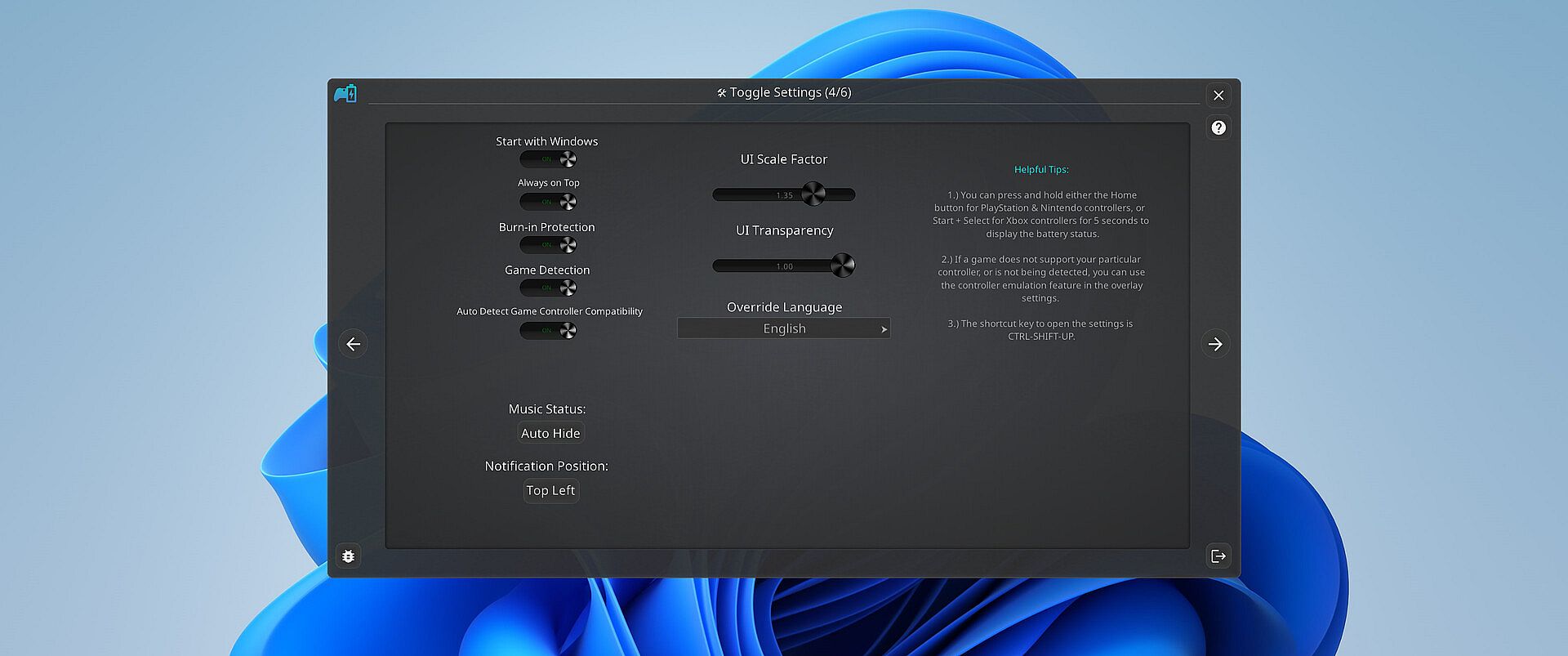
Designed with gamers in mind, PlayStatus solves a common yet overlooked problem: the hassle of checking your controller’s battery life. Its intuitive overlay is perfect for those who play in borderless windowed mode, offering non-intrusive, real-time updates. This is all done with safety and convenience in mind; PlayStatus is completely self-contained, meaning that no Anti-Cheat or game will have any problem with PlayStatus running in the background!

Moreover, if you’re a music aficionado, you'll appreciate the ease of viewing your music without having to switch screens or pause your game. And for those who prefer a more focused gaming experience, the option to disable notifications is just a click away.

Supported Controllers

PlayStatus supports the following controllers:

  • Xbox Series or Xbox One S Wireless Controllers connected via Windows Bluetooth Settings.

  • Dual Sense controllers (DualSense Edge is experimental)

  • Dual Shock 4 controllers

  • Nintendo Switch Pro, SNES & N64 Controllers

PlayStatus will be unable to report correct battery/connection information if you are using any sort of controller emulator dongle, like a 8BitDo, or a Microsoft Xbox Wireless Adapter. Along with that, it is very important to follow the in-app instructions for set-up.

OS Support

PlayStatus supports Windows ONLY. Running via Proton, or any type of compatibility layer, will NOT work. This includes Steam Deck. Please see the System Requirements section for more information.

Language Support

PlayStatus supports multiple languages other than English. Other languages that are supported include Spanish (Spain), German, French, Italian, Japanese, Russian, and Simplified Chinese. More languages will be added in the future if needed/requested.

Interface:
GermanEnglishSpanish - SpainFrenchItalianJapaneseRussianSimplified Chinese

Classificação etária

Indisponível
Steam:
Mixed (24)

Mínimo:

  • SO: Windows 10.0.10586.0 or greater
  • Processador: x64 based CPU
  • Memória: 1 GB RAM
  • Armazenamento: 1 GB available space

Recomendado:

  • SO: Windows 10.0.10586.0 or greater
  • Processador: x64 based CPU
  • Memória: 4 GB RAM
  • Armazenamento: 1 GB available space
Mínimo histórico
Histórico de preços das lojas oficiais
2,49 €
Steam
há 1 anos
Histórico de preços dos keyshops
-
-
-

FAQ

8 perguntas

Antes de procurar uma chave PC barata de PlayStatus - Media & Controller Battery Overlay, confira o essencial. Desenvolvido por CKProductions. Publicado por CKProductions. Data de lançamento PC: 02 fev. 2024. Géneros: Indie, Utilities. Categorias: Full controller support, Steam Cloud.

Q

Onde comprar uma chave Steam ou CD Key barata de PlayStatus - Media & Controller Battery Overlay?

Usando o nosso comparador de preços e códigos de desconto verificados, pode comprar uma chave de PlayStatus - Media & Controller Battery Overlay por apenas 4,99 €. Esta oferta está disponível na Steam e é uma das mais baratas do mercado. Todas as chaves listadas no XD.deals são entregues digitalmente e disponíveis para download imediato após o pagamento. Os preços já incluem taxas de processamento e códigos promocionais aplicados, para que veja sempre o preço mais baixo de PlayStatus - Media & Controller Battery Overlay no PC. Consulte o histórico de preços de PlayStatus - Media & Controller Battery Overlay para comprar no melhor momento.

De acordo com a nossa última atualização (atualizamos os preços do Steam várias vezes ao dia), o preço de PlayStatus - Media & Controller Battery Overlay no Steam é 4,99 €. Pode poupar cerca de 6% extra pagando com um cartão presente Steam com desconto.

O nosso rastreador de preços abrange tanto lojas oficiais como keyshops, para que possa encontrar PlayStatus - Media & Controller Battery Overlay em promoção mesmo fora das campanhas sazonais. Detetamos atualmente 1 oferta ativa de lojas oficiais e keyshops. Consulte a tabela acima, compare com o mínimo histórico e defina um alerta para nunca perder a próxima descida de preço.

Com base nos nossos dados, PlayStatus - Media & Controller Battery Overlay não está atualmente disponível no GeForce NOW. Precisará de o executar localmente no seu PC. Consulte os jogos disponíveis no GeForce NOW.

Sim. PlayStatus - Media & Controller Battery Overlay tem uma página oficial no Steam. Também pode comprar uma chave Steam de PlayStatus - Media & Controller Battery Overlay em vendedores terceiros. O nosso comparador inclui atualmente 1 oferta com DRM Steam. Escolha uma para garantir que o download de PlayStatus - Media & Controller Battery Overlay acontece na plataforma da Valve.

Não neste momento. A Valve marca PlayStatus - Media & Controller Battery Overlay como Não Suportado no Steam Deck. Fique atento ao XD.deals - acompanhamos atualizações do Proton e correções da comunidade. Consulte os jogos Steam Deck Verified ou Steam Deck Playable.

Segundo os nossos dados, PlayStatus - Media & Controller Battery Overlay não está atualmente disponível no PC Game Pass, EA Play nem Ubisoft+. Ainda estamos a completar os catálogos destes serviços, por isso compensa confirmar o estado na fonte antes de decidir. Se vais comprar, o XD.deals ajuda a encontrar o preço mais baixo.

Não - o XD.deals não é uma loja. Somos um serviço de comparação de preços que acompanha as melhores ofertas de PlayStatus - Media & Controller Battery Overlay em lojas oficiais e keyshops verificadas. Clique em "Ir para a loja" junto a qualquer oferta e será redirecionado para o site do vendedor para concluir a compra.

Melhores preços para PlayStatus - Media & Controller Battery Overlay

1 Steam Steam Official
4,99 €

Quer comprar no melhor momento? Defina um alerta de preço no XD.deals e seja notificado quando PlayStatus - Media & Controller Battery Overlay atingir o seu próximo mínimo histórico.

Criar Alerta
Junte-se ao nosso Discord
Obtenha ajuda instantânea da nossa comunidade e mantenha-se atualizado sobre as últimas ofertas
Definir Alertas de Preço
Seja notificado por email quando os preços dos jogos baixarem para o seu objetivo
Criar Conta Gratuita
Desbloqueie listas de desejos, alertas de preço e sincronização Steam