









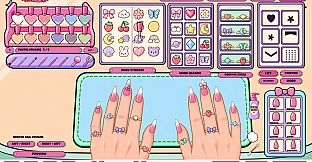
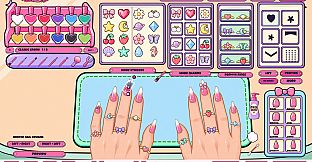
My Nail Salon is a casual simulation game focused on nail art creation for PC players who enjoy relaxed, hands-on creative sessions. In this single-player experience, users build and customize manicures using a variety of tools and finishes, either freely or to match specific customer requests. The core loop centers on selecting nail shapes, applying layers of polish, and adding decorative elements to produce unique designs that reflect personal style or fulfill photo references.
Gameplay
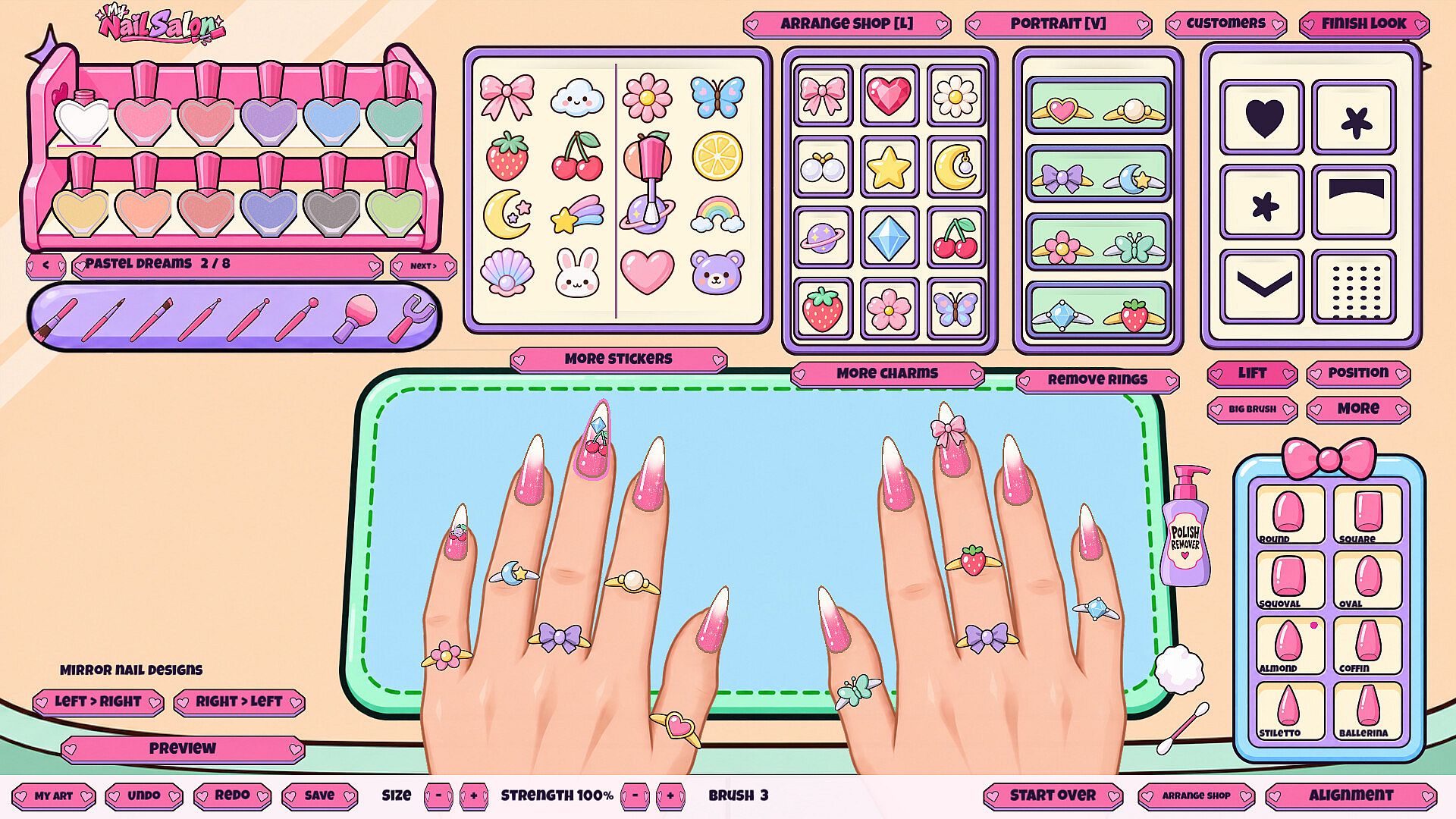
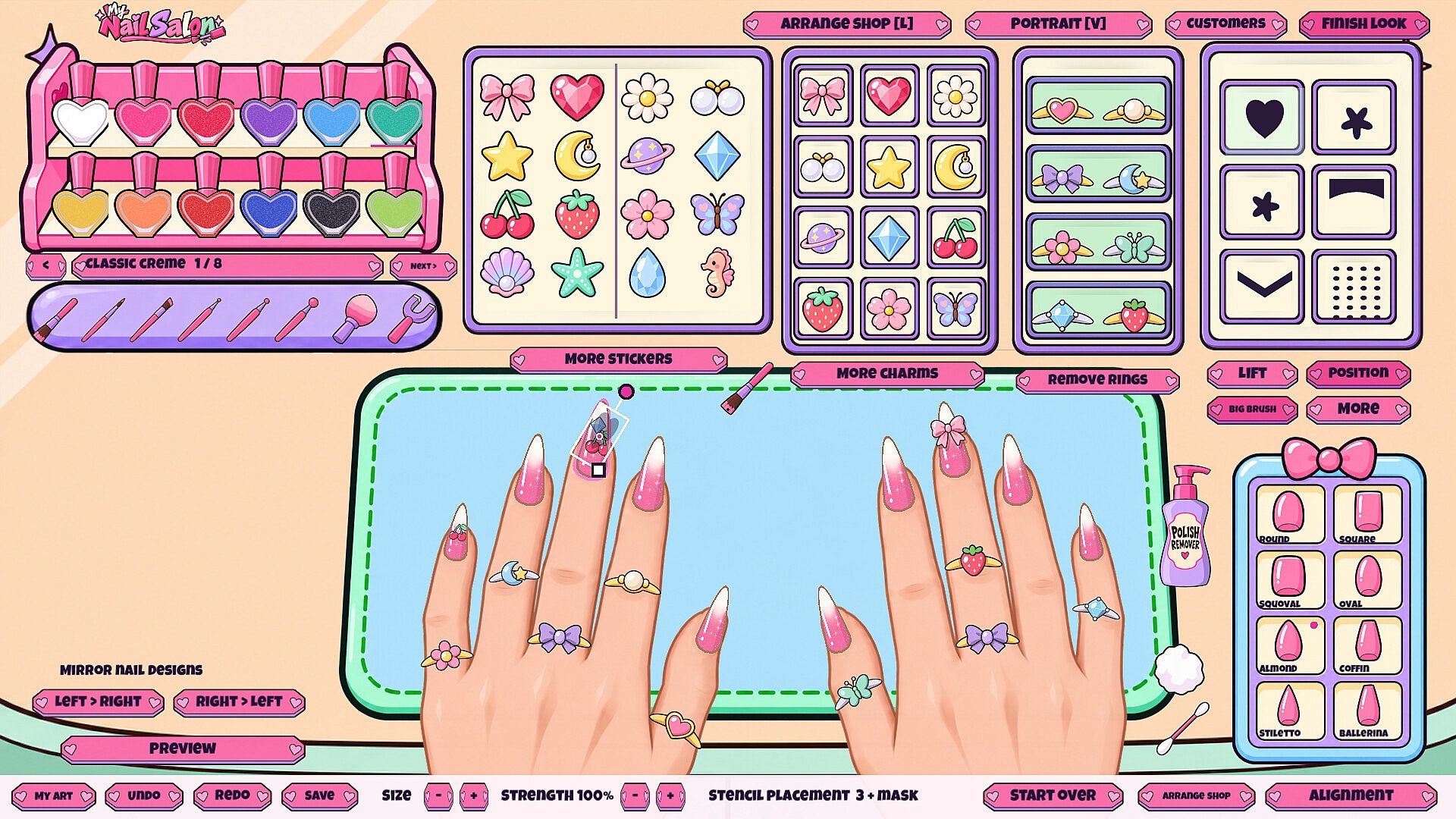
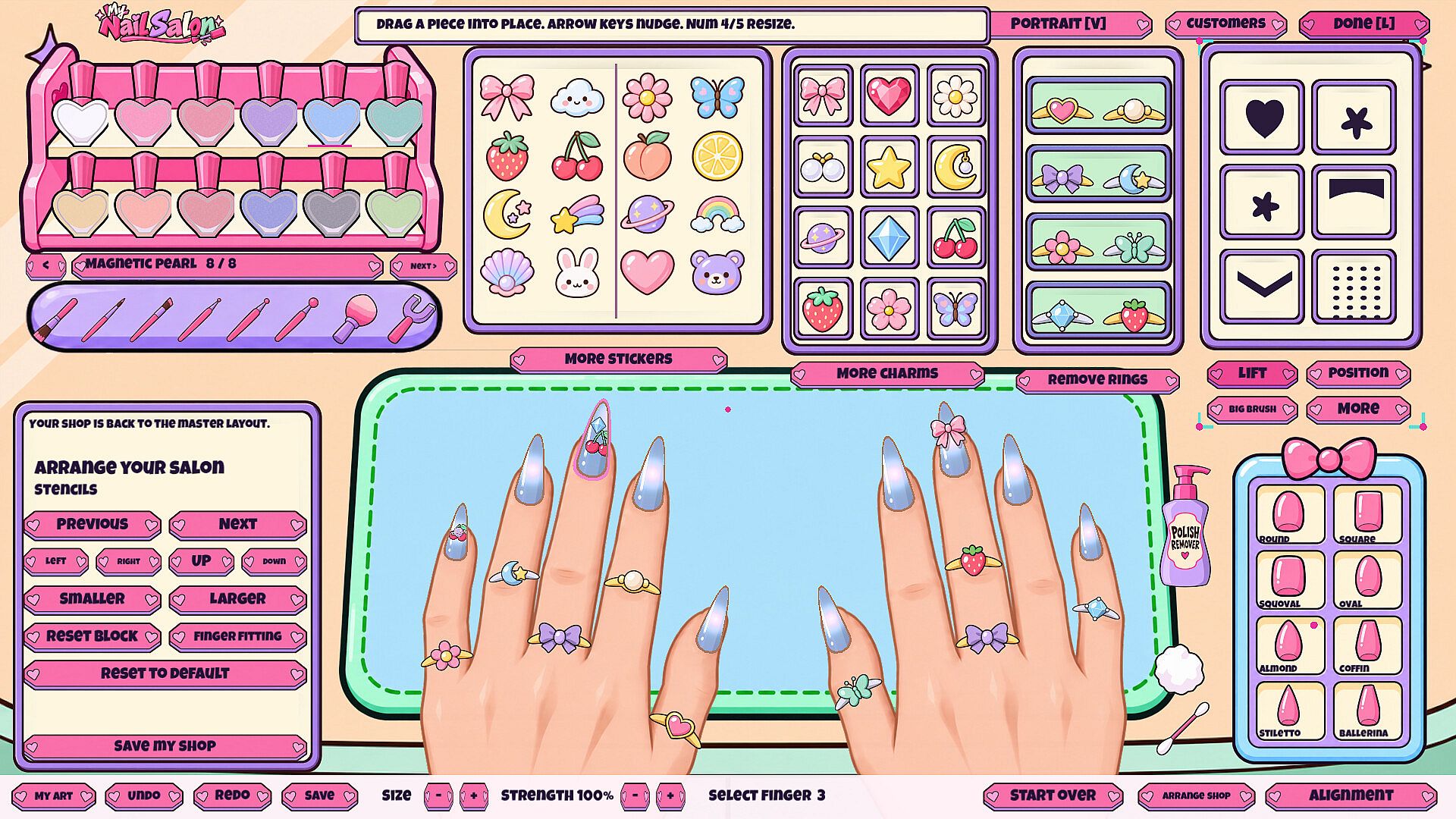
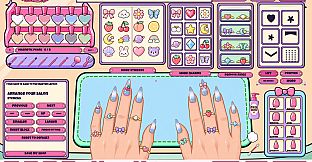
The gameplay emphasizes precise, layered nail art techniques in a rearrangeable salon workspace. Players begin by choosing a nail shape from the available options, then apply color through freehand painting or full fills. Layering allows multiple colors and finishes to build depth, while a sponge tool blends two shades into smooth gradients. Magnetic polish can be shaped for dynamic effects, and movable stencils guide precise patterns during application. Glitter adds sparkle, and the process concludes with stickers, charms, and rings for final accents. A portrait camera mode provides close-up views to refine details during creation. Imported custom nail art images expand the toolkit, letting players incorporate personal designs into their work.
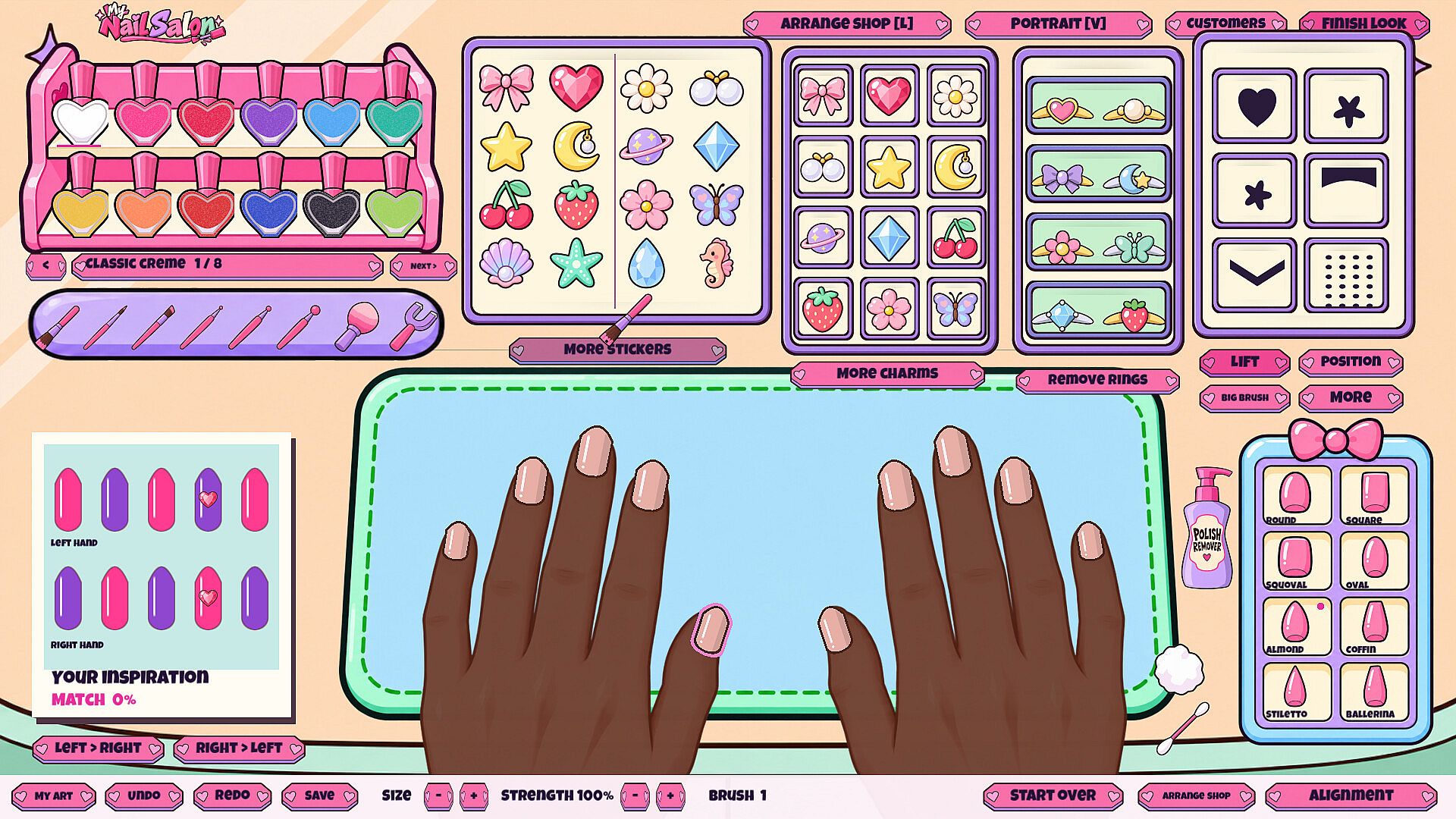
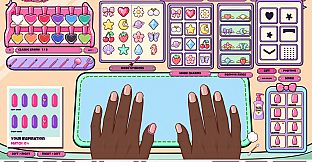
Additional mechanics support experimentation without pressure. Saved designs can be revisited or rearranged in the salon layout to suit individual preferences. The system supports different skin tones across characters, ensuring variety in the visual presentation of finished manicures. These elements combine to create a focused creative process centered on polish application, blending, and decoration rather than complex management or progression systems.
Game Modes
Two primary modes structure the experience. Free Play offers unrestricted access to all tools and customization options, allowing players to experiment with shapes, layers, blending, stencils, and decorations at their own pace. This mode suits those seeking pure creative freedom without external constraints.
Open Store introduces customer interactions, where players recreate inspiration photos provided by nine distinct customers. Each request includes a visible reference image kept beside the workspace. Upon completion, the game calculates a match percentage to indicate how closely the manicure aligns with the request. This mode adds light structure through specific goals while maintaining the same core painting and layering tools available in Free Play. Sixteen achievements track progress across both modes, rewarding consistent use of features like stencils, blending, and custom imports.
Customization and Workspace
Players can adjust the salon environment to match their vision, rearranging elements of the nail bar for comfort and flow. Imported images integrate directly into designs, broadening creative possibilities beyond built-in assets. Saved creations persist for later review or modification, supporting iterative refinement of favorite manicures. The nine customers feature varied skin tones and personal styles, providing diverse canvases that highlight how finishes and decorations appear in different contexts. These options keep sessions engaging for repeated play without introducing new mechanics beyond the verified toolset.
Is It Worth Playing?
My Nail Salon targets players who appreciate deliberate, artistic simulation games on PC. Its single-player focus and emphasis on layered polish techniques, blending, stencils, and decorative finishes deliver a contained creative outlet. The combination of Free Play for open experimentation and Open Store for guided requests with match feedback offers flexibility for different moods. With sixteen achievements and support for custom imports plus saved designs, the game provides measurable goals alongside personal expression. As an upcoming title scheduled for Q4 2026 with Steam Achievements and family sharing enabled, it suits those seeking a relaxing, self-directed nail art experience rather than competitive or narrative-driven content. Individuals drawn to casual simulation and hands-on design tools will find the verified mechanics align well with that preference.