




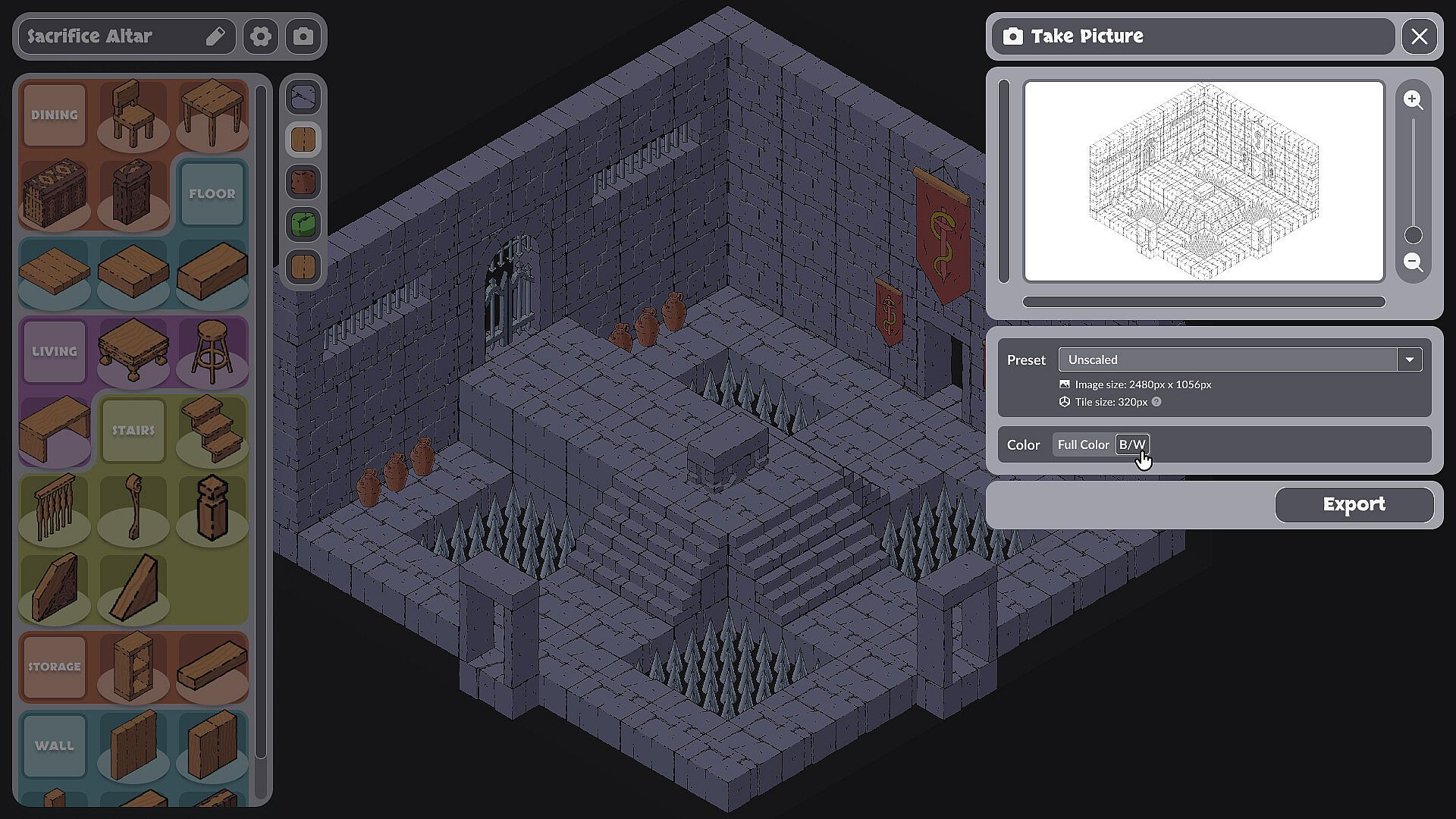
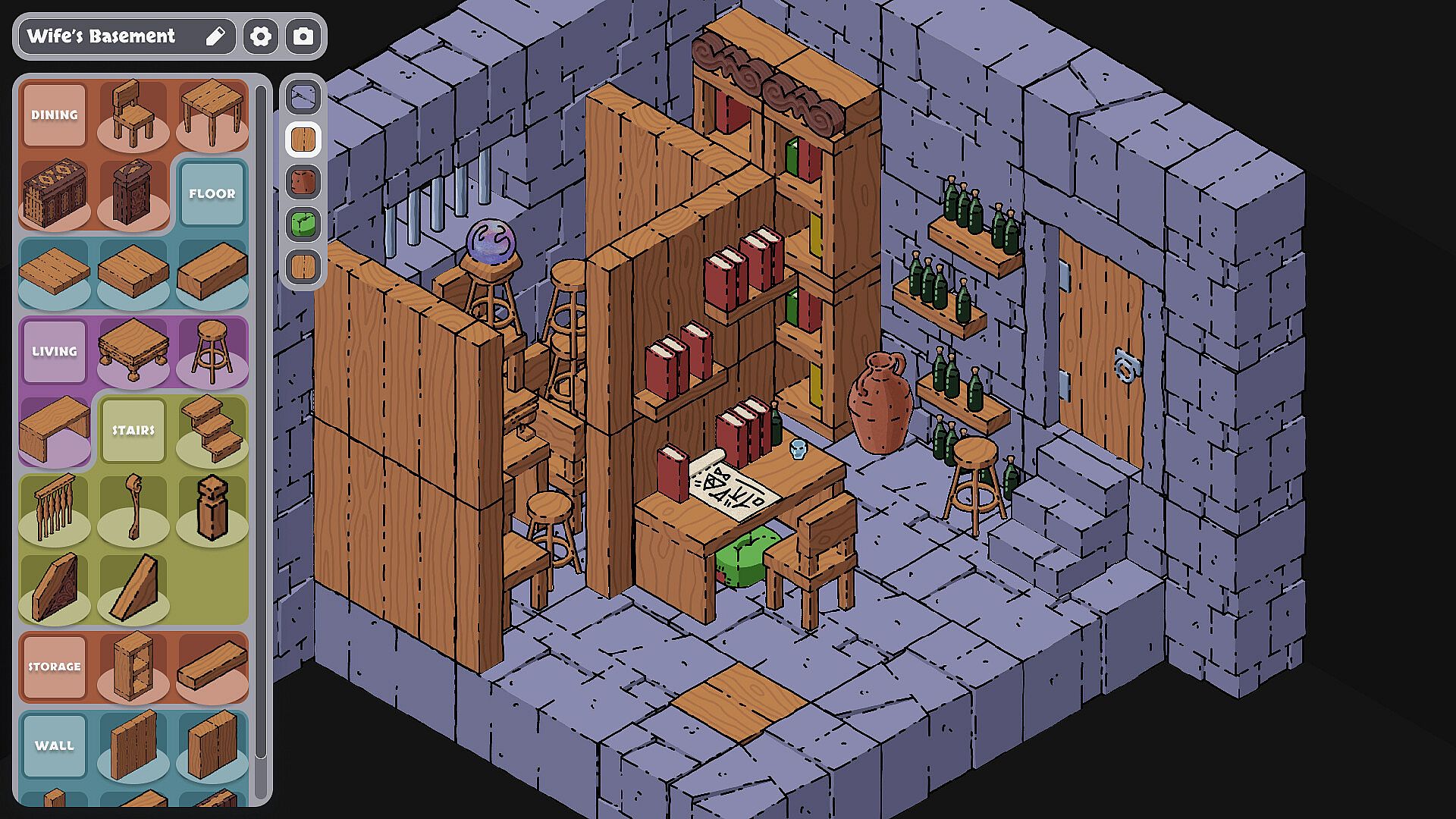
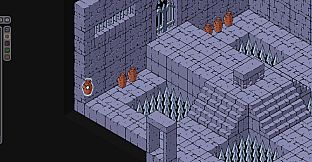
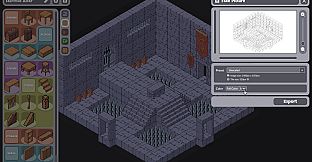
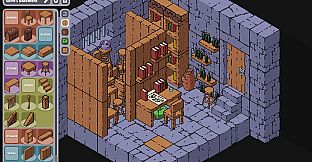
Keep Making is an indie casual simulation game centered on building medieval fantasy rooms and structures in an isometric, hand-drawn style. Players arrange whimsical corners or sprawling dungeons using a detailed set of tools on a fixed-camera perspective that emphasizes creative freedom over action or narrative progression.
Gameplay
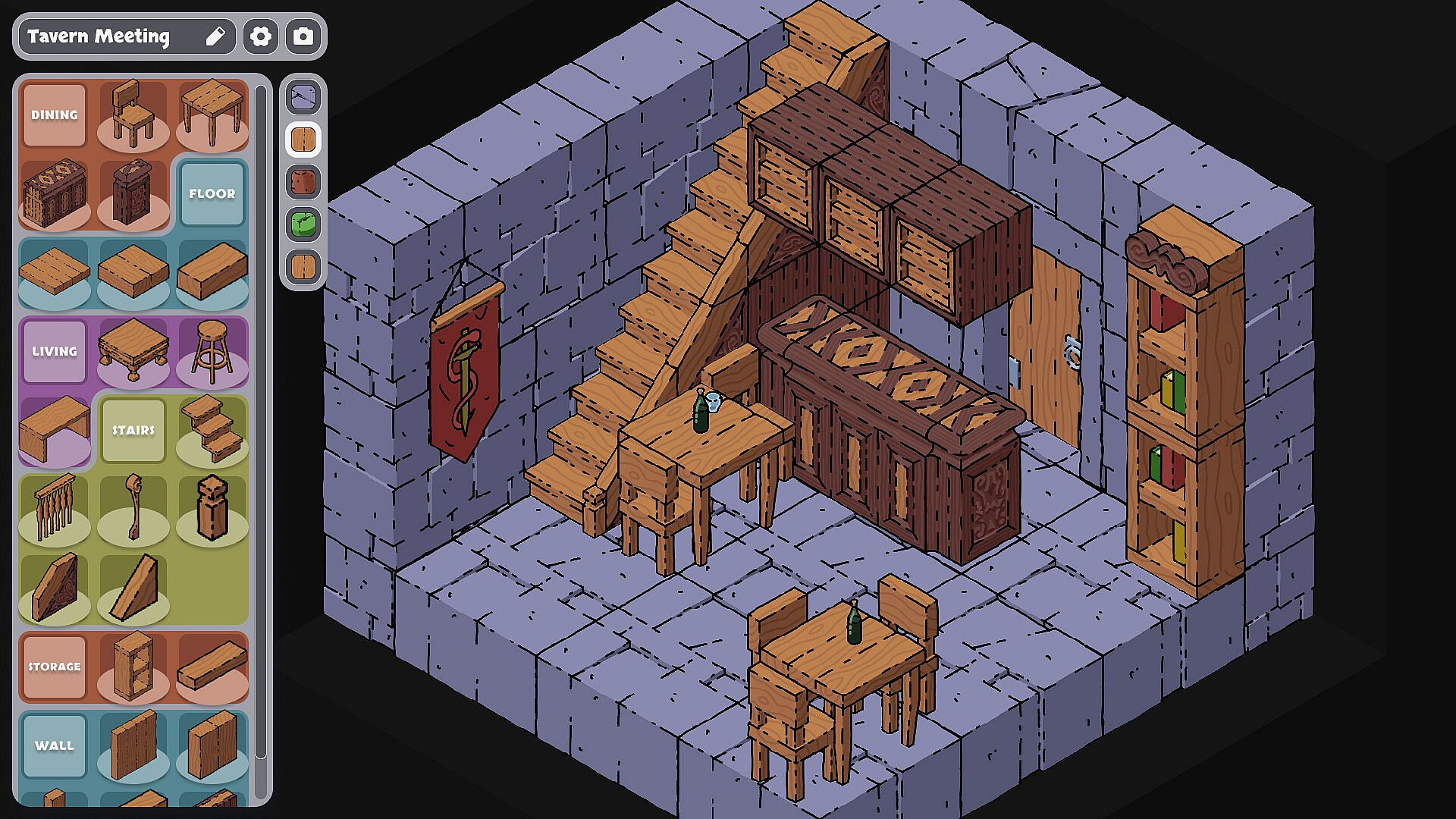
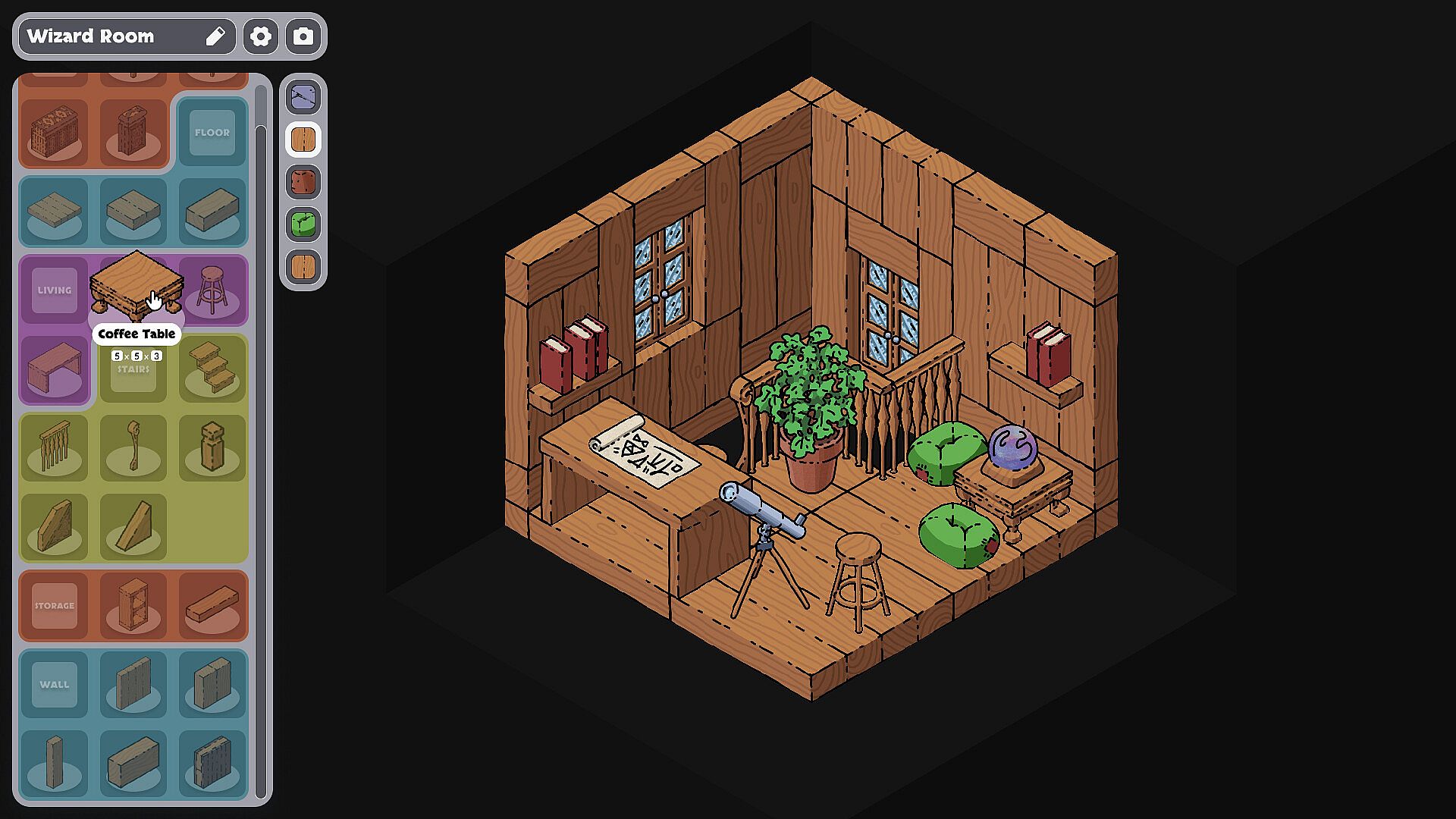
The core loop revolves around selecting from hundreds of categorized bricks and placing them on a fine-grained 3D grid. Bricks support rotation for precise fits and color tweaks to match the desired atmosphere. Every item receives hand-drawn treatment, delivering a consistent charm that suits isometric views of fantasy interiors and exteriors.
Editing tools prioritize intuition for the fixed view, allowing quick adjustments without complex menus. A comprehensive library provides variety at launch, while customization options extend to imported drawings created in external image editors. These assets blend directly into the main collection for seamless use.
Export features include print-friendly formats, turning completed builds into physical references or standalone images. The focus stays on deliberate placement and visual refinement rather than resource management or timers.
Game Modes
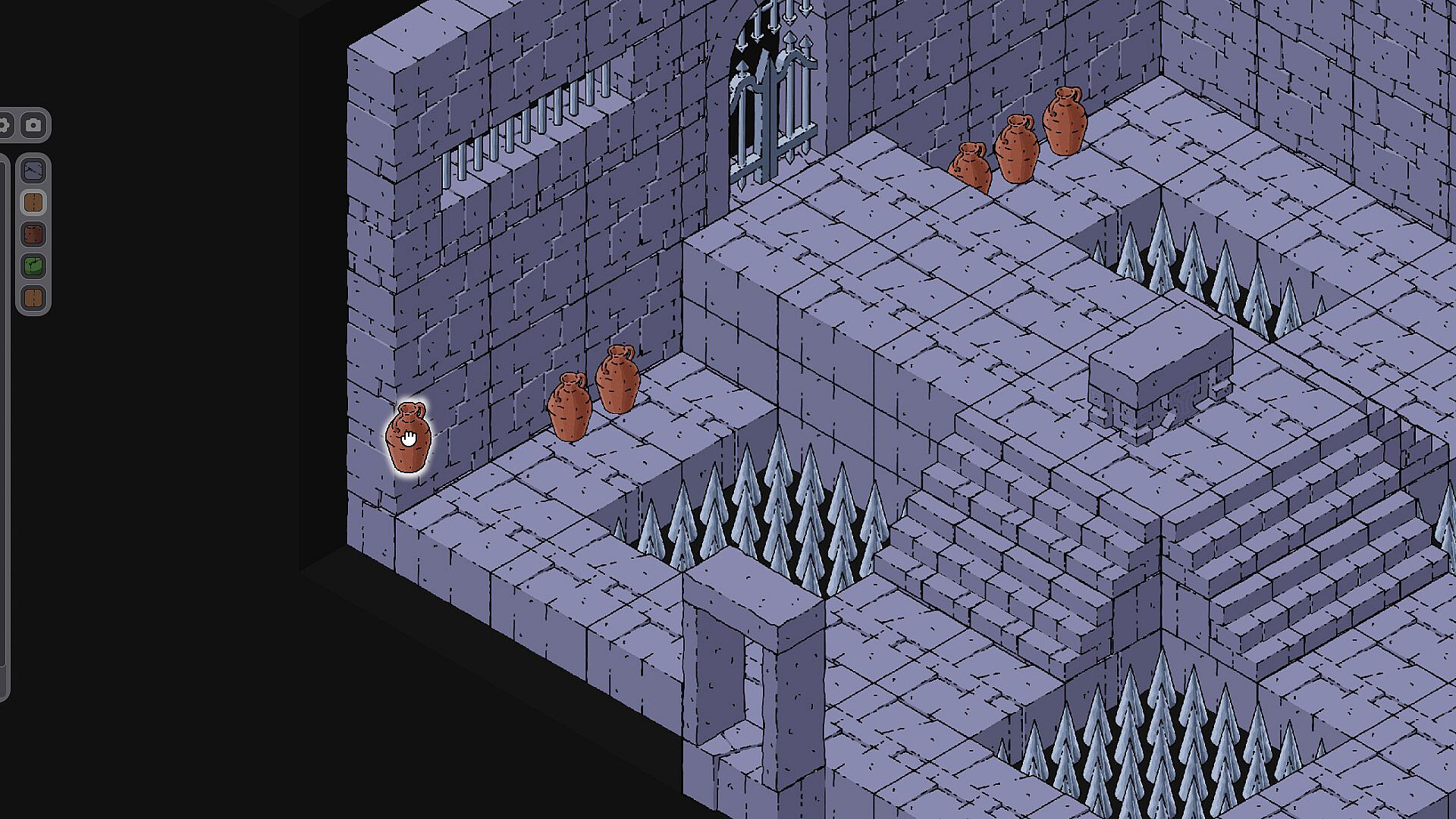
Keep Making operates as a single creative space where players build freely without imposed objectives or time limits. The experience centers on open-ended arrangement, from small decorative details to larger connected areas.
Sharing forms a secondary layer through integrated support for custom content. Players import hand-drawn items that merge with the standard library, enabling personal libraries to expand alongside community contributions managed in the interface.
This structure supports both solitary experimentation and iterative refinement based on added assets, keeping the emphasis on construction and presentation.
Key Features
The brick system stands out for its granularity and flexibility. Hundreds of pieces launch categorized for quick browsing, with rotation and color controls refining each placement. Hand-drawn aesthetics apply uniformly, preserving a cohesive look across all scenes.
Workshop-style integration allows direct import of external drawings, which function identically to built-in elements. Management happens entirely within the game, avoiding separate tools or file handling outside the main interface.
Powerful export options round out the toolkit, supporting high-quality outputs suitable for printing or digital sharing. These elements combine to create a focused builder that prioritizes artistic control.
Is It Worth Playing?
Keep Making suits players who enjoy methodical creation in a medieval fantasy setting. The isometric hand-drawn presentation and grid-based placement deliver a tactile building experience that rewards attention to detail and personal style.
Those drawn to casual simulation titles with strong customization will find the brick library and import tools engaging for repeated sessions. The absence of competitive elements or progression gates keeps the pace relaxed and self-directed.
Availability on PC makes it accessible for anyone with basic image editing software who wants to expand the content further. The overall design favors steady creative output over quick sessions, making it a solid choice for dedicated builders seeking a specialized medieval room tool.