






Comprar JoustMania PC Key

JoustMania e gratuito! Faca o download em Steam e comece a jogar instantaneamente.

Lançamento: 11 jun. 2019
Metacritic:
tbd tbd
Steam:
Very Positive (13)
Official
Indisponível
Keyshops
Indisponível
Comprar em Loja Oficial:
Indisponível
Comprar em Keyshops:
Indisponível

Sem entradas, mas não se preocupe, iremos informá-lo assim que surgir uma nova oferta.

Create Alert Create deal Alert

Sobre JoustMania

JoustMania - sobre o jogo
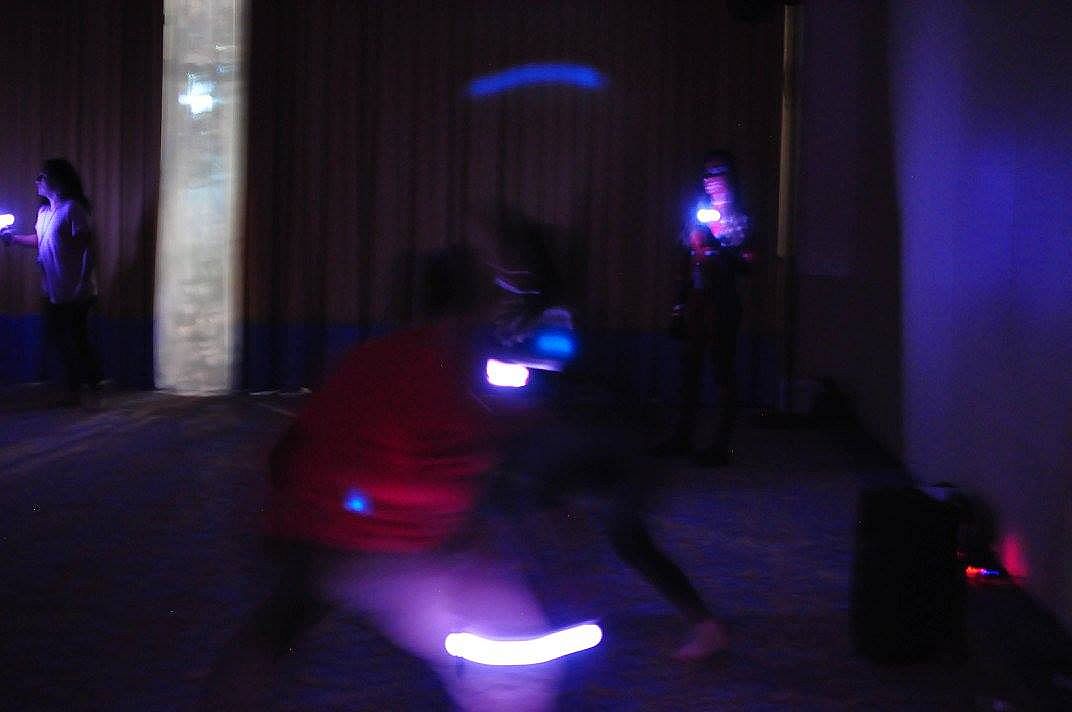
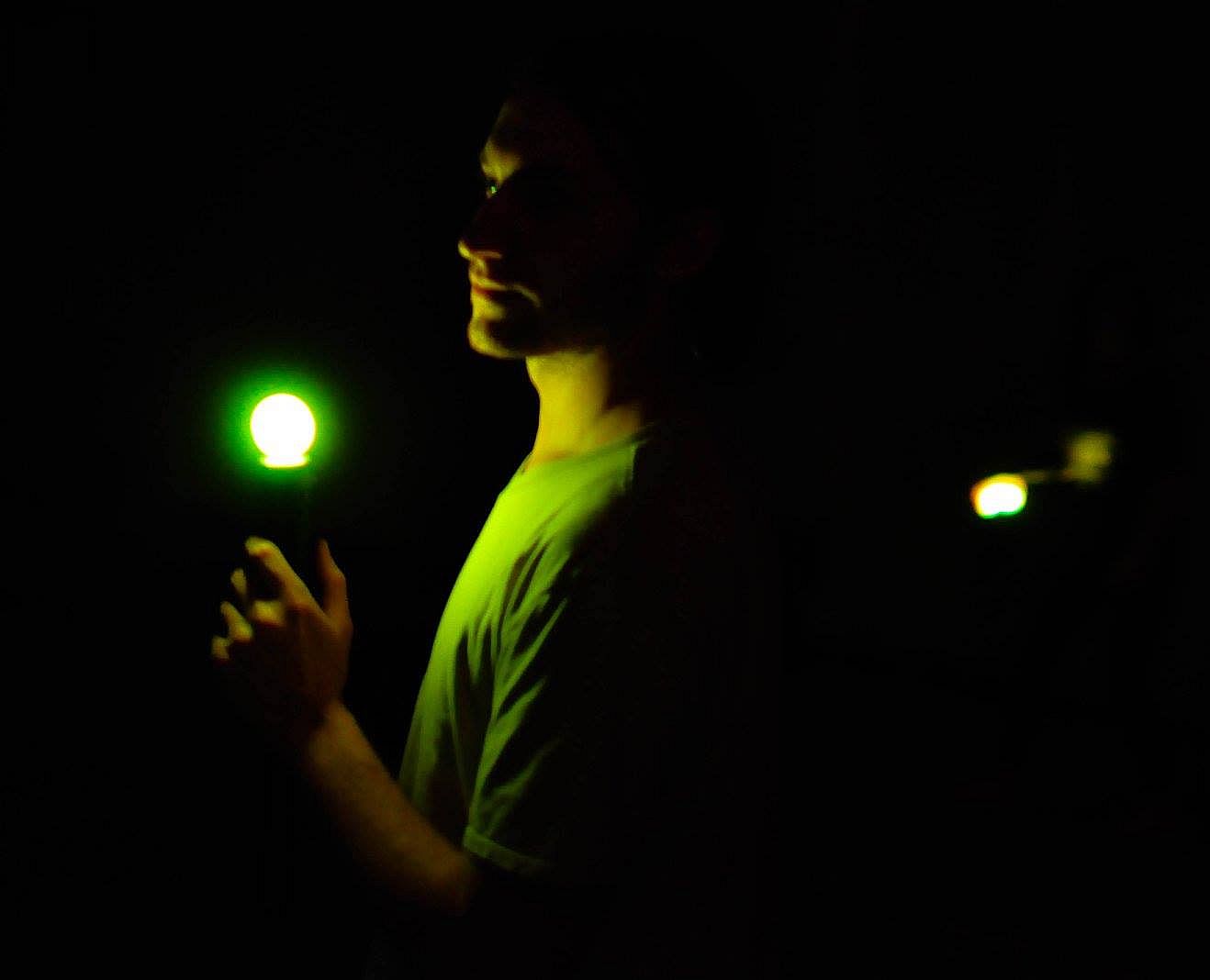
JoustMania delivers a movement-based party game where players hold controllers steady while jostling opponents, drawing from the jostling mechanic in Johann Sebastian Joust. No screen is needed as up to seven players on Windows-or 18+ on Raspberry Pi-compete using PlayStation Move controllers. Thirteen game modes like Free-for-All, Teams, Traitors, Werewolves, Zombies, and Tournament offer variety, with five sensitivity levels adjustable in admin mode. Pair controllers by running the game as administrator, then tweak settings via controller buttons or a browser GUI at 127.0.0.1. Players press triggers to start rounds and select modes with the side button. This casual simulation sports title suits groups of friends seeking quick, physical multiplayer fun on PC.


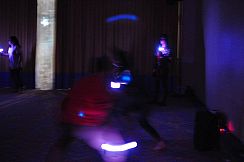
JoustMania is a movement based party game based off of the Jostling mechanic introduced in Johann Sebastian Joust, players try to keep their controller still while jostling others, no screen required. JoustMania features thirteen different game modes, five different sensitivity levels, and a whole range of other features for you and your friends to enjoy. This is the first time this game is available on the Windows platform.

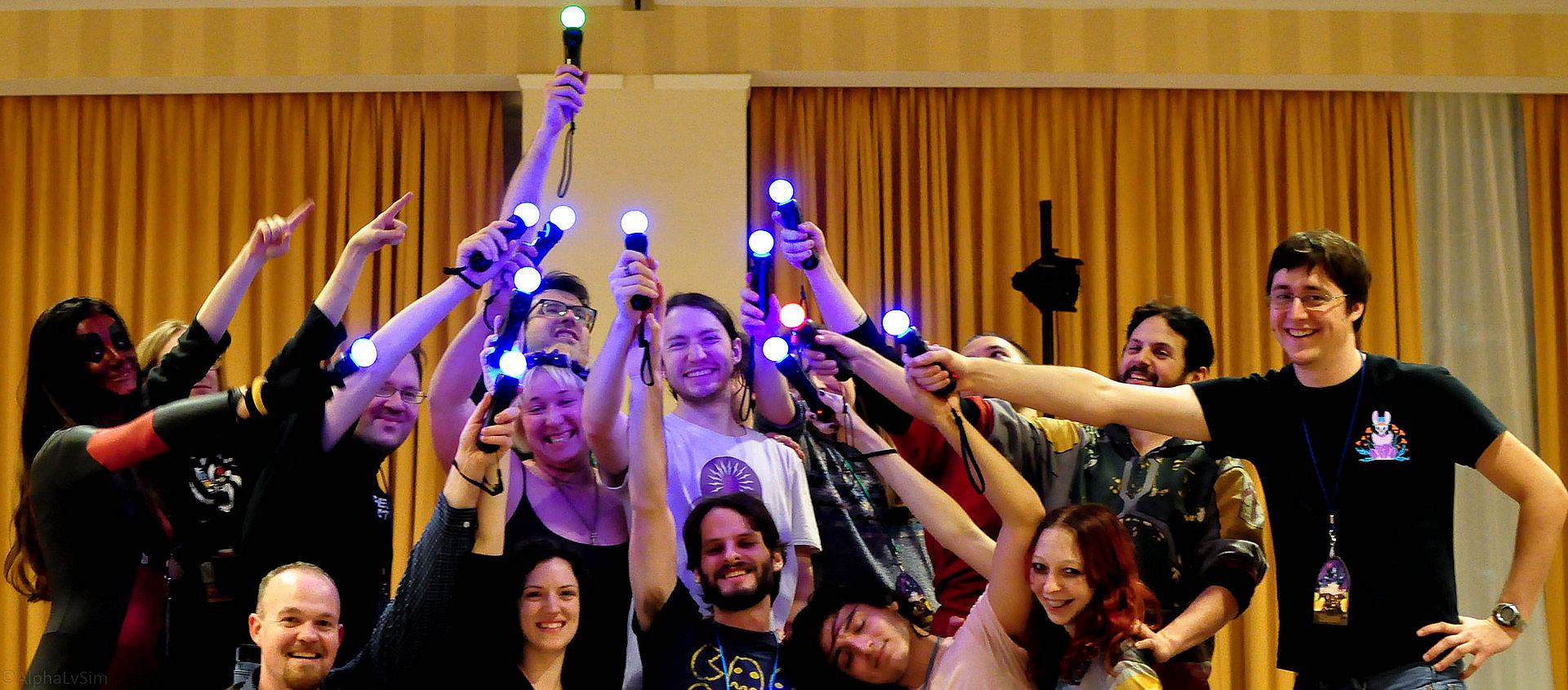
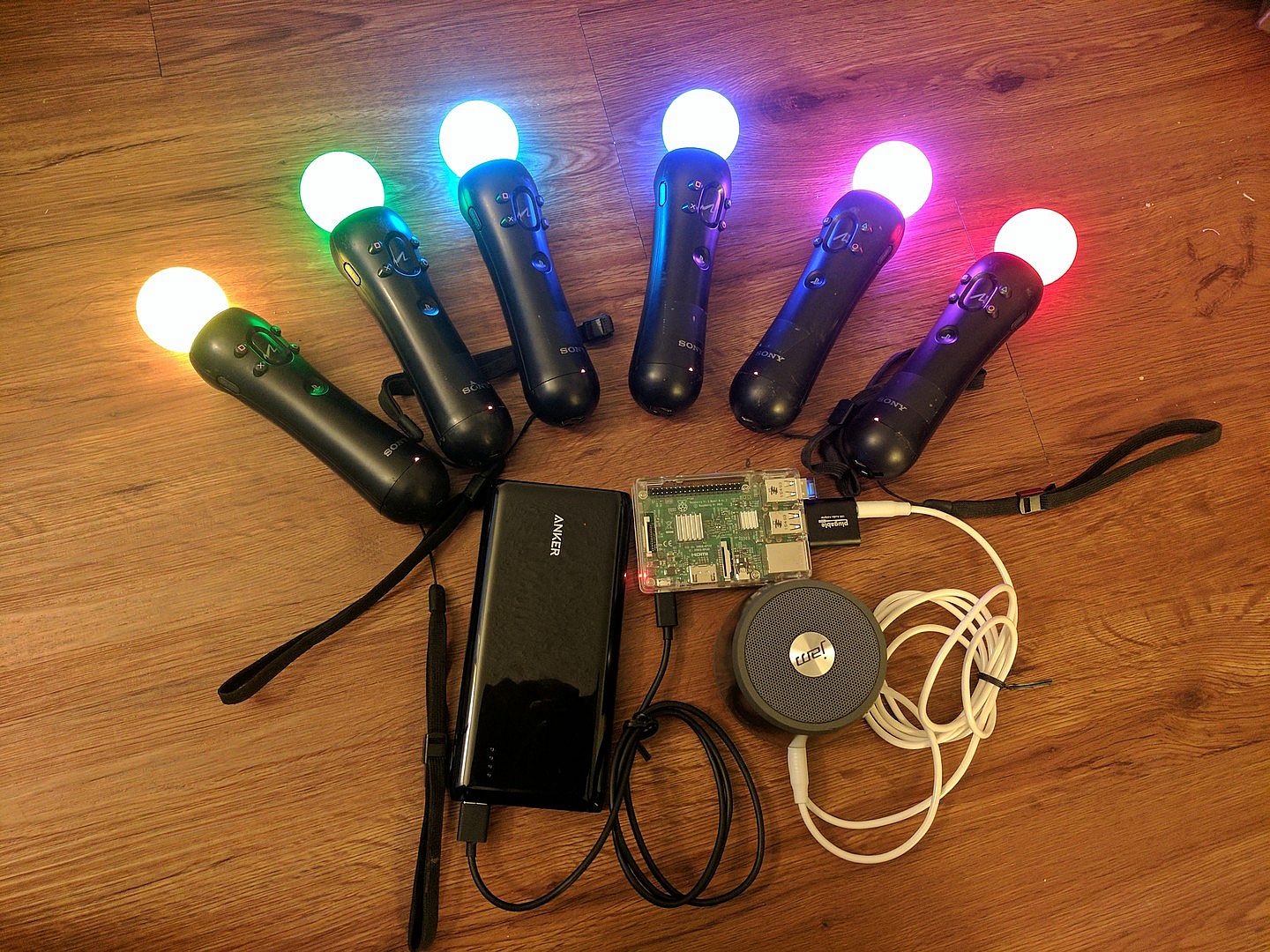
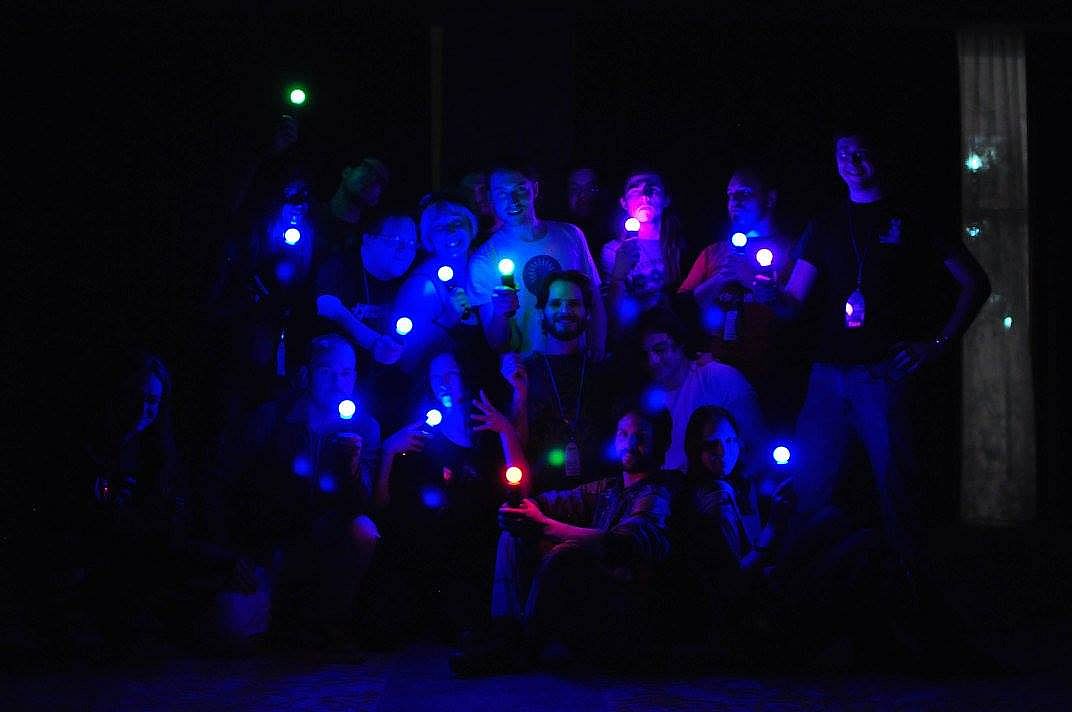
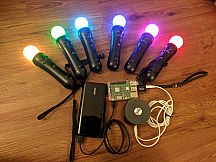
JoustMania supports up to seven players on Windows, and 18+ on the raspberry pi. Playstation move controllers are required to play this game.

Note: In order to sync Joustmania controllers you will need to run in administrator mode:
Go to C:/Program Files (x86)/Steam/SteamApps/common/Joustmania
right click piparty.exe
click properties
click the Compatibility tab
click Run this program as an administrator, and click Apply
GameModes
  • Joust Free-for-All (2+ players)
  • Joust Teams (Minimum 3+ players, 4+ players recommended)
  • Joust Random Teams (3+ players)
  • Traitors (Minimum 6+ players, 9+ players recommended)
  • Werewolves (Minimum 3+ players, 6+ players recommended)
  • Zombies (Minimum 4+ players, 10+ players recommended)
  • Commander (Minimum 4+ players, 6+ players recommended)
  • Swapper (Minimum 3+ players, 4+ players recommended)
  • Fight Club (2+ Players)
  • Tournament (3+ players)
  • Non Stop Joust (2+ players)
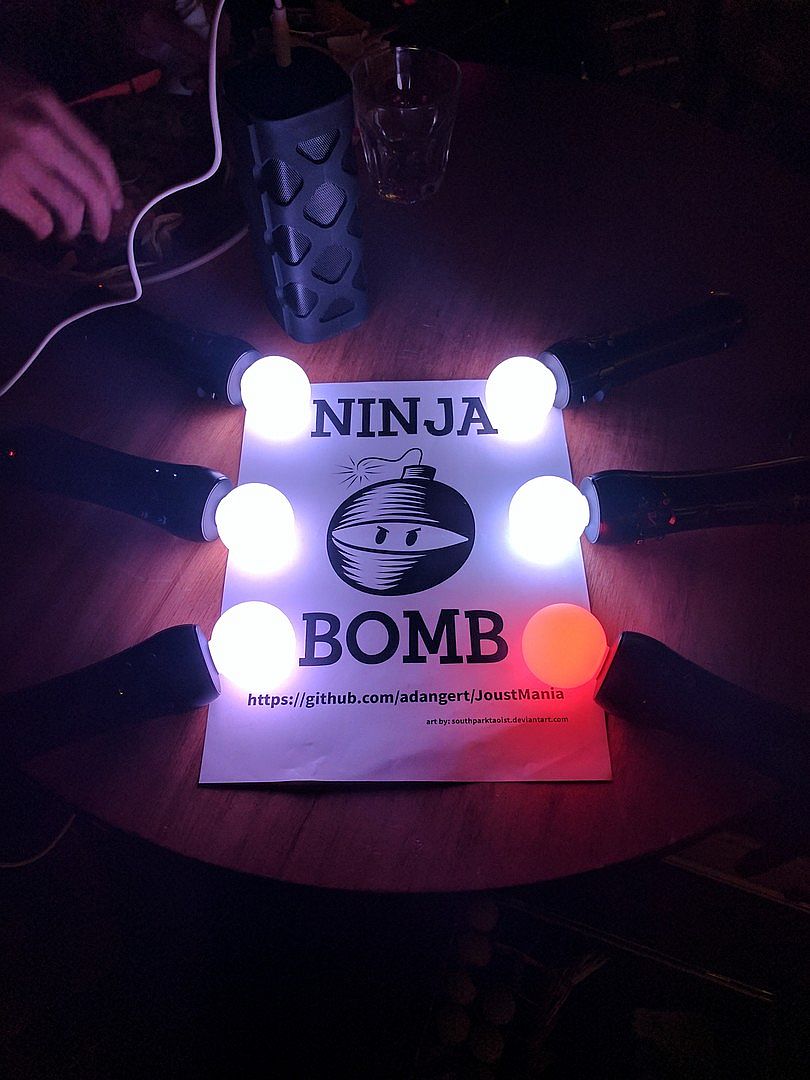
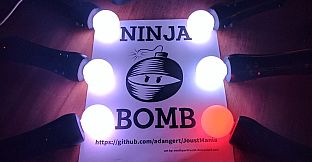
  • Ninja Bomb (2+ players)
  • Random mode
To view rules for each game mode please visit JoustMania Extended Rules
Starting a game
To access different game modes, after pairing a playstation move controller press the select button on the side of the controlelrs. To start a game everyone needs to press the trigger buttons on their controllers.
Pairing
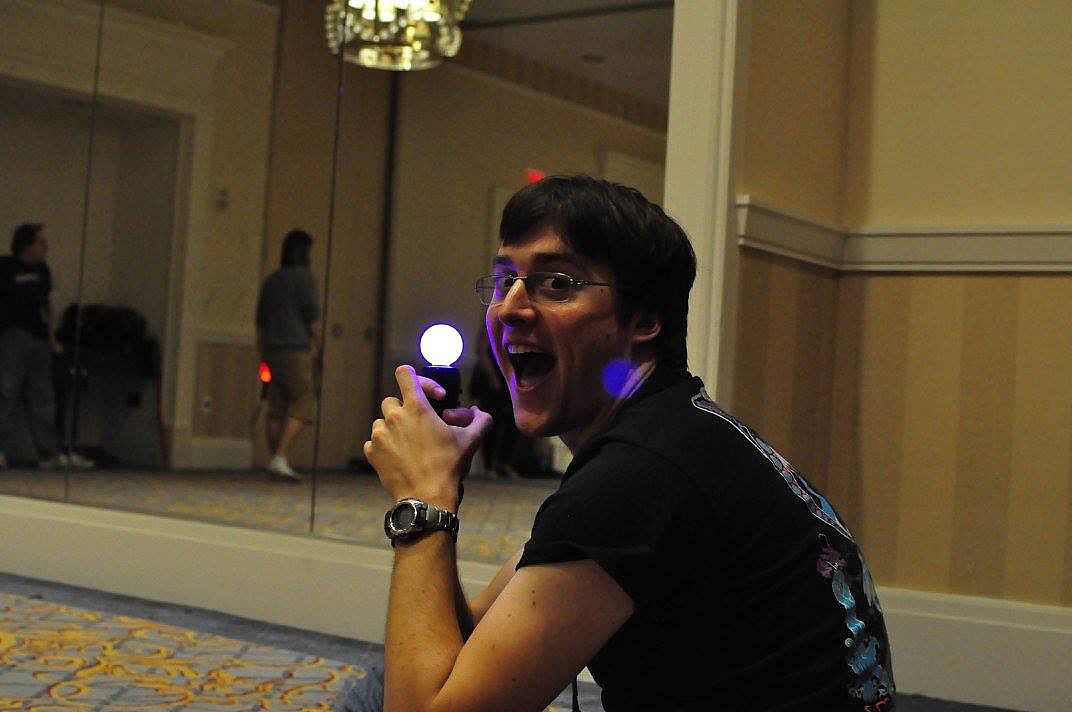
To pair a PlayStation move controller, make sure you follow the above steps to run as an administrator, start JoustMania then plug the controller in and keep on pressing the PlayStation home button until the controller turns a color other than white, you should not have to remove the controller while pairing. If you are using the newer Playstation move controller (CECHZCM2) you will have to click the popup on the bottom right of the screen to allow it to be paired.
Admin Mode
You can become an Admin by pressing all four front buttons on any controller, this will allow you to modify the games settings from the four front buttons on the controller, After a game is played the Admin mode will be reset

(Cross) Add or remove a game from Random mode, your controller will be green if the game is added and Red if it is not, Custom Teams mode can not be added to Random mode
(Circle) Change sensitivity of the game. There are five settings, Ultra High, High, medium, Low, and Ultra low.
(Square) toggle the playback of instructions for each game
(Triangle) show battery level on all controllers
Browser UI
After starting Joustmania, in your web browser go to 127.0.0.1 and you should see a GUI to change game modes and settings from your computer.

Credit to FamilyGamerRadio for the intro video.
Interface:
English
Áudio:
English

Classificação etária

Indisponível
Metacritic:
tbd tbd
Steam:
Very Positive (13)

Mínimo:

  • SO: Windows 10 64 bit
  • Notas Adicionais: Bluetooth and playstation move controllers required

Recomendado:

Mínimo histórico
Histórico de preços das lojas oficiais
-
-
-
Histórico de preços dos keyshops
-
-
-

FAQ

8 perguntas

Antes de procurar uma chave PC barata de JoustMania, confira o essencial. Desenvolvido por Aaron Angert. Publicado por Aaron Angert. Data de lançamento PC: 11 jun. 2019. Géneros: Free To Play, Indie, Casual, Simulation, Sports. Categorias: Multi-player, PvP, Shared/Split Screen PvP, Remote Play Together, Co-op, Shared/Split Screen Co-op, Shared/Split Screen.

Q

Onde comprar uma chave Steam ou CD Key barata de JoustMania?

JoustMania e gratuito! Faca o download no Steam e comece a jogar instantaneamente.

JoustMania e completamente gratuito no Steam. Nao e necessario comprar - basta fazer download e jogar. Se procura DLC premium ou itens no jogo, consulte a tabela de ofertas acima.

O nosso rastreador de precos abrange tanto lojas oficiais como keyshops, para que possa encontrar JoustMania em promocao mesmo fora das campanhas sazonais. Detetamos atualmente 0 ofertas ativas de lojas oficiais e keyshops. Consulte a tabela acima, compare com o minimo historico e defina um alerta para nunca perder a proxima descida de preco.

Com base nos nossos dados, JoustMania nao esta atualmente disponivel no GeForce NOW. Precisara de o executar localmente no seu PC. Consulte os jogos disponiveis no GeForce NOW.

Sim. JoustMania tem uma pagina oficial no Steam, mas atualmente nao temos ofertas de terceiros com DRM Steam. Volte mais tarde ou defina um alerta de preco.

Nao neste momento. A Valve marca JoustMania como Nao Suportado no Steam Deck. Fique atento ao XD.deals - acompanhamos atualizacoes do Proton e correcoes da comunidade. Consulte os jogos Steam Deck Verified ou Steam Deck Playable.

JoustMania nao parece estar disponivel no PC Game Pass, EA Play, Ubisoft+ ou qualquer outro servico de assinatura para PC neste momento. A unica opcao e comprar o jogo - use o XD.deals para encontrar o melhor preco.

Nao - o XD.deals nao e uma loja. Somos um servico de comparacao de precos que acompanha as melhores ofertas de JoustMania em lojas oficiais e keyshops verificadas. Clique em "Ir para a loja" junto a qualquer oferta e sera redirecionado para o site do vendedor para concluir a compra.

Quer comprar no melhor momento? Defina um alerta de preco no XD.deals e seja notificado quando JoustMania atingir o seu proximo minimo historico.

Criar Alerta
Junte-se ao nosso Discord
Obtenha ajuda instantânea da nossa comunidade e mantenha-se atualizado sobre as últimas ofertas
Definir Alertas de Preço
Seja notificado por email quando os preços dos jogos baixarem para o seu objetivo
Criar Conta Gratuita
Desbloqueie listas de desejos, alertas de preço e sincronização Steam