

Comprar icpaint PC

Onde pode comprar a chave {6} Steam de icpaint mais barata? Verifique e compare preços de 1 lojas para encontrar a melhor e mais barata opção entre 1 ofertas apresentadas no XD.deals. Agora o preço {6} mais baixo de icpaint em keyshops pode ser obtido em 28,99 € (0% de desconto).

Steam:
Overwhelmingly Negative (1)
Keyshops
Indisponível
Comprar em Loja Oficial:
28,99 €
Comprar em Keyshops:
Ver histórico de preços

Lojas Oficiais (1)

DRM:
Steam
Steam
Steam
icpaint
Windows
há 1a
DRM:
Steam
Steam
28,99 €
Historical Low Deal
Historical low

Sobre icpaint

icpaint - sobre o jogo
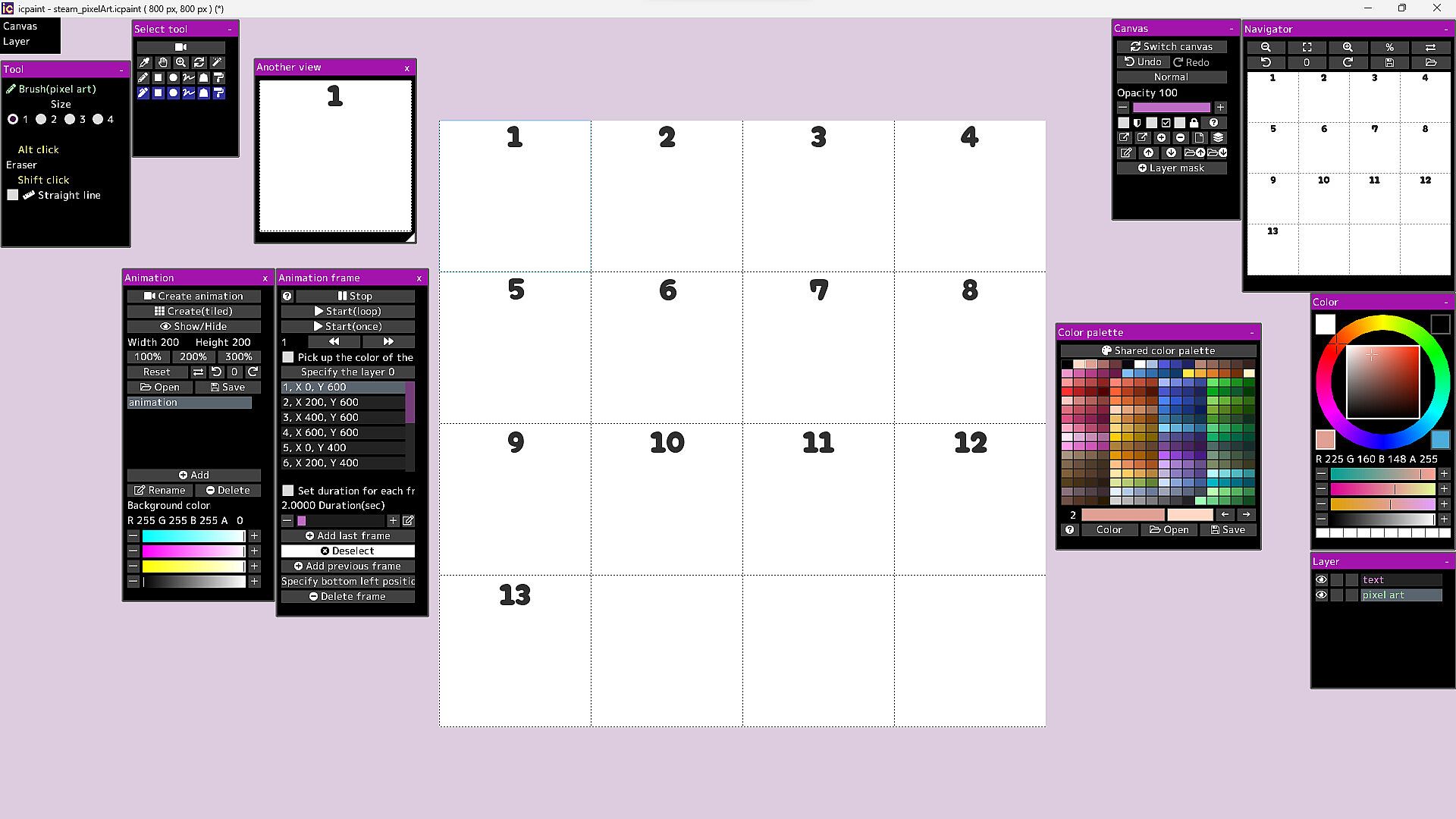
icpaint delivers a robust painting application for PC, blending design and illustration tools with advanced layer management. Artists layer drawings, vectors, text, and pixel art, applying 29 blending modes like Multiply or Overlay, while adjusting opacity, masks, and transforms. Canvas features include resizing, flipping, rotation, guides, grids, and clipboard integration, alongside saves in PSD, PNG, TIFF-even CMYK for print-or custom formats. Brush modes span Normal, Eraser, Mixer, and Smudge, with stabilizers, random variations, and ruler-guided strokes. Vector layers curve precisely with control points and gradients; pixel art limits to 254 colors for indexed animation in GIF or WebP; 3D models import via GLTF for realistic rendering and 2D transfer. Adjustment layers and 50 filters like Gaussian blur or Oil painting refine works, ideal for digital painters and illustrators seeking pro-level control.

icpaint is a painting application.
Features

  • Compatible with WinTab (Wacom) and TabletPC
  • Layer type (drawing layer, group, adjustment layer, vector layer, text layer, pixel art layer, pixel art vector layer)
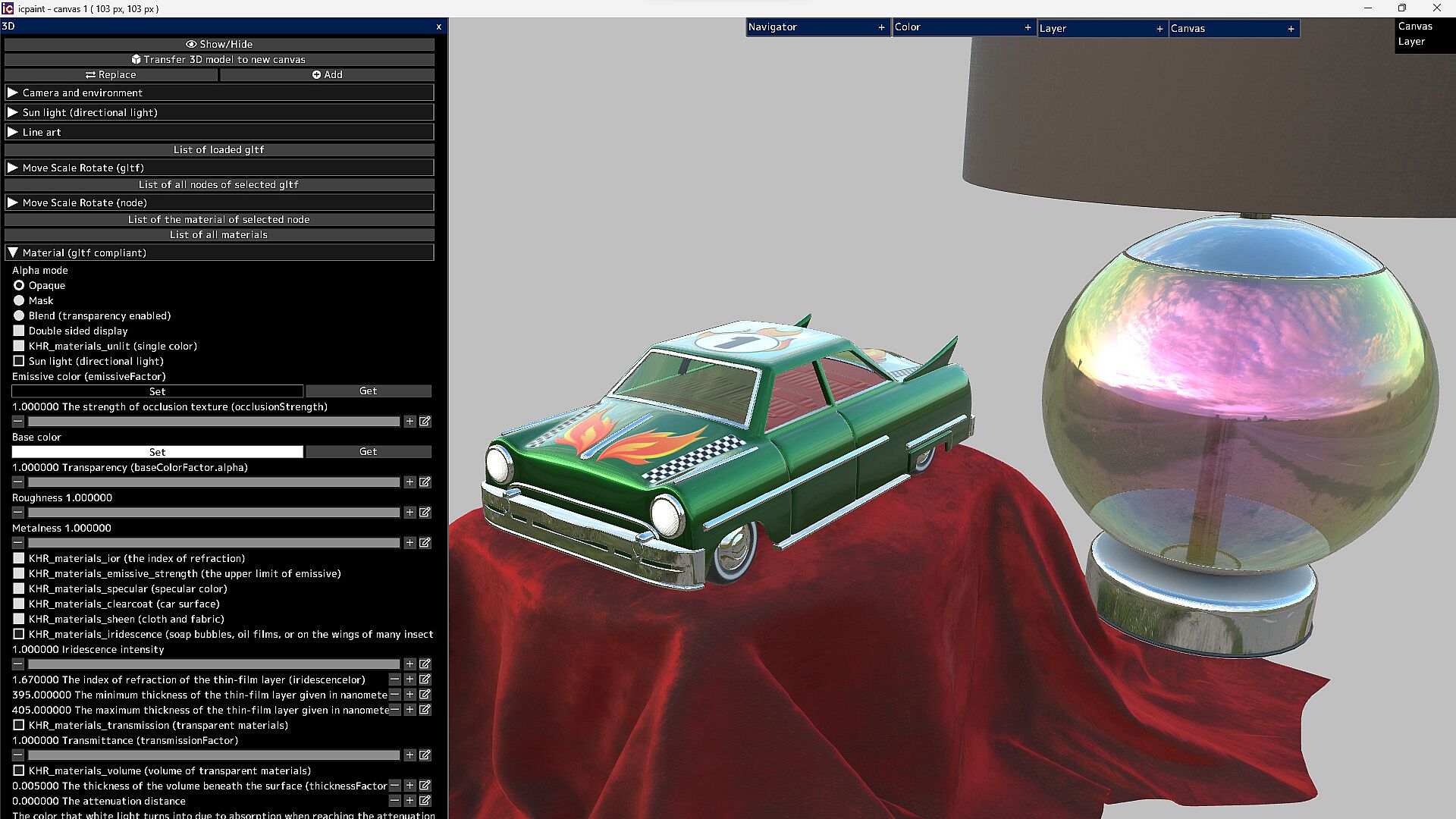
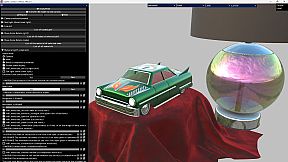
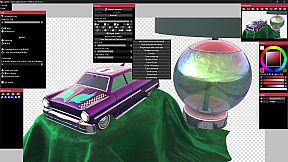
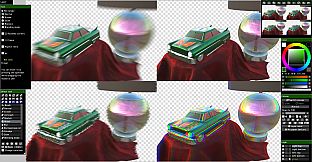
  • It can display very beautiful and realistic 3D. You can transfer it to a 2D canvas
Features (canvas)

  • Copy canvas to clipboard, Create canvas from clipboard
  • Resize canvas, Change resolution, Change the background of the canvas (plaid or color)
  • Flip horizontal, Flip vertical (canvas)
  • Canvas zoom, rotation, flip horizontal (view), The Ruler tool
  • Show guide (perspective ruler), Show grid, Adjust grid spacing
  • Save/Open psd, png, jpg, bmp, tga, tif, webp and gif
  • Save tif in CMYK for printing (RGB -> CMYK)
  • Save pdf
  • Save/Open a canvas in custom format (~.icpaint)
  • Recently used color, Color library
  • You can display the reference image
  • Tools to fill with various shapes (Rectangle, Rounded rectangle, Circle, Ellipse, Lasso, Polygon)
  • You can also paint on selections and layer masks in the same way
  • Select the drawing area of the layer, Blur 3x3 ~ 15x15 px (selection)
  • Save/Open selection, Transform selection
  • Recently used file list, Favorite file list
Features (layer)

  • Opacity, Clipping mask, Protected opacity, Layer mask, Lock layer
  • Duplicate layer, Erase layer, Transfer to lower layer, Combine with lower layer
  • Combine group, Merge all layers, Maximize layer opacity
  • Convert luminance to transparency, Rasterize layer, Convert layer to pixel art (254 colors)
  • Group all layers, Ungroup layers
  • Fill, Reorder layers, Paper texture
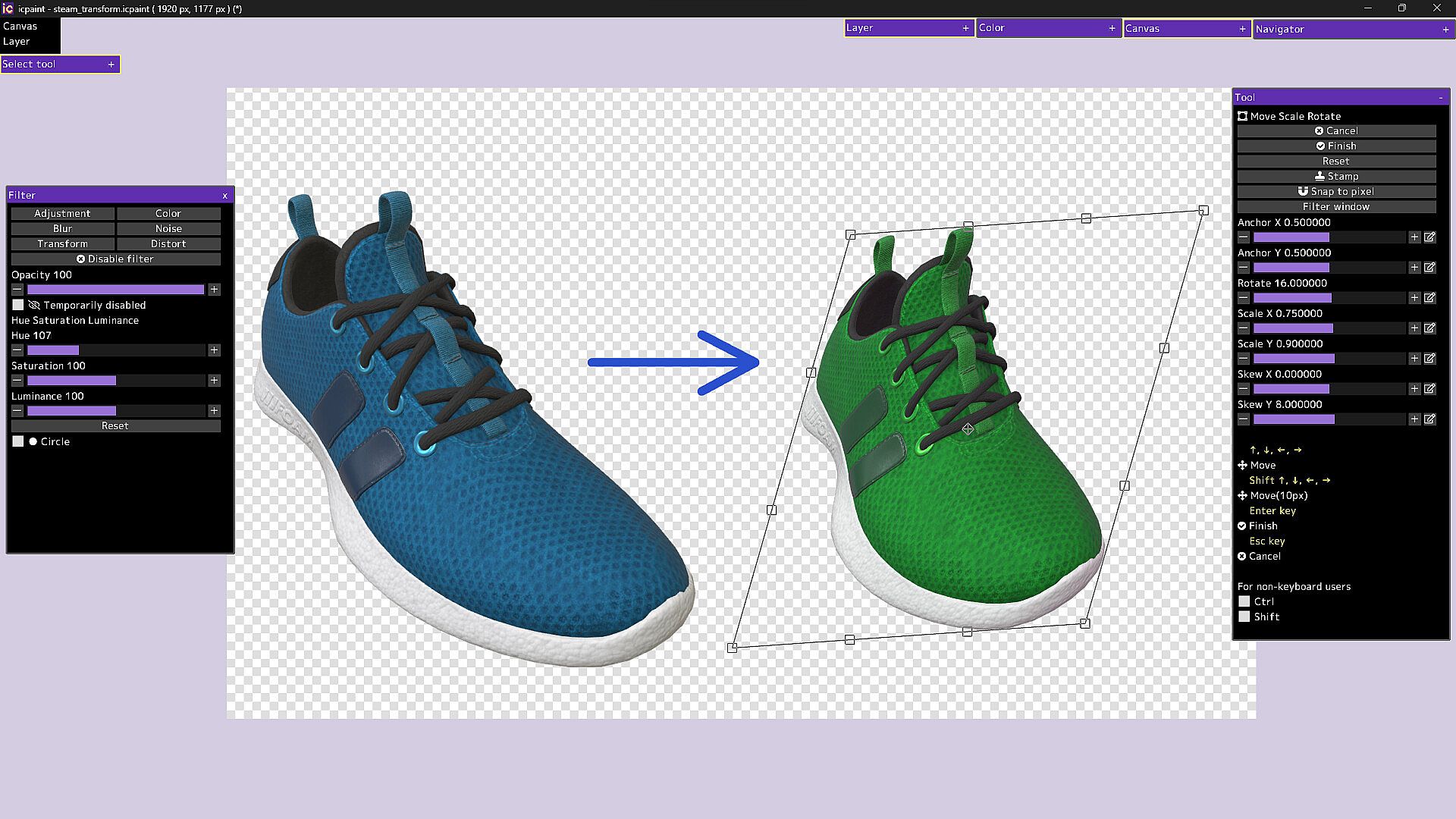
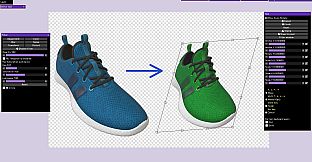
  • Move, Transform, Perspective transform
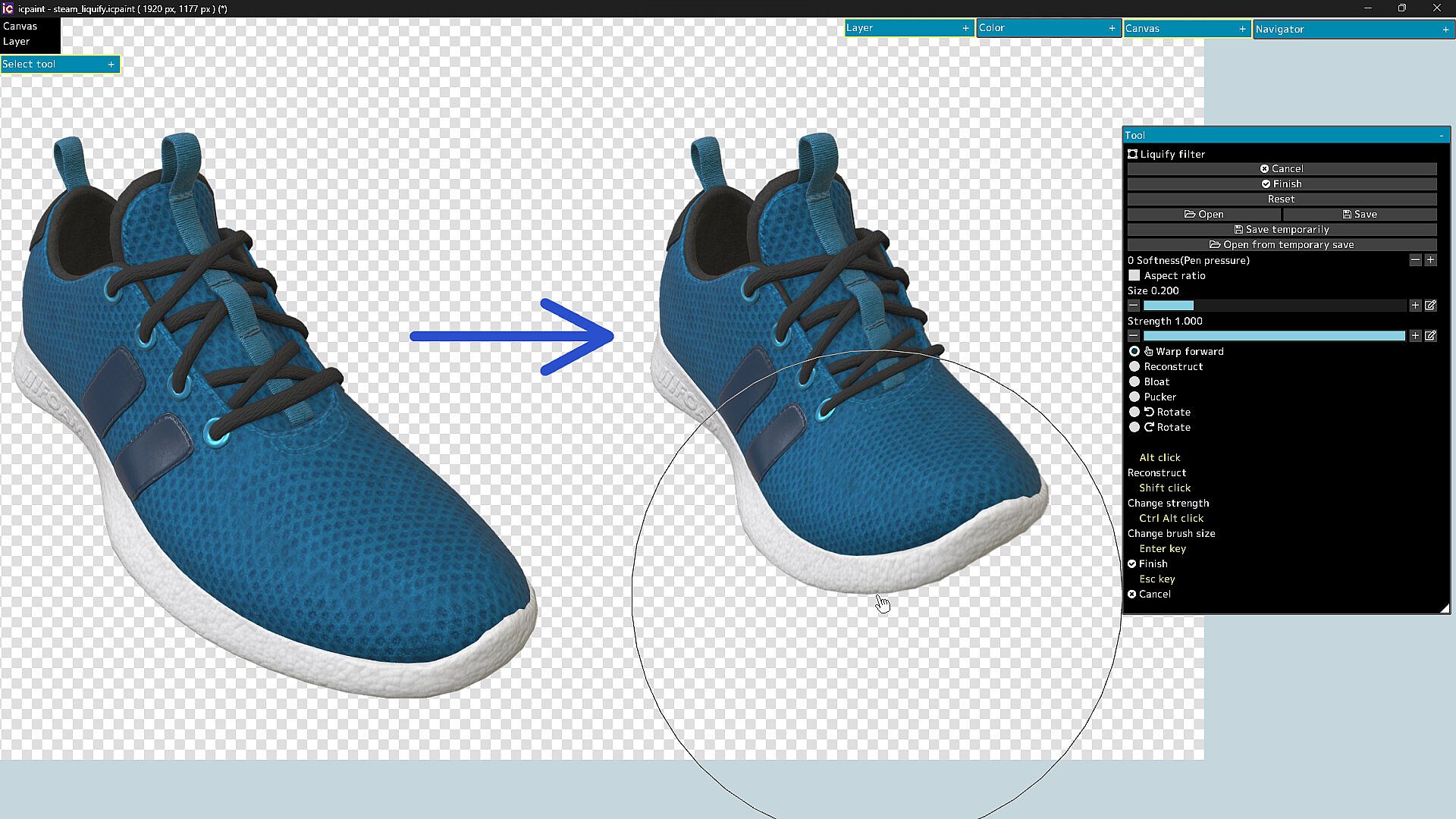
  • Liquify filter, Transform by numerical input
  • Resize, Flip horizontal, Flip vertical, Rotate 90°
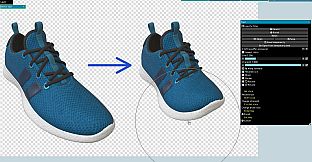
  • Noise removal, Blur 3x3 ~ 15x15 px
  • Retouch filter (Clone Stamp tool)
  • Copy layer to clipboard, Paste clipboard
  • Create gradation (Linear or circular)
  • Save/Open layer mask, Transform layer mask, Blur (layer mask)
  • You can display a list of layers that draw the pixel at the cursor position by Ctrl + right-clicking
  • Show layer thumbnail, Show layer mask thumbnail
  • You can reorder layers by dragging and dropping layers in the layers window
29 Blending modes

  • Normal, Darken, Multiply, Color Burn, Linear Burn, Subtract, Lighten, Screen
  • Color Dodge, Color Dodge(Glow), Add, Add(Glow), Overlay, Soft Light, Hard Light
  • Difference, Vivid Light, Linear Light, Pin Light, Hard Mix, Exclusive
  • Color Darken, Color Lighten, Divide, Hue, Saturation, Color, Luminosity, Pass Through
Features (brush)

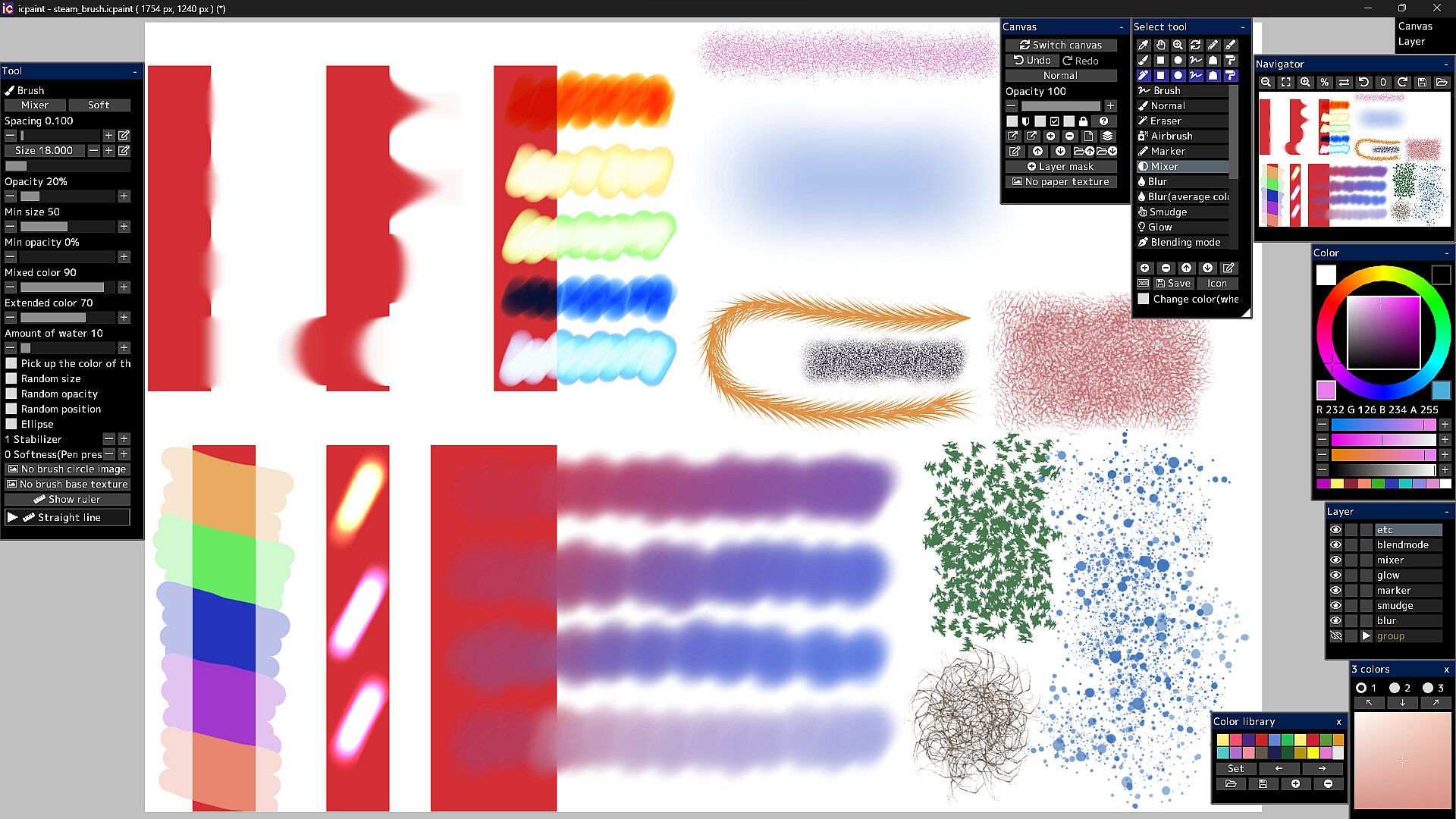
  • Brush modes (Normal, Eraser, Marker, Mixer, Blur, Blur(average color), Smudge, Glow, Blending mode)
  • Brush circle image, Brush base texture
  • Stabilizer, Spacing, Opacity, Min size, Min opacity
  • Random size, Random opacity, Random position, Random angle, Ellipse
  • Mixed color, Extended color, Amount of water, Blur area, Softness
  • Brush preset
  • You can set a shortcut key for each brush preset
  • You can draw brush strokes along the ruler
  • This ruler has the same feature as curves in vector layers
Features (vector layer)

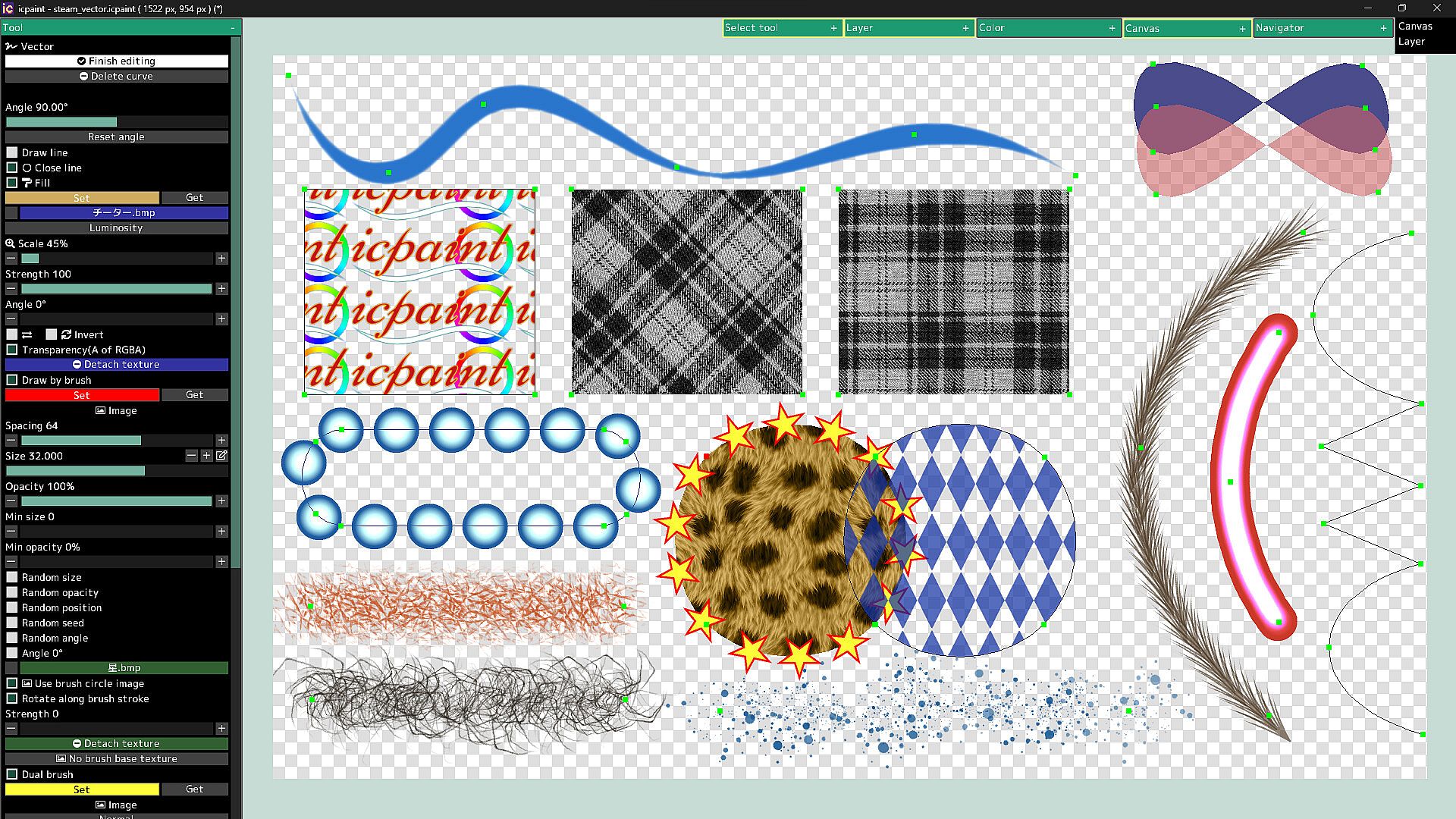
  • You can draw curves and straight lines by moving control points
  • You can close the curve and automatically fill the inside of the curve
  • You can automatically draw along the curve with a brush
  • Dual brush
  • Texture for fill
  • You can also fill with a gradient (linear or radial)
  • You can adjust the start point, end point, mid point and color stop of the gradient
Features (text layer)

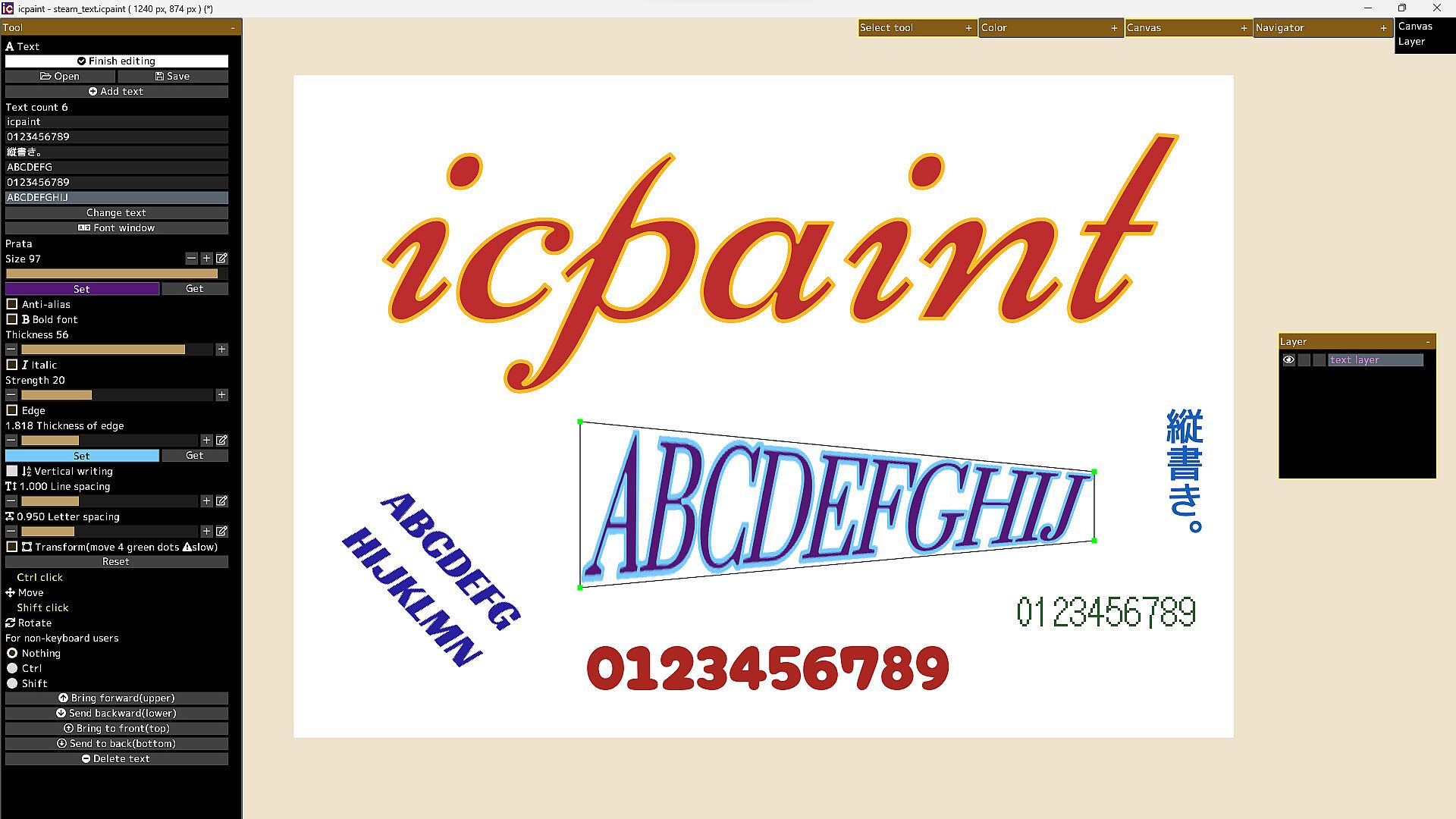
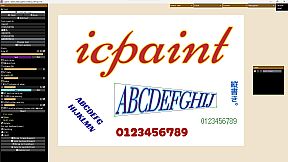
  • Anti-alias, Bold font, Italic, Edge, Vertical writing, Line spacing, Letter spacing
  • Open fonts (ttf, ttc, otf, otc)
  • Transform/Rotate the text layer
  • You can freely move the four vertices surrounding the text
Features (pixel art layer)

  • Pixel art layer is a layer limited to transparent colors and 254 colors
  • A color index is a number from 0 to 255
  • The 0th color index is the transparent color
  • The pixel art layer is painted with a color index and displayed in RGB corresponding to that color index
  • You can freely change the colors in the canvas by changing the colors in the color palette
  • You can play the animation by drawing each frame of the animation in the canvas
  • You can adjust animation speed etc.
  • Save/Open animation (gif, webp)
  • Save/Open color palette
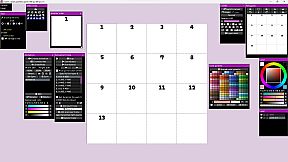
  • Pixel grid
Features (3D)

  • Open 3d model (gltf, glb)
  • Multiple 3D models can be opened and placed freely
  • You can adjust the material parameters of each 3D model
  • You can transfer 3D model to new canvas (2D) as it is
  • Line art (3D)
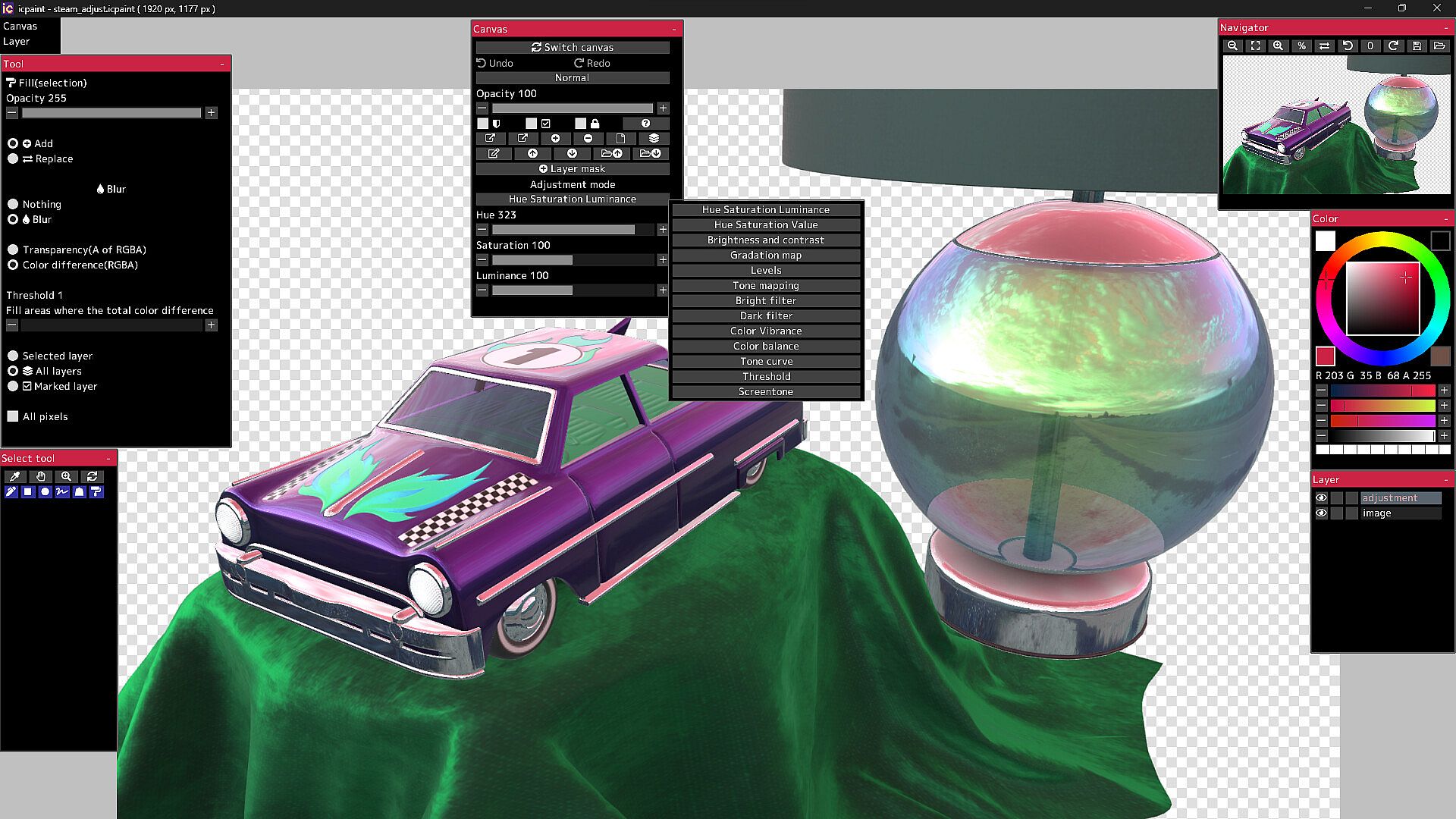
13 adjustment modes for adjustment layer

  • Hue Saturation Luminance, Hue Saturation Value, Brightness and contrast
  • Gradation map, Levels, Tone mapping, Bright filter, Dark filter, Color Vibrance
  • Color balance, Tone curve, Threshold, Screentone
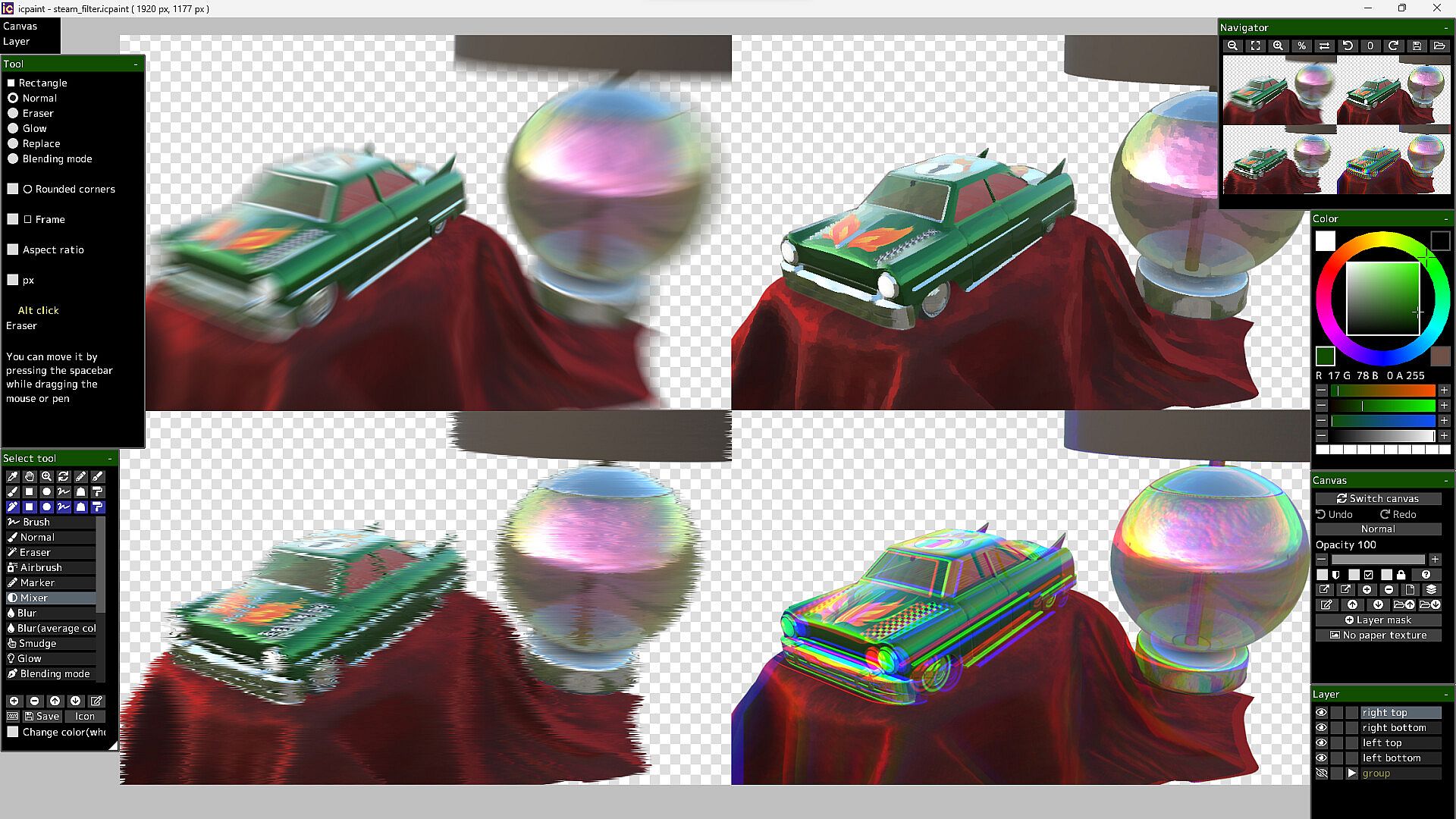
50 filters

  • Chromatic aberration, Directional blur, Particulate blur, Gaussian blur, Radial blur, Sharp
  • Mosaic, Swirl, Ripple, FishEye lens, Water distortion, Wave, Shaking, Oil painting, etc.

It will not work on computers that do not support Vulkan.

The Guides in the Community Hub has detailed instructions.
Interface:
GermanEnglishSpanish - SpainSpanish - Latin AmericaFrenchJapanesePortuguese - PortugalPortuguese - BrazilRussianSimplified Chinese

Classificação etária

Indisponível
Steam:
Overwhelmingly Negative (1)

Mínimo:

  • SO: Windows 10, 11
  • Processador: 2.5GHz Quad-core CPU
  • Memória: 4 GB RAM
  • Gráficos: Vulkan 1.1
  • Armazenamento: 250 MB available space
  • Notas Adicionais: Compatible with WinTab (Wacom) and TabletPC

Recomendado:

Mínimo histórico
Histórico de preços das lojas oficiais
-
-
-
Histórico de preços dos keyshops
-
-
-

FAQ

8 perguntas

Antes de procurar uma chave barata de icpaint, confira o essencial. Desenvolvido por Tomoyuki Mizuma. Publicado por Tomoyuki Mizuma. Data de lançamento PC: 12 abr. 2023. Géneros: Design & Illustration.

Q

Onde comprar uma chave Steam barata de icpaint?

Usando o nosso comparador de precos e codigos de desconto verificados, pode comprar uma chave de icpaint por apenas 28,99 €. Esta oferta esta disponivel na Steam e e uma das mais baratas do mercado. Todas as chaves listadas no XD.deals sao entregues digitalmente e disponiveis para download imediato apos o pagamento. Os precos ja incluem taxas de processamento e codigos promocionais aplicados, para que veja sempre o preco mais baixo de icpaint no PC. Consulte o historico de precos de icpaint para comprar no melhor momento.

De acordo com a nossa ultima atualizacao (atualizamos os precos do Steam varias vezes ao dia), o preco de icpaint no Steam e 28,99 €. Pode poupar cerca de 6% extra pagando com um cartao presente Steam com desconto.

O nosso rastreador de precos abrange tanto lojas oficiais como keyshops, para que possa encontrar icpaint em promocao mesmo fora das campanhas sazonais. Detetamos atualmente 1 oferta ativa de lojas oficiais e keyshops. Consulte a tabela acima, compare com o minimo historico e defina um alerta para nunca perder a proxima descida de preco.

Com base nos nossos dados, icpaint nao esta atualmente disponivel no GeForce NOW. Precisara de o executar localmente no seu PC. Consulte os jogos disponiveis no GeForce NOW.

Sim. icpaint tem uma pagina oficial no Steam. Tambem pode comprar uma chave Steam de icpaint em vendedores terceiros. O nosso comparador inclui atualmente 1 oferta com DRM Steam. Escolha uma para garantir que o download de icpaint acontece na plataforma da Valve.

Nao neste momento. A Valve marca icpaint como Nao Suportado no Steam Deck. Fique atento ao XD.deals - acompanhamos atualizacoes do Proton e correcoes da comunidade. Consulte os jogos Steam Deck Verified ou Steam Deck Playable.

icpaint nao parece estar disponivel no PC Game Pass, EA Play, Ubisoft+ ou qualquer outro servico de assinatura para PC neste momento. A unica opcao e comprar o jogo - use o XD.deals para encontrar o melhor preco.

Nao - o XD.deals nao e uma loja. Somos um servico de comparacao de precos que acompanha as melhores ofertas de icpaint em lojas oficiais e keyshops verificadas. Clique em "Ir para a loja" junto a qualquer oferta e sera redirecionado para o site do vendedor para concluir a compra.

Melhores preços para icpaint

1 Steam Steam Official
28,99 €

Quer comprar no melhor momento? Defina um alerta de preco no XD.deals e seja notificado quando icpaint atingir o seu proximo minimo historico.

Criar Alerta
Junte-se ao nosso Discord
Obtenha ajuda instantânea da nossa comunidade e mantenha-se atualizado sobre as últimas ofertas
Definir Alertas de Preço
Seja notificado por email quando os preços dos jogos baixarem para o seu objetivo
Criar Conta Gratuita
Desbloqueie listas de desejos, alertas de preço e sincronização Steam