

Comprar Drakula PC Key

Onde comprar Drakula ao melhor preço? Em 30 ago. 2026 este título tem uma oferta, 7,99 € na Steam. No PC é o caso habitual, porque só cerca de um título em cada quatro consegue oferta em keyshop e o resto fica na loja da plataforma. Não há nada a comparar, mas seguimos este preço todos os dias e mostramos como fica face às leituras anteriores, e um alerta de preço avisa-te de cada descida. No PC compras uma chave que ativas na Steam ou noutro cliente, e é aqui que o mercado é mais largo, com mais de um quarto dos jogos a ter oferta em keyshop.

Lançamento: 23 out. 2024
Blue Smoke Electronics
Steam:
Overwhelmingly Positive (10)
Keyshops
Indisponível
Comprar em Loja Oficial:
7,99 €
Comprar em Keyshops:
Ver histórico de preços

Lojas Oficiais (1)

DRM:
Steam
Steam
Steam
Drakula
Windows
+3
há 7sem
DRM:
Steam
Steam
7,99 €

Sobre Drakula

Drakula - sobre o jogo
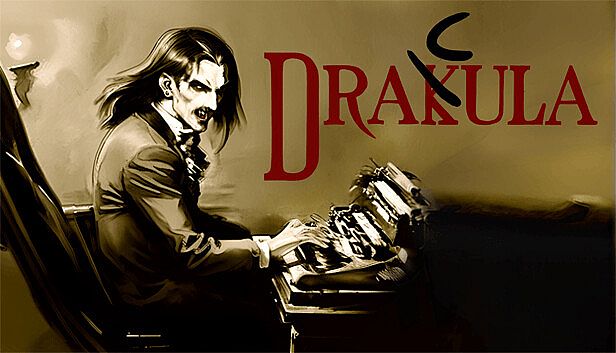
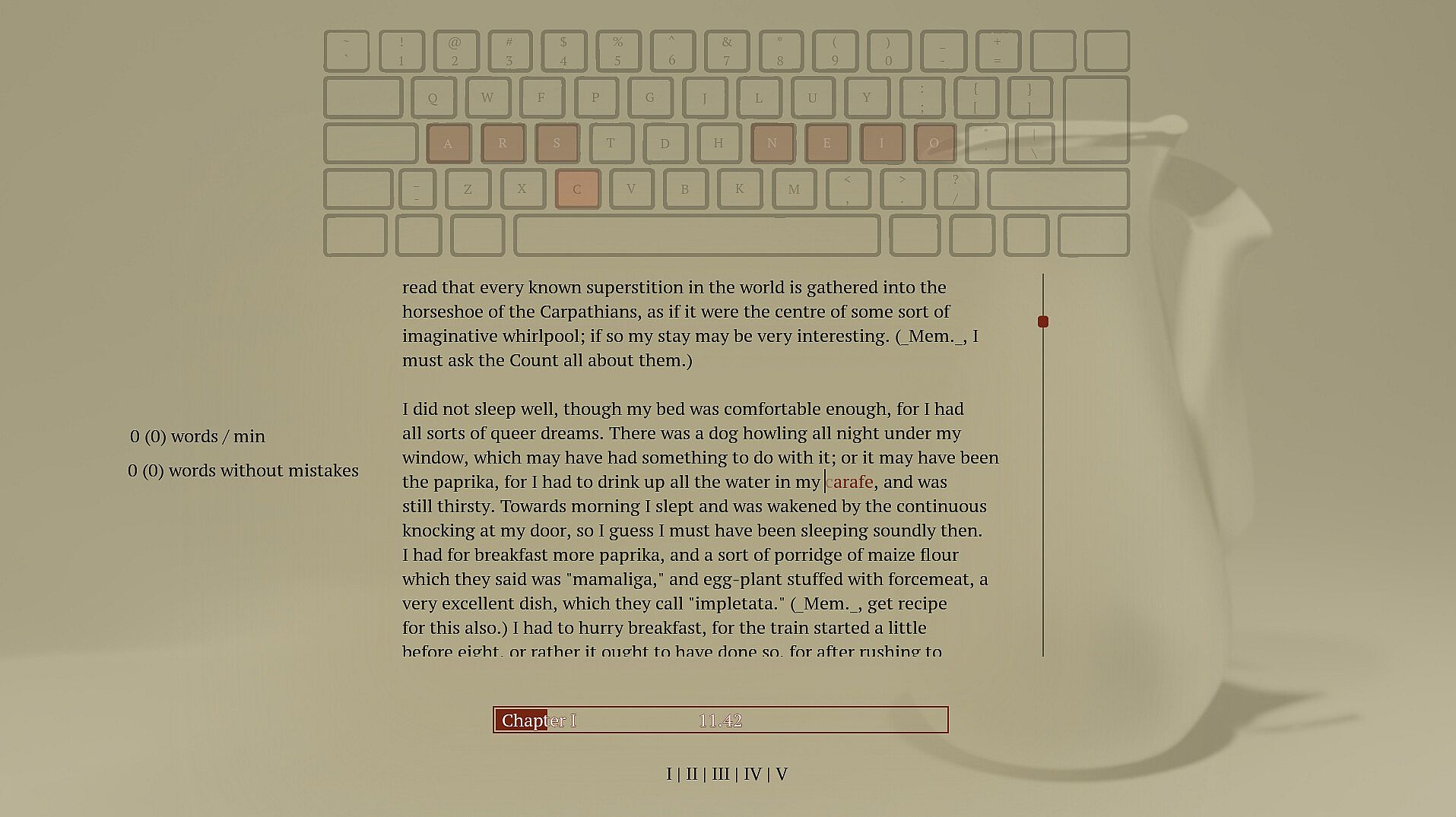
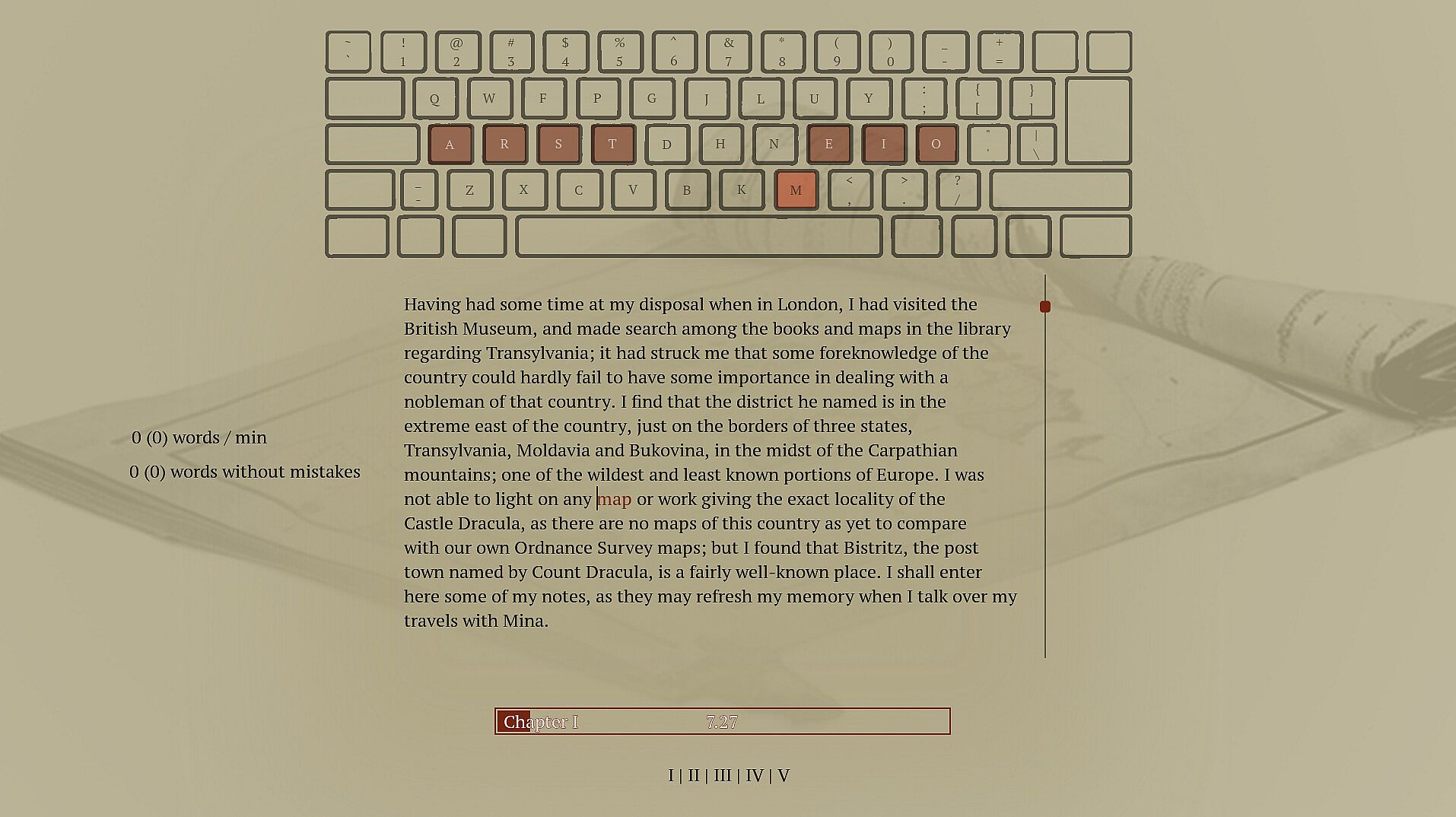
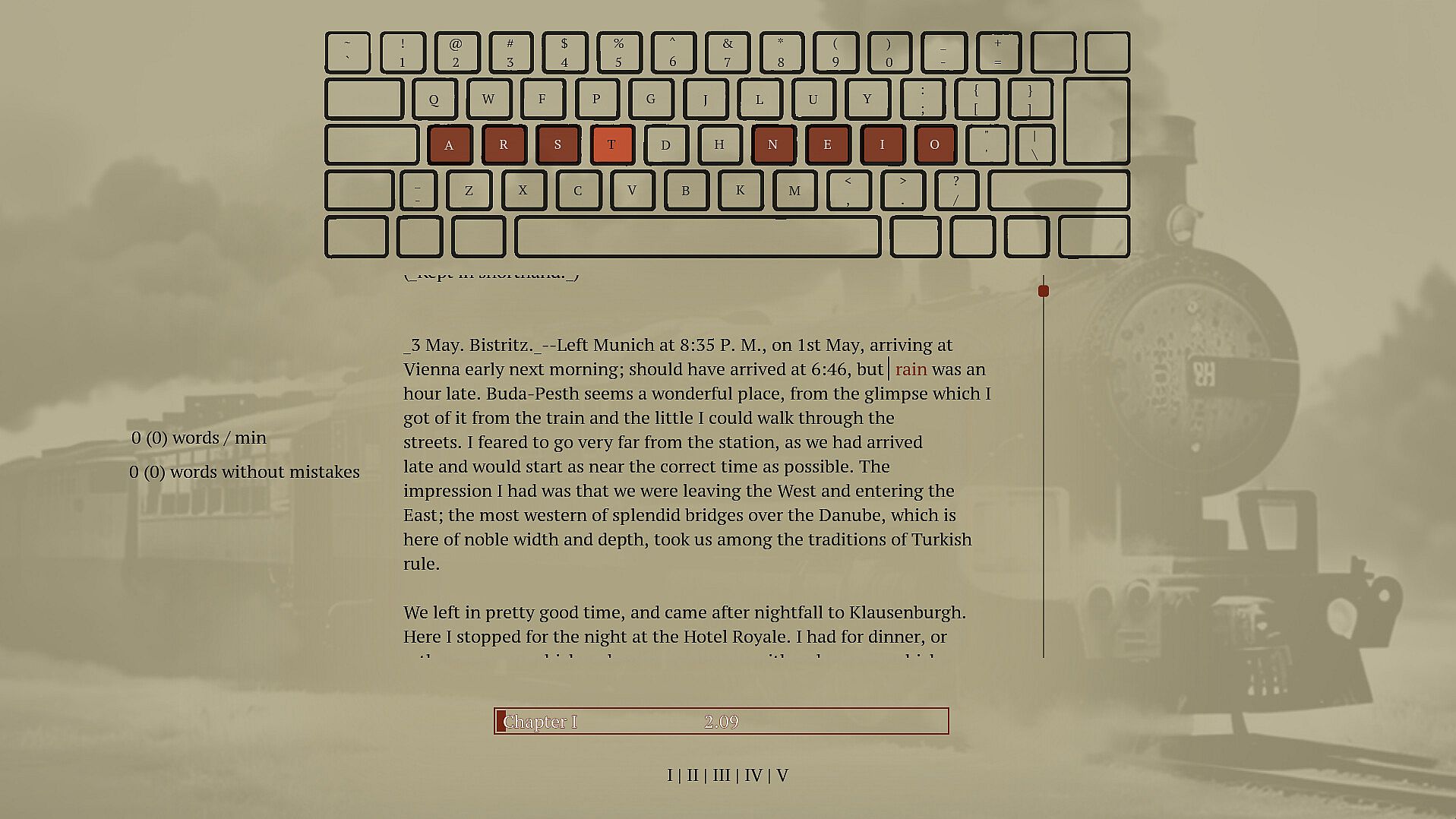
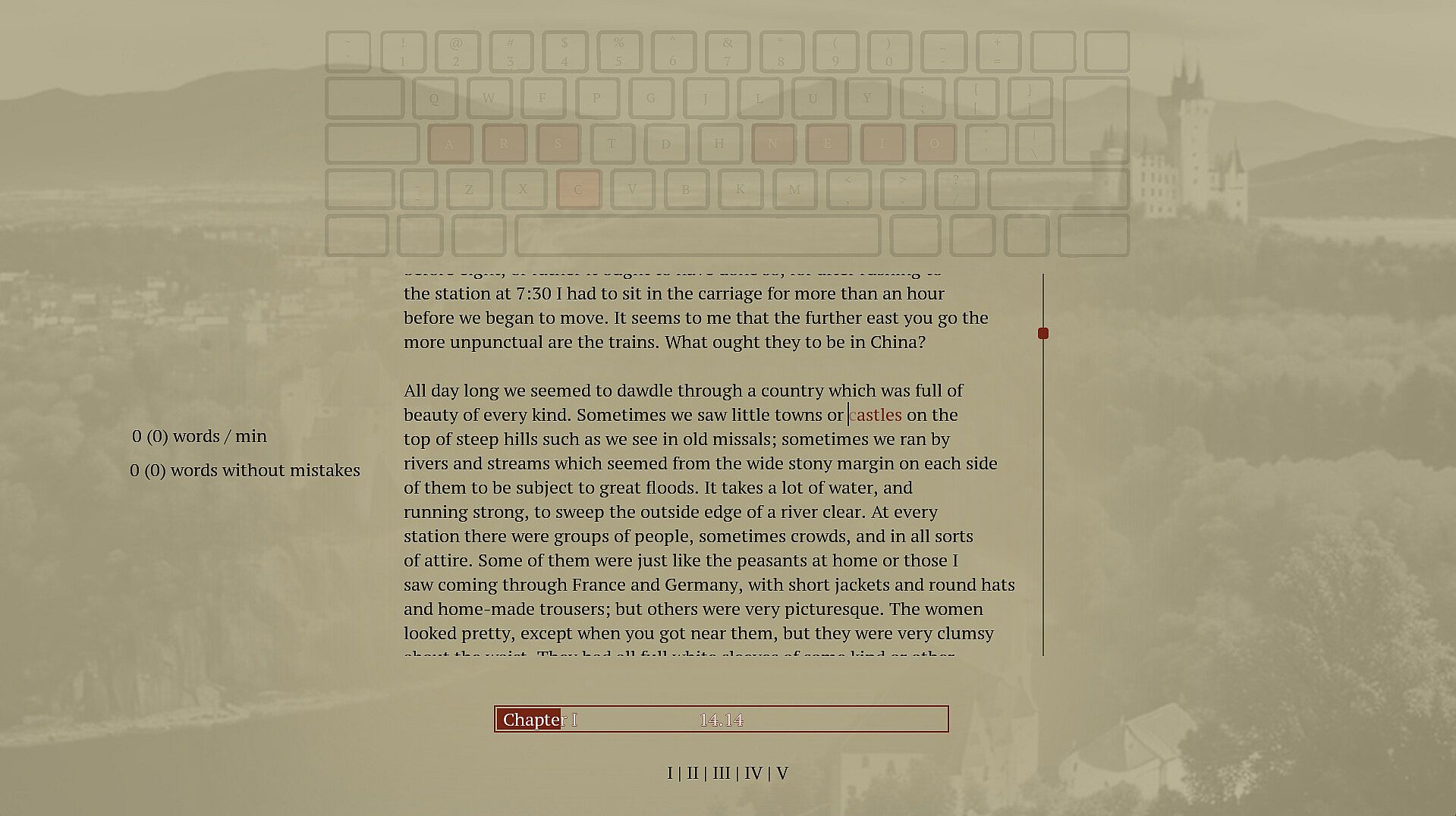
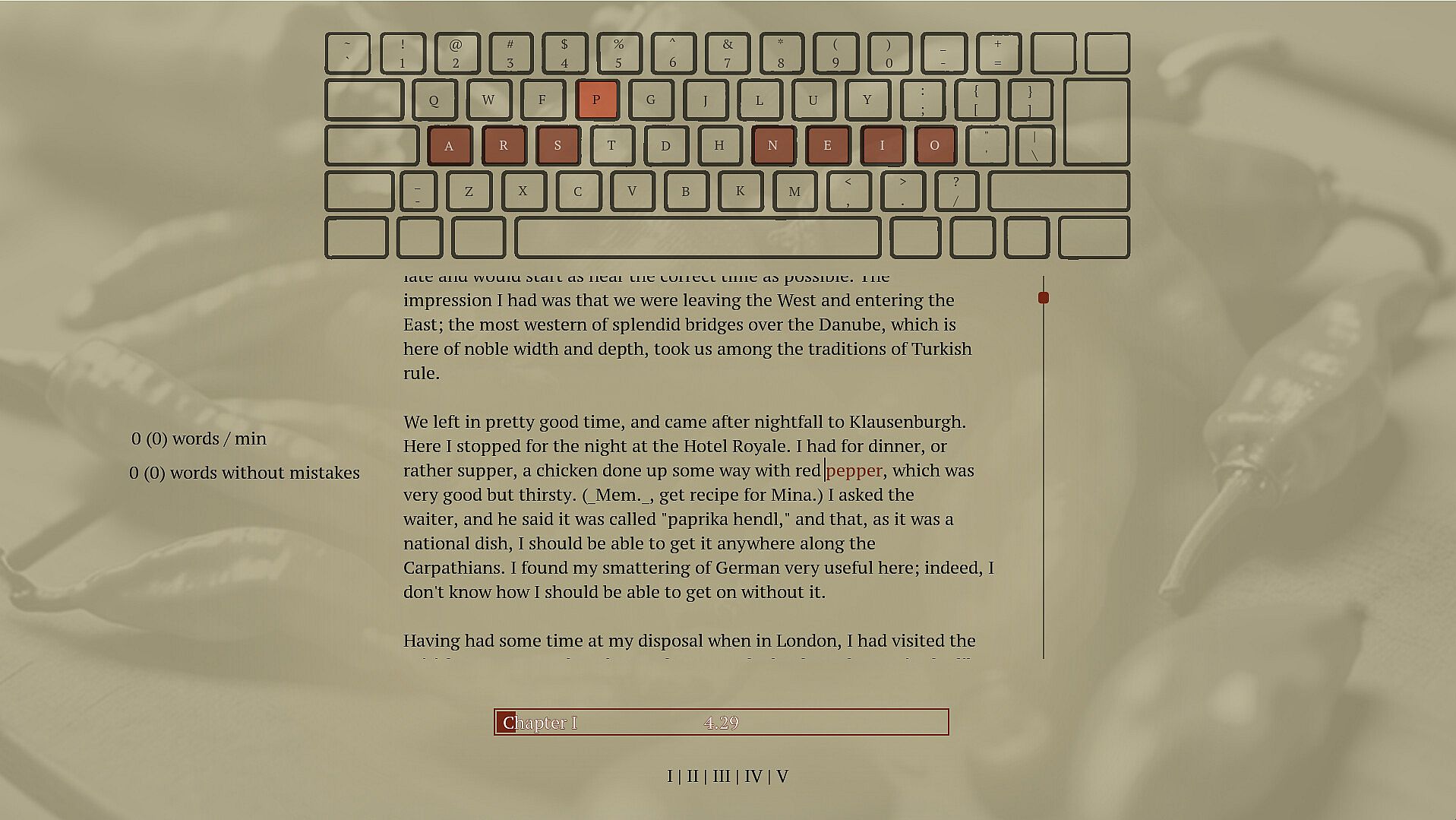
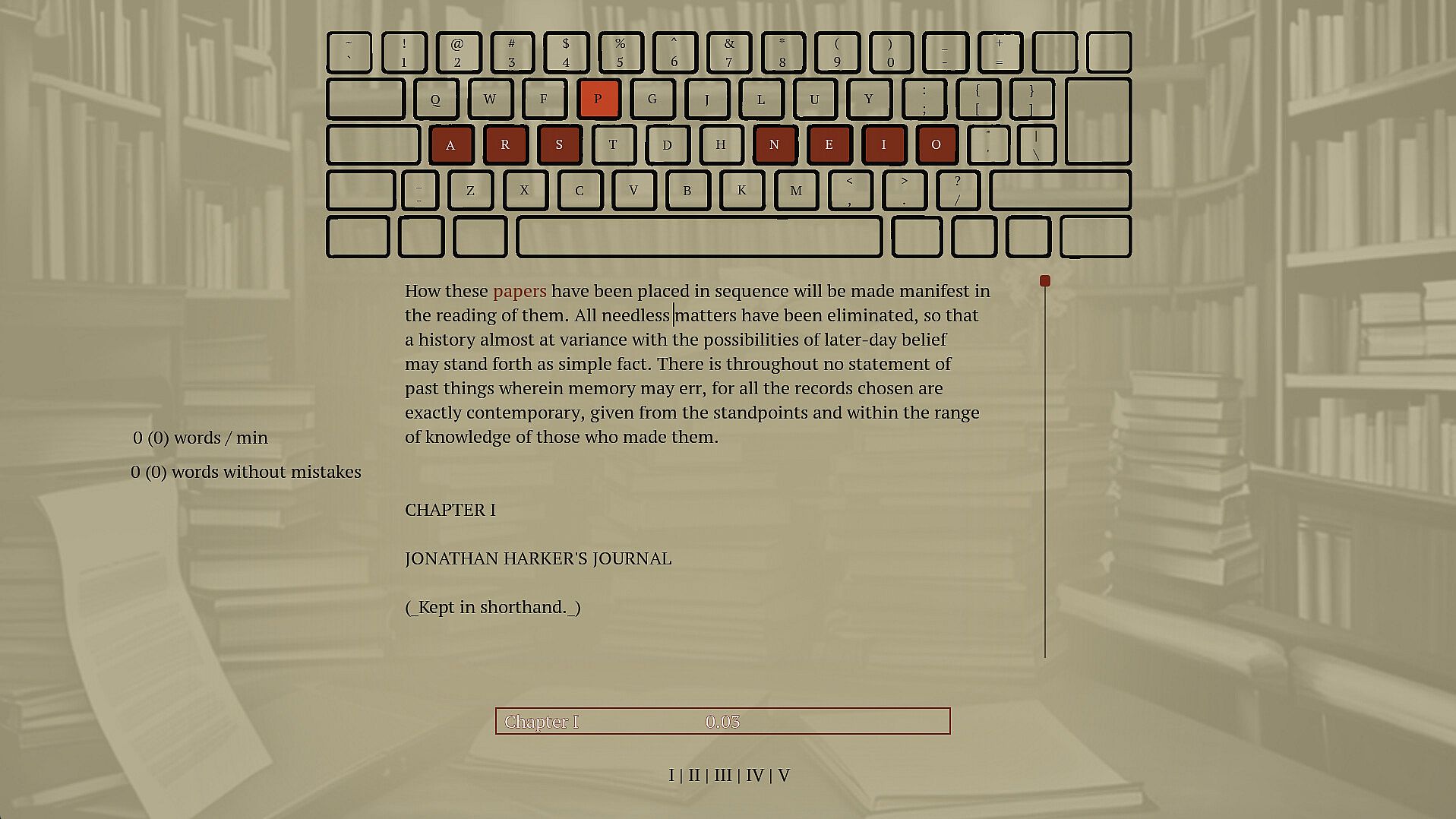
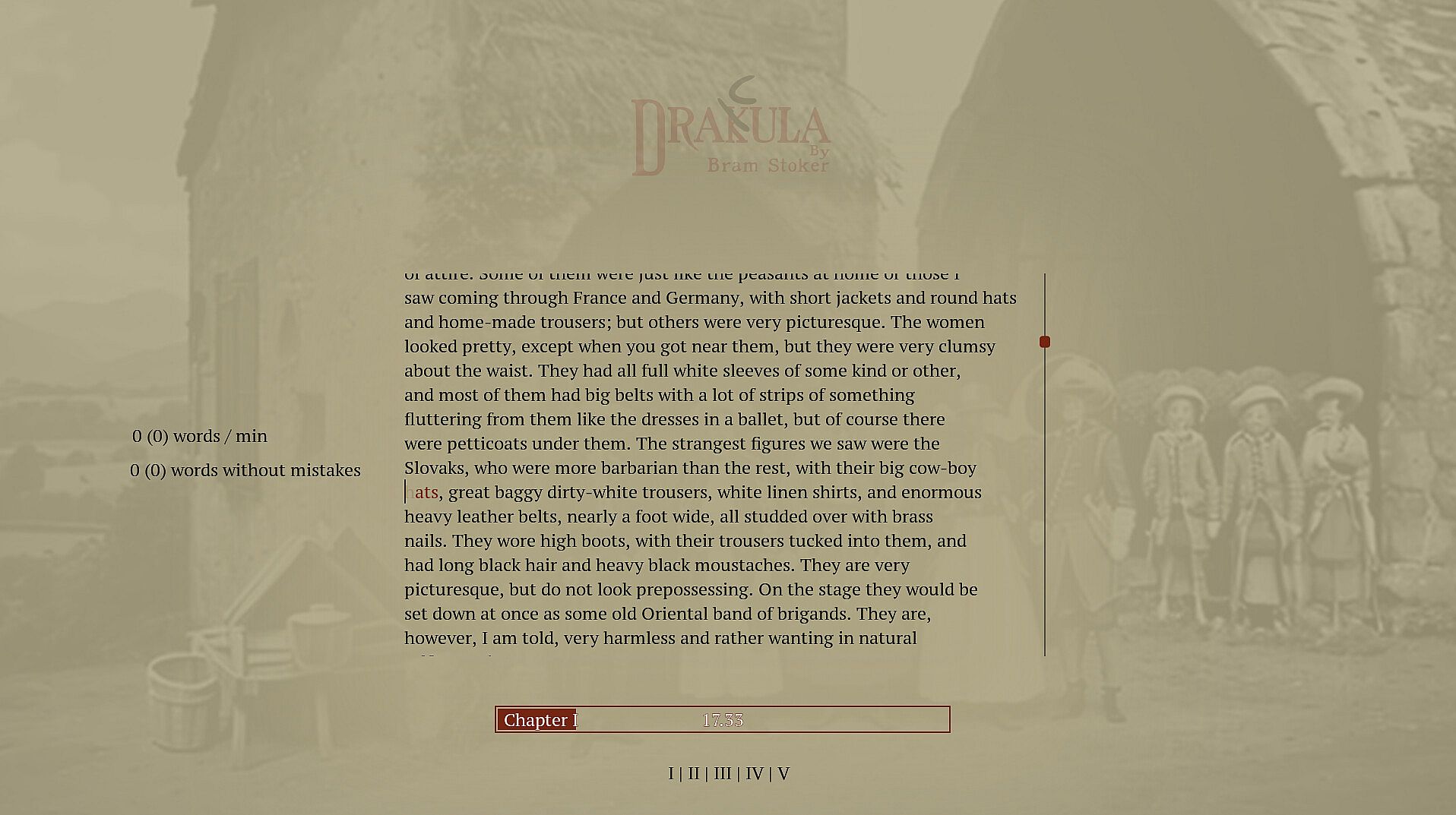
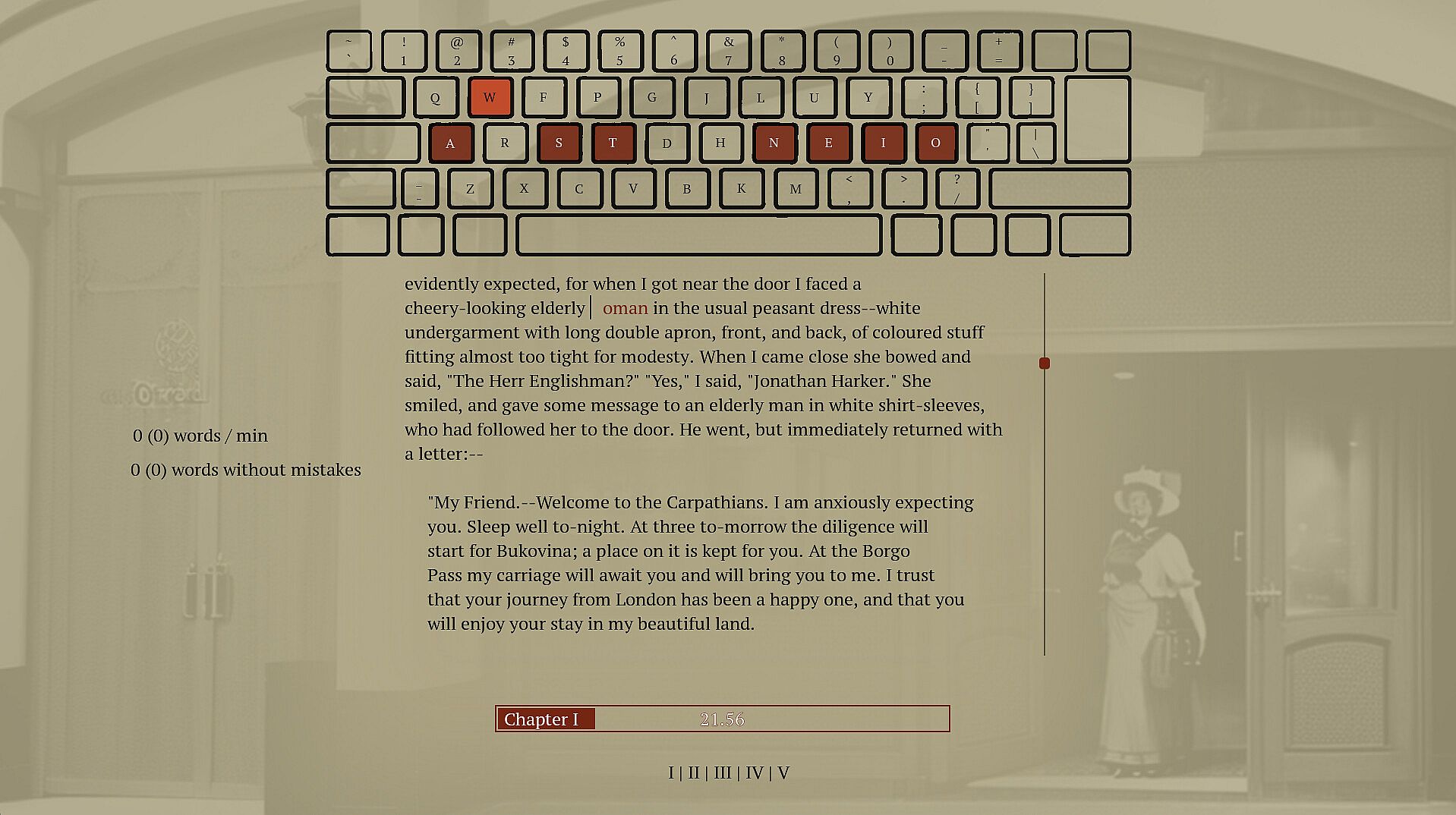
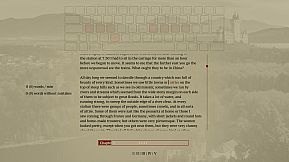
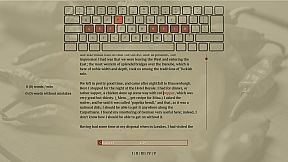
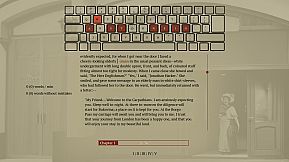
Type words from Dracula's full novel to master spelling and touch typing in this indie adventure. The game enforces correct spelling by halting progress on errors, prompting you to retype until accurate, while delivering the classic vampire story word by word. Practice builds muscle memory through repetition and pattern recognition across 160,000 words and 11,000 unique ones. Switch between standard, Dvorak, or Colemak layouts, or craft your own for reduced finger strain. This calm PC experience suits anyone seeking relaxed typing drills without time pressure. Beginners in touch typing or alternative layouts gain steady improvement alongside a rewarding read.

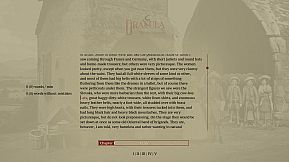
This is a typing game where you immerse yourself in Dracula's story while improving your typing and spelling. Enjoy a calm experience with different keyboard layouts. Type accurately to unlock the entire book and relax with a unique typing adventure.

Spell words correctly

Spelling is an important skill, and I have struggled to find a practical and fun way to practice.

Sure, the best thing would be to write a book of my own, but if you haven't tried, it's pretty hard to write something original. Also, I prefer to write words I know how to, which isn't helping my vocabulary. To improve my spelling skills, I've found repetition, repetition, and fast feedback to help. Typing and retyping a word you struggle with helps you learn it. Typing many different words lets you see patterns and recognize words built up of common sub-words. But typing a word 100 times is bad if you don't spell it correctly. I have caught myself doing that whenever I have to write a word I don't know how to spell; I make a guess and then use my computer spell check to fix it. Doing this allows me to write text fast. However, I am training the muscle memory in my fingers to type the incorrect guess, and even though I get to see the correct spelling afterward, it is not as powerful as typing the correct word out. You want someone to stand over your shoulder looking at you when you type, and whenever you misspell a word, they crack the whip and tell you, "That's wrong! Stop! Write it again like this...". So that is what this game does; it tells you when you have typed a word wrong and doesn't let you continue until you have spelled the word correctly.

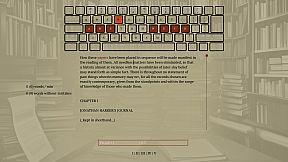
Write Dracula

When in school, I was trained on writing sentences like this: "The ball is blue," "The businessman went to the bank," and "Trains run on rails." It was great practice but boring when the sentence had no context or story. That's why I selected a novel from the top of my "to read" list. If I don't learn anything from this, I will at least get to read a good book. If you haven't heard about Dracula, it's a classic novel about a vampire; it's still regarded as one of the best horror stories ever.

Touch typing

Touch typing is a method of typing on a keyboard without looking at the keys. This technique involves using all ten fingers efficiently, with each finger assigned to specific keys. If you are not touch typing, you should, if you care at all about typing speed. It's not too hard to learn; you have to know which finger to use on each key, and then spend some time practicing. Expect a drop in speed at the beginning; the best place to start might not be when taking notes in an important meeting. Start practicing while doing something that isn't time sensitive, like when reading a book.

Alternative keyboard layouts

If you do some research into ways to improve typing you will soon hear about alternative layouts. The keyboard layout you most likely use today is optimized to avoid jamming in early typewriters by spacing out commonly used letters. If you are not using a mechanical typewriter from before the First World War, this is no longer a problem, and the only reason to use this layout is that it has become a standard, and everyone else is using it. There are alternatives. Dvorak and Colemak are the most popular, and they are both optimized to reduce finger movement. Switching layout can increase typing speed and reduce the chance of typing injuries like carpet tunnel syndrome. Learning a new layout takes time, though, and just switching the computer layout without some practice beforehand will make it hard to get anything done for the next weeks if you have practiced a bit beforehand. There is no need to buy a new keyboard to use a new layout if you anyway are practicing touch and not looking down at the print on the keys.

Features
  • Spelling training

  • touch typing training

  • Dvorak and Colemak support

  • create custom layouts

  • Full Novel

  • 160.000 words

  • 11.000 unique words

Interface:
English

Classificação etária

Indisponível
Steam:
Overwhelmingly Positive (10)

Mínimo:

  • SO: 11
  • Processador: -
  • Memória: 512 MB RAM
  • Gráficos: -
  • DirectX: Version 12
  • Armazenamento: 200 MB available space
  • Notas Adicionais: Broadband Internet connection; na; This is the slows pc the game has been tested on so far, most likely run well on slower computers

Recomendado:

  • SO: 11
  • Processador: i9-9900k
  • Memória: 32 GB RAM
  • Gráficos: 2080 gtx
  • DirectX: Version 12
  • Armazenamento: 75 MB available space
  • Notas Adicionais: Broadband Internet connection; na

Mínimo:

  • SO: -
  • Processador: -
  • Memória: 512 MB RAM
  • Gráficos: -
  • Armazenamento: 200 MB available space
  • Notas Adicionais: -; -

Recomendado:

  • SO: -
  • Processador: -
  • Memória: 512 MB RAM
  • Gráficos: -
  • Armazenamento: 200 MB available space
  • Notas Adicionais: -; -

Mínimo:

  • SO: -
  • Processador: -
  • Memória: 512 MB RAM
  • Gráficos: -
  • Armazenamento: 200 MB available space
  • Notas Adicionais: -; -

Recomendado:

  • SO: -
  • Processador: -
  • Memória: 512 MB RAM
  • Gráficos: -
  • Armazenamento: 200 MB available space
  • Notas Adicionais: -; -
Mínimo histórico
Histórico de preços das lojas oficiais
3,19 €
Steam
há 2 meses
Histórico de preços dos keyshops
-
-
-

FAQ

8 perguntas

Antes de procurar uma chave PC barata de Drakula, confira o essencial. Desenvolvido por Blue Smoke Electronics. Publicado por Blue Smoke Electronics. Data de lançamento PC: 23 out. 2024. Géneros: Indie, Adventure. Categorias: Family Sharing, Single-player.

Q

Onde comprar uma chave Steam ou CD Key barata de Drakula?

Usando o nosso comparador de preços e códigos de desconto verificados, pode comprar uma chave de Drakula por apenas 7,99 €. Esta oferta está disponível na Steam e é uma das mais baratas do mercado. Todas as chaves listadas no XD.deals são entregues digitalmente e disponíveis para download imediato após o pagamento. Os preços já incluem taxas de processamento e códigos promocionais aplicados, para que veja sempre o preço mais baixo de Drakula no PC. Consulte o histórico de preços de Drakula para comprar no melhor momento.

De acordo com a nossa última atualização (atualizamos os preços do Steam várias vezes ao dia), o preço de Drakula no Steam é 7,99 €. Pode poupar cerca de 6% extra pagando com um cartão presente Steam com desconto.

O nosso rastreador de preços abrange tanto lojas oficiais como keyshops, para que possa encontrar Drakula em promoção mesmo fora das campanhas sazonais. Detetamos atualmente 1 oferta ativa de lojas oficiais e keyshops. Consulte a tabela acima, compare com o mínimo histórico e defina um alerta para nunca perder a próxima descida de preço.

Com base nos nossos dados, Drakula não está atualmente disponível no GeForce NOW. Precisará de o executar localmente no seu PC. Consulte os jogos disponíveis no GeForce NOW.

Sim. Drakula tem uma página oficial no Steam. Também pode comprar uma chave Steam de Drakula em vendedores terceiros. O nosso comparador inclui atualmente 1 oferta com DRM Steam. Escolha uma para garantir que o download de Drakula acontece na plataforma da Valve.

Sim. Drakula é Steam Deck Verified - funciona logo após a instalação, mostra os ícones corretos do comando e corre de forma estável. Drakula funciona perfeitamente no Steam Deck.

Segundo os nossos dados, Drakula não está atualmente disponível no PC Game Pass, EA Play nem Ubisoft+. Ainda estamos a completar os catálogos destes serviços, por isso compensa confirmar o estado na fonte antes de decidir. Se vais comprar, o XD.deals ajuda a encontrar o preço mais baixo.

Não - o XD.deals não é uma loja. Somos um serviço de comparação de preços que acompanha as melhores ofertas de Drakula em lojas oficiais e keyshops verificadas. Clique em "Ir para a loja" junto a qualquer oferta e será redirecionado para o site do vendedor para concluir a compra.

Melhores preços para Drakula

1 Steam Steam Official
7,99 €

Quer comprar no melhor momento? Defina um alerta de preço no XD.deals e seja notificado quando Drakula atingir o seu próximo mínimo histórico.

Criar Alerta
Junte-se ao nosso Discord
Obtenha ajuda instantânea da nossa comunidade e mantenha-se atualizado sobre as últimas ofertas
Definir Alertas de Preço
Seja notificado por email quando os preços dos jogos baixarem para o seu objetivo
Criar Conta Gratuita
Desbloqueie listas de desejos, alertas de preço e sincronização Steam