




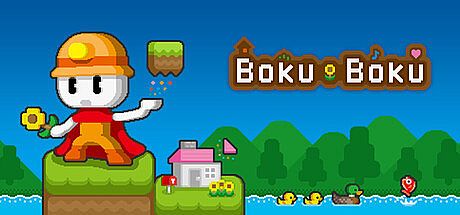


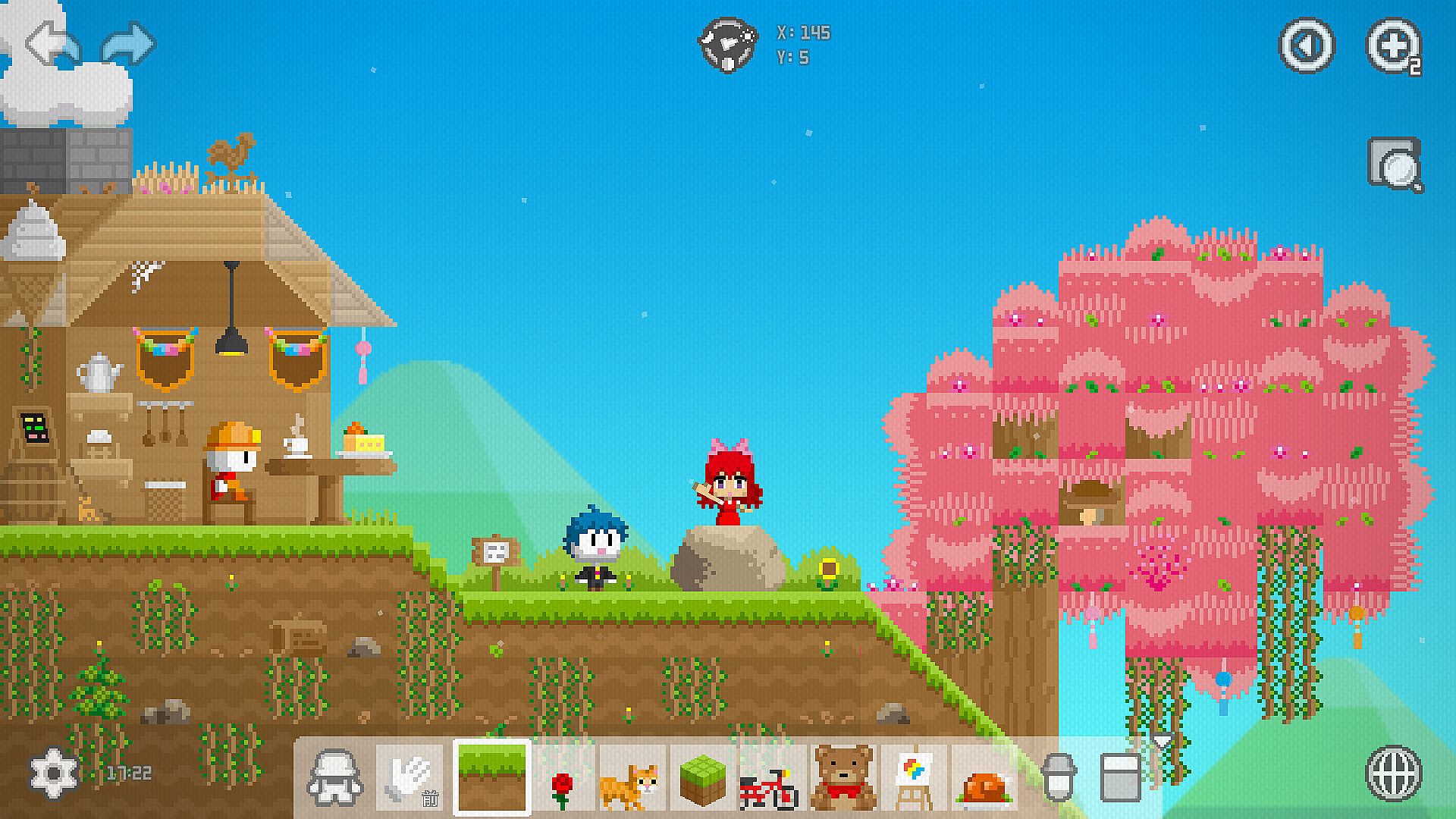
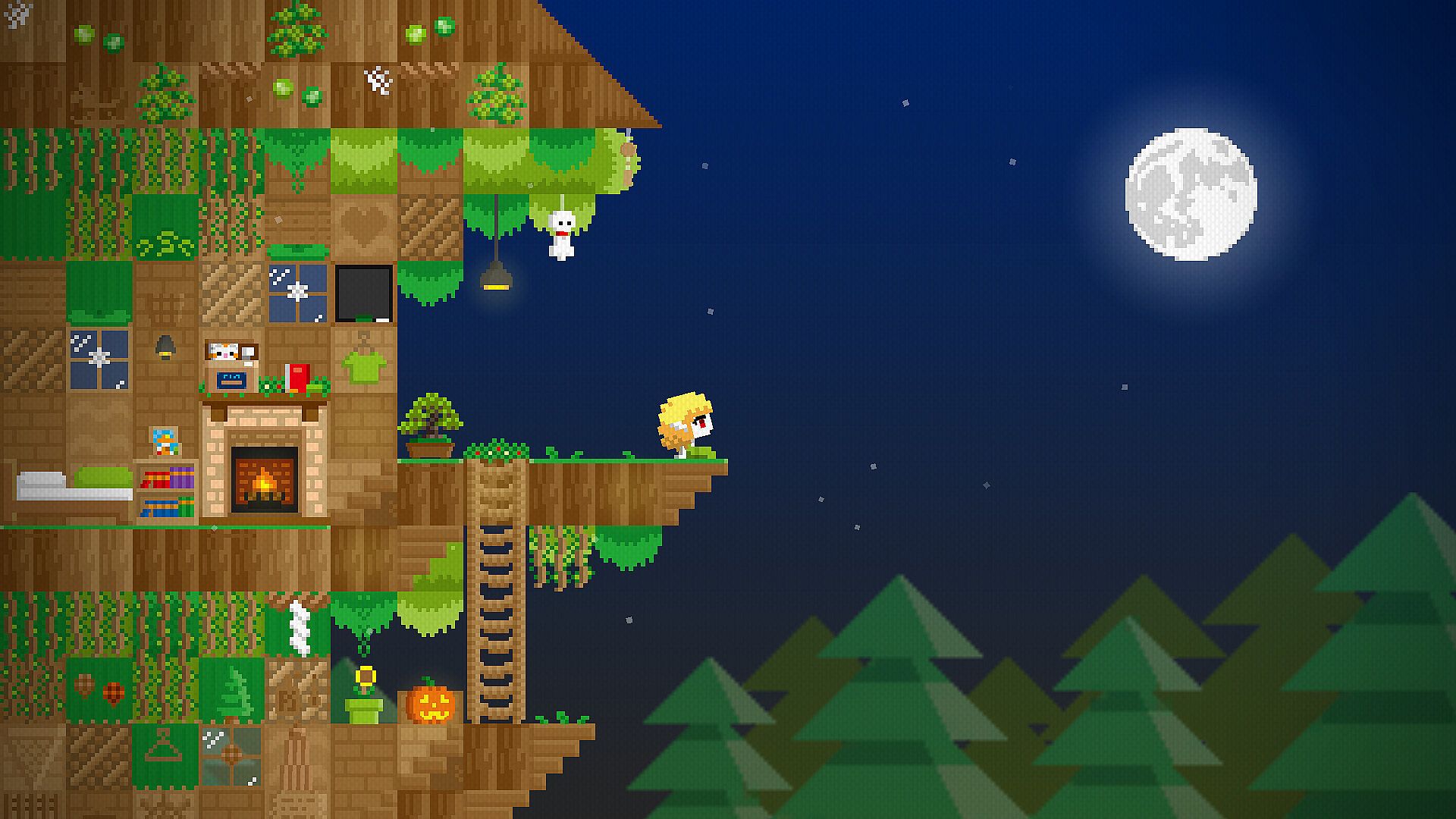
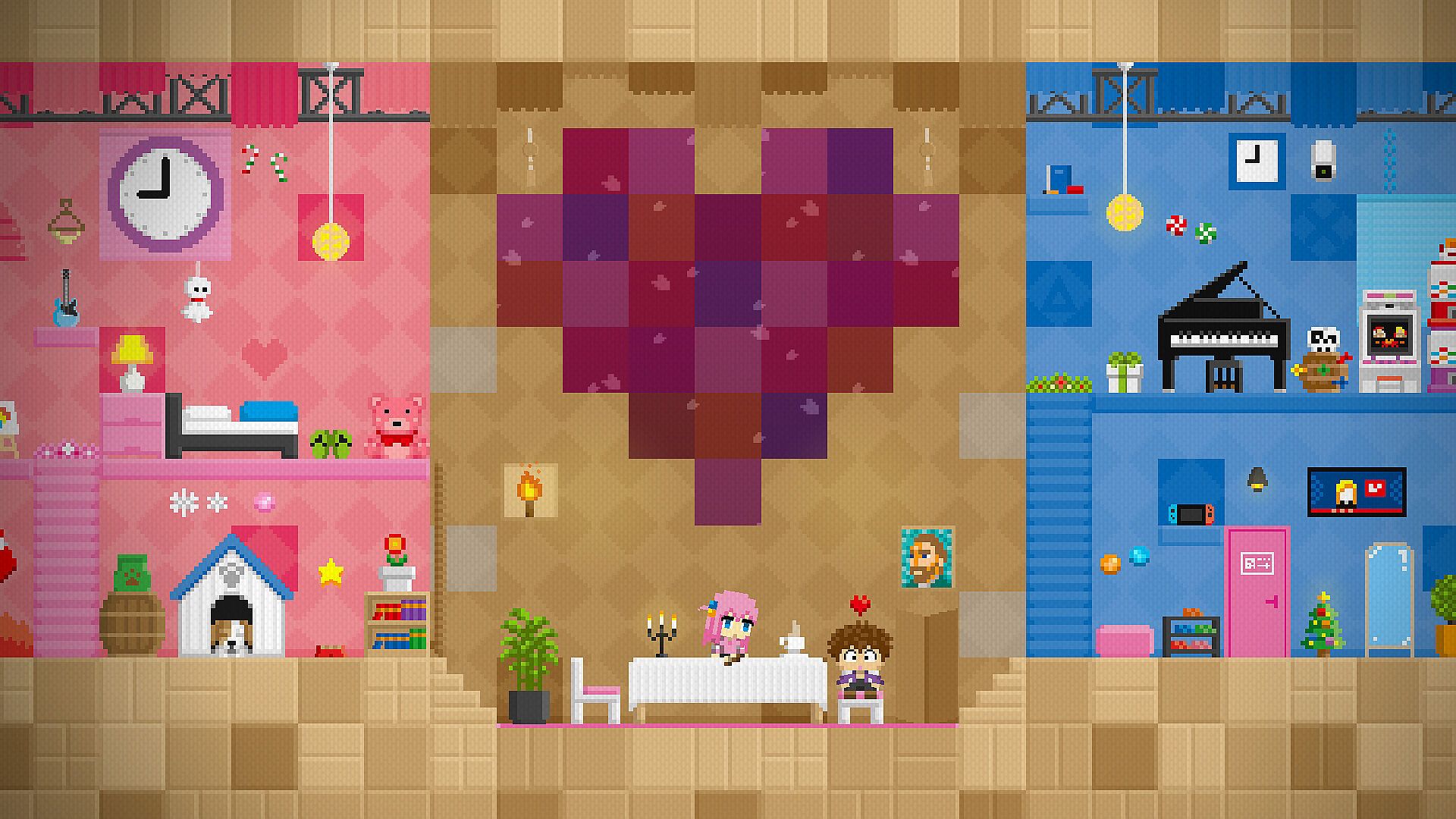
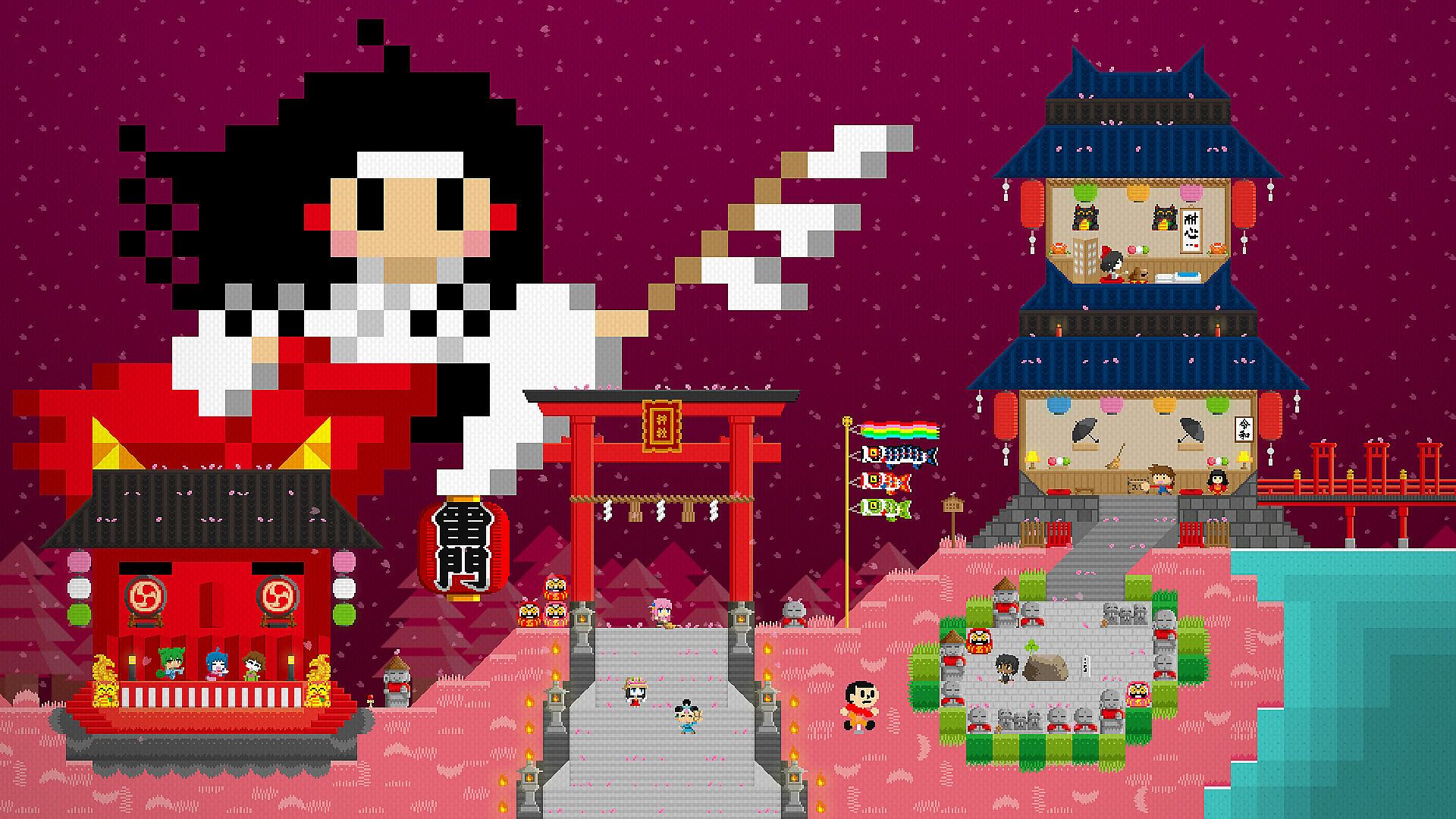
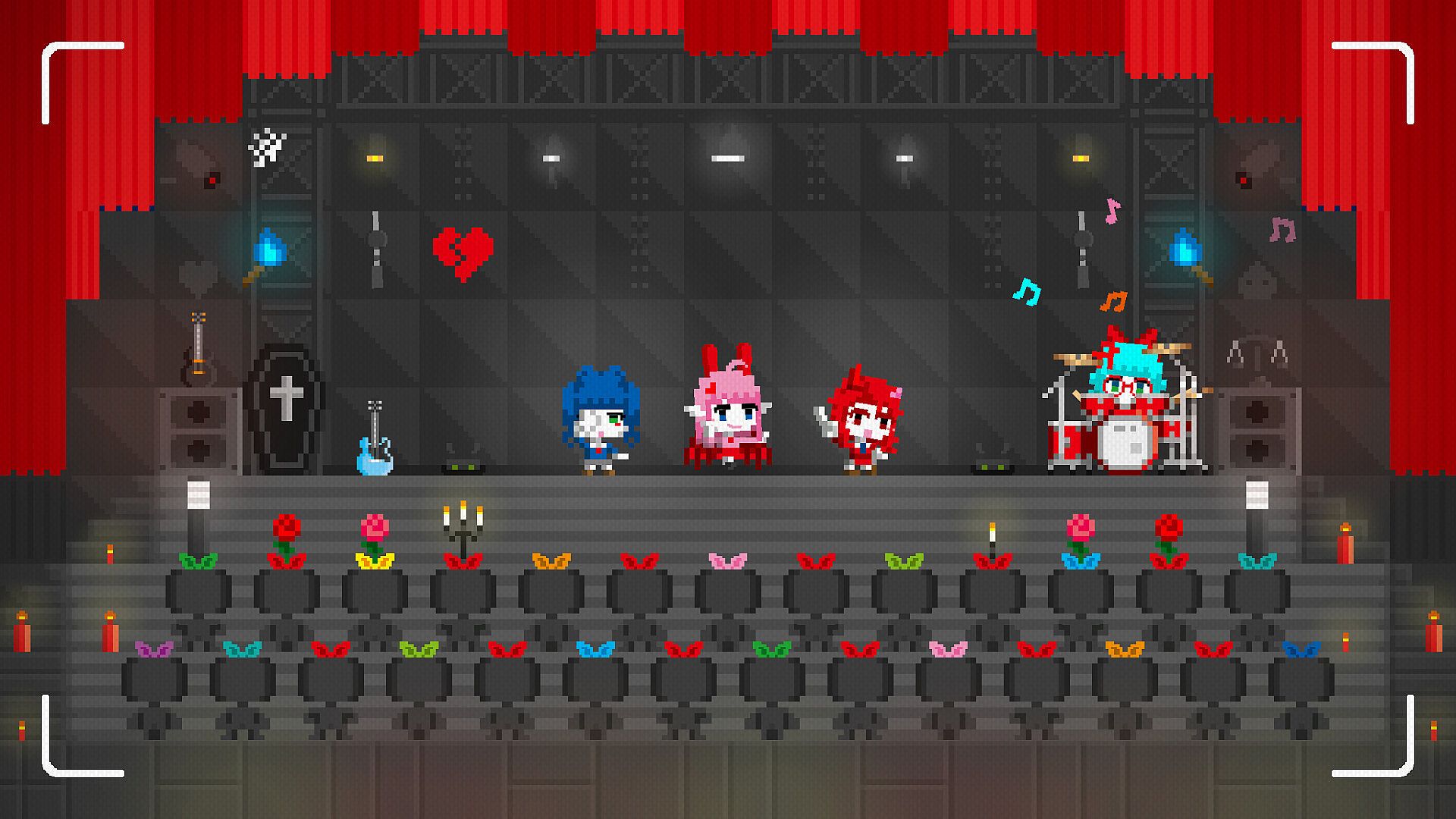
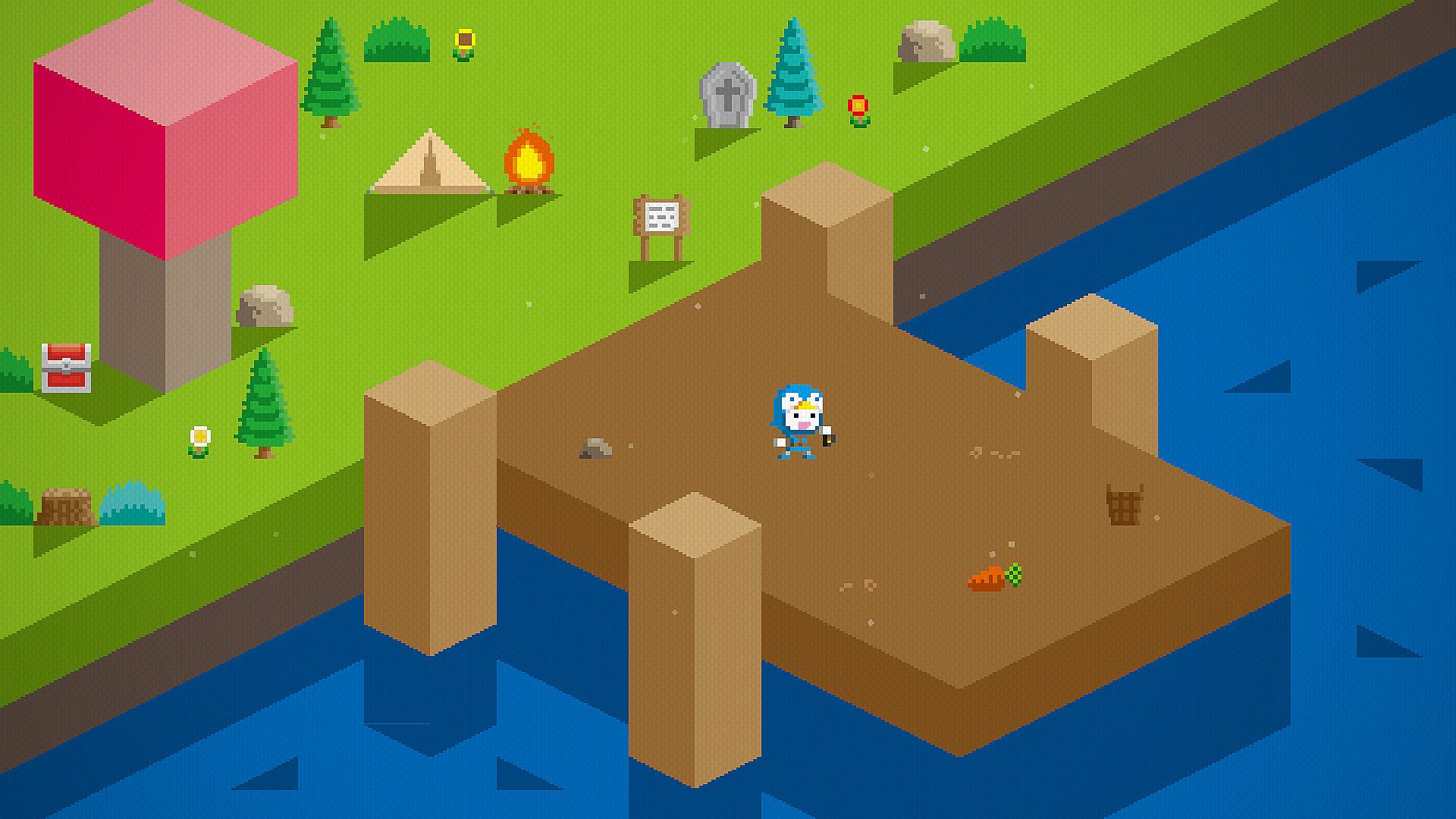
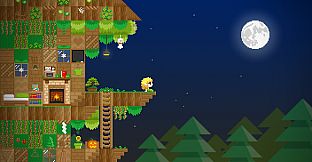
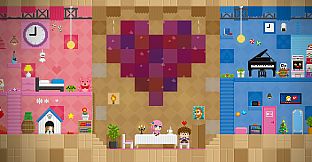
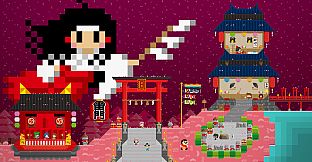
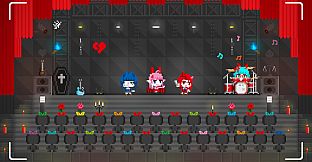
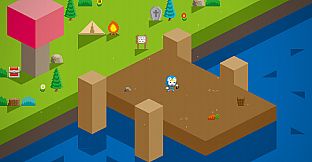
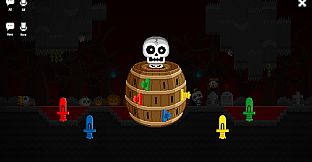
Boku Boku is an unrestrained sandbox game.
You can build houses, create your own worlds, and make new friends.
Explore a wondrous world, and leave your mark in this pixel paradise.
Full Steam Deck support
UI tailored for a perfect experience on Steam Deck.
Play with а controller to make your time more comfortable.
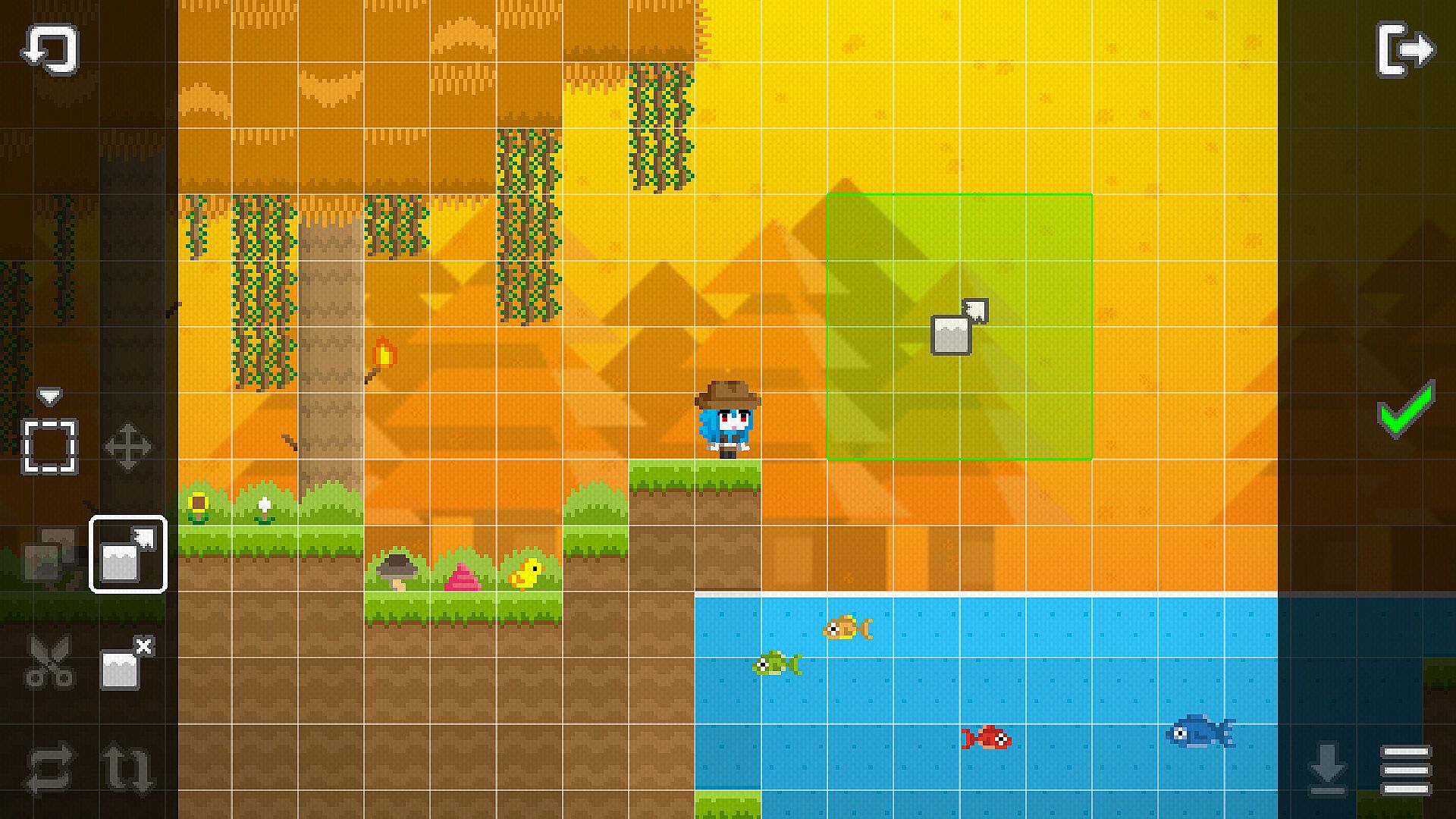
You can use your touchscreen to build what you like.
---------- Game Features ----------
Build freely
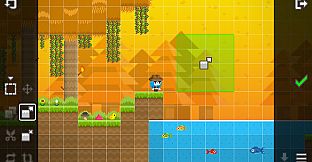
Choose from a variety of blocks and start building. No need to gather materials.
Customize your character
Create your own unique character and show off your personal style.
Multiplayer mode
Play with up to 16 people at the same time, with both text and voice chat supported.
Other
Relaxed gameplay - Your character can’t get hurt, so you’re to do whatever you want. Swimming, dancing, using the bathroom, you choose what do you want to do.
Animals - Cats, dogs, chickens, ducks, and more. You can even ride horses, cows, and alpacas. Create your own lively farm.
Dolls (NPC) - If the world feels too lonely, you can create dolls and give them instructions to make the world more alive.
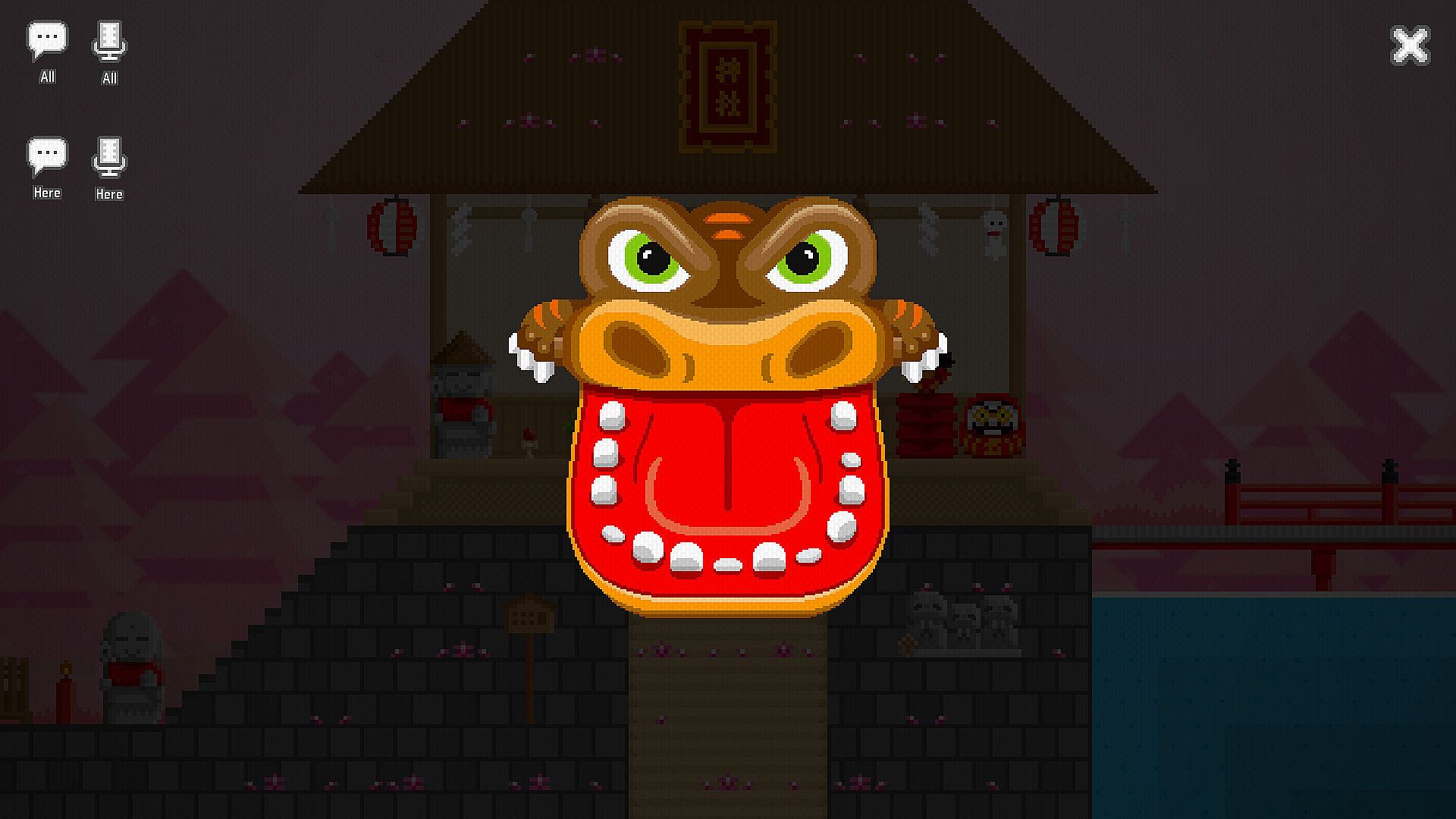
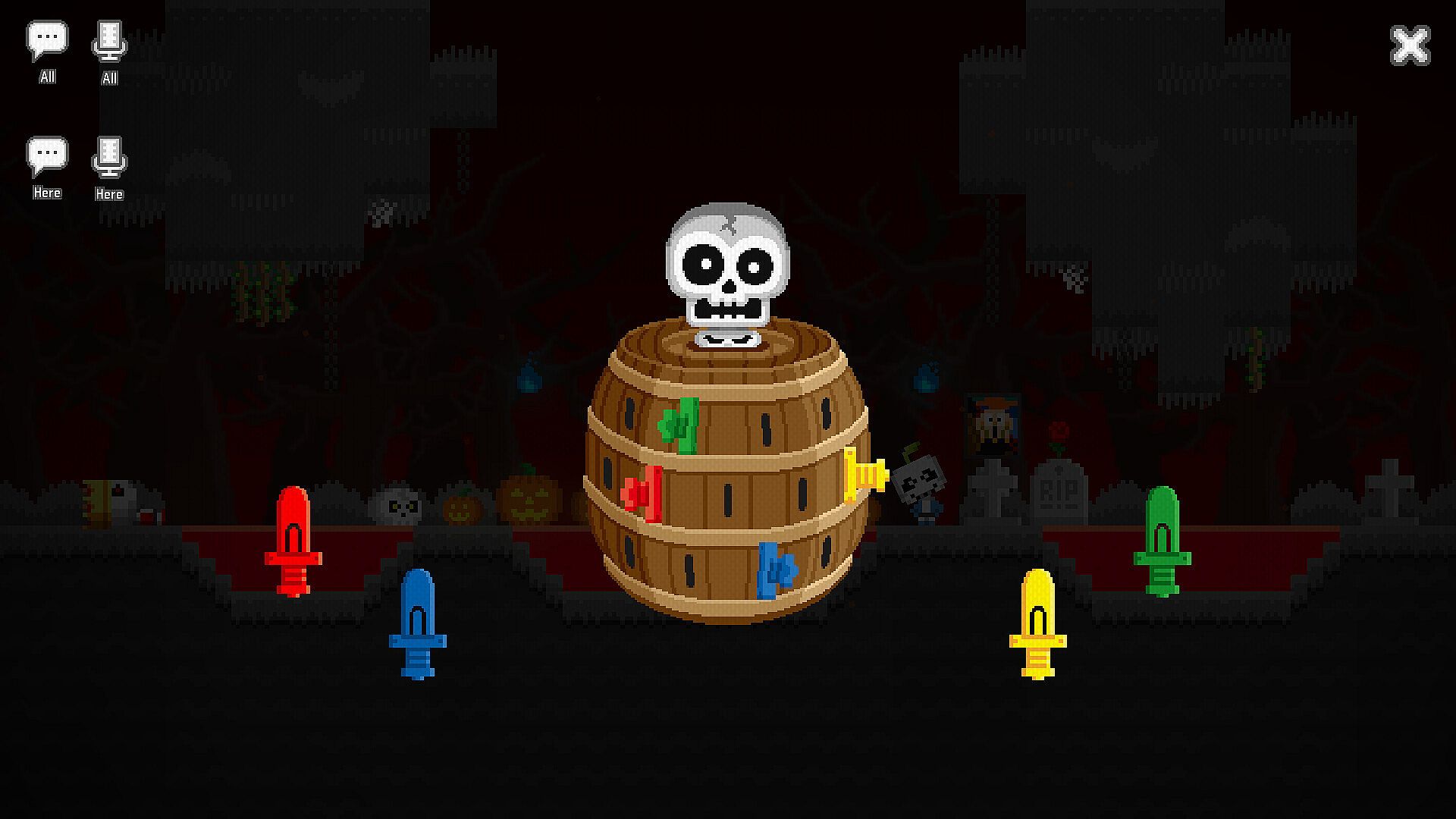
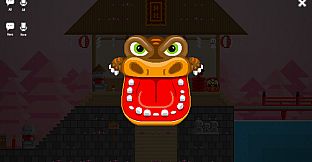
Minigames - Toys are more than decorations, you can actually play with them. See how many minigames you can discover.
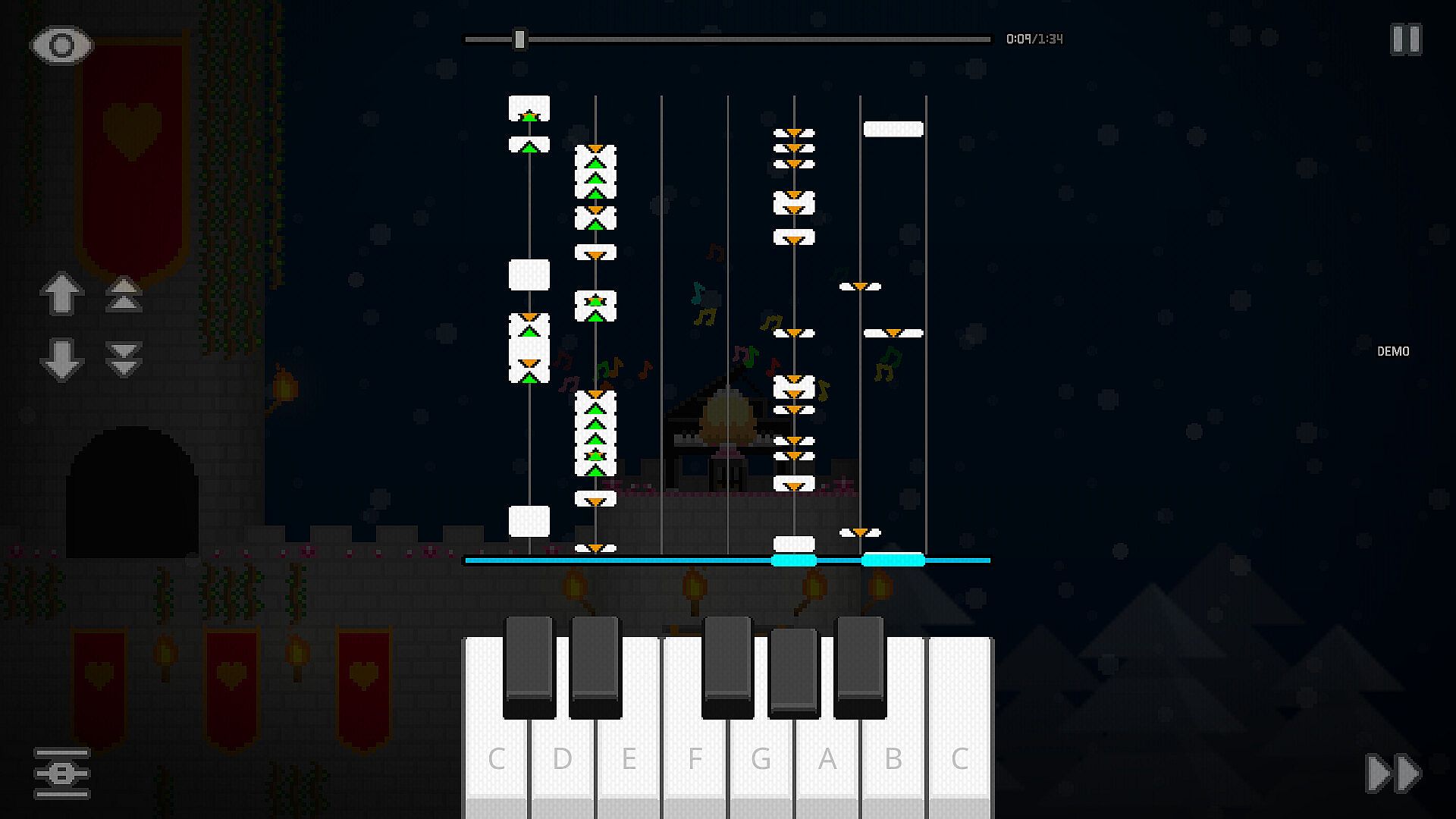
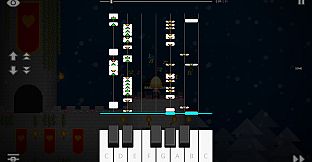
Musical instruments - Play instruments like pianos and trumpets, and use the melody editor to compose your own music.
Custom blocks - Use the easel and workbench to design your own blocks. You can even import PNG or JPG images from your device.
Wiring system - Connect switches and objects with wires to create simple circuits, like turning lights on and off.
Multiple zones - Use the “Land Cube” to create different zones, then connect them with doors and a wrench so you can move between indoor and outdoor spaces
Exploration quests - Not sure what certain objects do? Exploration quests will guide you and help you learn how different objects can be used.
---------- Functional Features ----------
Workshop
Share your creation with other players and download content made by the community.
Cloud storage
Back up your data and easily switch between multiple devices.
Graphics settings
Adjust display mode, resolution, and frame rate (FPS) for a smoother experience.
Customizable buttons
Both keyboard and controller buttons are customizable.
Controller support
You can play with your Xbox, PlayStation, Nintendo Switch Pro controller or with many other controllers.
The game will automatically detect your controller and display the corresponding buttons for your device.
(You can seamlessly switch between keyboard, mouse, and controller.)