


Comprar Bit - Animation Editor PC

Interessado em Bit - Animation Editor? Estamos a acompanhar preços de lojas de confiança. Adicione Bit - Animation Editor à sua lista de desejos e notificá-lo-emos quando surgirem ofertas.

Lançamento: 04 set. 2020
Steam:
Mixed (10)
Official
Indisponível
Keyshops
Indisponível
Comprar em Loja Oficial:
Indisponível
Comprar em Keyshops:
Indisponível

Sem entradas, mas não se preocupe, iremos informá-lo assim que surgir uma nova oferta.

Create Alert Create deal Alert

Sobre Bit - Animation Editor

Bit - Animation Editor - sobre o jogo
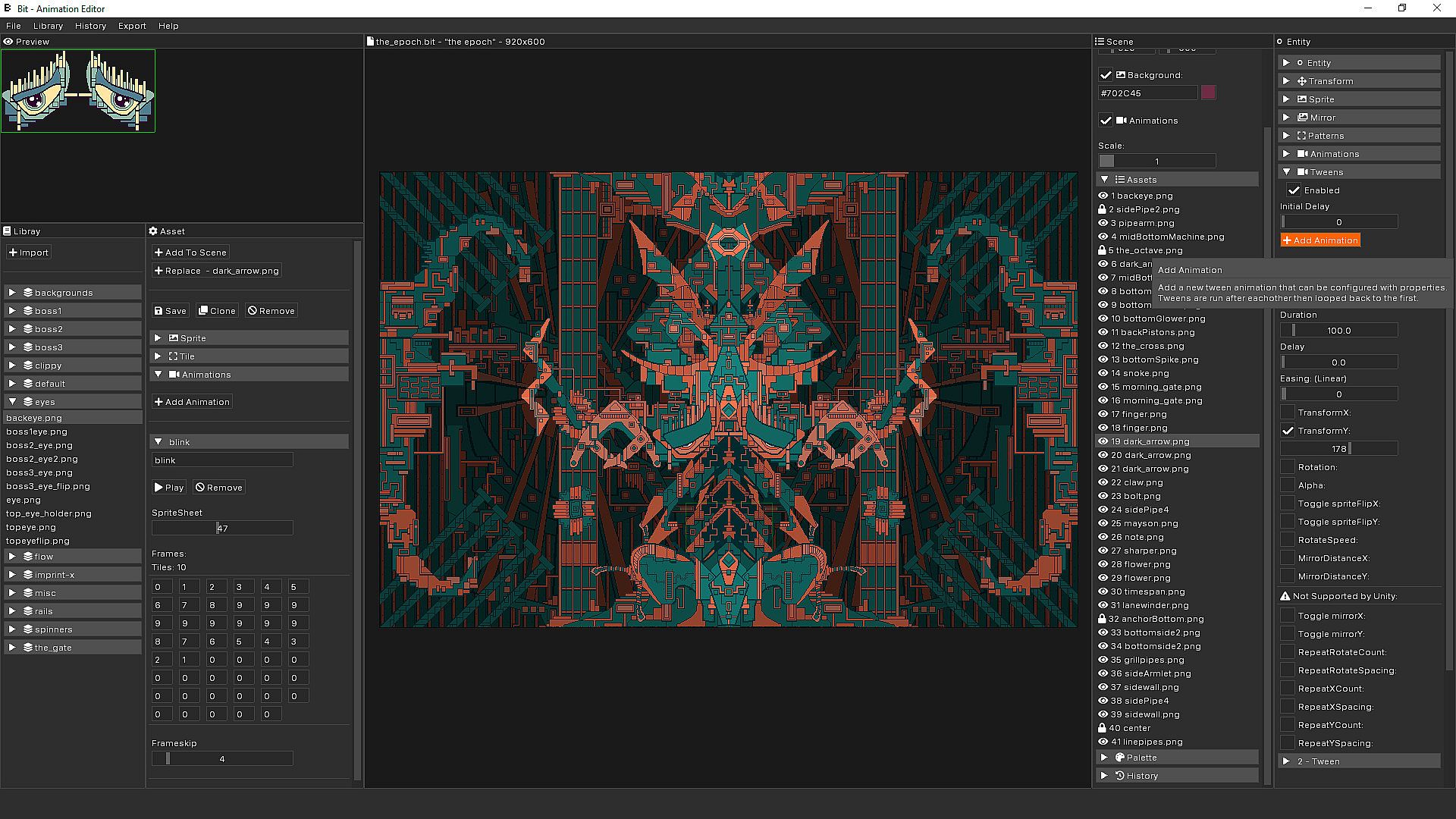
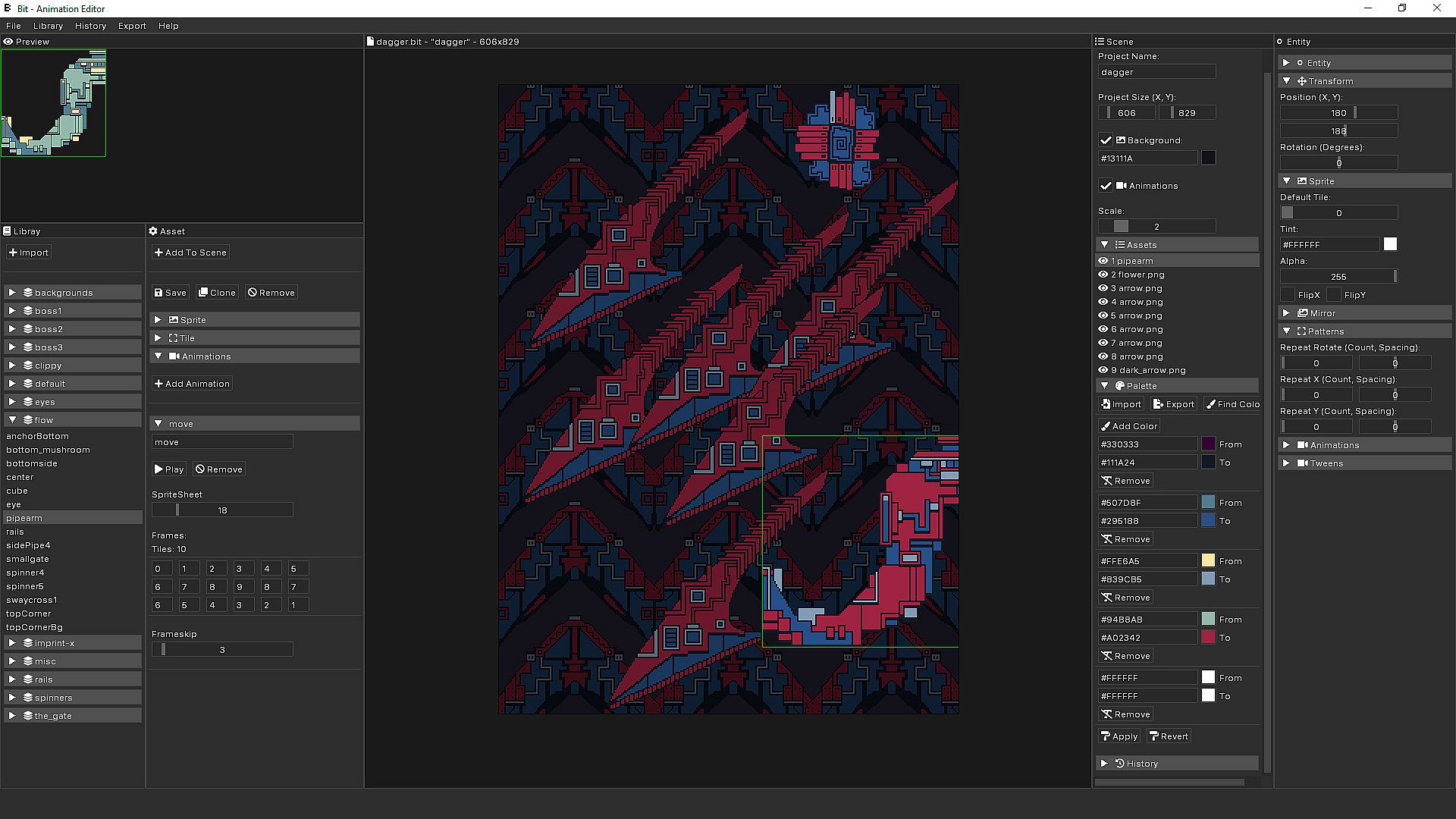
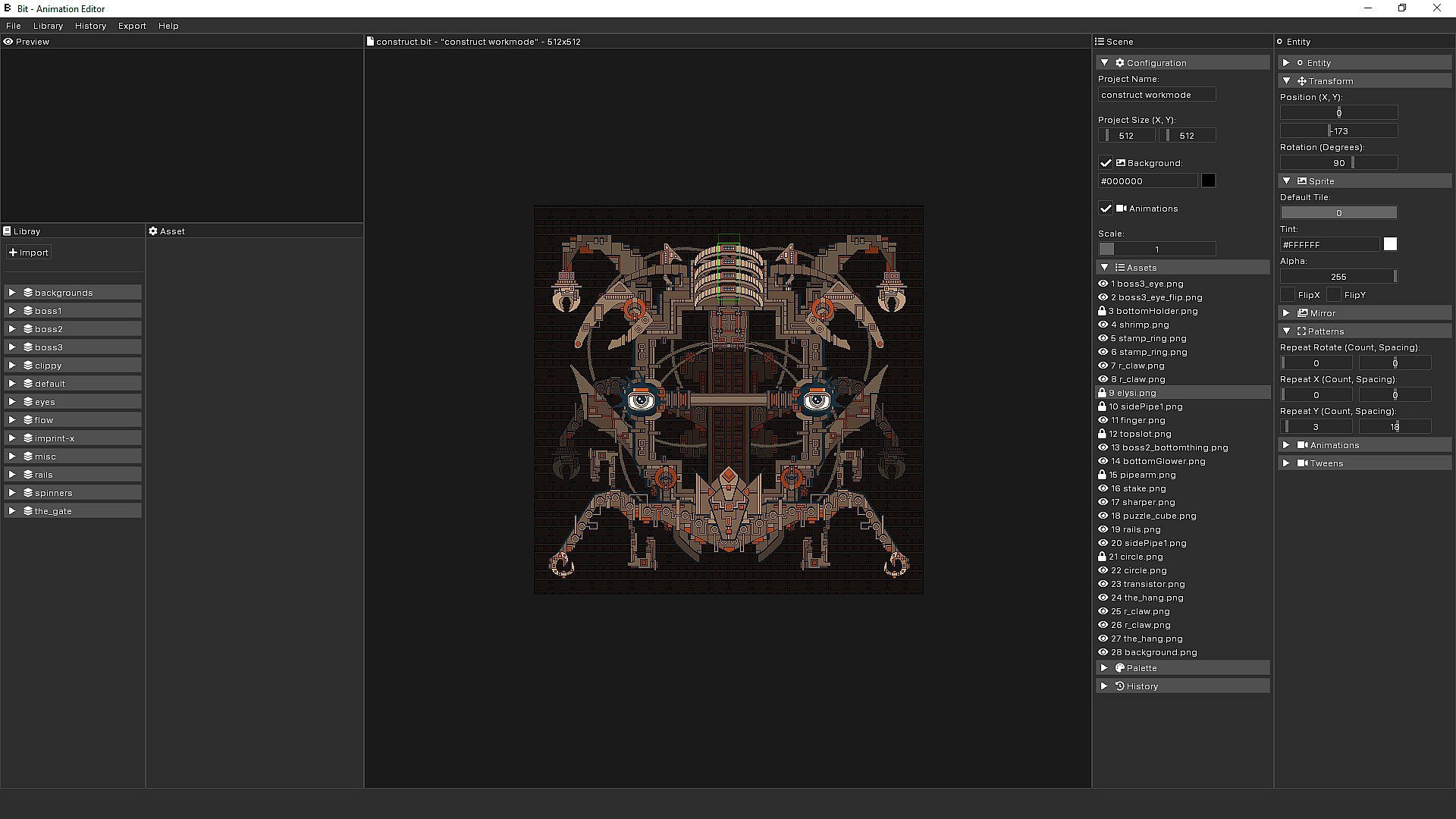
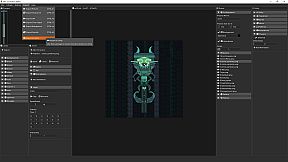
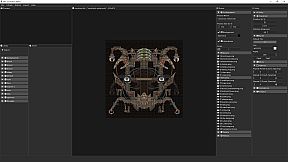
Compose animated pixel art by importing sprites and sprite sheets into Bit - Animation Editor. Build scenes with layering, scaling, smart mirroring, pattern repetition, and built-in tweening to animate positions, rotations, and other attributes. Apply color tinting, alpha effects, and palettes to unify assets under custom color schemes. Export compositions as GIFs with frame controls, MP4 videos, image sequences, standalone desktop apps, or JSON data packages for game engines like Unity. Manage assets through sprite sheet configuration and scene editing that runs animations smoothly. Game developers and pixel art creators streamline asset production and animation authoring with these focused composition tools.


COMPOSE AND DESIGN ANIMATED PIXEL ART

This is not a drawing tool.
A NEW COMPOSITION TOOL
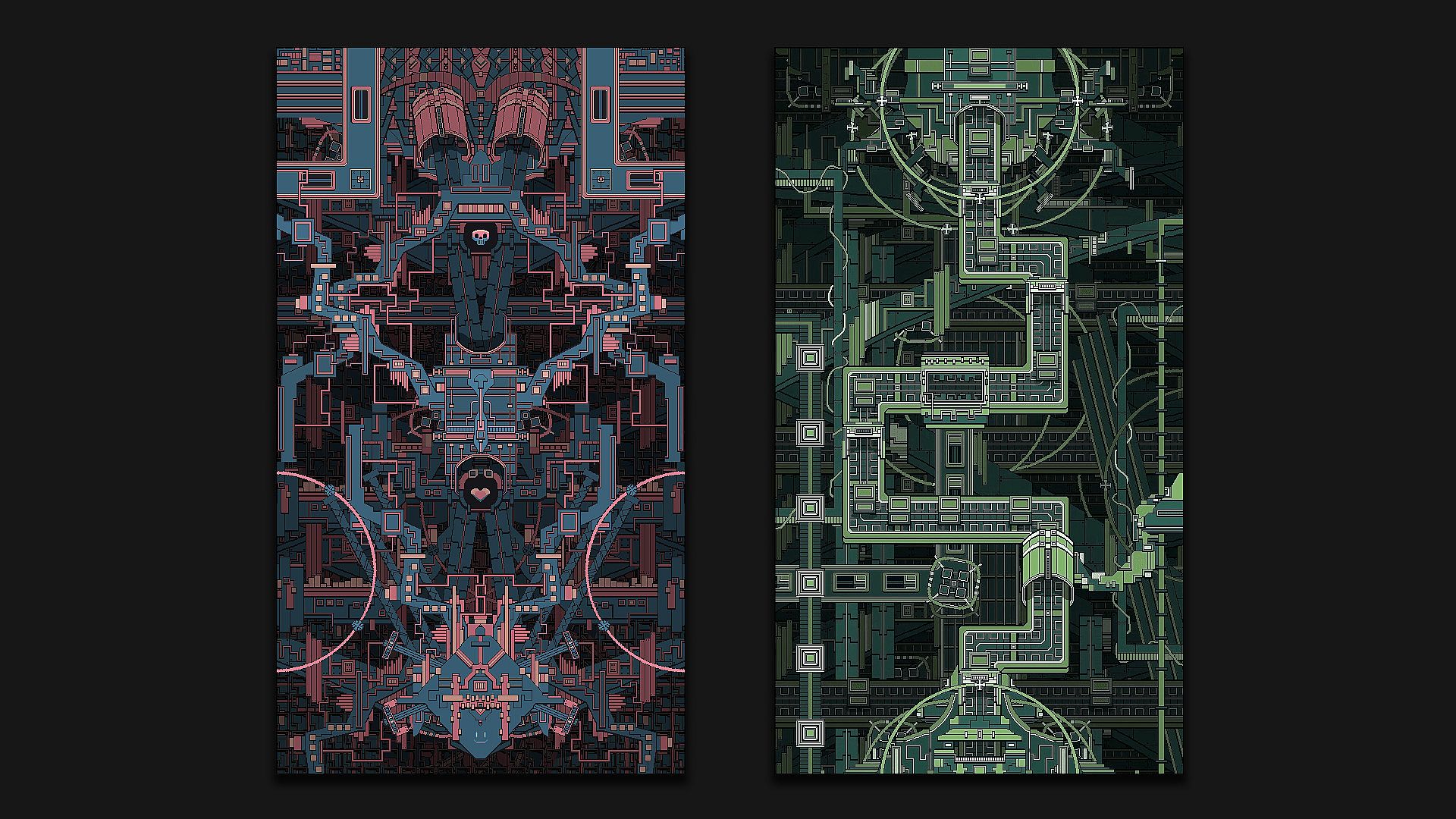
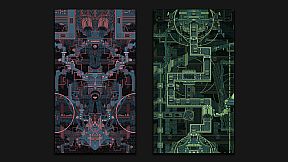
Design pixel-art paintings, art pieces, game assets, and compose interesting animations and combinations from sprites or sprite sheets with Bit - Animation Editor.
POWERFUL EXPORT OPTIONS
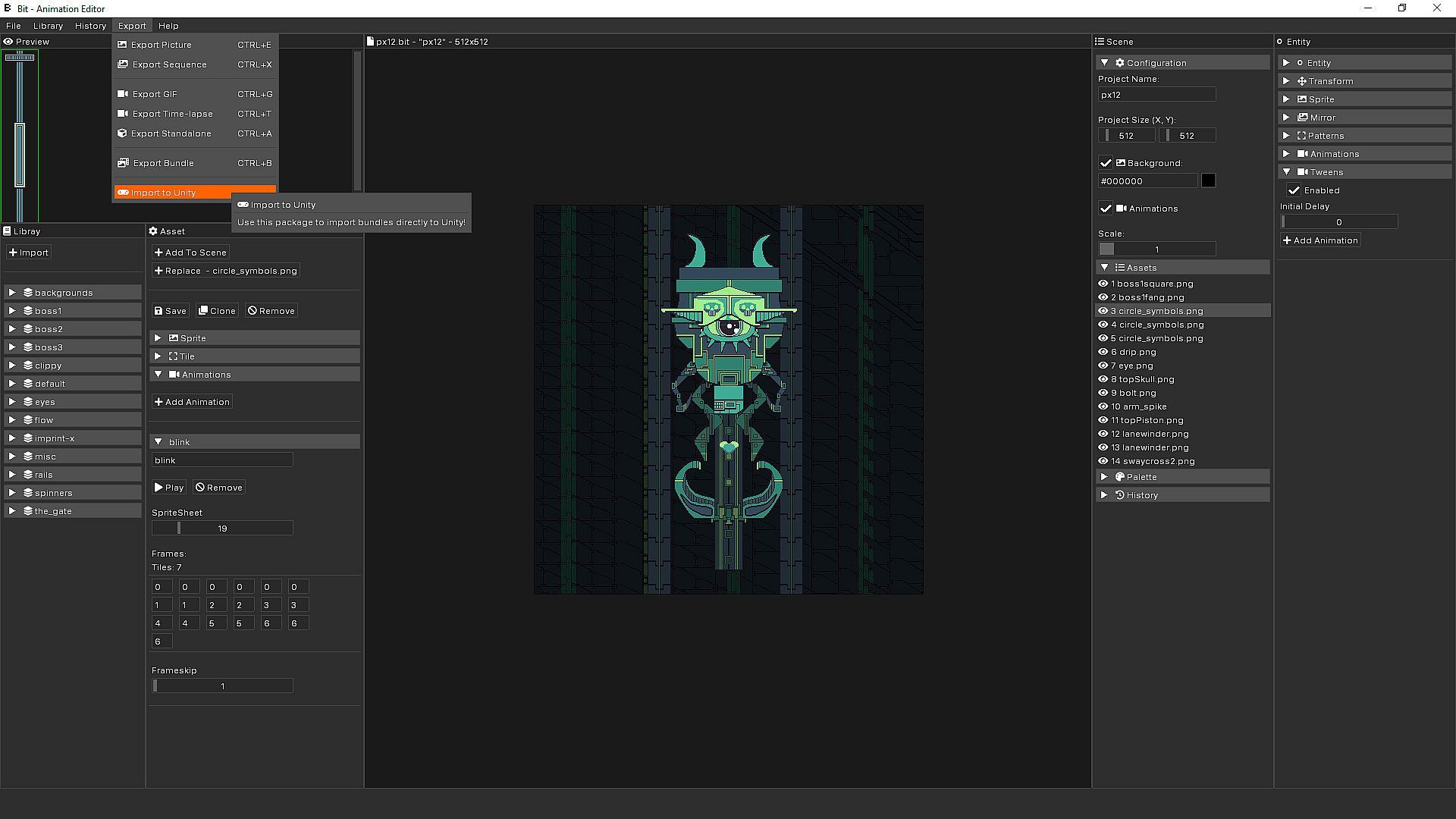
Bit - Animation Editor has a wide range of easy to use export options. Export to GIFs, pictures, data packages for game engines, or to a standalone desktop application.
IT'S ALL ABOUT SCENE ANIMATION AND ASSET COMPOSITIONS
FEATURES

Asset Management
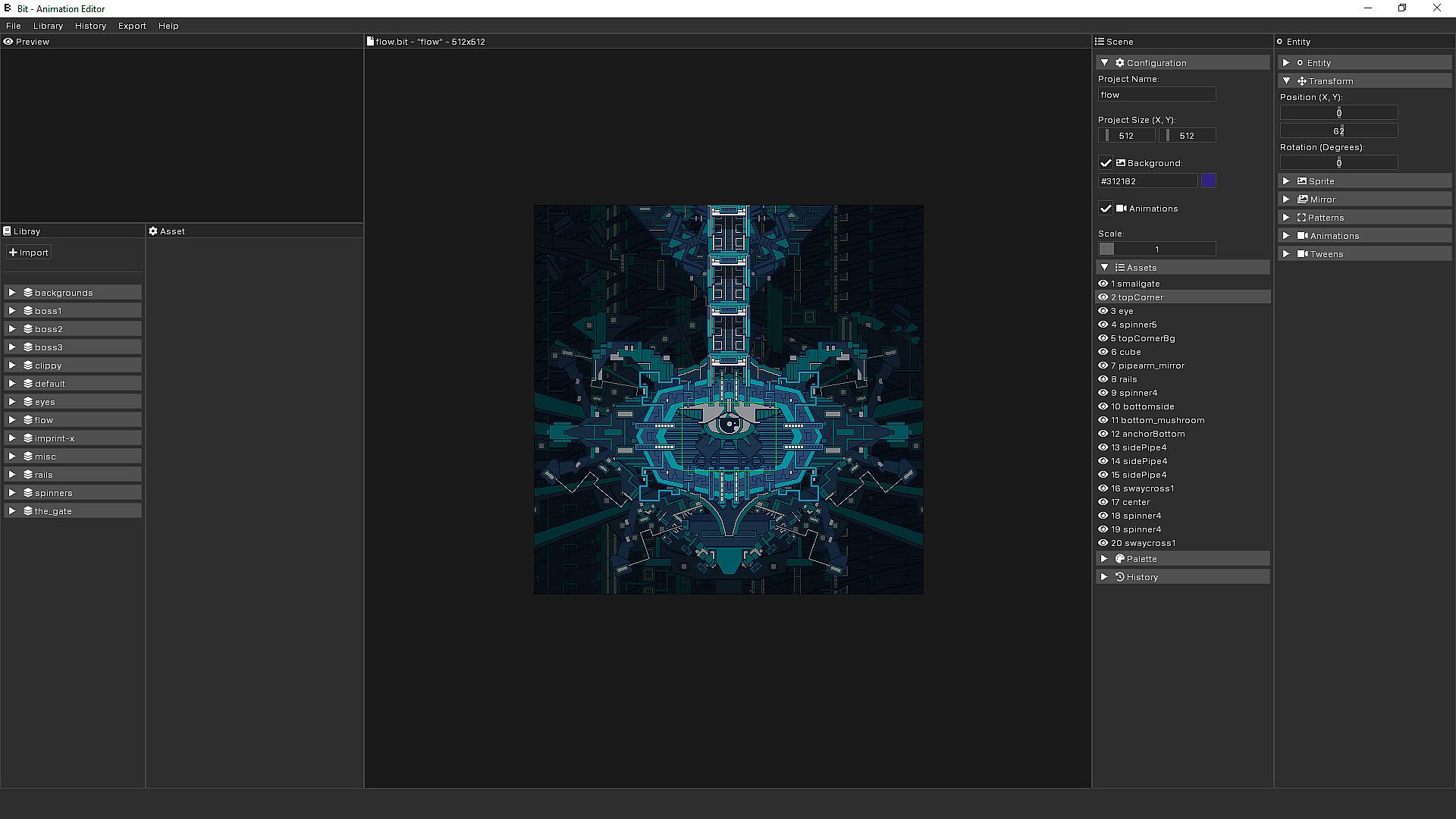
Import pixel-art parts and sprites, configure sprite sheet tiles, and compose new sprite sheet animations.


Scene Editor
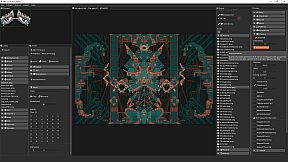
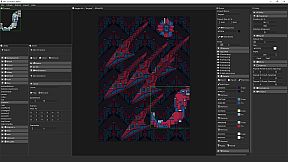
Highly performant scene editor that lets you focus on composition while running sprite sheet animations and custom tweening animations at the same time.


Powerful Asset Configurations
  • Layering and scene scaling for easier composing.
  • Smart mirroring and pattern repetition for strong symmetrical designs.
  • Tweening built-right in for interpolating any attributes and bringing compositions to life.
  • Color tinting, alpha rendering and simple rotations for further customization.


Palettes and Colorization
Replace colors and combine assets under one color schema and import and export color themes between projects.


Strong Export Targets
  • Export as picture, time-lapse, or animation sequences.
  • Export as GIF and customize frames.
  • Export MP4 videos.
  • Export art as a standalone desktop application.
  • Export data packages with JSON for game engines.
  • In-app link to offer the possibility to import projects from Unity.
FAQ
WHAT IS BIT ANIMATION EDITOR?
A composition tool used to make animated pixel art.

WHY DID YOU MAKE THIS?
We made an internal tool to create animated art as well as to export assets to our games. Bit - Animation Editor is the refined version of that tool.

CAN YOU EXPORT TO GIF?
Yes! It's built right in! You can easily select the number of frames to include, how many frames to skip, and for how long each frame should be displayed in the GIF. Design and export.

CAN YOU PAINT PIXEL ART WITH IT?
No! The tool is used for composition and animation only! You import pixel art into the editor and use that to create your scene.

ARE THERE ANY ART ASSETS INCLUDED?
Yes, and a demo project showing how everything is setup. Importing PNG sprites and sprite sheets is super easy.

WHAT IS THE BENEFIT OF BIT ANIMATION EDITOR?
You can easily create and author sprite animations out of sprite sheets. It's also super easy to export to GIF, PNG and game engine friendly data formats. Moreover, you can even create a standalone windows desktop app from your composition. It's also possible to import your compositions to Unity with our free Unity plugin that can be installed into your individual game project.

HOW DO YOU SETUP ANIMATIONS?
There are several ways! Create sprite sheet animations, rotations, or create sequences of powerful tweening animations that can animate all the asset's settings like position, rotation, mirroring, etc.


Interface:
English
Áudio:
English
Legendas:
English

Classificação etária

Indisponível
Steam:
Mixed (10)

Mínimo:

  • SO: Windows 10
  • Processador: Intel Core i5 2.00 GHz or AMD equivalent
  • Memória: 1 GB RAM
  • Gráficos: Discrete GPU
  • Armazenamento: 12 MB available space
  • Notas Adicionais: Minimum screen resolution of 1024x768

Recomendado:

  • SO: Windows 10
  • Processador: Intel Core i7 2.00 GHz or AMD equivalent
  • Memória: 8 MB RAM
  • Gráficos: Hardware Accelerated Graphics with 1GB memory
  • Armazenamento: 1 GB available space
  • Notas Adicionais: screen resolution of 1920x1080

Mínimo:

  • SO: Mac OS Catalina
  • Processador: Intel Core i5 2.00 GHz or AMD equivalent
  • Memória: 1 GB RAM
  • Gráficos: Discrete GPU
  • Armazenamento: 12 MB available space
  • Notas Adicionais: Minimum screen resolution of 1024x768

Recomendado:

Mínimo:

  • SO: Ubuntu is great
  • Processador: A one that runs
  • Memória: 250 MB RAM
  • Gráficos: Some kind of processor
  • Notas Adicionais: sudo apt install stuff if it doesn't work.

Recomendado:

Mínimo histórico
Histórico de preços das lojas oficiais
-
-
-
Histórico de preços dos keyshops
-
-
-

FAQ

8 perguntas

Antes de procurar uma chave barata de Bit - Animation Editor, confira o essencial. Desenvolvido por Morgondag. Publicado por Morgondag. Data de lançamento PC: 04 set. 2020. Géneros: Animation & Modeling, Design & Illustration, Game Development. Categorias: Single-player, Steam Achievements.

Q

Onde comprar uma chave Steam barata de Bit - Animation Editor?

Nao existem ofertas ativas para Bit - Animation Editor de momento. Defina um alerta de preco no XD.deals e avisaremos assim que uma oferta estiver disponivel.

Nao temos um preco atual do Steam Store para Bit - Animation Editor. O jogo pode estar temporariamente indisponivel ou ainda nao listado no Steam.

O nosso rastreador de precos abrange tanto lojas oficiais como keyshops, para que possa encontrar Bit - Animation Editor em promocao mesmo fora das campanhas sazonais. Detetamos atualmente 0 ofertas ativas de lojas oficiais e keyshops. Consulte a tabela acima, compare com o minimo historico e defina um alerta para nunca perder a proxima descida de preco.

Com base nos nossos dados, Bit - Animation Editor nao esta atualmente disponivel no GeForce NOW. Precisara de o executar localmente no seu PC. Consulte os jogos disponiveis no GeForce NOW.

Sim. Bit - Animation Editor tem uma pagina oficial no Steam, mas atualmente nao temos ofertas de terceiros com DRM Steam. Volte mais tarde ou defina um alerta de preco.

Nao neste momento. A Valve marca Bit - Animation Editor como Nao Suportado no Steam Deck. Fique atento ao XD.deals - acompanhamos atualizacoes do Proton e correcoes da comunidade. Consulte os jogos Steam Deck Verified ou Steam Deck Playable.

Bit - Animation Editor nao parece estar disponivel no PC Game Pass, EA Play, Ubisoft+ ou qualquer outro servico de assinatura para PC neste momento. A unica opcao e comprar o jogo - use o XD.deals para encontrar o melhor preco.

Nao - o XD.deals nao e uma loja. Somos um servico de comparacao de precos que acompanha as melhores ofertas de Bit - Animation Editor em lojas oficiais e keyshops verificadas. Clique em "Ir para a loja" junto a qualquer oferta e sera redirecionado para o site do vendedor para concluir a compra.

Quer comprar no melhor momento? Defina um alerta de preco no XD.deals e seja notificado quando Bit - Animation Editor atingir o seu proximo minimo historico.

Criar Alerta
Junte-se ao nosso Discord
Obtenha ajuda instantânea da nossa comunidade e mantenha-se atualizado sobre as últimas ofertas
Definir Alertas de Preço
Seja notificado por email quando os preços dos jogos baixarem para o seu objetivo
Criar Conta Gratuita
Desbloqueie listas de desejos, alertas de preço e sincronização Steam