







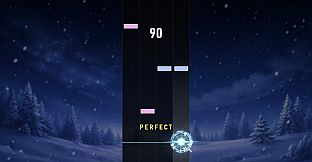
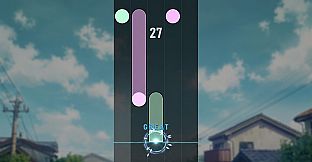
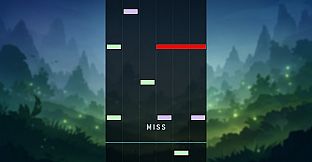
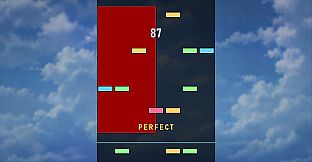
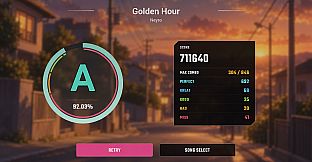
AutoChart is a key-based rhythm game designed for players who want to experience their personal music collection in an interactive format. Available on PC as an indie casual title, it processes local audio files to create playable note patterns without requiring any manual charting or external music services.
Gameplay
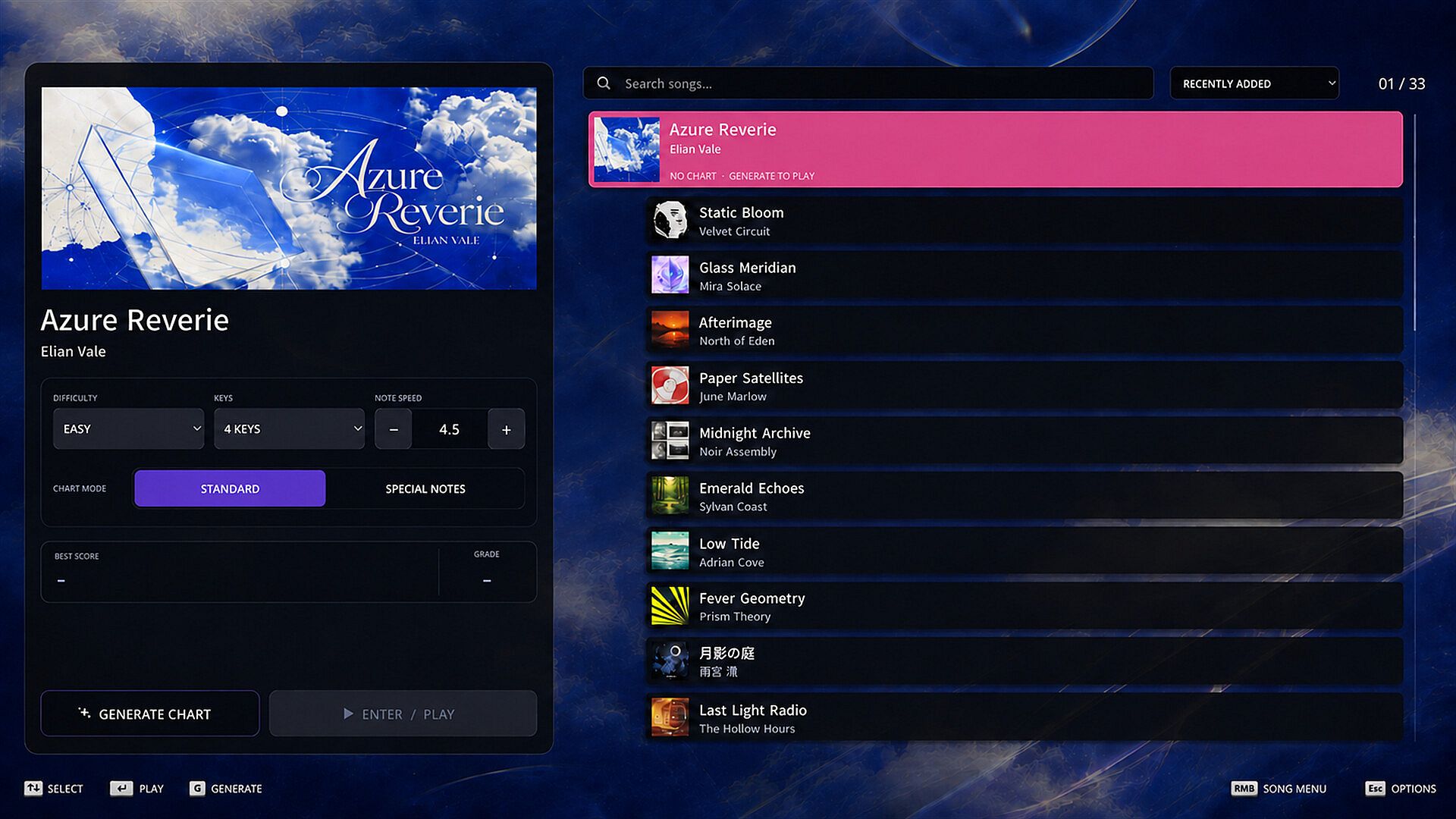
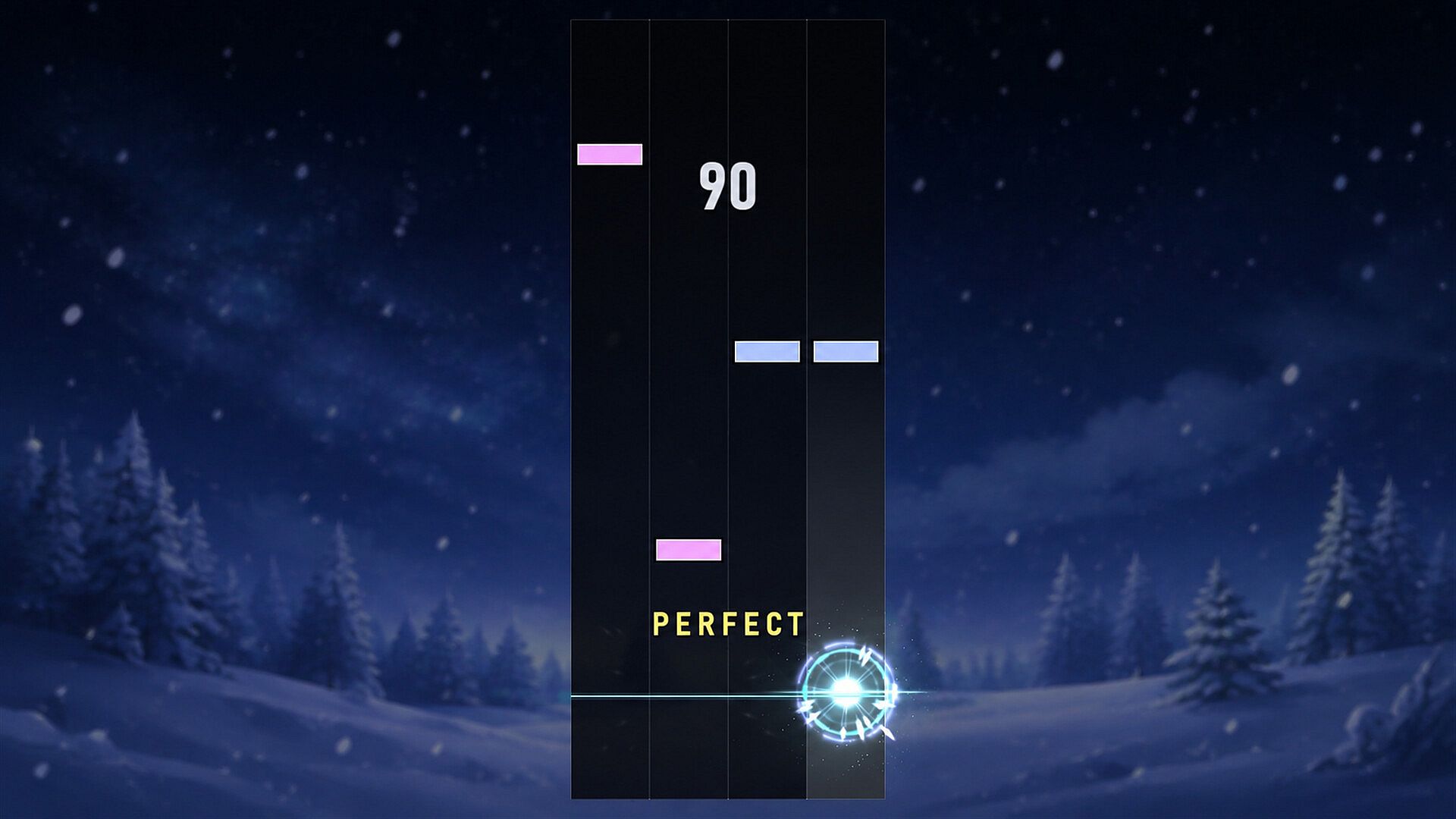
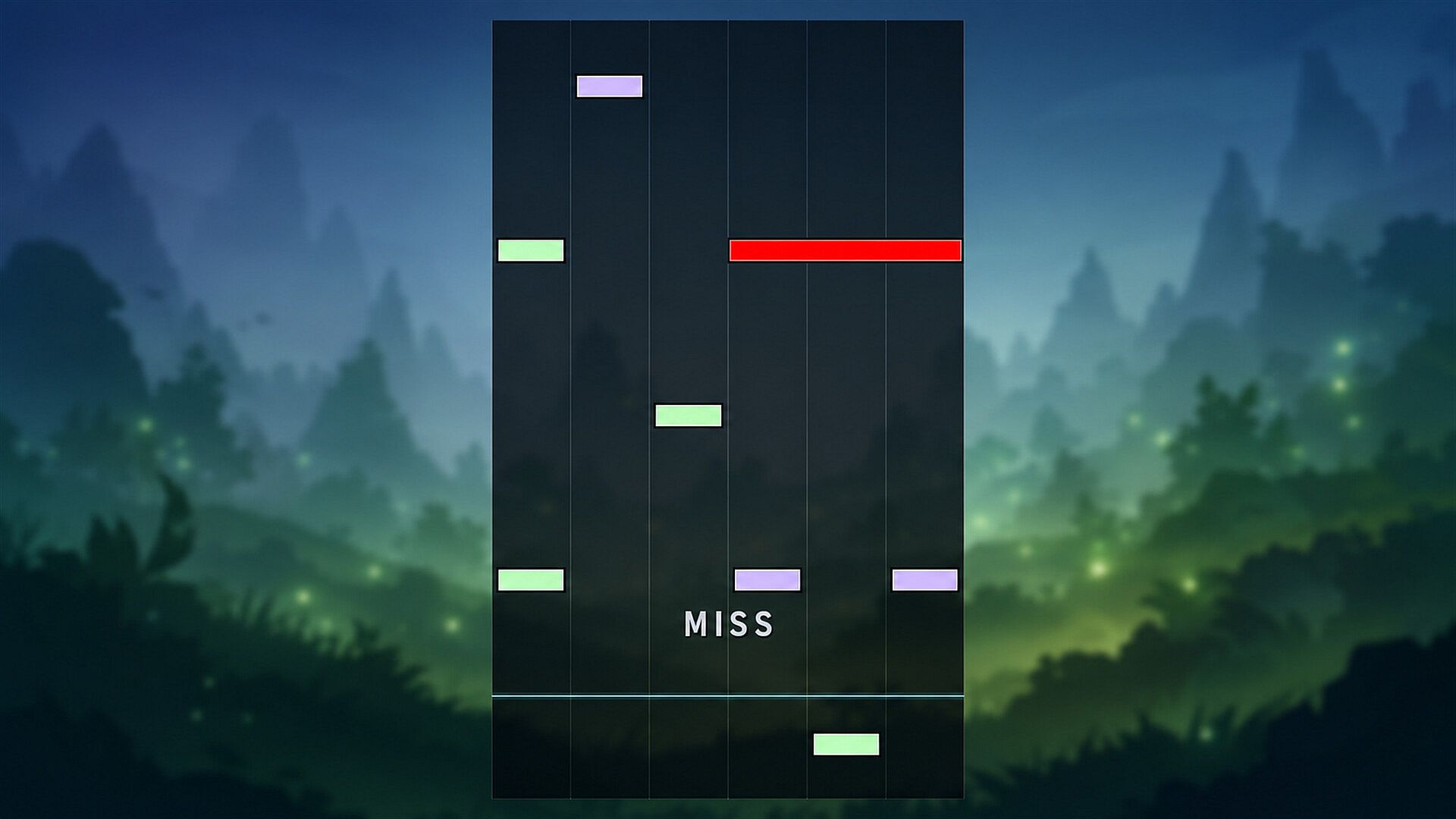
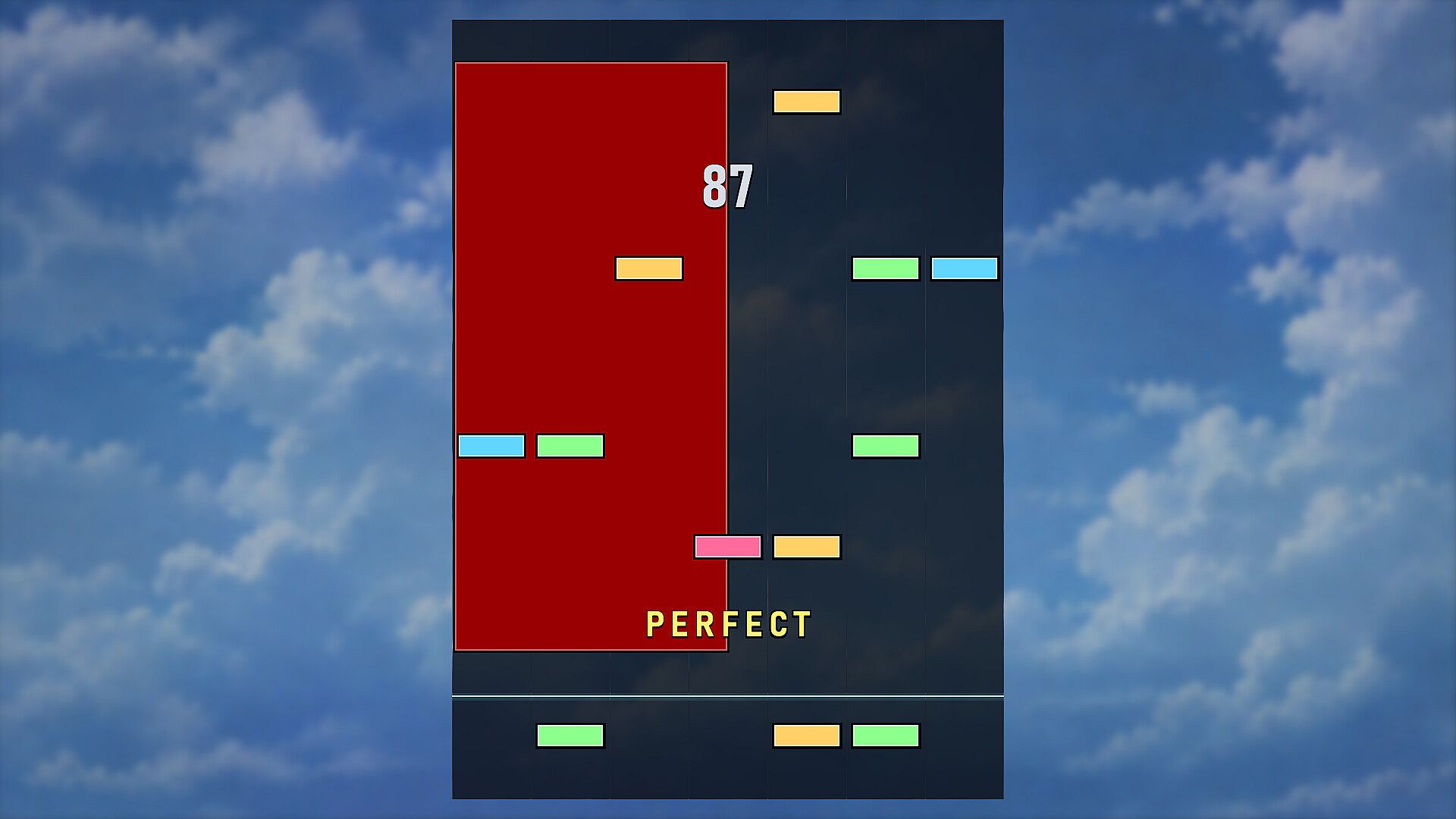
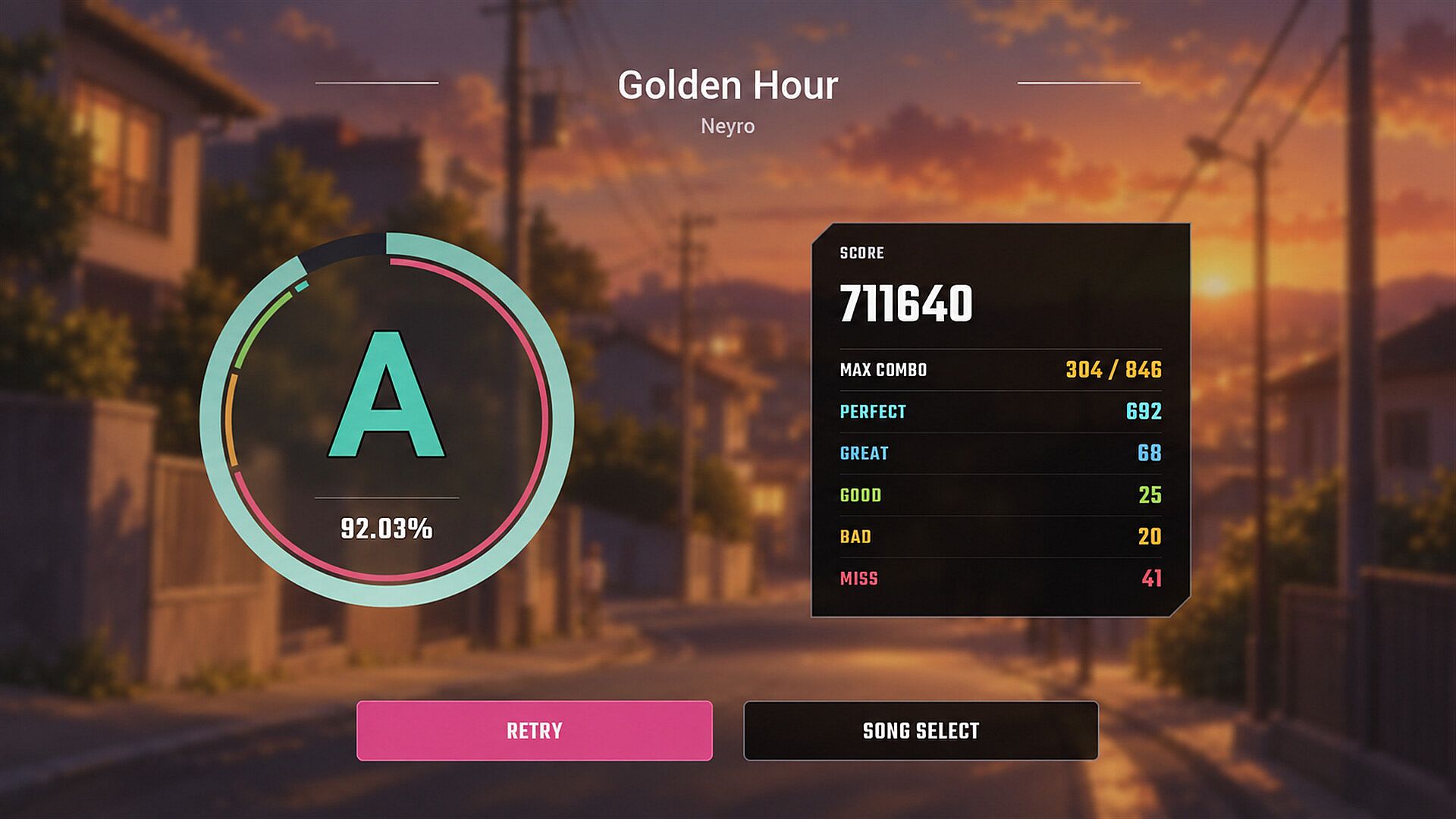
The core loop centers on loading a supported music track from the user's PC storage. The game analyzes the audio to produce note patterns that align with the song's rhythm and energy. Players then press keys in time with the falling or scrolling notes to match the beat. Timing accuracy determines scoring and performance feedback during play sessions.
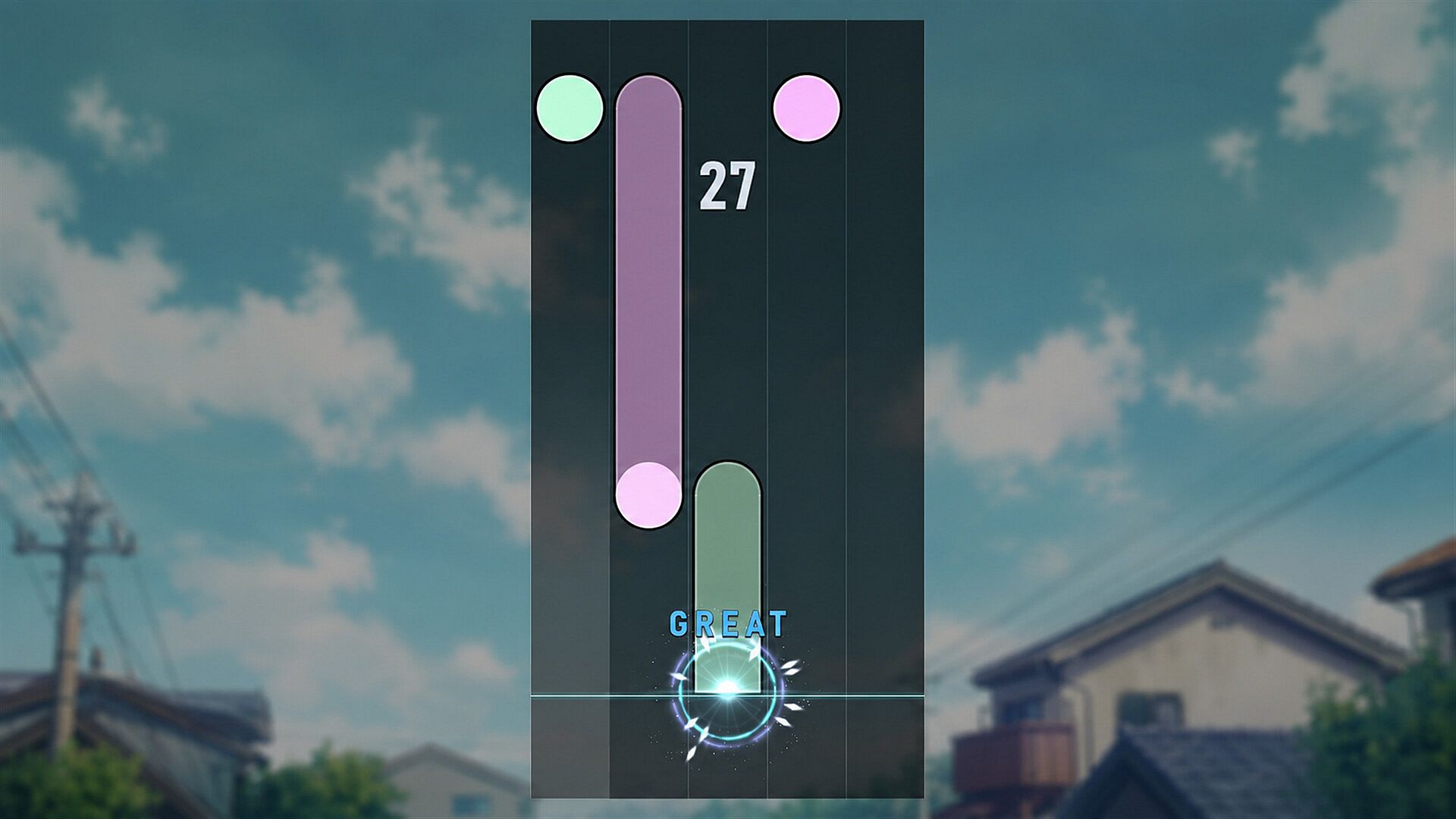
Customization options allow adjustments to key bindings, note speed, and timing calibration to suit individual preferences and hardware setups. Visual elements such as note shapes and colors can also be modified for better visibility or personal style. These settings help tailor the experience across different tracks and player skill levels.
Since the game relies entirely on files provided by the user, it supports a wide variety of personal libraries while maintaining focus on rhythm matching rather than song selection or streaming integration.
Game Modes
Two primary modes shape the note patterns generated for each track. Standard mode delivers straightforward rhythm patterns suited to consistent play. Special Notes mode introduces variations that alter how notes appear or behave, adding variety to repeated listens of the same song.
Key counts range from 4 to 8, letting players select layouts that match their keyboard comfort or desired complexity. Difficulty settings include Easy, Normal, and Hard, which scale the density and precision required for successful note hits. These options combine with the two modes to create multiple ways to approach any loaded track.
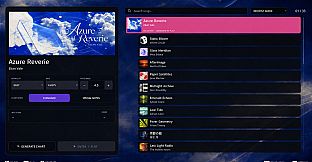
Regenerating a chart produces a fresh note pattern for the identical audio file. This feature encourages replaying favorite songs with new arrangements instead of relying on a single fixed sequence.
Customization and Controls
Beyond core modes and difficulties, players can fine-tune several parameters before or during sessions. Key bindings support remapping to accommodate different keyboard layouts or personal habits. Note speed adjustments change how quickly patterns approach the hit zone, while timing calibration helps align input response with individual reaction times or audio latency.
Visual customizations extend to note appearance, allowing changes in shape and color. These tweaks improve readability during longer play sessions or help differentiate note types at a glance. All modifications remain local to the user's installation and do not affect the underlying music analysis.
Is It Worth Playing?
AutoChart appeals most to rhythm game enthusiasts who already maintain a collection of local music files and seek an automated way to turn those tracks into playable content. Its strength lies in removing the barrier of manual chart creation, letting players focus immediately on timing and accuracy.
The combination of mode choices, difficulty levels, and regeneration options provides enough variety to revisit the same songs multiple times. Customization depth further supports extended sessions by letting players optimize the interface to their liking.
Those who enjoy singleplayer rhythm experiences centered on personal audio libraries will find the straightforward approach rewarding. The game suits casual play as well as more dedicated practice, depending on chosen settings and how often charts are regenerated.
