

Teach Kids Games: Age 5 is a casual collection of mini-games on PC that builds on mouse and keyboard practice with puzzles, physics challenges, and arcade activities suited to children aged 5 and older.
Gameplay
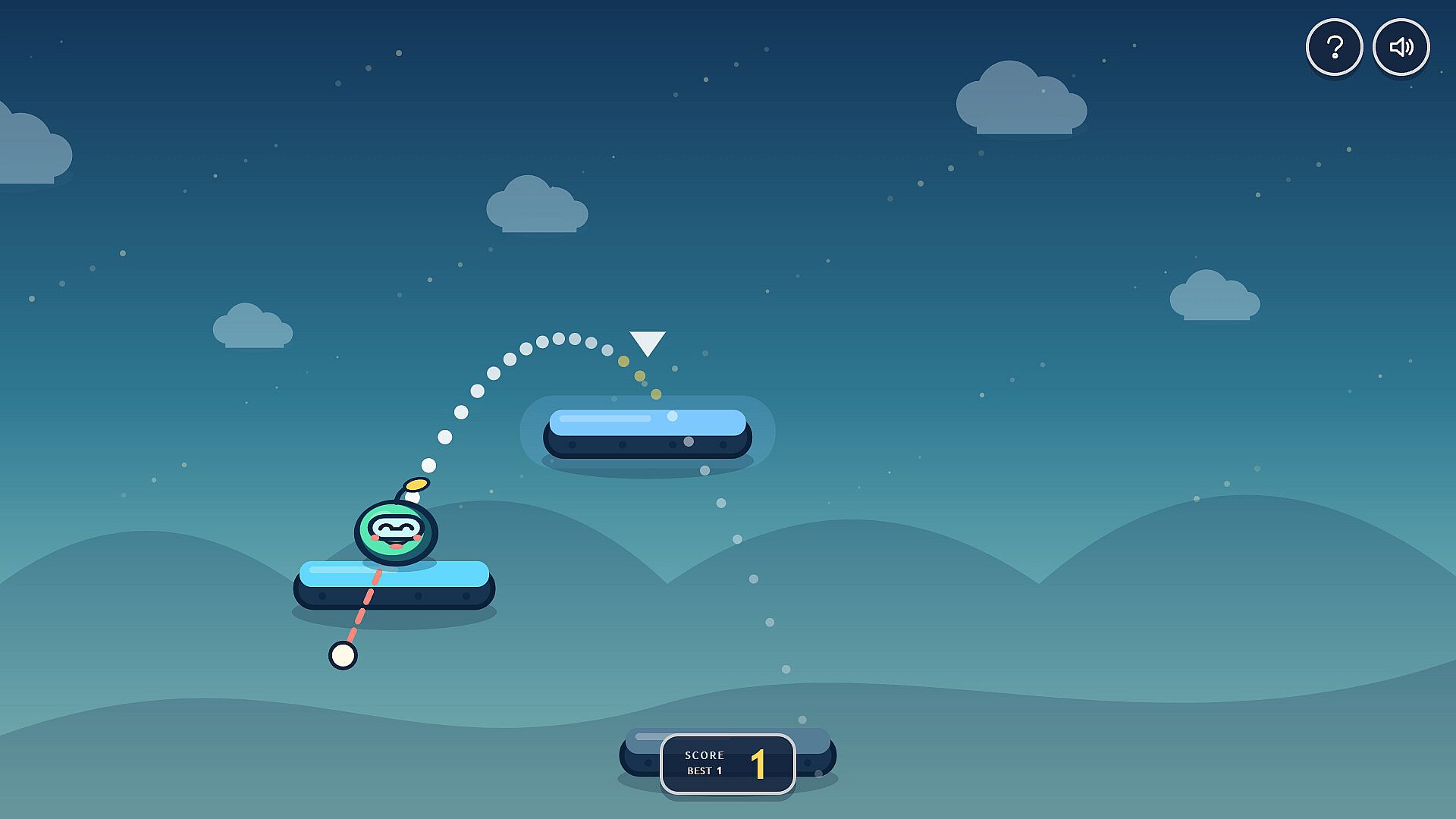
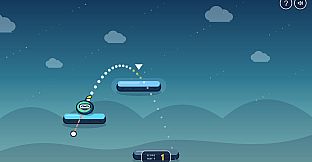
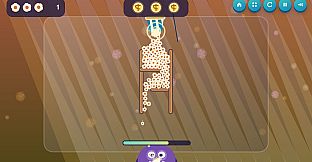
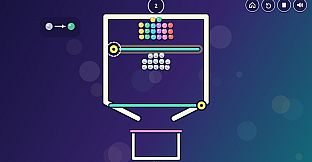
The core loop centers on short, repeatable activities that emphasize precise mouse movements, timing, and basic problem solving. Players aim and launch objects across platforms, guide bouncing items into targets, or connect elements in sequence to complete simple objectives. Many rounds involve retrying after missed attempts, with visual feedback that encourages experimentation rather than perfect first tries. Controls remain straightforward across the library, relying primarily on mouse input with some keyboard options available in select activities. Sessions stay brief so children can switch between different challenges at their own pace without long commitments.
Game Modes
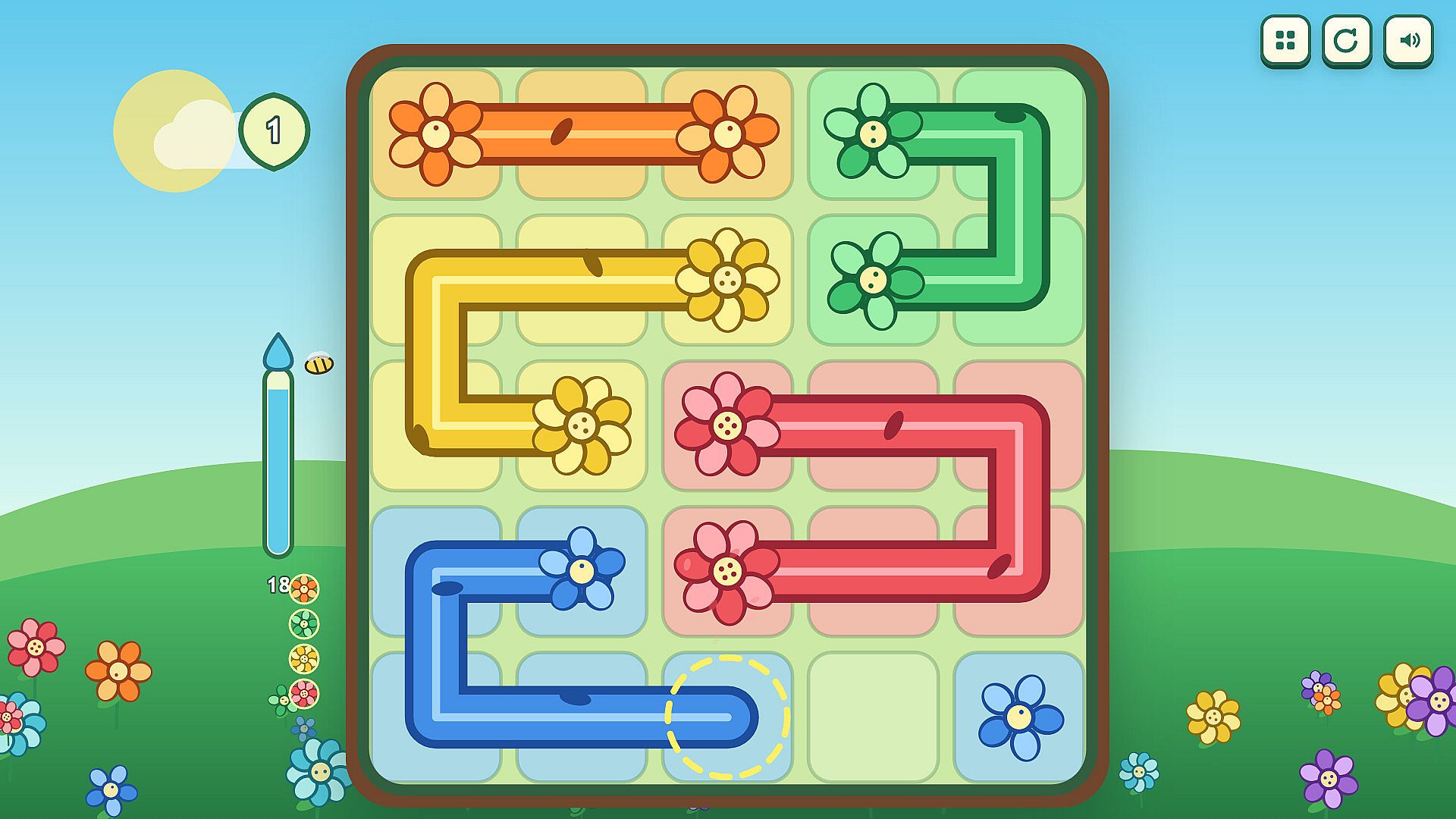
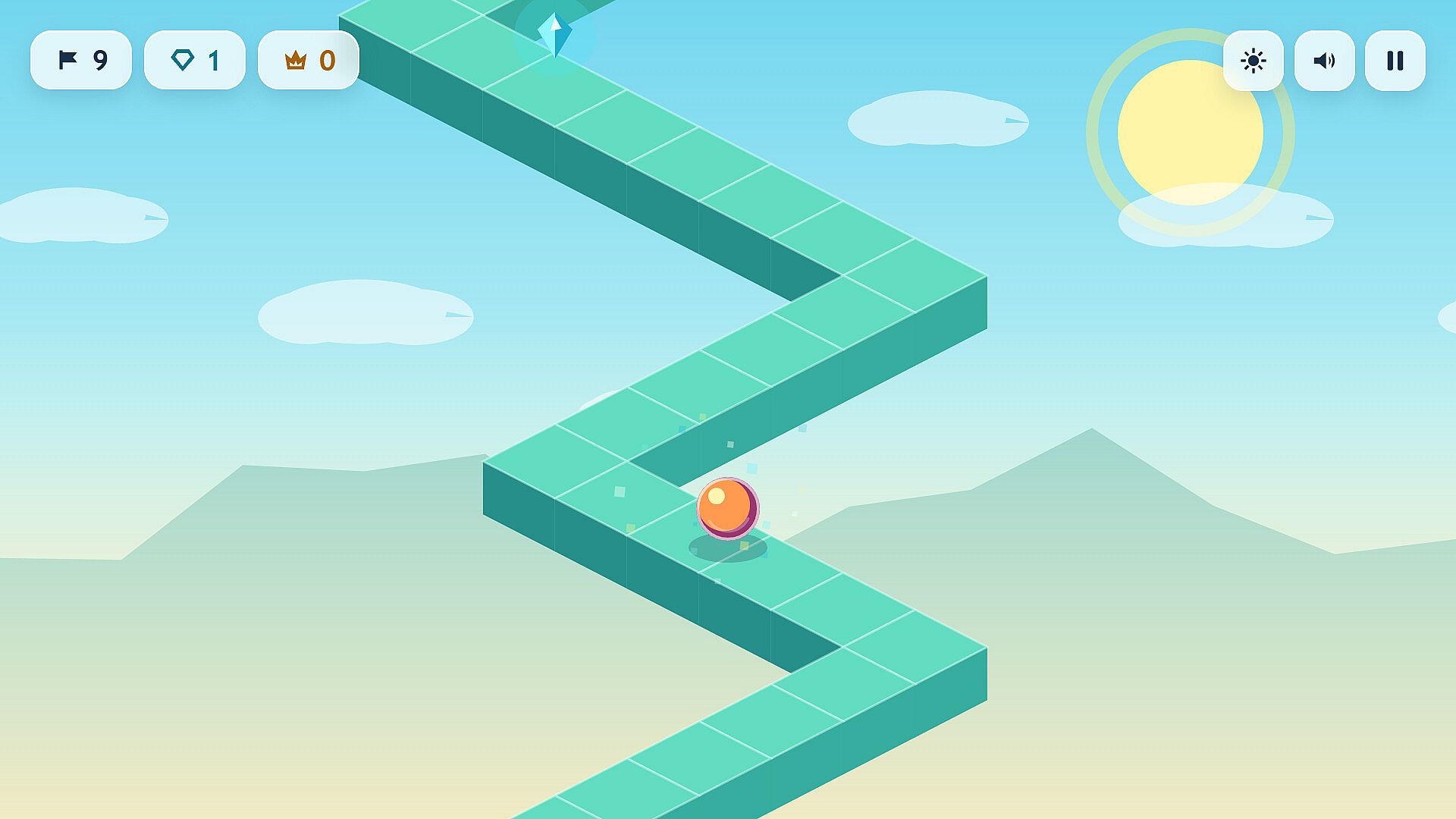
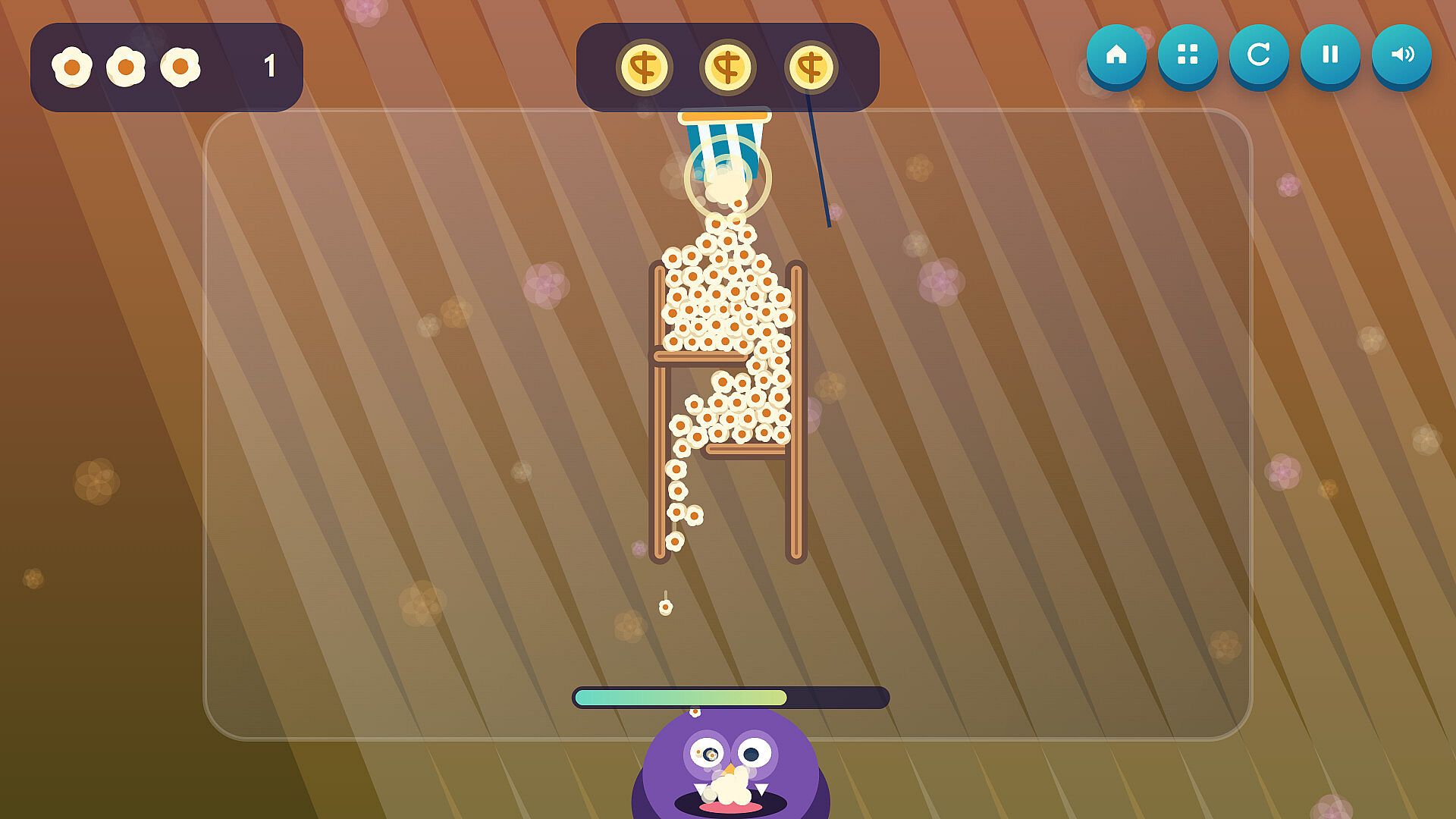
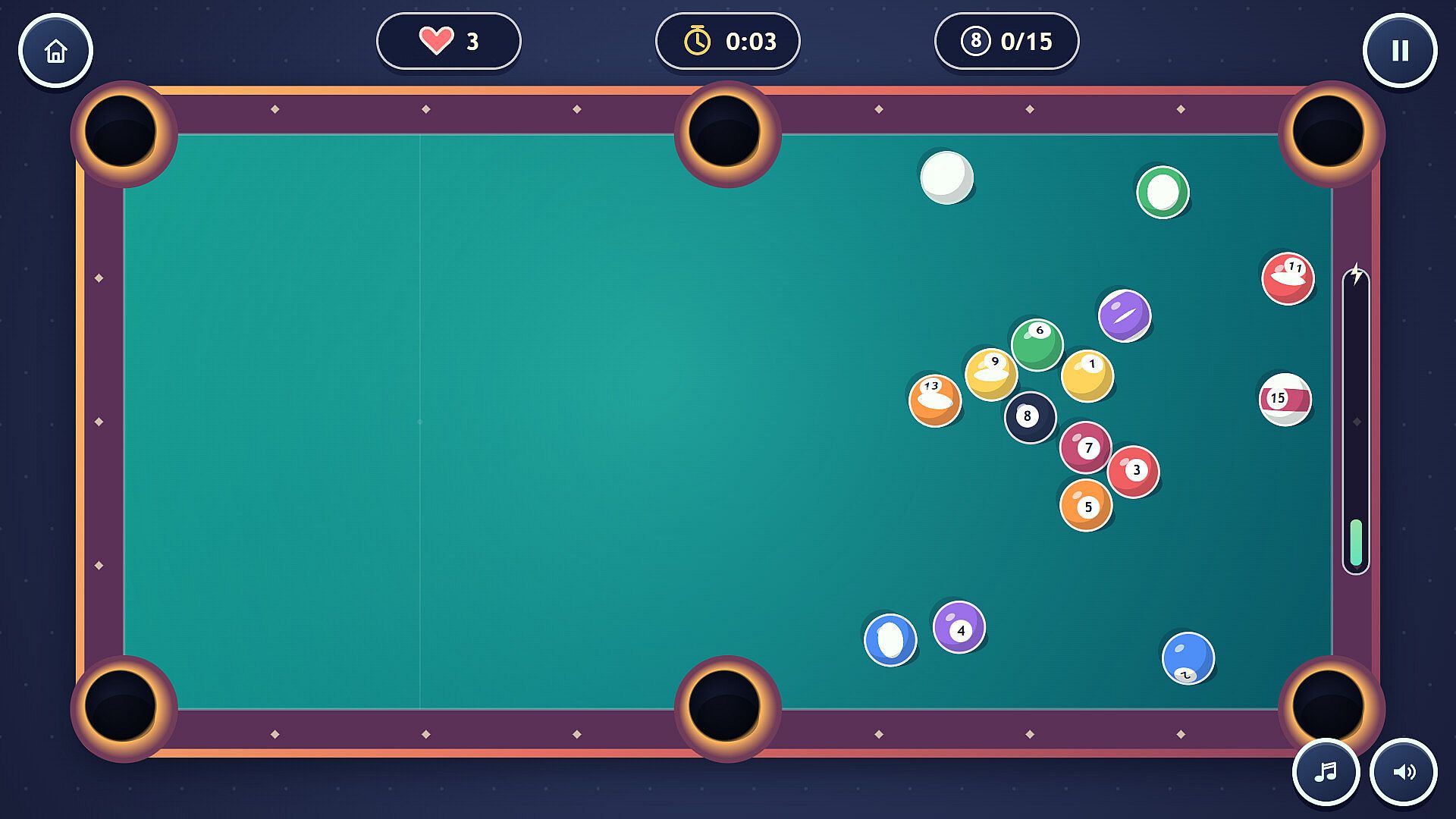
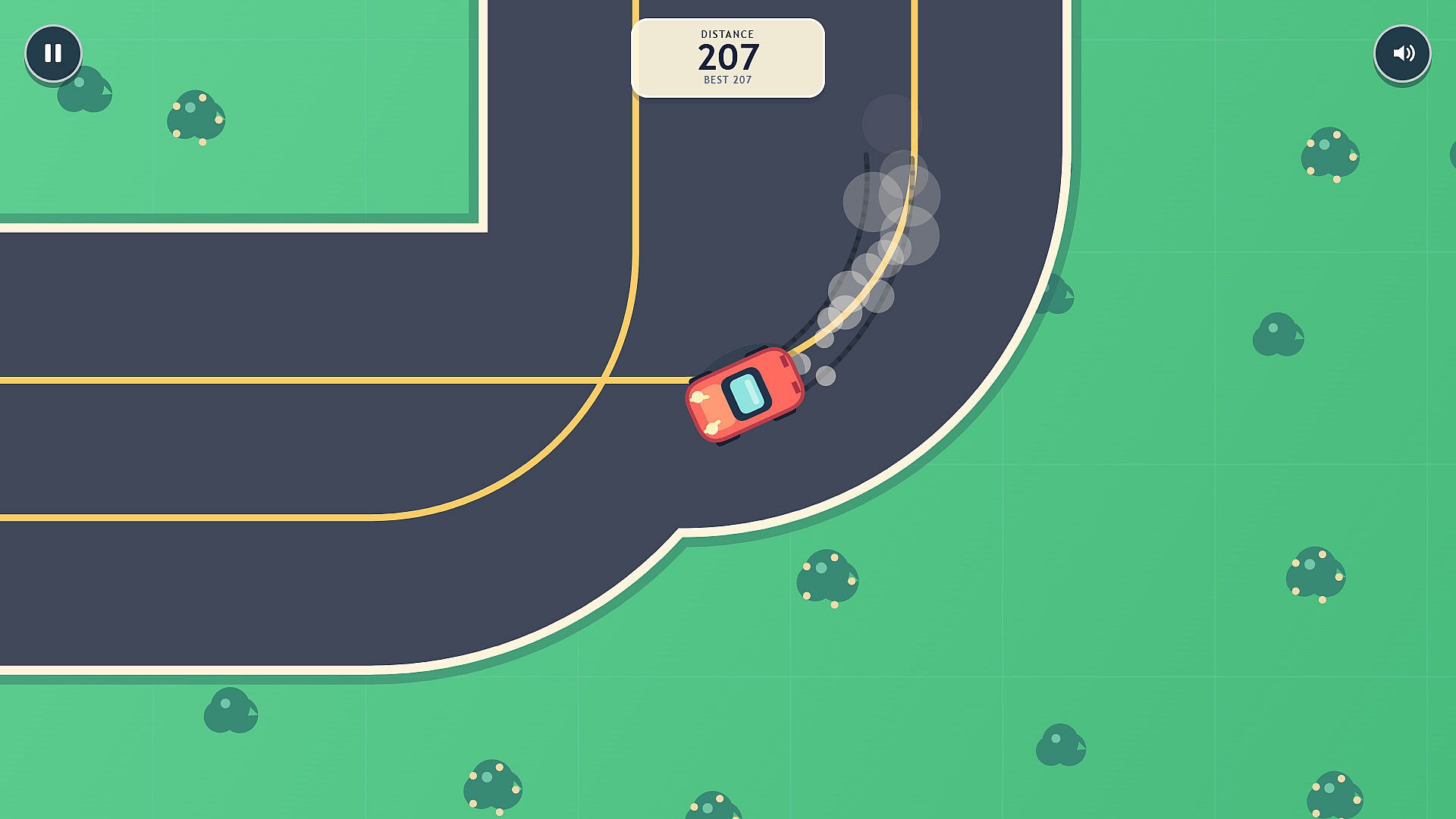
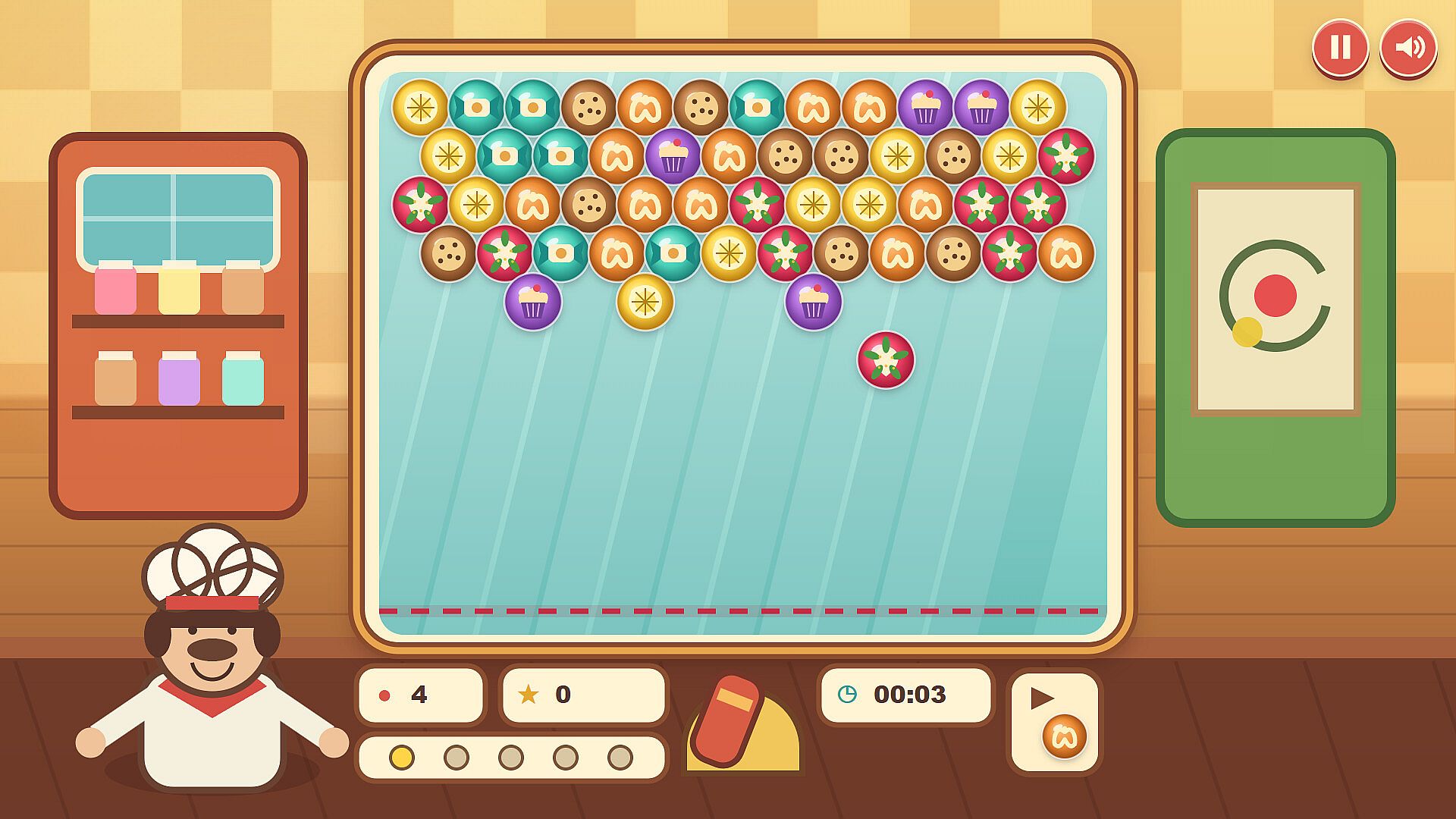
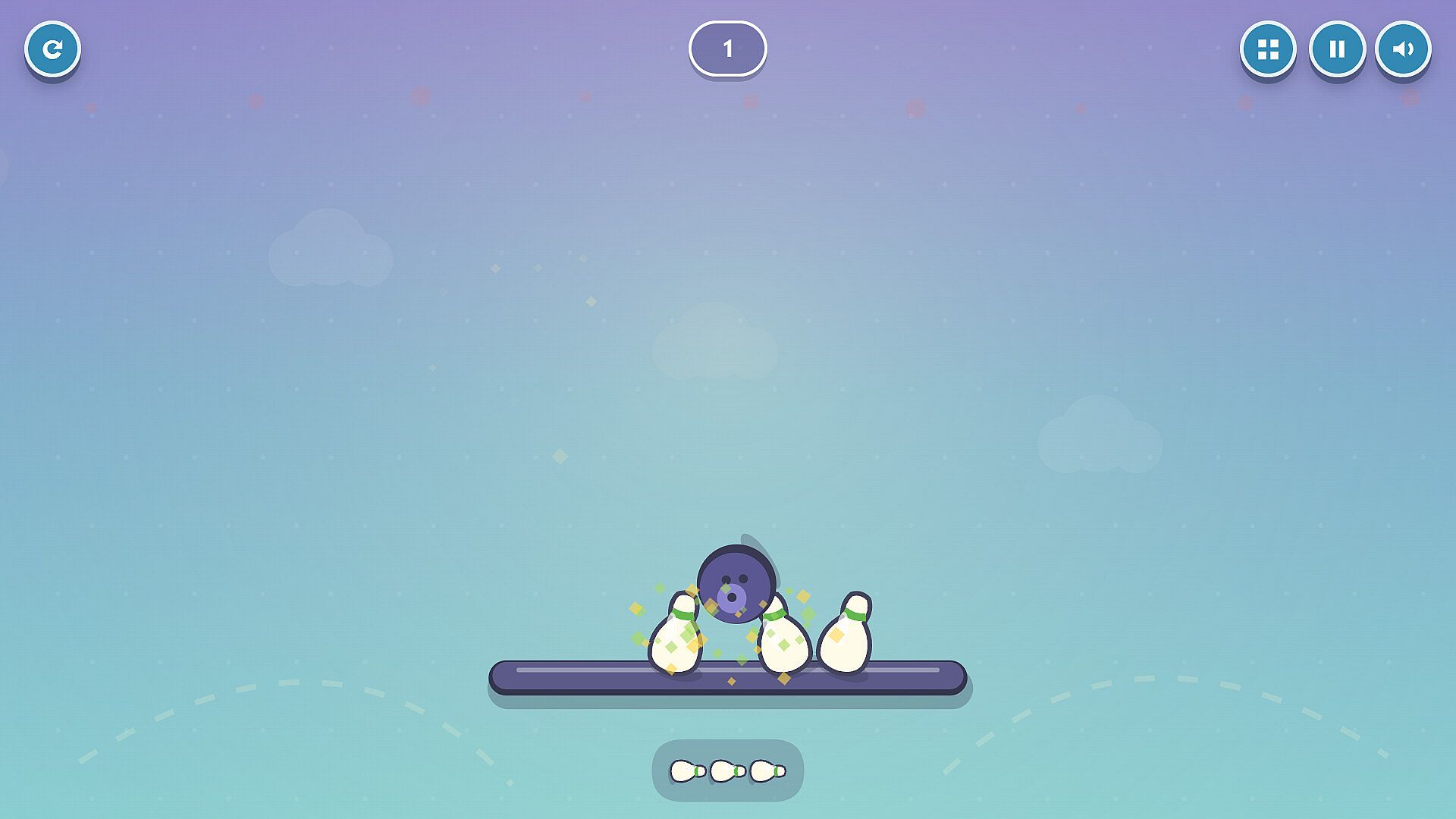
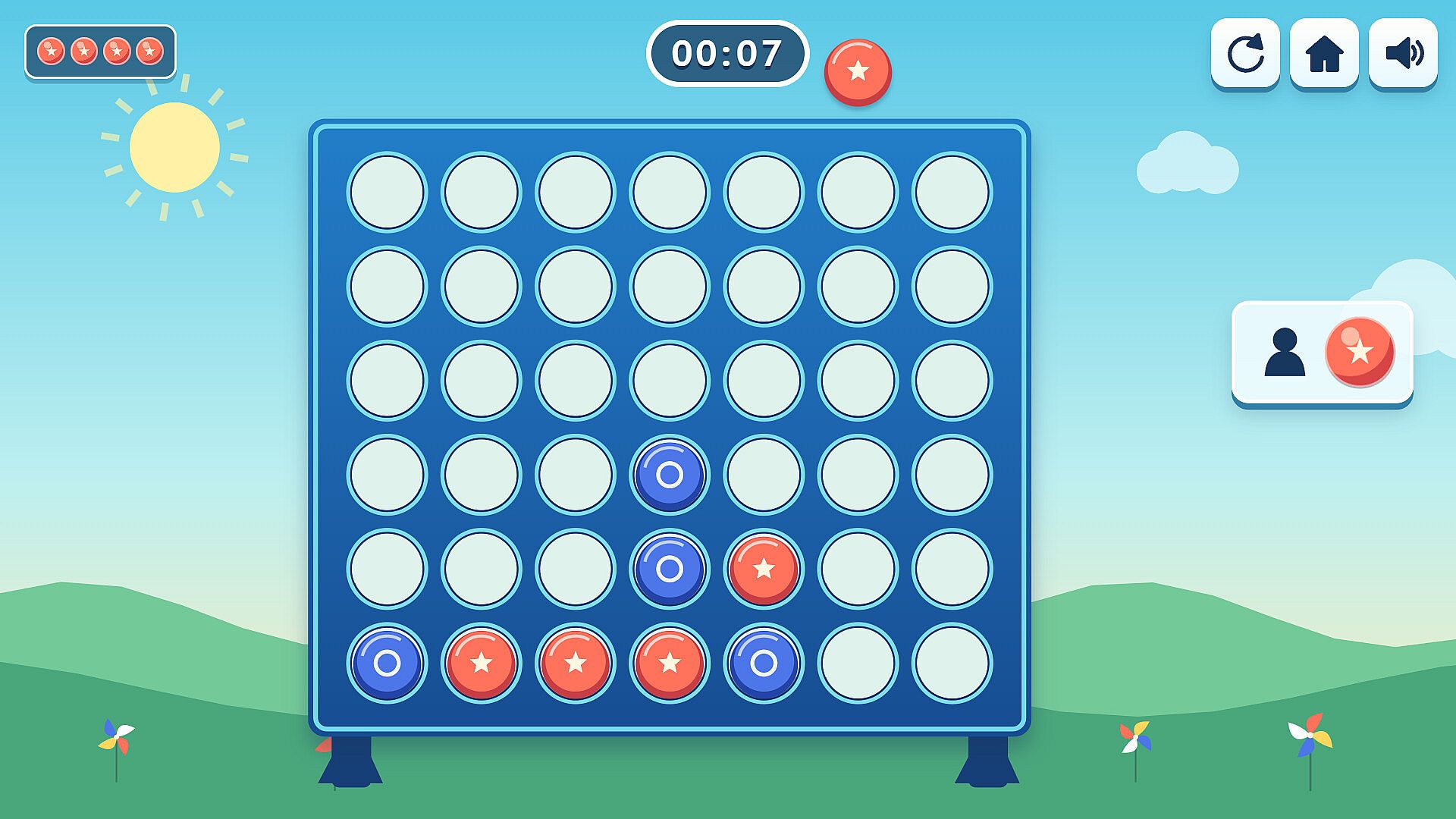
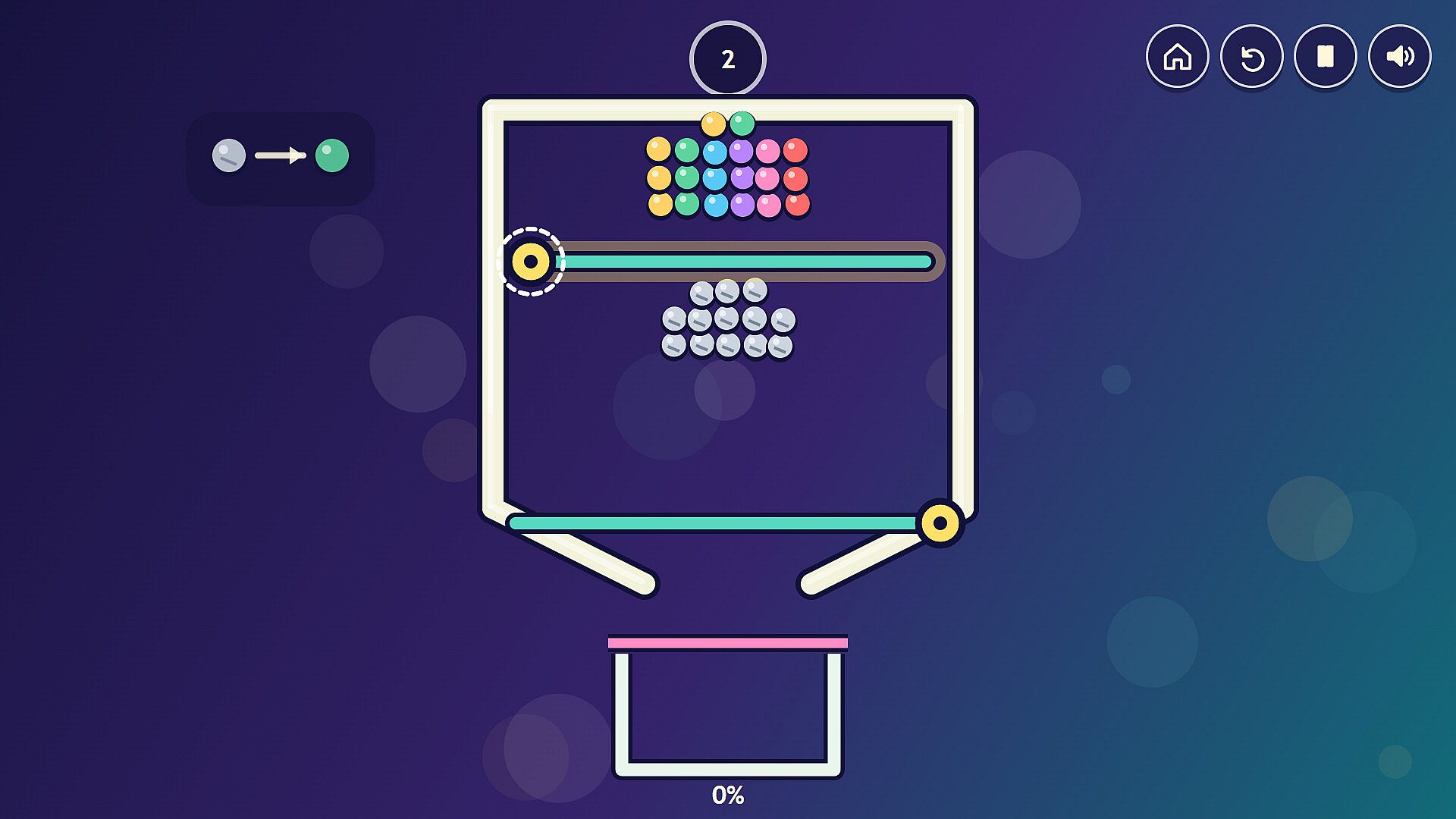
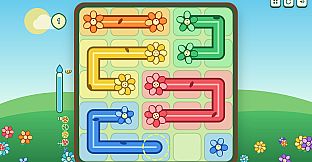
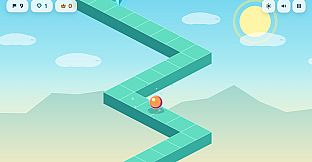
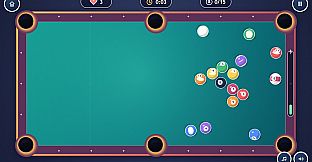
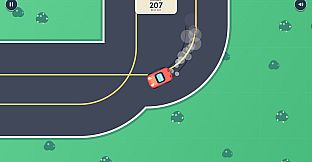
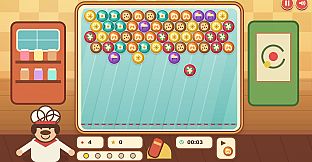
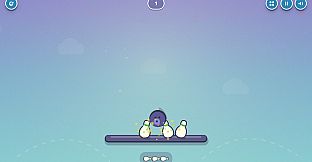
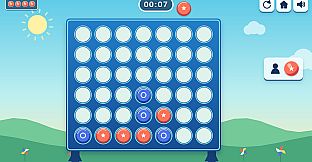
Activities fall into distinct categories that highlight different skills. Arcade-style challenges include launching a rover between floating platforms, timing throws at targets, guiding a ball into a hoop, and playing billiards. Puzzle sections feature connecting matching flowers to fill a garden, pulling pins in sequence, swinging and cutting ropes, and pouring paths to reach a goal. Additional options cover matching a ball to a rotating ring, holding steady through turns, popping matching items in a bubble shooter, and navigating a zig-zag path. One activity supports same-computer two-player turns alongside single-player options against a computer opponent.
Features for Parents and Caregivers
The collection provides a step up in difficulty from earlier entries, introducing timers, missed-shot consequences, and retry mechanics that help build confidence with guidance from an adult on first attempts. Activities remain accessible for varied skill levels, with the age recommendation serving only as a general guide since individual children progress differently. All content integrates into the existing Teach Kids Games launcher as additional library entries, expanding the available selection without altering the base experience.
Is It Worth Playing?
This DLC suits families seeking more varied mouse-control and timing practice for children ready for moderate challenges beyond basic clicking and dragging. It delivers dozens of fresh mini-games focused on physics, puzzles, and arcade elements, all designed for short, repeatable play sessions on a shared computer. With limited player numbers and review volume currently available, reception remains early-stage, yet the structure supports supervised learning at home where parents can select suitable activities and assist as needed. Those looking for an educational extension that emphasizes exploration and retry-based improvement will find the added content aligns directly with that goal.